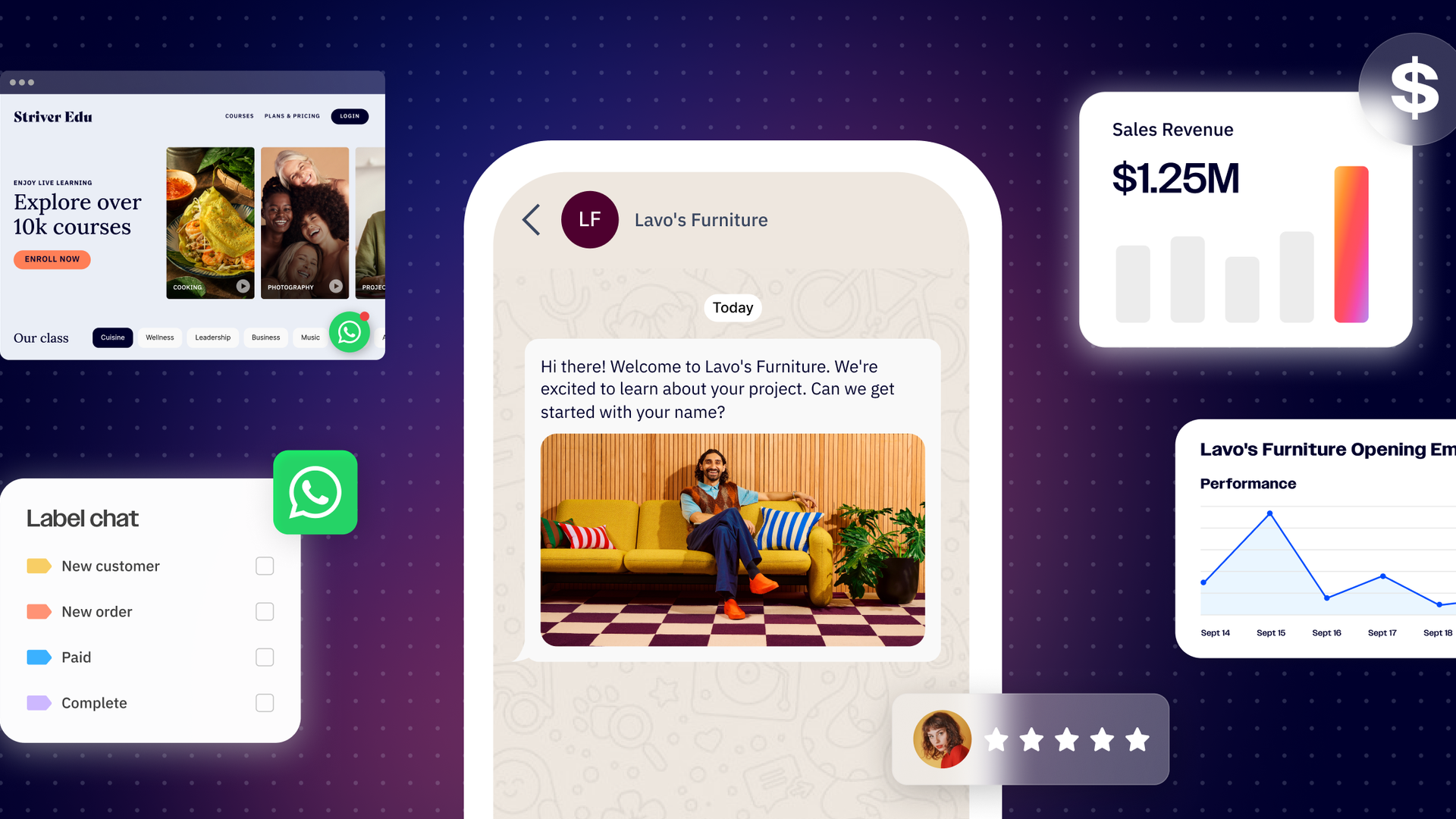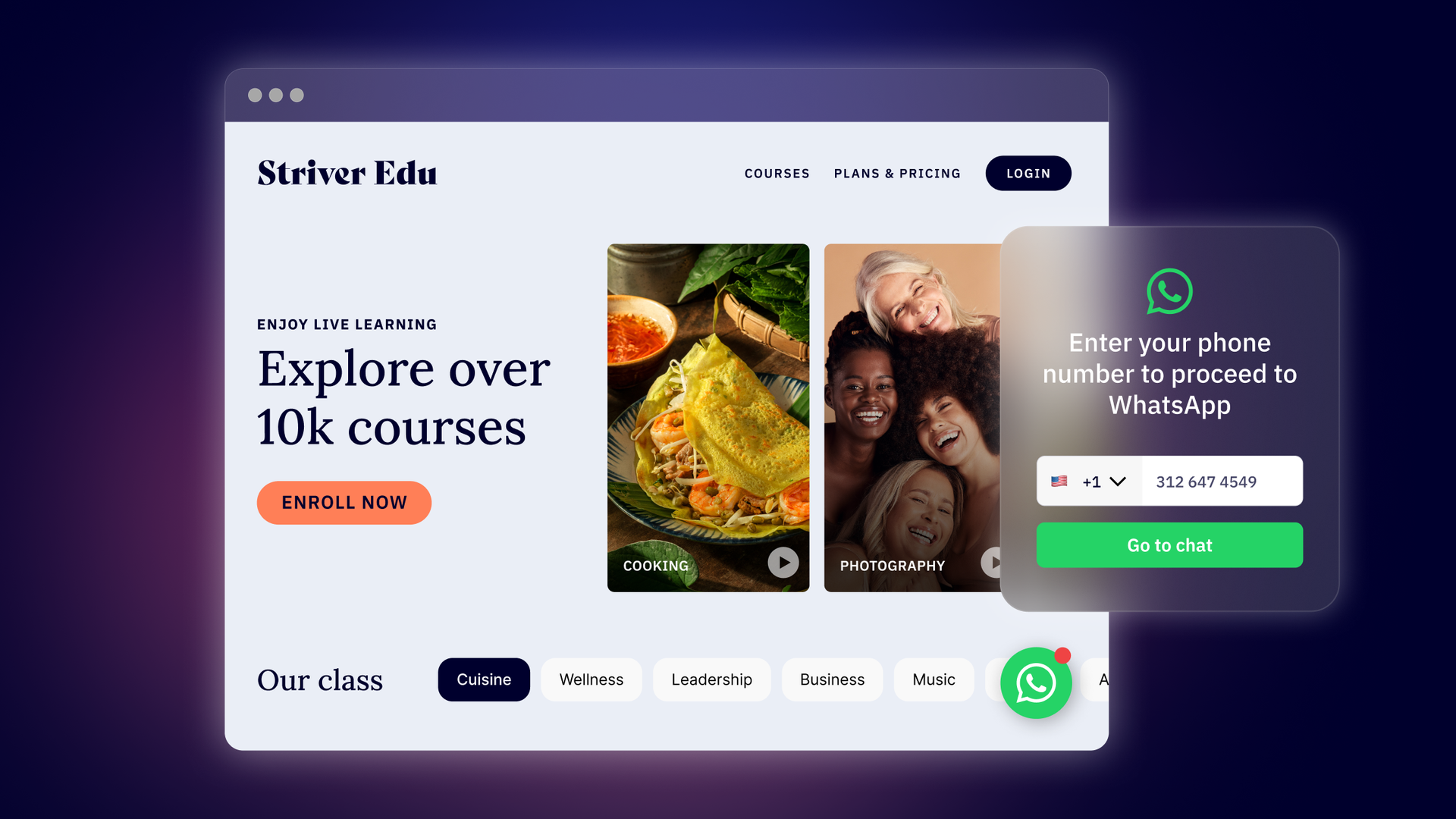
WhatsApp is quickly becoming the backbone of business communication for millions of companies and customers worldwide. In Hong Kong, for example, Benefit Cosmetics uses WhatsApp to simplify the process of booking appointments and consultations. Amstel, a lager company, exchanged 65,000 messages with its audience during Brazil’s 2024 Pride month campaign.
With over 2 billion users and a 98% open rate, it’s no wonder marketers are going all in on WhatsApp. But manually managing those conversations, especially as your customer base scales, is basically impossible.
WhatsApp Messaging Flows is designed to solve that very problem. In this article, we’ll go over what Messaging Flows are, some of the most common use cases, and how you can get started with building Messaging Flows in ActiveCampaign WhatsApp Messaging.
What are WhatsApp Messaging Flows?
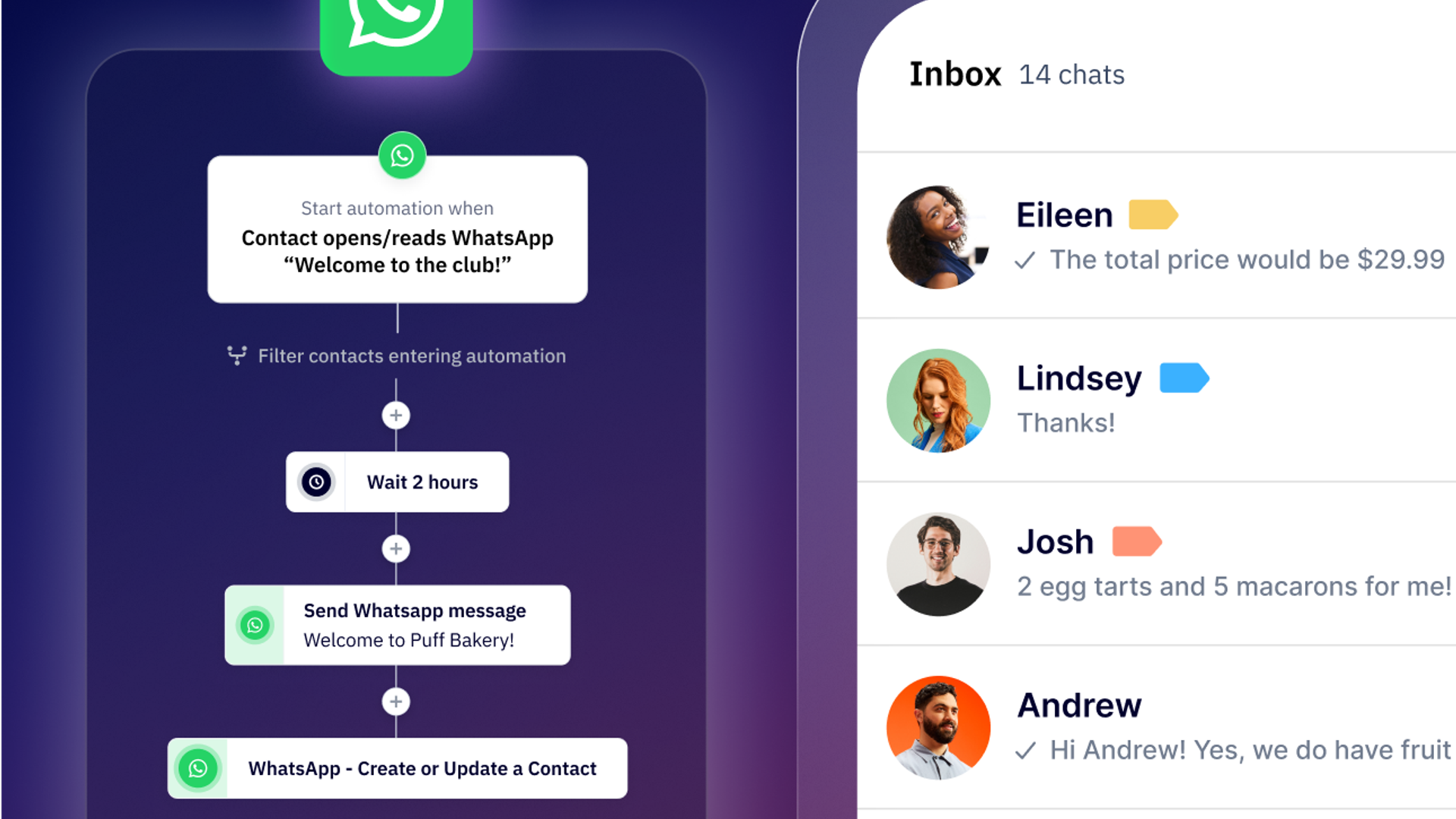
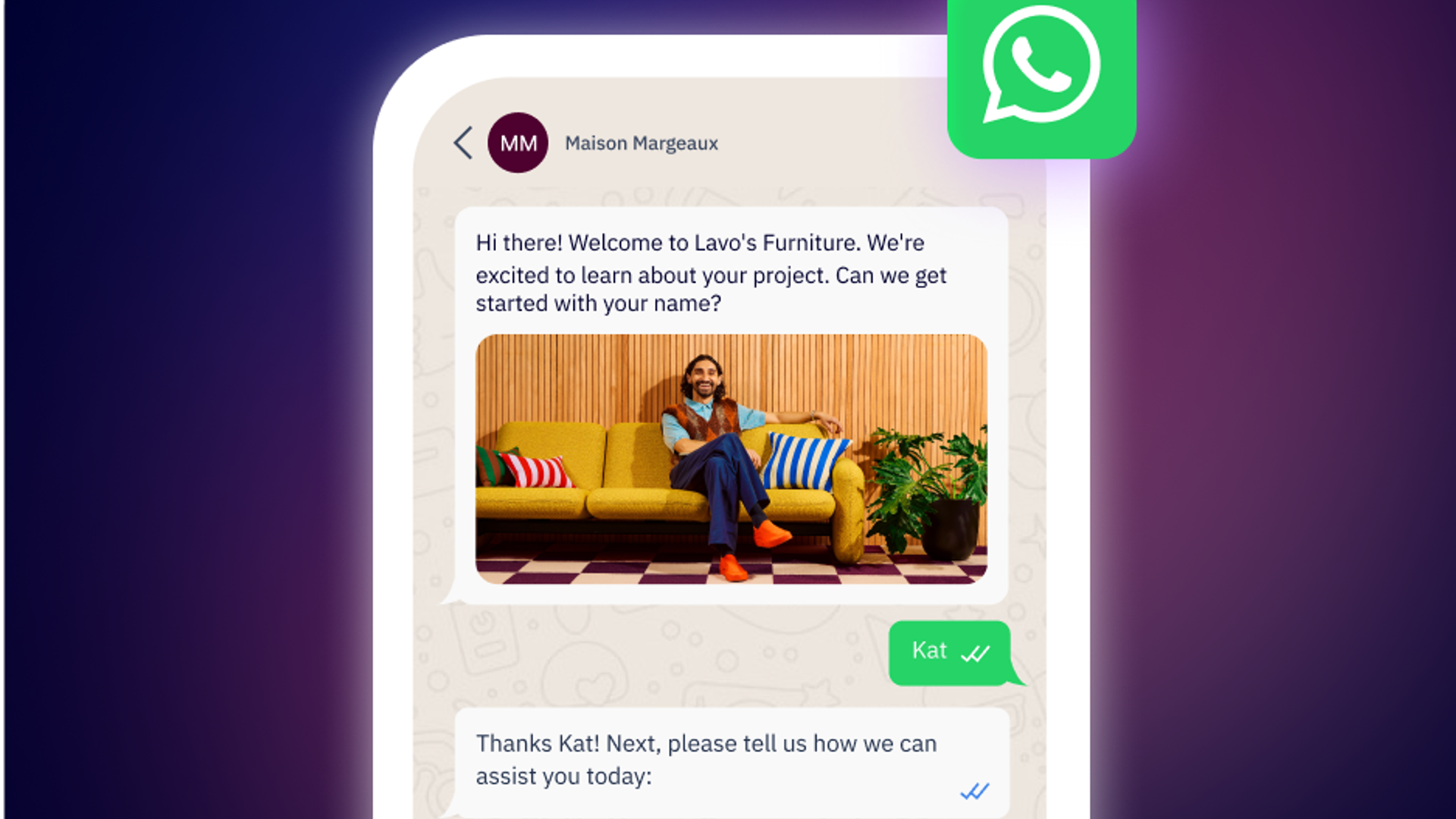
Messaging Flows help you automate WhatsApp conversations between your brand and customers, guiding users through scripted paths based on their actions and answers. You can send messages, ask questions, trigger conditions, and even make API calls to your server—all in the name of improving the customer experience.
There are two types of Messaging Flows:
- Inbound: Conversations triggered when a user sends a message to your WhatsApp number (includes text or media).
- Outbound: Triggered when you upload a CSV of contacts, select recipients using filters, use an automation in ActiveCampaign, or when you make an API call to our server.
Unlike a traditional automation, which follows a step-by-step, rigid sequence, Messaging Flows are dynamic and conversational. Flows adapt to user responses, can branch in multiple directions, and integrate with your CRM and other features to deliver highly personalized experiences.
The top WhatsApp Messaging Flow use cases
When paired with a marketing campaign, Flows can improve customer satisfaction and boost conversion efforts, transforming your engagement and sales pipelines. As you get started with Flows, here are several use cases you can automate to create more seamless, personalized experiences for your audience.
Qualify and profile leads
One of the challenges of collecting leads through Facebook or Instagram ads is that they’re often unqualified or lack the context your sales team needs to properly engage with them. While you might know which ad they clicked on or what channel they came from, you likely don’t know their company size, budget, or pain points.
With Messaging Flows, you can create a lead qualification sequence that automatically profiles new leads using a series of conversational questions. Messaging Flows help you gather information about a prospect while they’re still engaged and interested, so sales teams have all the context they need before jumping into the conversation.
"The before and after of using ActiveCampaign WhatsApp Messaging was a watershed moment. We had visibility into how the lead was passing between teams and how it was progressing, resulting in better coordination to retain the client faster and for a longer time."
Gloria del Hoyo, Director of Acquisition at Contalink
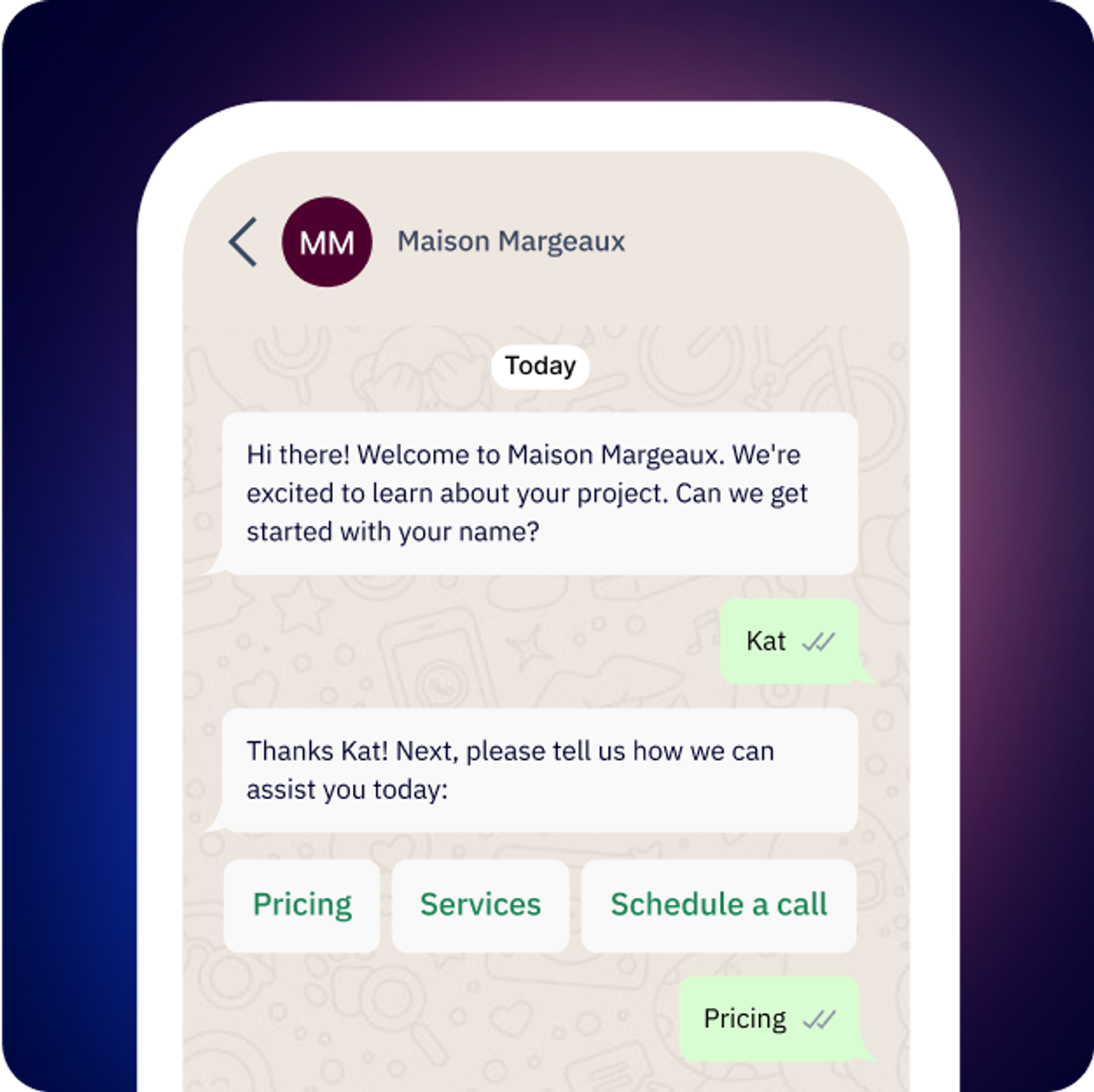
Learn what products or services prospects are interested in before continuing the conversation.
Here’s what a lead qualification Messaging Flow might look like:
- Greeting message: A personalized message that references how and where the lead came from.
- Interest confirmation: Confirm which solutions or services the lead is interested in.
- Qualifying questions: Collect information about company size, budget, current challenges, and timeline.
- Lead scoring: Assign leads a score based on their responses and tag the contact.
- Next steps: Drop qualified leads into a scheduling workflow and pass unqualified leads into a nurture sequence.
Automate sales follow-ups
As your operations grow, your sales team doesn’t have the time or bandwidth to consistently follow up with every prospect—even the ones that are most qualified. With Messaging Flows, you can create automated follow-ups that trigger based on specific actions or timelines, ensuring no leads fall through the cracks.
"WhatsApp Messaging is an incredible platform that allows us to grow our business by offering the best customer experience through WhatsApp. From one day to the next, our team was able to establish the entire customer journey on WhatsApp, create process automations, and grow."
Antonia Marino, Co-founder & COO of Kontempo
Consider deploying your sales follow-up after a demo, automated quote deliveries, or any other touchpoint where a prospect might need a nudge to keep the conversation moving forward. While your sales team focuses on closing time-sensitive deals, Messaging Flows ensures all of your prospects are engaged.
You’ll want to create different Messaging Flows for different scenarios, such as:
- Post-demo follow-up:
- [Immediately]: Trigger a “thank you” message
- [Day 2]: “Do you have any questions about what we discussed?”
- [Day 5]: Link to a success story relevant to their industry and use case
- [Day 10]: Calendar link to schedule a call with a sales rep
- Quote follow-up:
- [Immediately]: “Here’s your custom quote” with details attached
- [Day 3]: “Do you have any questions about pricing or additional add-ons you’d like to discuss?”
- [Day 7]: Offer a limited-time incentive or discount
- [Day 14]: Link to calendar to book a call with a representative
Personalize marketing outreach
Data reveals 81% of consumers ignore irrelevant messages, driving home the importance of personalizing your outreach to prospects and customers. But manually customizing every message to speak to a prospect’s needs and interests is unrealistic, especially if you’re dealing with hundreds or thousands of contacts.
Messaging Flows makes personalization at scale possible, giving you the power to segment audiences in real-time and deliver the most relevant content based on their responses. Ask users to choose the products or services they’re most interested in and use this information to serve up relevant campaigns, promotions, and educational content later on.
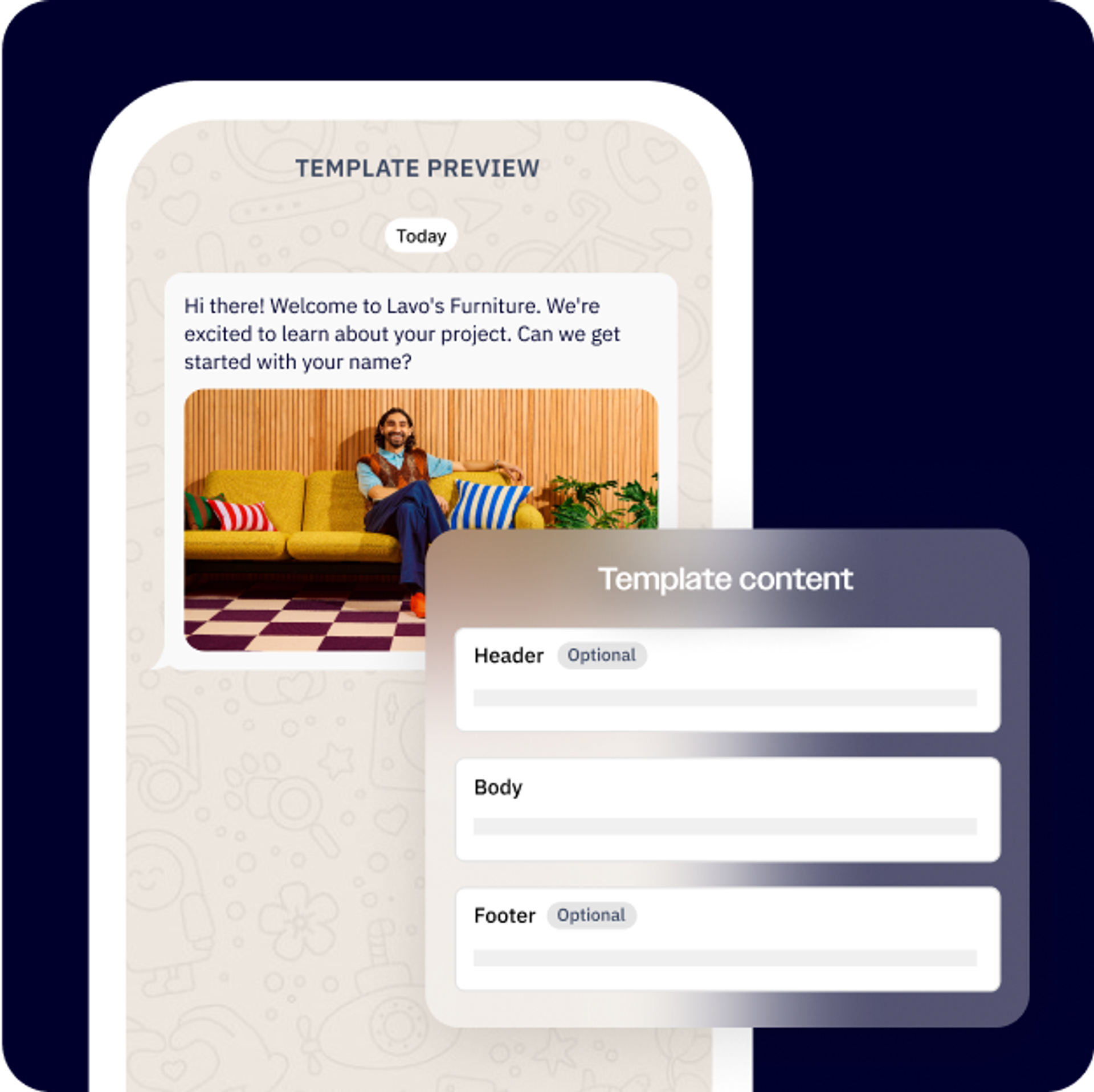
Personalize your messages with custom variables using information gathered from prospects during your initial conversations.
Your personalized marketing Flows might look like the following:
- Product launches:
- Send an announcement with the product preview
- Ask “Which interests you most?” with multiple-choice options
- Personalize content based on selection
- Provide early access or a discount to engaged users
- Educational content:
- Ask “What’s your biggest challenge?” with multiple-choice options
- Curate content recommendations based on their response
- Send weekly tips and insights tailored to their challenges
Track package status
For ecommerce businesses, knowing where and when a customer’s package will be delivered is critical to success. Customers want instant updates, but manually checking and communicating the status of every package is time and resource-intensive and prone to errors.
With an automated package tracking Messaging Flow, you can automatically provide proactive shipping updates and give customers the ability to track their own purchases. This is an essential Messaging Flow for any business shipping physical goods and especially during peak seasons like holidays or sales events.
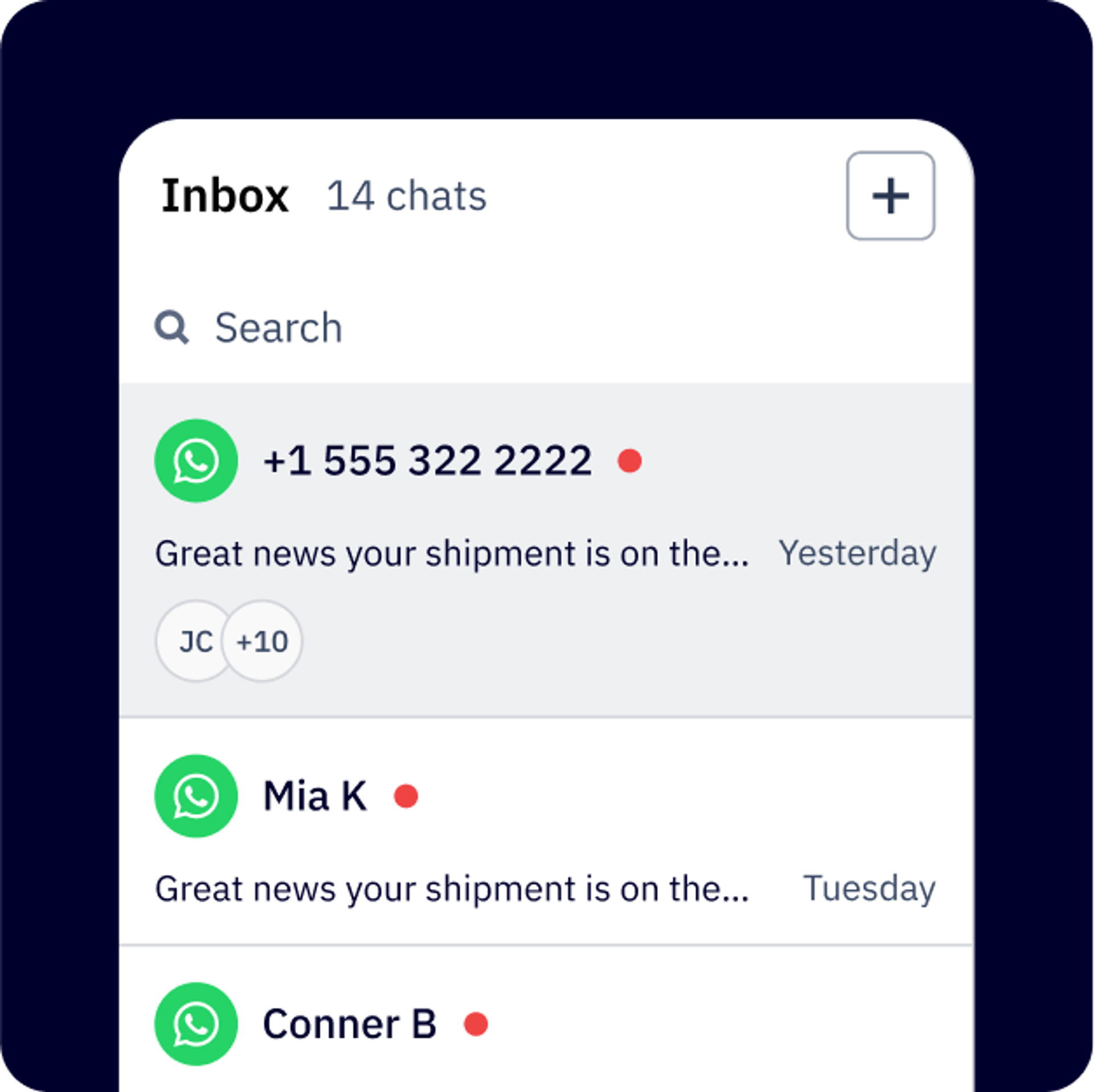
Keep customers aware of their package status by automating your tracking workflows.
Creating a status tracking Messaging Flow doesn’t have to be overly complicated. When building your Messaging Flow, make sure to include the following components:
- Order confirmation: When someone completes a purchase, immediately send the order confirmation details, estimated delivery, and tracking number.
- Shipping updates: Notify customers when their package is on the way and keep them updated every step of the way.
- Self-service tracking: Share a tracking link with customers and automate lookup using keyword triggers like “track”, order number, or phone number.
- Delivery confirmation: Close the tracking loop by confirming when a package is delivered or proactively communicating potential delays.
Build your WhatsApp Flows in ActiveCampaign
ActiveCampaign WhatsApp Messaging makes it easy to create Messaging Flows for any situation with our drag-and-drop builder, pre-built message templates (which you can access in ActiveCampaign), and powerful tagging system.
Depending on the scenario, you’ll choose from several different types of message templates to begin building your Flow. These can range from outbound (broadcast message) or inbound Messaging Flows, which are triggered when someone sends an initial message, to more complex actions like automation and routing Messaging Flow actions.
Tip: Before you start building in ActiveCampaign, an official WhatsApp Business Solutions Partner, make sure you’ve solidified your conversation strategy. The most effective Messaging Flows are natural and human, not robotic like a chatbot. Try asking yourself:
- What’s the goal of this conversation?
- What questions would someone on our sales team ask in this situation?
- What questions might a prospect have at this stage in their journey?
- What objections might we encounter?
- If this is a message you’d like to receive from a business?
As you map out your WhatsApp Messaging Flows, there are several key elements to consider:
- Smart triggers: The best Messaging Flows trigger at the right time, right place, and with the right message. Make sure you’ve identified when your prospects are most engaged, such as when they’ve submitted an inquiry or visited a specific page, and start your Messaging Flow from that point.
- Conversational language: While these messages are automated, you should write them as if you’re texting a friend. Use short sentences, emojis (sparingly), and keep your tone conversational and informal. WhatsApp is a personal messaging platform for close connections, so make sure your WhatsApp marketing messages match the platform's intimate, conversational nature.
Be clear with your CTAs: Every message needs a purpose, whether that’s collecting additional information on a prospect or getting them to take a specific action. When building your Messaging Flow, every message you send should make it crystal clear to the recipient what they should do next.
Tip: Make sure you’re testing your WhatsApp Messaging Flows before sending messages to prospects and customers. Does the conversation feel natural? Are there weird pauses or awkward transitions? Testing your Flows like a user ensures conversations feel human and will ensure a higher engagement when Messaging Flows go live.
Scale smarter with WhatsApp Messaging Flows
Getting started with WhatsApp Messaging Flows doesn’t have to be complex. Start with mapping your customer conversation journey. What are some common questions prospects reach out with? Are there repetitive themes or trends you notice about these conversations that could be automated? You can find these patterns by analyzing your existing conversations:
- Document the typical conversation pathway
- Identify frequently asked questions
- Determine how often team members handle the same inquiries and at what frequency
From there, pick one clear use to automate—such as basic lead qualification or post-demo follow-up sequences. Starting small lets you test and refine your approach before scaling to more complex use cases.
As you become more comfortable mapping out your conversation strategies and building those Messaging Flows in ActiveCampaign, you’ll be able to identify additional automation opportunities. The key is to start with repeatable conversations that, when automated, provide your team with clear benefits like getting more time back in their day to focus on other priorities.
Remember, at the heart of every successful Flow is keeping the focus on the user experience. Every message, trigger, and action you add should make the conversation valuable for your prospects without losing that human touch. The best WhatsApp Flows don’t just drive bottom-line results for your organization. They’re also the ones that help prospects solve their problems in a way that’s so natural that they almost forget they’re talking to a bot.
Ready to see WhatsApp Messaging in action? Try taking a demo today!
FAQs about ActiveCampaign’s WhatsApp Flows
How does ActiveCampaign WhatsApp Messaging help automate customer conversations at scale?
ActiveCampaign WhatsApp Messaging lets you automate and personalize customer conversations directly within WhatsApp, using dynamic flows that adapt to each user’s responses. You can trigger messages based on customer actions, qualify leads, answer questions, and route conversations to the right team member—all without manual intervention. This approach allows you to engage thousands of customers simultaneously, ensuring every interaction feels timely and relevant while freeing your team from repetitive tasks.
What do I need to get started with WhatsApp Messaging Flows in ActiveCampaign?
To get started, you’ll need an official WhatsApp Business Platform account, which ActiveCampaign helps you set up as an authorized Business Solutions Provider. Once connected, you can use ActiveCampaign’s drag-and-drop builder and pre-built templates to create your Messaging Flows, all managed within the same platform as your email, SMS, and marketing automations.
Can I integrate WhatsApp Messaging Flows in ActiveCampaign with my CRM or ecommerce platform?
Yes, ActiveCampaign’s WhatsApp Messaging Flows integrate seamlessly with your CRM and ecommerce platforms. Customer responses and data collected through WhatsApp are automatically updated in your CRM, enabling real-time segmentation, personalization, and follow-up across all your marketing channels.
Are there pre-built message templates available for WhatsApp Flows in ActiveCampaign?
ActiveCampaign provides a library of pre-built message templates for WhatsApp Flows, making it easy to launch campaigns quickly. These templates can be customized with variables, images, buttons, and more to fit your brand and campaign goals.
How can I test and optimize my WhatsApp Messaging Flows before launching them in ActiveCampaign?
You can test your WhatsApp Messaging Flows within ActiveCampaign to ensure conversations feel natural and transitions are smooth. By previewing and running test scenarios, you can identify awkward pauses or unclear messages, allowing you to refine the flow for a more human, engaging customer experience before going live.