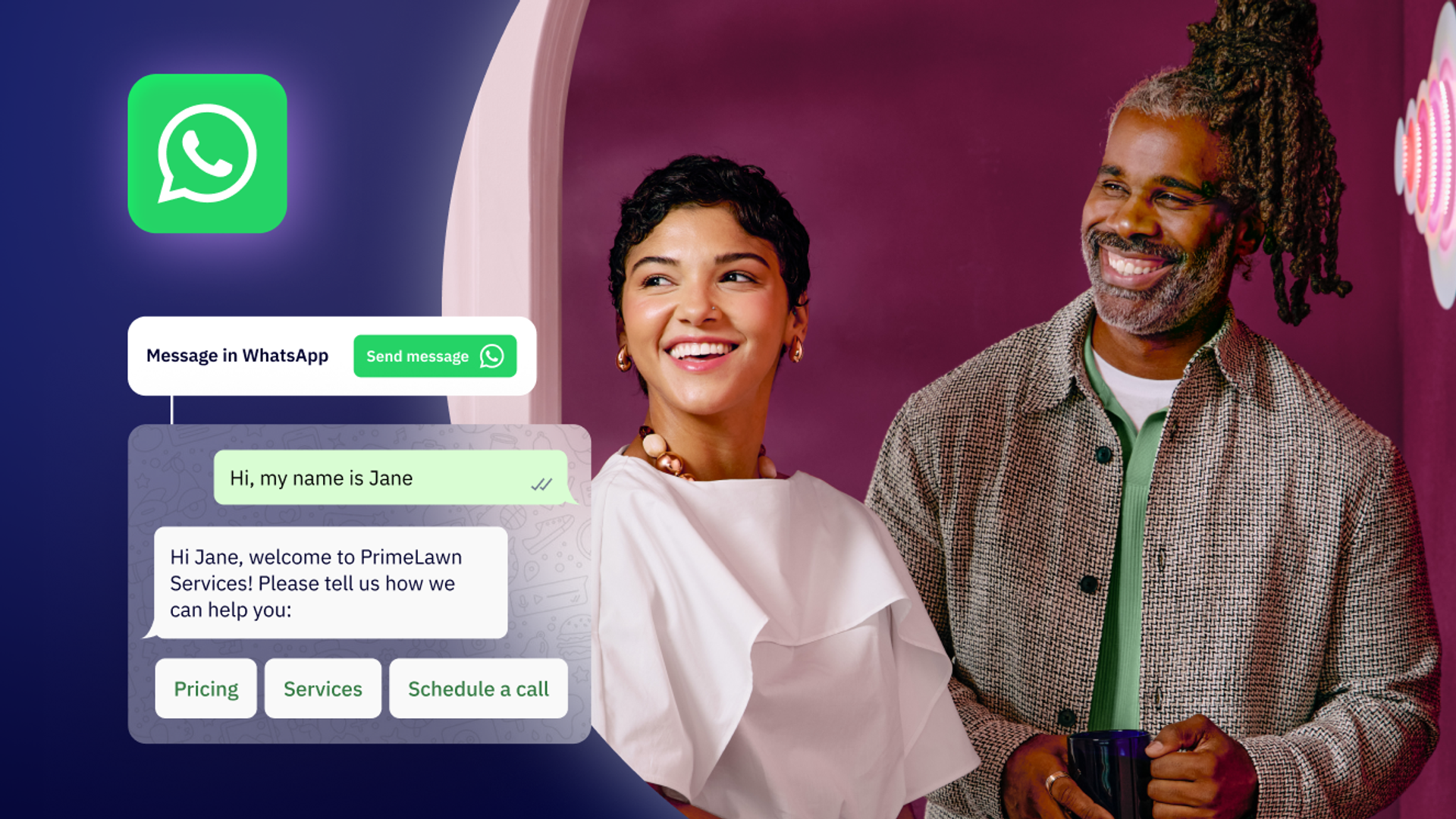
A direct WhatsApp link streamlines your communication strategy, enabling immediate contact with customers and prospects without friction.
Connecting with potential customers with a single click—without them having to save your number or take any additional steps—is precisely what a WhatsApp link can do for your business. With over 3 billion monthly active users, WhatsApp represents an enormous opportunity for businesses to meet customers where they already are.
What is a WhatsApp link?
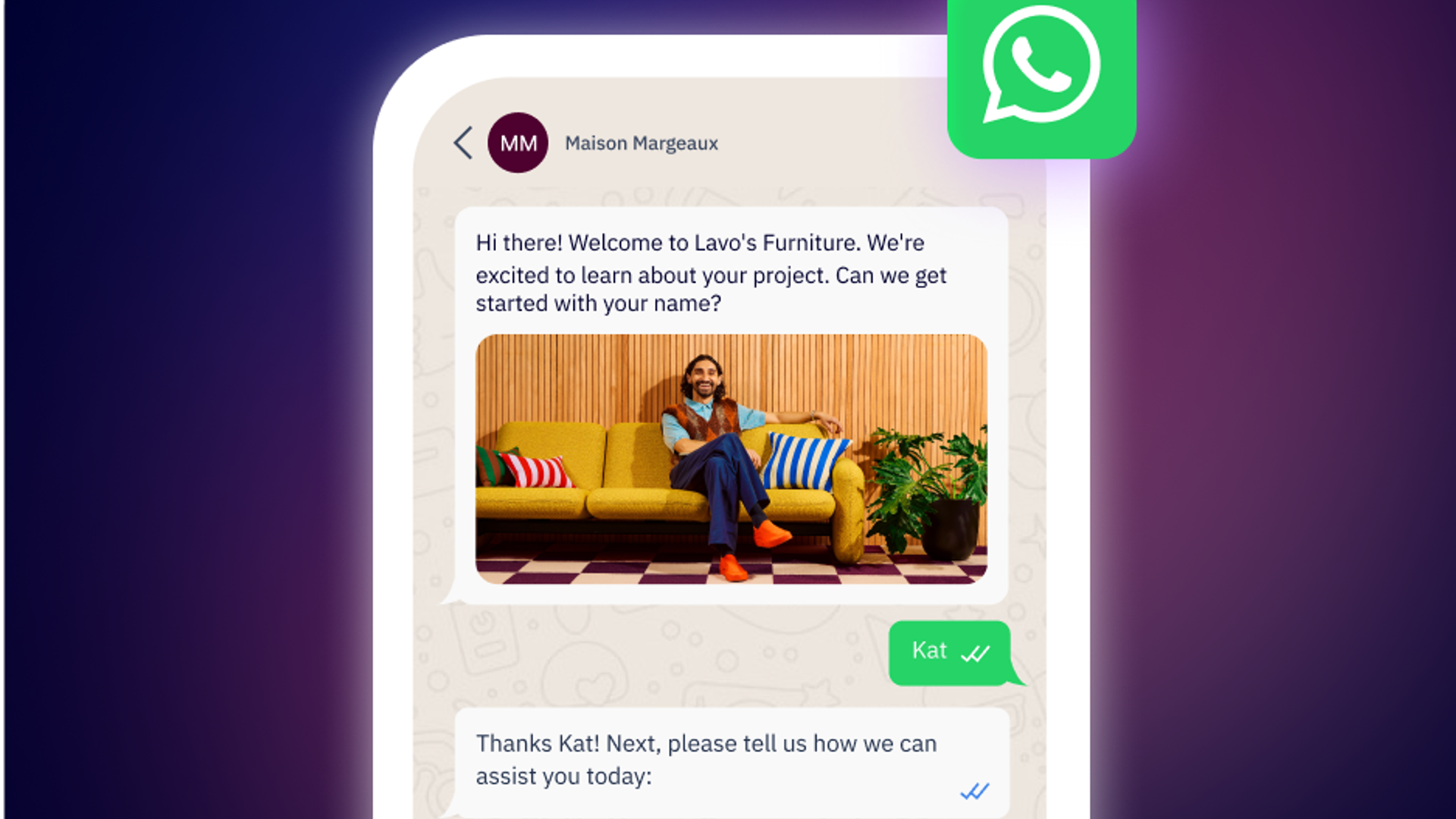
A WhatsApp link (also known as a "click-to-chat" link) is a URL that allows users to start a direct conversation on WhatsApp with a predetermined phone number, even without having previously saved the contact. This unique URL uses the WhatsApp protocol to create an instant shortcut to a conversation.
Basic link structure:
- Standard format: https://wa.me/[PHONE_NUMBER]
- Example: https://wa.me/15551234567
The format is straightforward: use the international phone number format with country code, but remove any plus signs (+), spaces, dashes, or parentheses.
Why WhatsApp links are essential for your business
Having a WhatsApp link in your digital properties makes it significantly easier for customers and potential customers to contact you. This eliminates communication barriers, reduces the steps to make contact, and dramatically increases the likelihood of interaction.
Key benefits:
- Instant connection: Users can start chatting without saving your number first
- Better conversion rates: Reduce friction in the customer journey by going from discovery to conversation in one click
- Improved response times: Faster initial contact leads to faster sales cycles
- Enhanced customer experience: Meet customers on their preferred platform
- Cross-platform compatibility: Works seamlessly on mobile and desktop
How to create a WhatsApp link
There are multiple ways to create WhatsApp links. Let's explore the most effective methods:
Method 1: Manual creation (complete control)
The simplest way to create a WhatsApp link is to build it manually using the standard format.
Basic link:
Replace 15551234567 with your complete phone number in international format (country code + number, no spaces or symbols).
Link with pre-filled message:
The ?text= parameter adds a pre-filled message that appears in the chat window. Remember to URL encode the message—spaces become %20, and special characters need proper encoding.
Method 2: Create a Link with ActiveCampaign WhatsApp Messaging
ActiveCampaign offers a free WhatsApp link creation tool that lets people message you directly with a pre-filled message.
In the online generator, enter a phone number and the message you want to pre-fill to generate your free WhatsApp link. Try ActiveCampaign's free tool now.
Method 3: WhatsApp Business app
If you're using WhatsApp Business, you can generate your link directly from the app:
- Open WhatsApp Business on your mobile device and navigate to Settings
- Go to Business Tools
- Under the "Manage your account" section, tap "Direct link"
- On this screen, you'll find buttons to share your WhatsApp link, generate a QR code, or customize the pre-filled message
- Copy your WhatsApp link and share
This method is the quickest for WhatsApp Business users and ensures your link is correctly formatted.
Method 4: Using online generators
Several free tools can generate WhatsApp links for you, handling the formatting automatically:
- Walink
- WhatsApp's official generator
- URL encoder tools for message formatting
These tools are particularly helpful if you're creating multiple links for different campaigns or if you're not comfortable with manual URL encoding.
Advanced tactics: Track your WhatsApp links with UTM parameters
For businesses serious about attribution and ROI tracking, adding UTM parameters to your WhatsApp links is essential. This allows you to track which campaigns, channels, or content pieces are driving the most WhatsApp conversations.
When combined with ActiveCampaign's attribution features, UTM-tagged WhatsApp links enable you to:
- Track which marketing channels drive the most qualified leads via WhatsApp
- Measure conversion rates from WhatsApp conversations by traffic source
- Optimize ad spend by understanding which campaigns generate high-intent WhatsApp chats
- Automatically segment contacts in your CRM based on their acquisition source
Best practices for UTM parameters:
- Use lowercase consistently (utm_source=facebook, not utm_source=Facebook)
- Use underscores instead of spaces (spring_sale, not spring sale)
- Add dates in YYMMDD format for better historical tracking
- Be specific but concise (utm_campaign=email_newsletter_march not just utm_campaign=email)
How to add WhatsApp links to social media
Adding a WhatsApp link to Facebook
For Facebook posts:
Facebook now allows you to add a WhatsApp call-to-action directly:
- Go to your Facebook Business Page
- Click New Post
- In the "Add to Post" options, select Receive WhatsApp Messages
- Your connected WhatsApp number will appear as a button on your post
For your Facebook profile:
- Go to your Facebook Business Page
- Click Settings
- Select Connected Accounts
- Choose WhatsApp and click "Add a new account"
- Follow verification steps (SMS or call)
- Enable "Use WhatsApp account as a call to action on the page"
Once connected, visitors to your Facebook page will see a WhatsApp button, making it easy for them to start a conversation.
Adding a WhatsApp link to Instagram
Instagram makes it simple to add WhatsApp as a contact option:
- Go to your Instagram profile
- Tap Edit Profile
- Select Contact Options
- Choose WhatsApp Business Phone Number
- Enter your WhatsApp number and verify via SMS
- Set WhatsApp as your primary contact option
Your Instagram profile will now display a WhatsApp button, and the link can also be added to your bio for additional visibility.
Adding a WhatsApp link to other platforms
- LinkedIn: Add your WhatsApp link to your profile's contact information or in your "About" section.
- Twitter/X: Include your shortened WhatsApp link in your bio or pin a tweet with the link.
- TikTok: Add the link to your bio (consider using a link shortener for cleaner appearance).
- Email signatures: Include a "Chat on WhatsApp" button or text link in your professional email signature.
Integrating WhatsApp links with ActiveCampaign
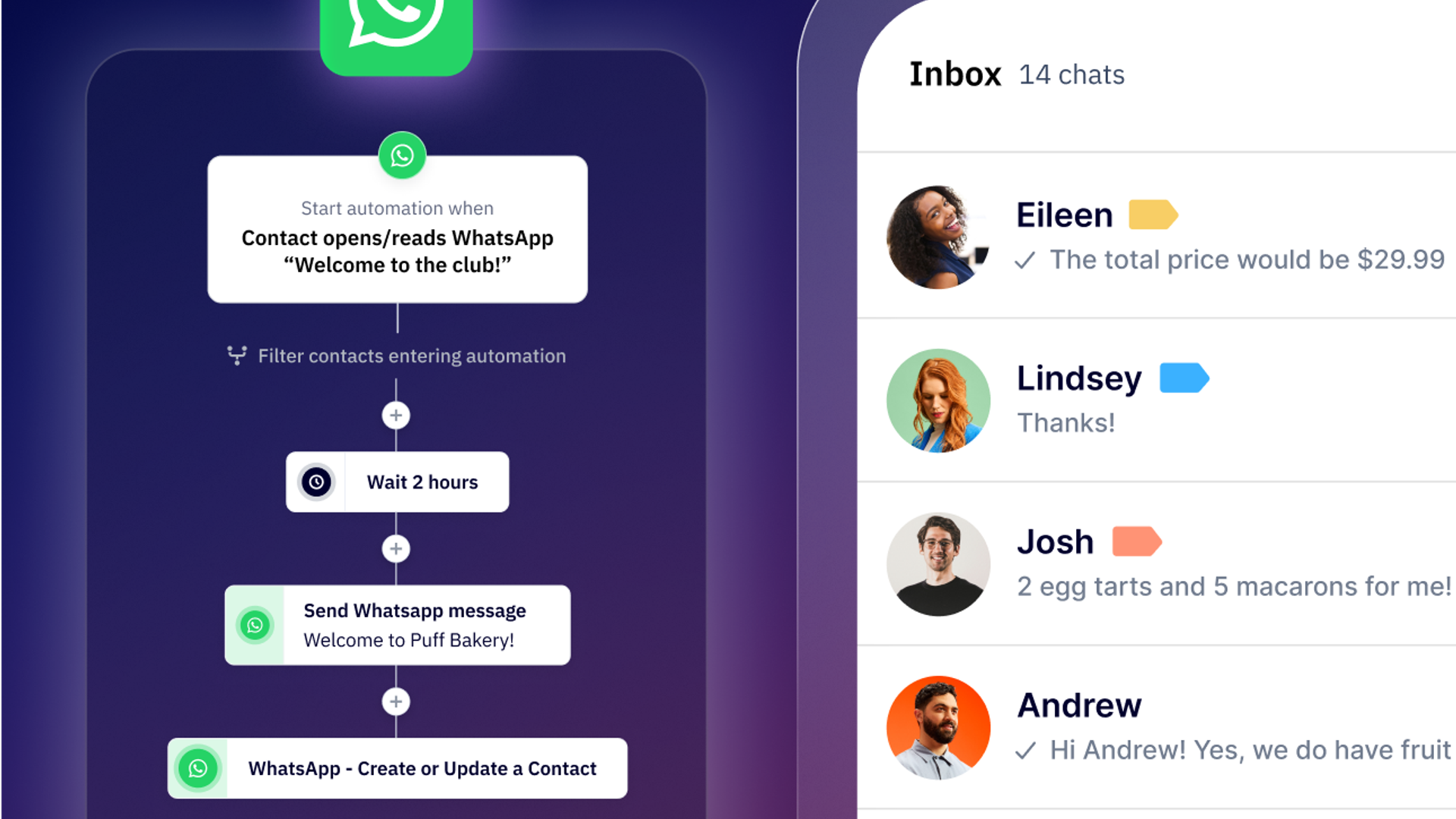
When you combine WhatsApp links with ActiveCampaign's WhatsApp Messaging, you unlock powerful automation capabilities that transform simple links into a sophisticated lead generation system.
Automated lead qualification becomes seamless when contacts click your UTM-tagged WhatsApp links. ActiveCampaign automatically:
- Creates or updates contact records in your CRM
- Tags contacts based on their source
- Triggers customized WhatsApp flows to qualify leads
- Routes conversations to the right team member based on product interest, location, or lead score
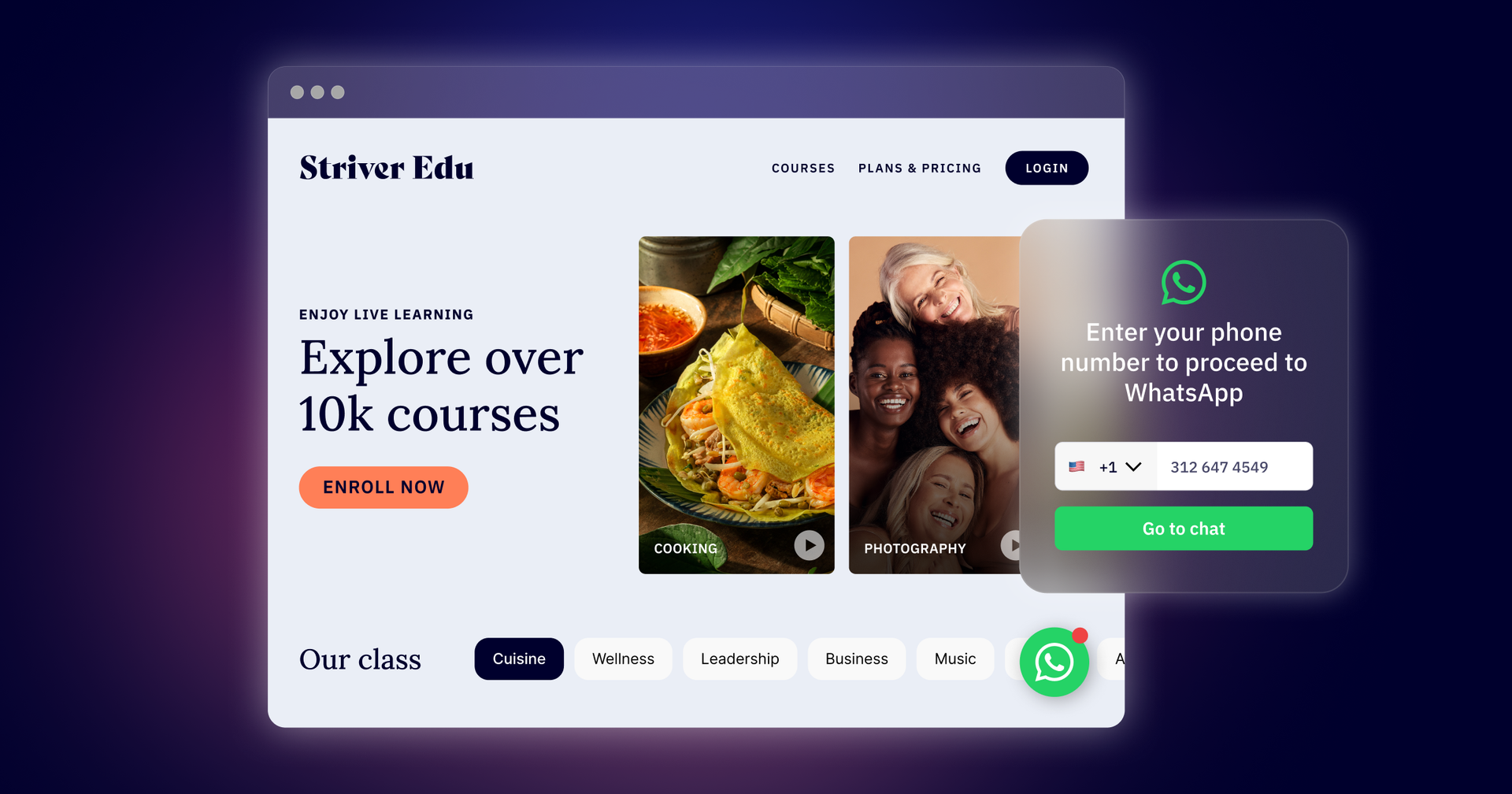
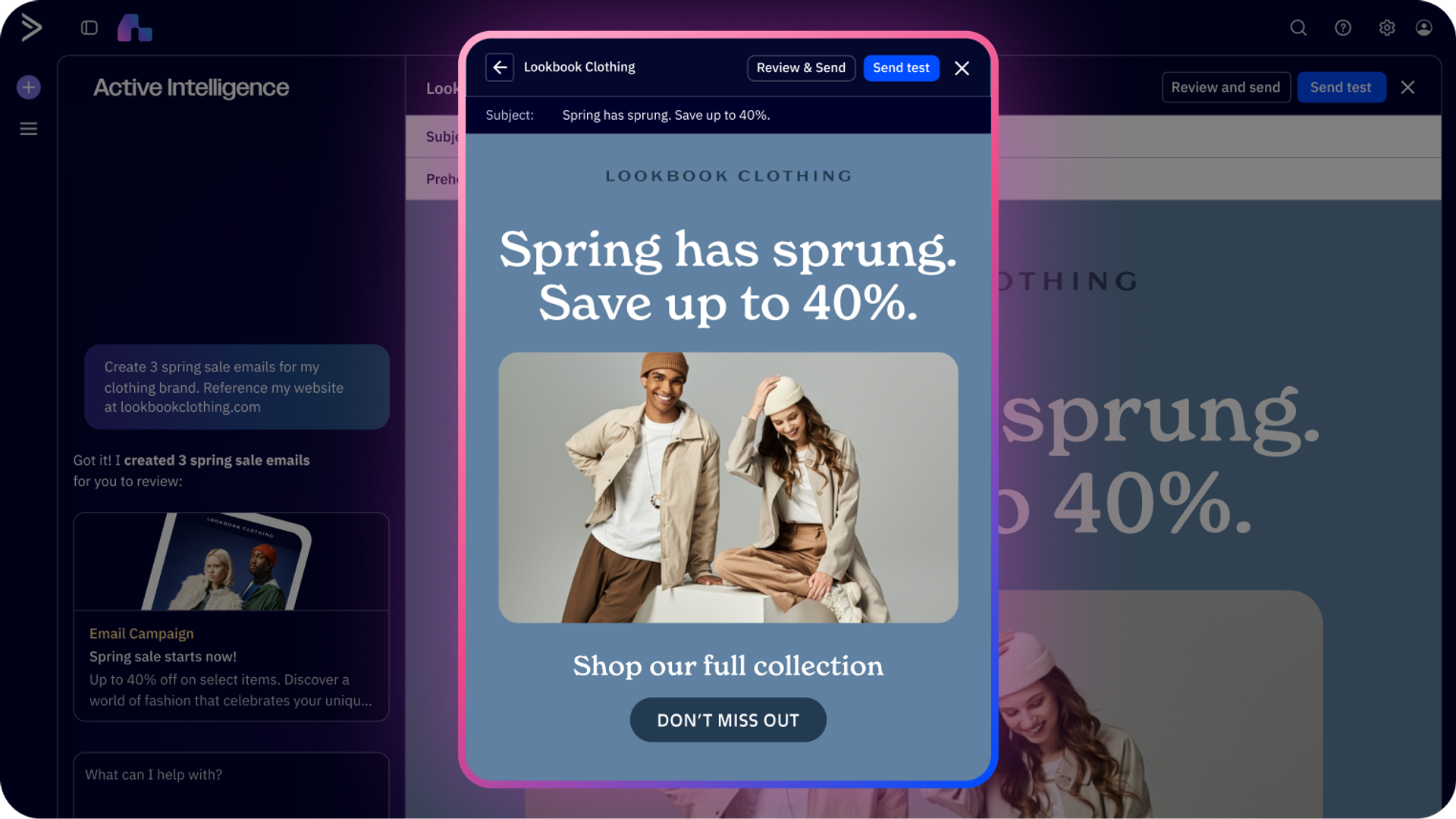
Multi-channel orchestration coordinates WhatsApp with email, SMS, and other channels from a single platform.
Here's how it works: Send an email campaign with an embedded WhatsApp link, track who clicks and starts a conversation, then automatically adjust their email sequence based on WhatsApp engagement. High-intent WhatsApp conversations trigger priority nurture tracks, while non-responders receive re-engagement emails.
Performance tracking through ActiveCampaign's attribution features shows you which WhatsApp links drive real business results—not just clicks, but qualified leads and actual conversions.
Best practices for WhatsApp links
Keep pre-filled messages conversational. Write messages the way real customers talk. "Hi! I'm interested in your services" feels natural, while "Please provide information about your products" sounds robotic.
Test your links before deployment. Click them yourself on both mobile and desktop to ensure they work correctly, open WhatsApp properly, and display your pre-filled message as expected.
Use link shorteners strategically. Tools like Bitly make your links more presentable and provide basic click tracking to supplement your analytics.
Common troubleshooting
Link not opening WhatsApp?
- Verify the phone number format (international format, no symbols)
- Ensure WhatsApp is installed on the device
- Check that the message text is properly URL-encoded
- Try opening in a different browser
Pre-filled message not appearing?
- Confirm you're using ?text= parameter correctly
- Make sure the message is URL-encoded
- Check for special characters that need encoding
Clicks not tracking?
- Verify UTM parameters are formatted correctly
- Confirm your ActiveCampaign site tracking is properly installed
- Check that contacts are visiting tracked pages after clicking
Start turning clicks into conversations
WhatsApp links are one of the simplest yet most powerful tools for reducing friction in customer communication. By making it easy for customers to reach you with a single click—whether from your website, social media, ads, or offline materials—you'll increase engagement, improve response times, and ultimately drive more conversions.
When integrated with a platform like ActiveCampaign, WhatsApp links become even more powerful, enabling automated lead qualification, multi-channel orchestration, and detailed attribution tracking.
Start implementing WhatsApp links across your marketing channels today and watch your customer conversations—and conversions—grow.