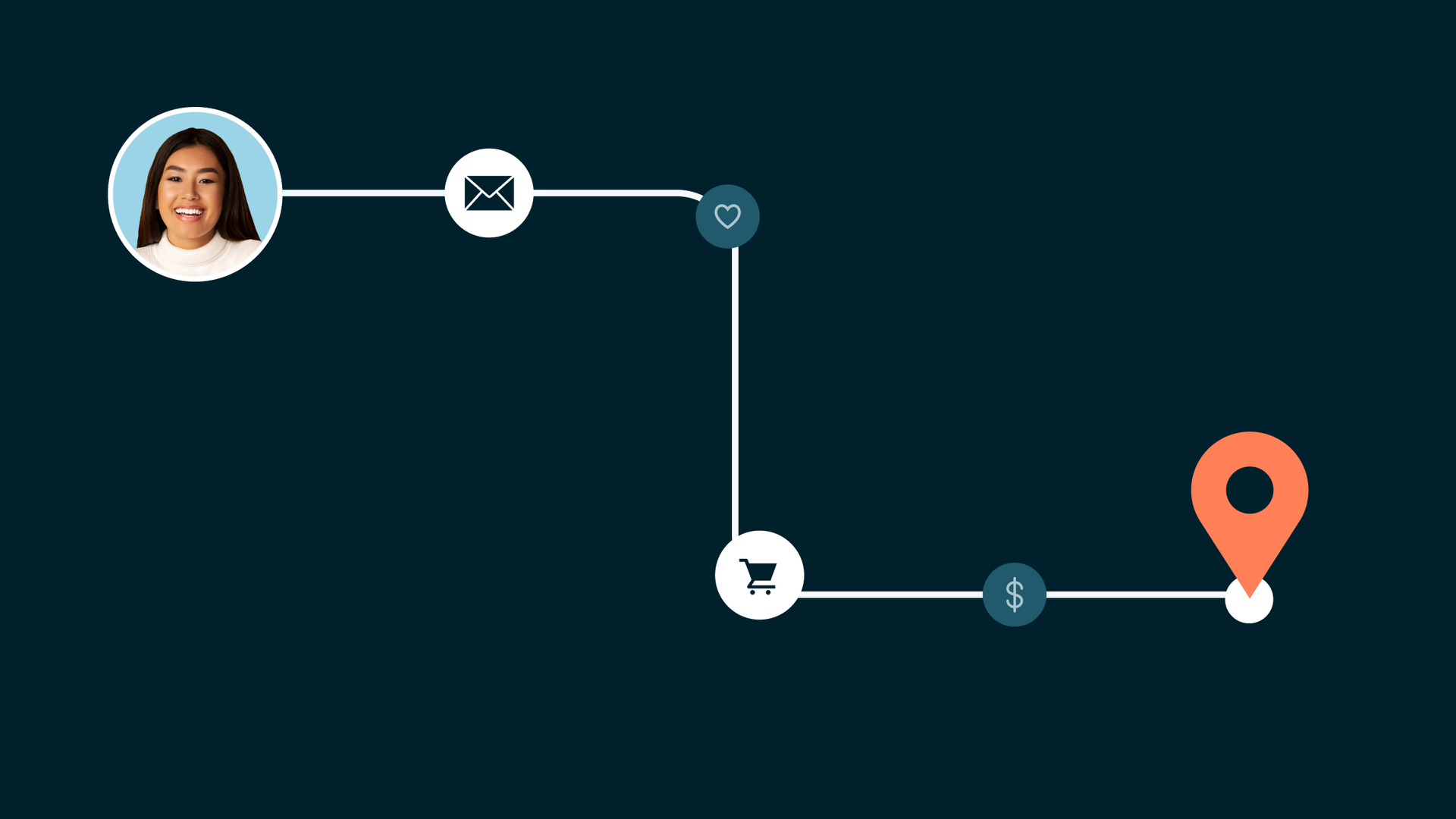
Marketing orchestration is the coordination of your tools, data, and channels so every customer gets one connected experience. Each platform shares what it knows about a customer, and the right message goes out at the right moment across email, ads, sales, and support.
Customer experience works like an orchestra. A full orchestra can have over 100 musicians playing a dozen different instruments, and every one of them is a master of their craft. One person keeps them in sync: the conductor, who decides who plays when so the result sounds like a single piece of music.
Your marketing stack has the same shape. Each tool is an instrument, and you are the conductor. Marketing orchestration is how you get them playing together.
What does marketing orchestration connect?
Marketing orchestration connects the tools that touch a customer so they all act on the same data. A typical small business runs a dozen of them.
Most marketing stacks include these tool types:
- Social media and ad platforms
- Email marketing
- Marketing automation
- CRM and sales tools
- Ecommerce stores and shipping
- Live chat and customer support
- Calendar scheduling
- Analytics
- Team communication, such as Slack
You want the best tool for each job, so the stack keeps growing and the tools have to talk to each other. Orchestration is the layer that makes them talk: it moves customer data between tools and uses that data to trigger the next step. Done well, a large stack works as one system instead of a pile of separate logins.
How is marketing orchestration different from marketing automation?
Marketing automation runs a sequence of steps inside one tool, while marketing orchestration coordinates what happens across all of your tools. You need both.
Marketing orchestration vs. marketing automation
| Marketing automation | Marketing orchestration | |
|---|---|---|
| Scope | One workflow in one tool | A journey that spans several tools and channels |
| Data | Uses the data stored in that tool | Shares customer data between every connected tool |
| Example | A welcome email series for new subscribers | Pausing your retargeting ads and alerting your sales team once that subscriber buys |
| Question it answers | What should this contact receive next? | What should every tool do now that this contact acted? |
A welcome email is marketing automation. Telling Facebook to stop showing an ad the moment that subscriber buys is orchestration.
What are the parts of marketing orchestration?
Marketing orchestration has four parts: shared customer data, triggers, channels, and rules.
Every orchestrated program rests on these four parts:
- Shared customer data: one record per customer that every tool reads and updates, including purchases, clicks, and deal stage.
- Triggers: events that start the next step, such as an abandoned cart, a pricing page visit, or a delivered order.
- Channels: the places a message lands, including email, SMS, WhatsApp, ads, and alerts to your own team.
- Rules: the logic that decides who gets what and when, including who to leave out.
How does marketing orchestration help your business?
Marketing orchestration helps you give every customer a relevant experience without adding manual work for your team.
Orchestration pays off in four ways:
- Fewer mistakes: you stop showing ads to people who already bought, sending discount emails to people mid-purchase, and contacting leads who said no.
- Faster follow-up: a pricing page visit or a milestone purchase reaches the right person on your team while the moment still matters.
- More personal messages: each message reflects what the customer actually did.
- Clearer reporting: connected tools let you follow the whole path from first ad click to repeat purchase.
Customers notice. A buyer who gets a relevant reminder, then a personal thank-you after a big order, feels known whether you have 10 customers or 10 million. That is the same idea behind a strong customer journey map: every touchpoint knows what came before it.
What does marketing orchestration look like in action?
Three examples show the pattern: a loyalty program, an ecommerce store, and a B2B sales team.
Marketing orchestration example: a loyalty program
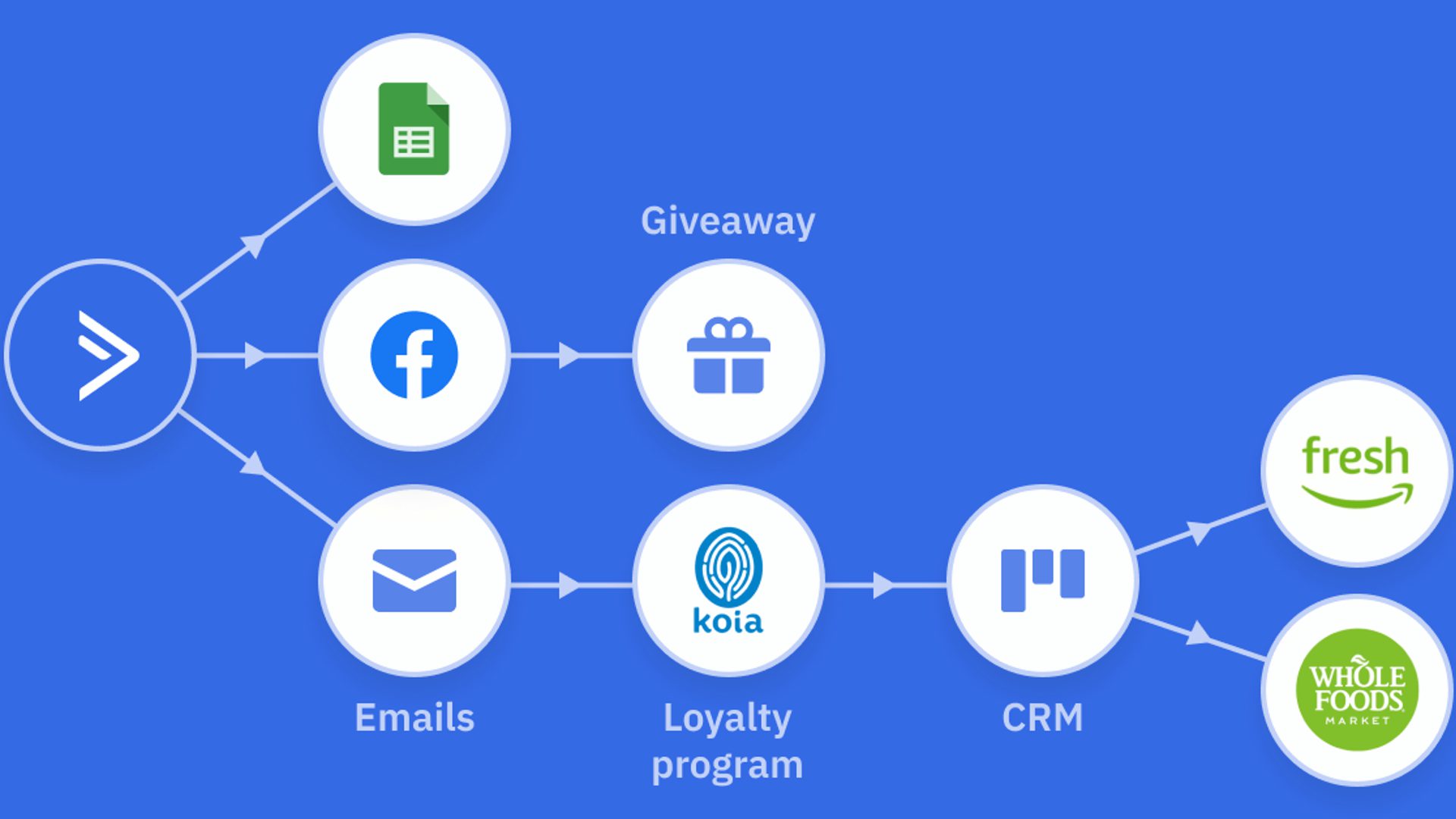
The beverage brand Koia connects ActiveCampaign to Facebook, Google Sheets, and its loyalty program. Each new subscriber moves through the same orchestrated flow:
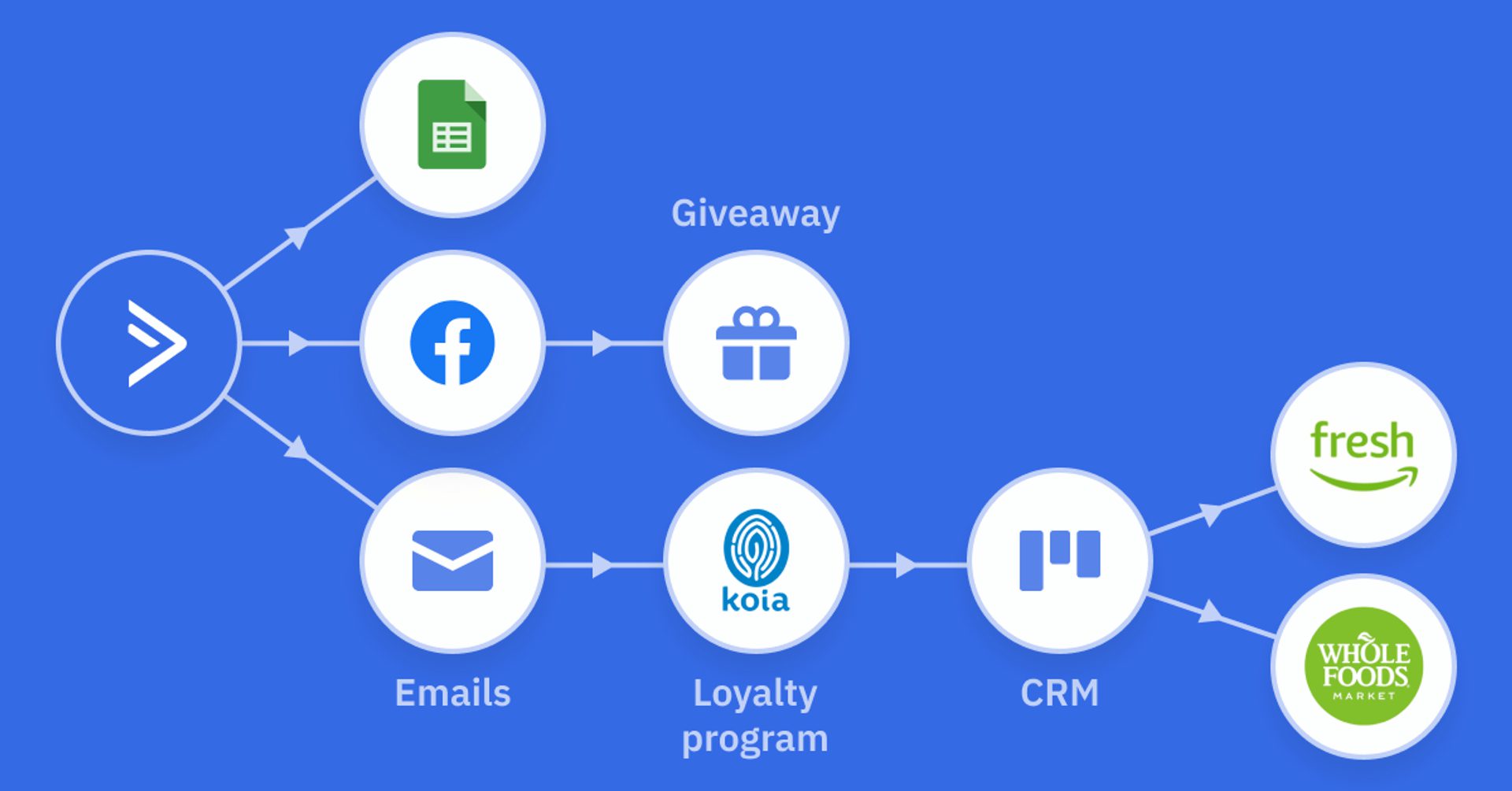
- A new subscriber signs up for the Koia newsletter and enters a welcome series with a short education sequence, promotions, and coupons.
- Subscribers who open emails and click links join a Facebook Custom Audience for future targeting.
- An email invites each subscriber to join the Koia Krew loyalty program.
- Their details land in a Google Sheet, so the Koia team can see who is new to the program.
- The ActiveCampaign CRM tracks the "missions" each subscriber has completed and where they shop.
- The team uses that location to localize its outreach, with different challenges for Amazon Fresh shoppers than for Whole Foods shoppers.
Marketing orchestration example: an ecommerce store
An online store connects Facebook, email marketing, a CRM, and Shopify around one customer. For more store workflows, see our guide to ecommerce marketing automation. The flow looks like this:
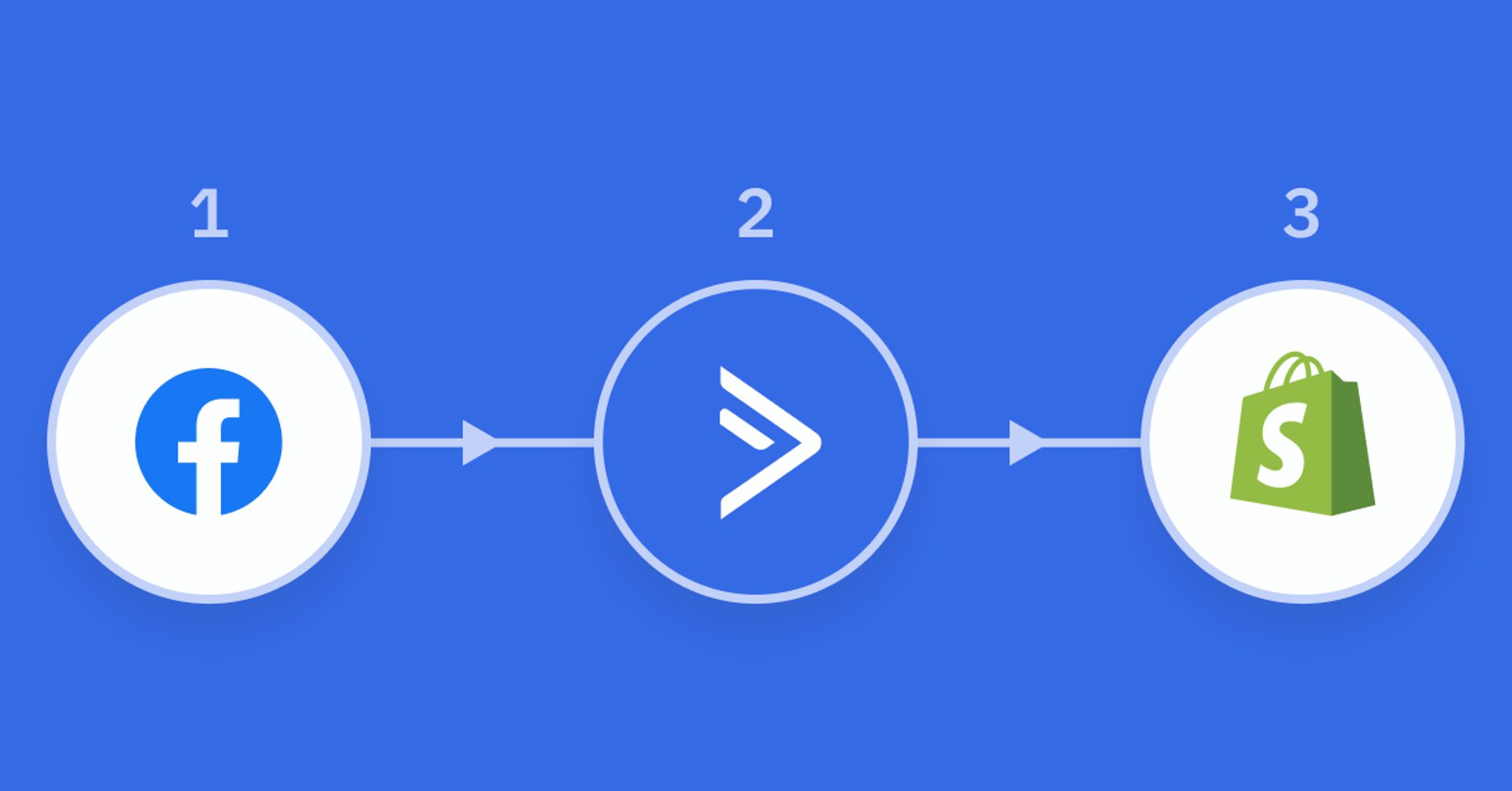
- A visitor clicks a Facebook ad, lands on your Shopify store, and leaves without buying.
- Your email platform sends a reminder with free overnight shipping to meet holiday timelines.
- The visitor opens the email, remembers the gift they wanted, and buys.
- The CRM tells Facebook the item sold, so the ad stops showing.
- A few days later, the CRM checks with Shopify to confirm delivery.
- The CRM notes the customer has spent over $1,000 this year and posts a message in your support Slack channel.
- Your team sends a personal call or email to mark the milestone, and an automated email asks for a review.
Marketing orchestration example: a B2B software business
A B2B team connects its marketing, scheduling, chat, and sales tools around one lead. The flow looks like this:
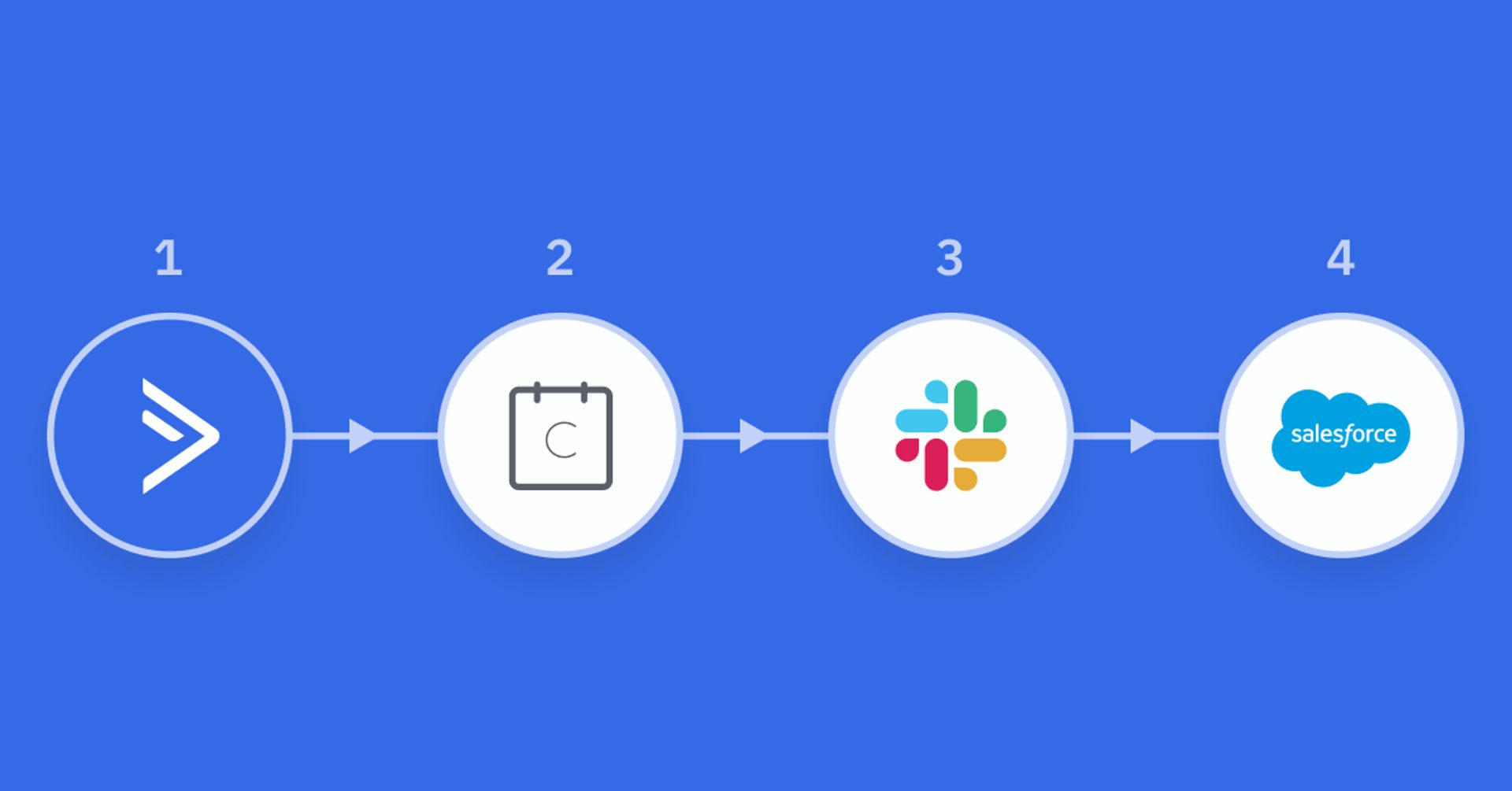
- ActiveCampaign sees a contact view your pricing page and sends an email inviting them to book a demo.
- The contact clicks a Calendly link but leaves before finishing the booking, so a second email reminds them to complete it.
- The contact books the demo, and a Slack message tags the account executive.
- A lead is created in Salesforce, and a calendar event lands on both calendars.
Each of these flows removes a mistake a person would otherwise make: the same ad shown to a buyer, a discount sent to a customer already in checkout, or a lead contacted after they opted out.
How do you start with marketing orchestration?
Start with one customer journey and connect only the tools it needs. A single working flow teaches you faster than a stack-wide plan.
Follow these steps to orchestrate your first journey:
- Map the journey. Write down every step from first touch to repeat purchase. Our guide to customer journey maps shows how.
- List your tools and their data. Note what each tool knows about a customer and what it needs to know.
- Choose one source of truth. Most teams use the CRM as the master record, and CRM automation keeps it current.
- Pick your triggers. Choose the two or three events that matter most, such as an abandoned cart or a missed demo.
- Build one step at a time. Test each step with a real contact before adding the next.
- Add exit rules. Remove contacts from a flow when they buy, book, or reply.
- Review results, then add the next journey.
What mistakes should you avoid with marketing orchestration?
Most orchestration problems come from trying to connect too much, too fast.
Watch for these mistakes:
- Too many tools at once. Each new connection adds a place for data to break. Add them one journey at a time.
- No source of truth. When two tools hold different versions of a contact, messages contradict each other.
- Missing exit rules. Contacts keep receiving promotions after they buy.
- Too many channels. Send through the channel your customer already uses. Our omnichannel marketing guide covers how to choose.
- Untested flows. A flow that has never run with a real contact can email the wrong list.
How do you measure marketing orchestration?
Measure marketing orchestration by tracking the outcome each connected journey was built to improve.
Track these metrics for every journey:
- Trigger-to-conversion rate: the share of contacts who buy or book after the trigger fires.
- Repeat purchase rate: the share of customers who buy again.
- Time to follow-up: the gap between a trigger and the first human or automated response.
- Conflicting messages: the number of contacts who received two offers that contradict each other, which should be zero.
- Unsubscribe rate by journey: a signal that a flow is too frequent or off target.
How does ActiveCampaign help with marketing orchestration?
ActiveCampaign is an AI platform for marketers, with Active Intelligence built into every plan, and it gives you the connected customer record that orchestration depends on. Your contacts, CRM, email, SMS, WhatsApp, and automations share one record, and ActiveCampaign connects to over 1,000 apps and integrations, so an event in one tool can start the next step in another.
Active Intelligence learns your business from your own data and drafts the flows. You review and approve what runs, so you stay the conductor.
With ActiveCampaign, you can:
- Trigger from any event: a site visit, purchase, form fill, or deal-stage change starts the next step.
- Run one journey across channels: email, SMS, and WhatsApp share one automation builder.
- Sync the tools you already use: connect apps such as Shopify, WooCommerce, and Salesforce.
- Work from where you already are: connect ChatGPT and Claude to your account and run your marketing from there, with your approval.
Active Intelligence users see 75% higher engagement than non-users across 32,948 ActiveCampaign accounts (ActiveCampaign).
Curious how AI fits into this? Read our guide to AI agent orchestration.
Orchestrate your first journey with ActiveCampaign
Marketing orchestration FAQs
What is marketing orchestration in simple terms?
Marketing orchestration is the coordination of your tools, data, and channels so each customer gets one connected experience. Your email platform, CRM, store, and ads share customer data, and an action in one tool, such as a purchase, triggers the right next step in the others.
What is the difference between marketing orchestration and marketing automation?
Marketing automation runs a sequence inside one tool, such as a welcome email series. Marketing orchestration coordinates several tools around the same customer, so a purchase can stop an ad, alert your team, and start a review request at once.
Do small businesses need marketing orchestration?
Yes, once you use more than a few tools. If you run an email platform, an online store, and a CRM, you already have something to orchestrate. Start with one journey, such as an abandoned cart reminder, and add more as it works.
What tools do you need for marketing orchestration?
You need a source of truth for customer data, usually a CRM, plus a marketing automation tool and connections to your store, ads, calendar, and chat. ActiveCampaign brings the CRM and automation together and connects to over 1,000 apps and integrations.