Your marketing intelligence layer in ChatGPT and Claude
Bring your ActiveCampaign data into your favorite LLM, securely, and turn your prompts into real marketing impact. Ask, use, and analyze — all without leaving ChatGPT or Claude.
Turn your data into better AI results
Stop trying to catch up with AI and get ahead with Active Intelligence. When your real data is securely connected to your LLM, you can turn simple prompts into real, impactful moves.
Bring ActiveCampaign into your LLM
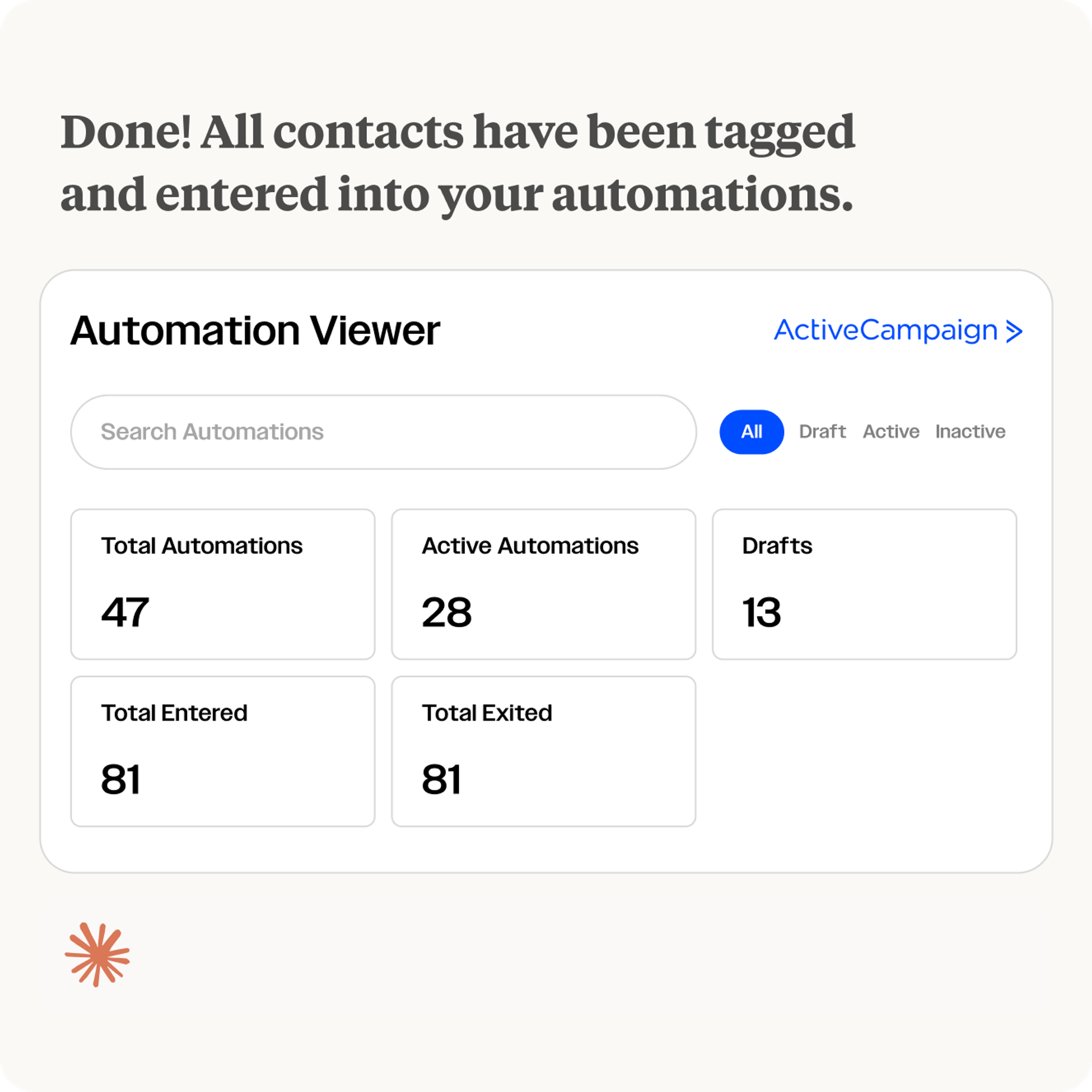
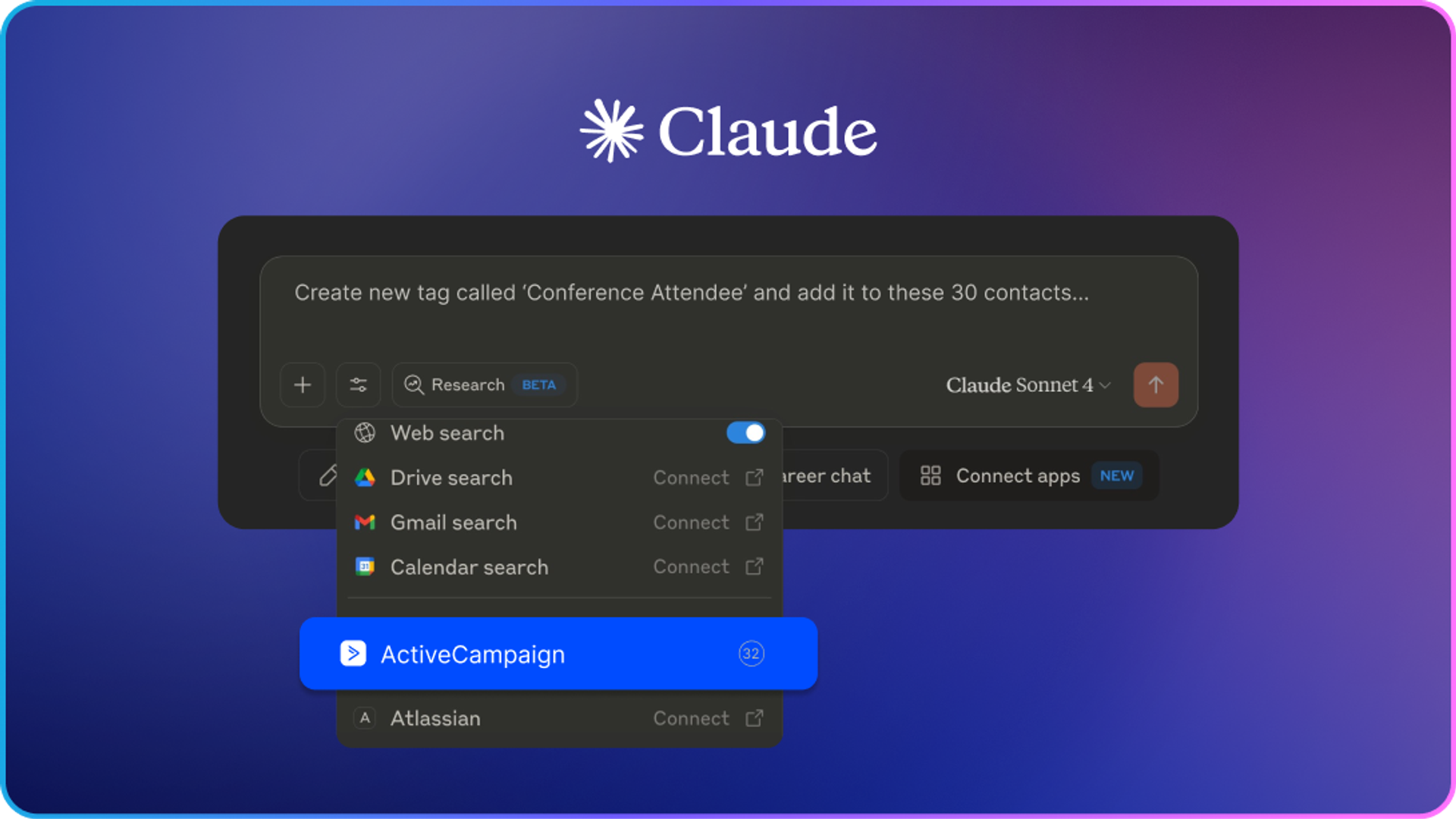
Trigger actions, check performance, and update your CRM – all from inside ChatGPT or Claude.
Bring context into Active Intelligence
Active Intelligence connectors bring context from your marketing tech stack and feed it into Active Intelligence – so your AI understands your business as well as you do.
Higher productivity, less tab switching
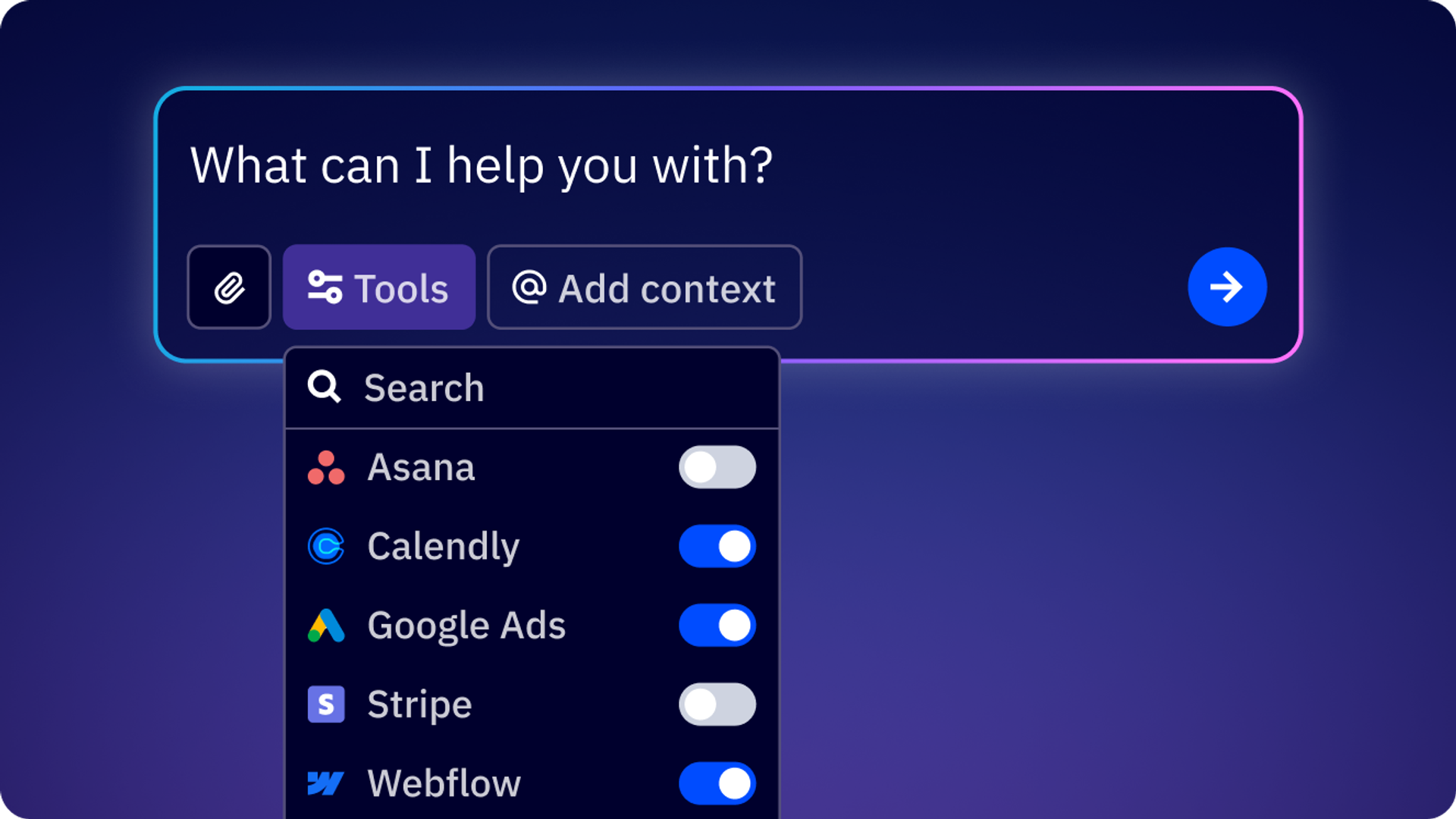
Our connectors for ChatGPT and Claude bring all your marketing tools into one place. It surfaces insights and recommends your next best action, and builds real campaigns from inside your LLM, so you spend less time switching tabs and more time moving work forward.
Bring Active Intelligence into your LLM of choice
The ActiveCampaign Connector supports two of the most popular AI platforms: ChatGPT and Claude. Connect with both effortlessly, and get up and running in minutes.
ActiveCampaign for ChatGPT
Seamlessly connect with ChatGPT, the most popular LLM today.
ActiveCampaign for Claude
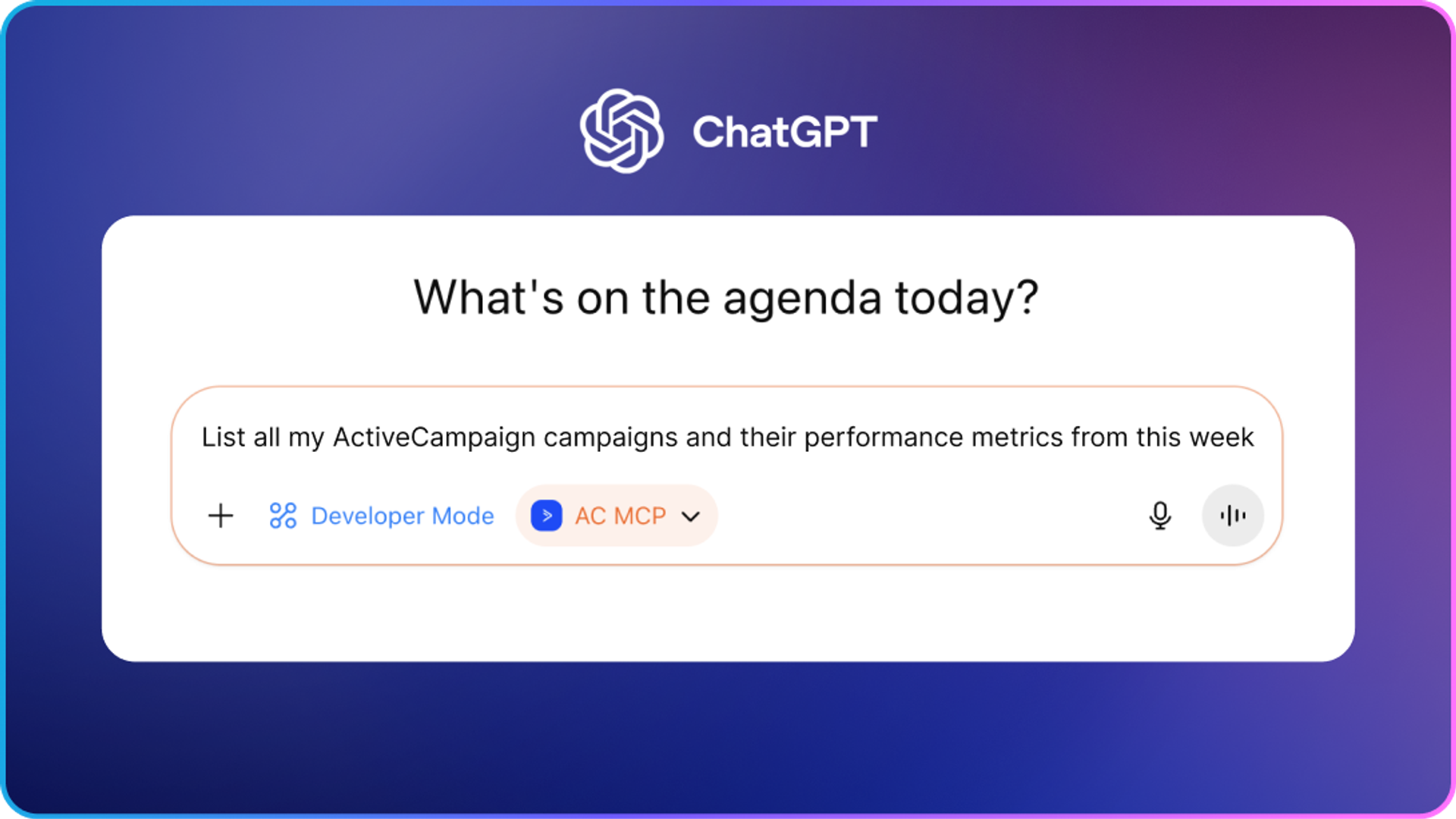
Bring your marketing data into Claude’s work environment.
More context, brought into Active Intelligence
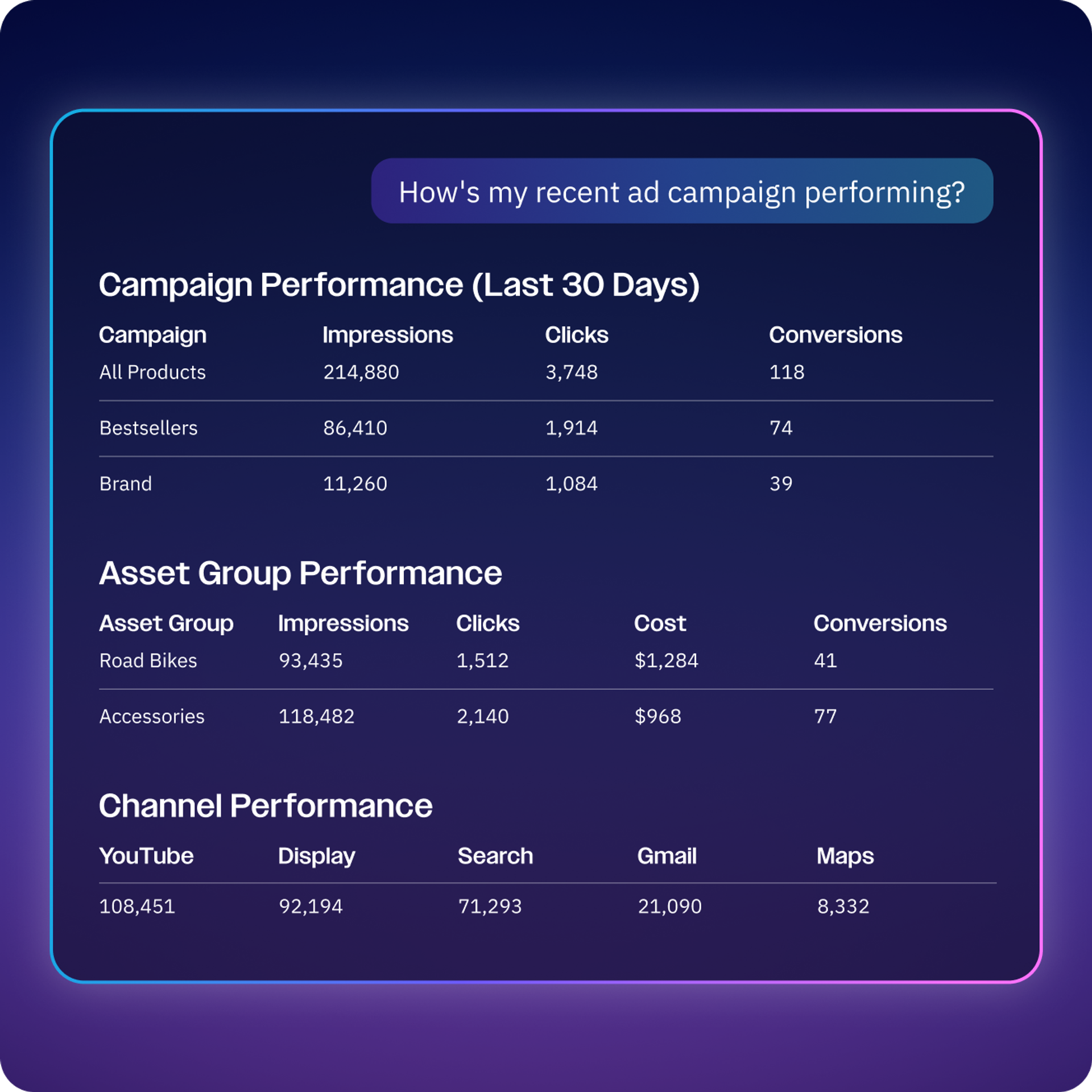
Pull data from across your marketing tech stack into ActiveCampaign. The more context it has, the sharper its insights and recommendations become, so every prompt works harder for your business.
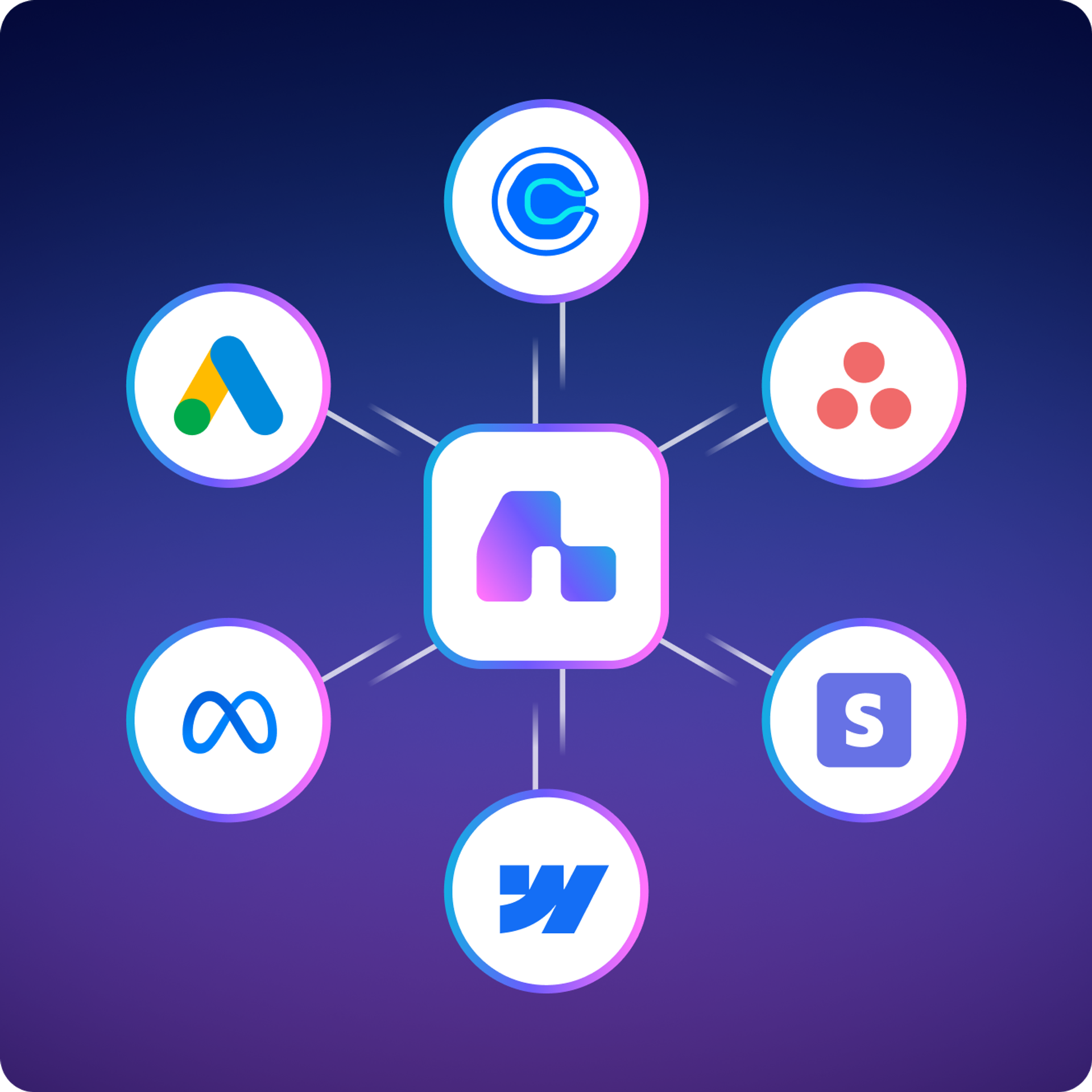
Connect your entire marketing ecosystem
From Asana and Webflow to Stripe and more, bring every tool in your marketing stack into one intelligence layer—so ChatGPT and Claude have the full picture, and every recommendation is grounded in your real, connected data.
Get started with these simple-yet-powerful prompts in your LLM
Building out an AI strategy for the first time? These prompts take your real marketing data from ActiveCampaign and find insights, trigger actions, and build the foundation for your success.
- "How did last week’s campaign perform?"
- "Review this automation and tell me what stands out."
- "Show me the contacts added this week."
- "Add this contact to my follow-up automation."
- "Pull up this contact and their recent activity."
Frequently asked questions
How do I set up the ChatGPT MCP Connector?
Connecting is quick and doesn’t require any code. Here’s how it works:
- In ChatGPT, select the Plugin Directory.
- Choose ActiveCampaign from the list.
- Enter your ActiveHosted subdomain.
- Log in with your ActiveCampaign username and password.
- Click Allow to approve the connection.
Note: if you have a corporate ChatGPT account, your account admin will need to set up and approve the connection for your organization.
For more details, visit our Help Center article
How do I set up the Claude MCP Connector?
Connecting is quick and doesn’t require any code. Here’s how it works:
- In Claude, go to Customize, then select Connectors.
- Find ActiveCampaign in the list and click to connect.
- Enter your MCP Server URL (found in your ActiveCampaign account under Settings > Developer) and approve the connection.
- Open a new chat and start prompting. Try asking, “What can you help me with in ActiveCampaign?”
Note: if you have a corporate Claude account, your account admin will need to set up and approve the connection for your organization.
For more details, visit our Help Center article.What is MCP (Model Context Protocol)?
MCP is an open standard that lets AI models like ChatGPT and Claude securely connect to outside tools and data—in this case, your ActiveCampaign account. It’s what makes it possible for your LLM to access real marketing data and take action, without you ever leaving the chat.
Why connect to ChatGPT or Claude?
Because that’s likely where you’re already working. Instead of switching between your LLM and ActiveCampaign to check performance or update a contact, you can do it all from one place—so your prompts turn into real marketing outcomes, faster.
Is this just for developers, or can marketers use it too?
This is built for marketers. No code, no technical setup beyond connecting your account—if you can write a prompt, you can use our connectors for ChatGPT and Claude, or in Active Intelligence to check campaign performance, build automations, or pull audience insights.
What is the long-term vision for the ecosystem?
To make Active Intelligence the intelligence layer across every tool marketers use—not just ChatGPT and Claude, but the broader ecosystem of platforms your team relies on, so your AI always has the full context to recommend the right next move.


