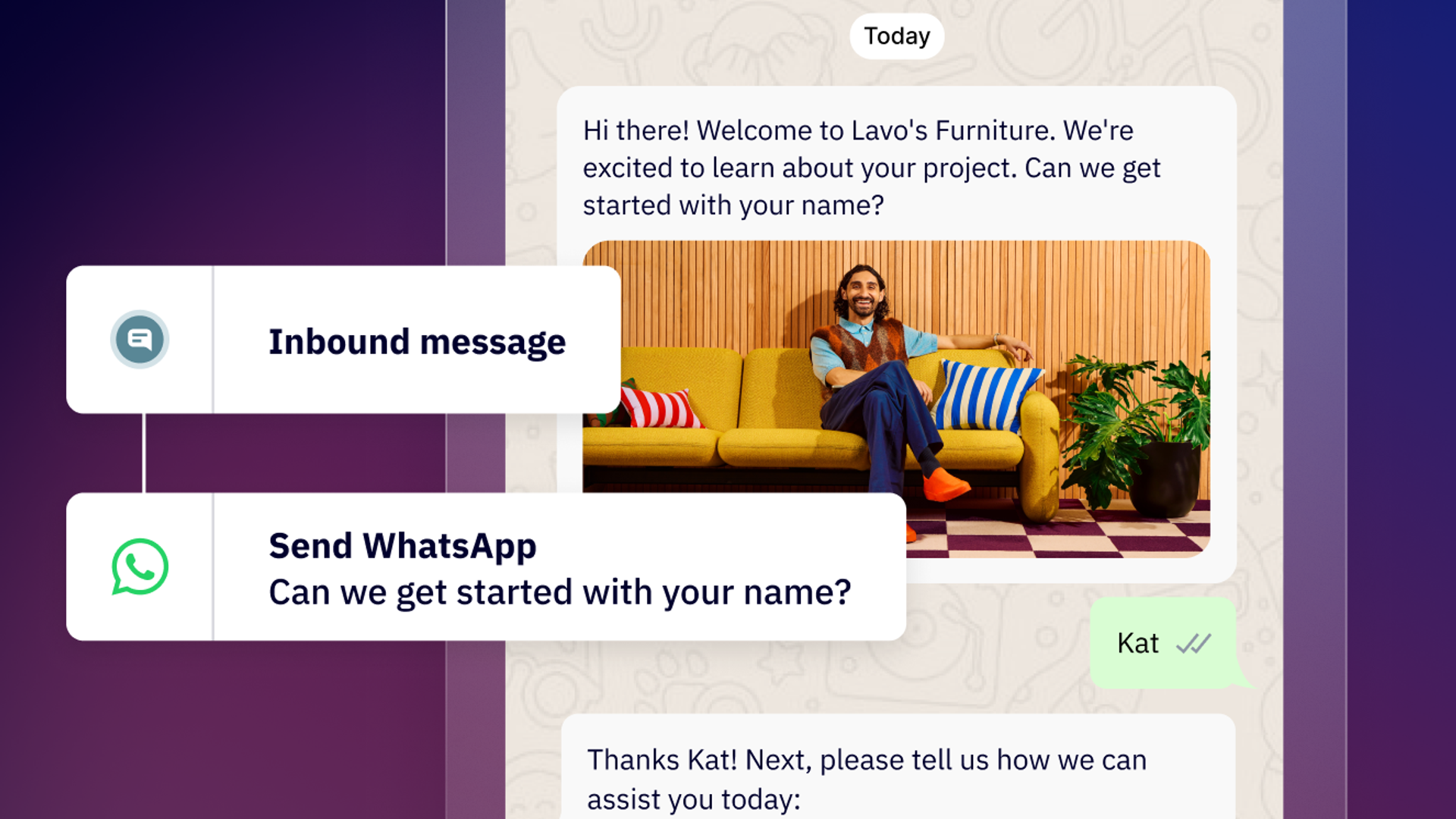
If you run an ecommerce business, you’re likely juggling two critical challenges: recovering lost sales from abandoned carts and staying on top of order statuses. Not only do both issues affect your bottomline and customer satisfaction, but it also often occurs on mobile where customers expect instant communication.
As the most popular messaging app globally, WhatsApp helps you deliver timely, personalized messages that drive conversions and build trust throughout the entire purchase journey.
The ecommerce communication challenge
The numbers tell a compelling story. According to Statista, the online shopping cart abandonment rate worldwide reached 70% in 2025. Meanwhile, customers who successfully completed their purchases expect real-time updates about their orders, from confirmation to delivery and beyond.
While email has served ecommerce well, it’s showing signs of age. Emails can disappear in crowded inboxes, mobile engagement is lackluster, and the conversational flow that consumers expect just isn’t there. WhatsApp can solve these challenges by connecting businesses with customers where they’re already spending their time.
Why WhatsApp works for ecommerce communication
Compared to traditional channels, WhatsApp offers several advantages including:
- Mobile-first design: WhatsApp’s mobile-native experience creates a seamless customer journey that goes wherever your customers are.
- High engagement rates: WhatsApp messages on average see open rates above 90% compared to email’s average of 20-30%.
- Instant, convenient communication: Customers can get updates directly through WhatsApp without having to open their email, log into an account, or download a separate app.
- Two-way conversation: WhatsApp’s conversational format makes it easy for customers to ask questions, request changes, or get support directly in their conversation thread.
Recover abandoned carts directly on WhatsApp
When customers abandon their online shopping carts, you’re losing a sale from someone who already showed interest in your product. They’ve already browsed your catalog, weighed their options, and reached the checkout—but something kept them from completing that purchase. With the right message sent at the right time, there’s a good chance you can bring them back.
With ActiveCampaign WhatsApp Messaging, you can automatically detect when a customer abandons their cart and send a personalized message to encourage them to return and complete their purchase.
Trigger the automation: First, when your ecommerce platform detects an abandoned cart, it fires an automation in ActiveCampaign. Thanks to ActiveCampaign’s more than 1,000 integrations with ecommerce platforms like Shopify, WooCommerce, BigCommerce, and more, this connection can happen seamlessly without custom development.
Personalize your outreach. Automated WhatsApp messages should include the customer’s name, the products they were looking at, and any relevant details like images or pricing to show you’re paying attention to a customer’s interests.
Create urgency. When building your automations, consider adding a limited-time discount code, free shipping offer, or other incentive to inspire immediate action from customers.
Include a direct purchase link. Make the checkout process as simple as possible for customers by adding a direct link back to their cart where they can complete their purchase.
Best practices to keep in mind when creating your cart recovery messages
ActiveCampaign WhatsApp Messaging makes it easy to create a template that you can add to your abandoned cart recovery Flow. Start with a Template, customize your message with variables, and consider the following tips when crafting your content:
- Timing is everything: Don’t wait too long to open a WhatsApp conversation once your customer abandons their cart. Aim to send your first message within 1-3 hours of abandonment while the product is still top of mind for your customer.
- Conversational and casual: WhatsApp is a personal communication channel, so your tone should match. Avoid coming off as overly salesy or pushy, and aim for a friendly and helpful tone of voice.
- Respect your customer’s preferences: Always give your customers an easy way to opt out of your marketing communications if they’re not interested. Sending these messages when your customers don’t want could result in them reporting or blocking your account.
Manage order tracking and post-purchase confirmation all in one place
Your relationship with customers doesn’t end once they complete a purchase. A sound post-purchase communication strategy can help build trust, minimize support inquiries, and create future opportunities for repeat purchases.
With ActiveCampaign WhatsApp Messaging, you can automate notifications and marketing campaigns throughout the entire fulfillment process.
- Order confirmation. Right after a customer completes their purchase, send a WhatsApp message confirming their order details, order number, and estimated delivery date.
- Shipping notification. Once a customer’s order ships, send a WhatsApp message containing their tracking information, carrier details, and a direct link to track their package in real-time.
- Delivery confirmation. Confirm an order was successfully delivered and send customers a quick thank you for their purchase.
- Post-delivery survey. After a couple of days, send a WhatsApp survey asking customers to rate their experience and ask if they’re satisfied with their purchase. Now is the time to also request a review, offer additional product recommendations, or provide customer support if needed.
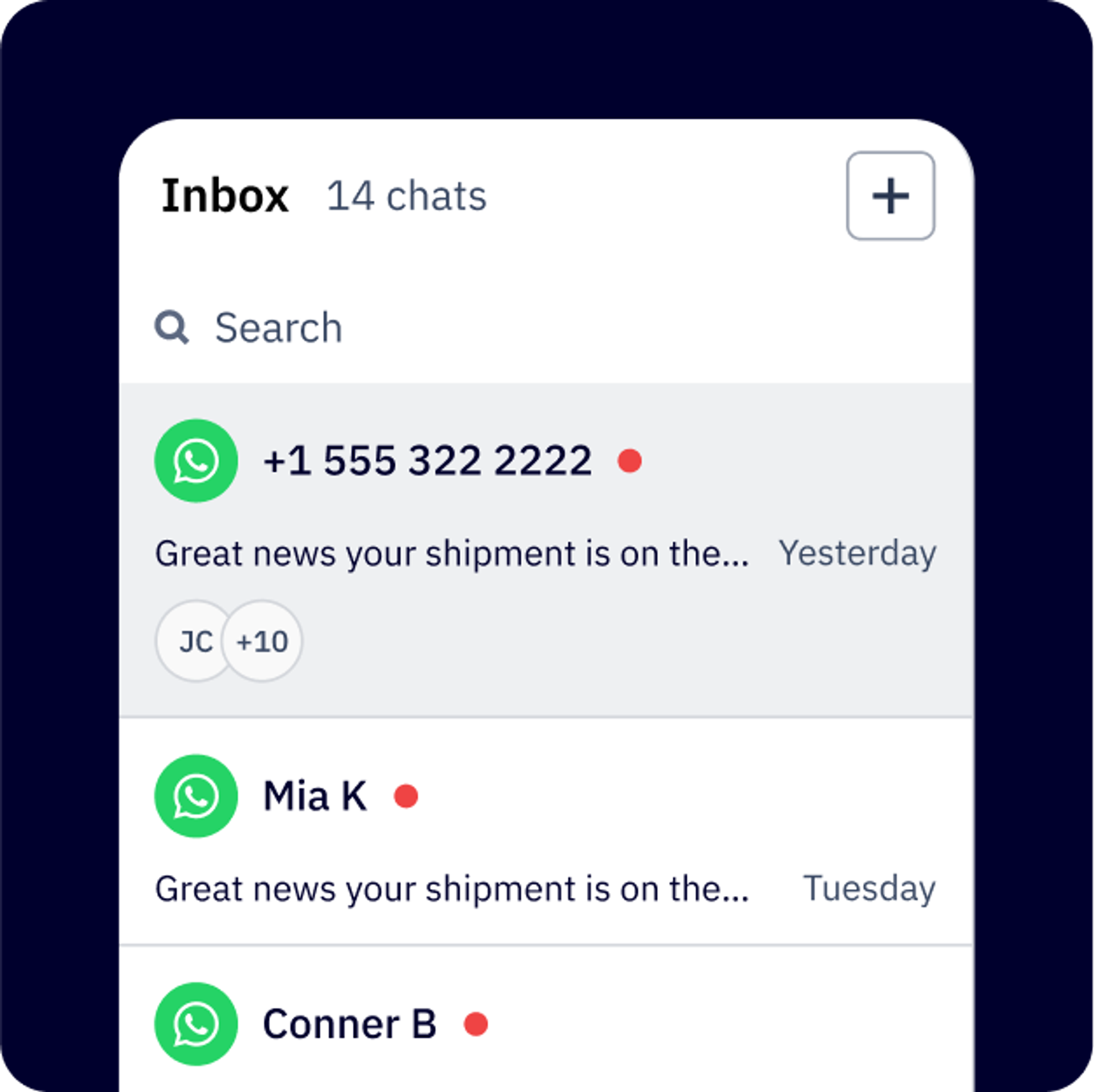
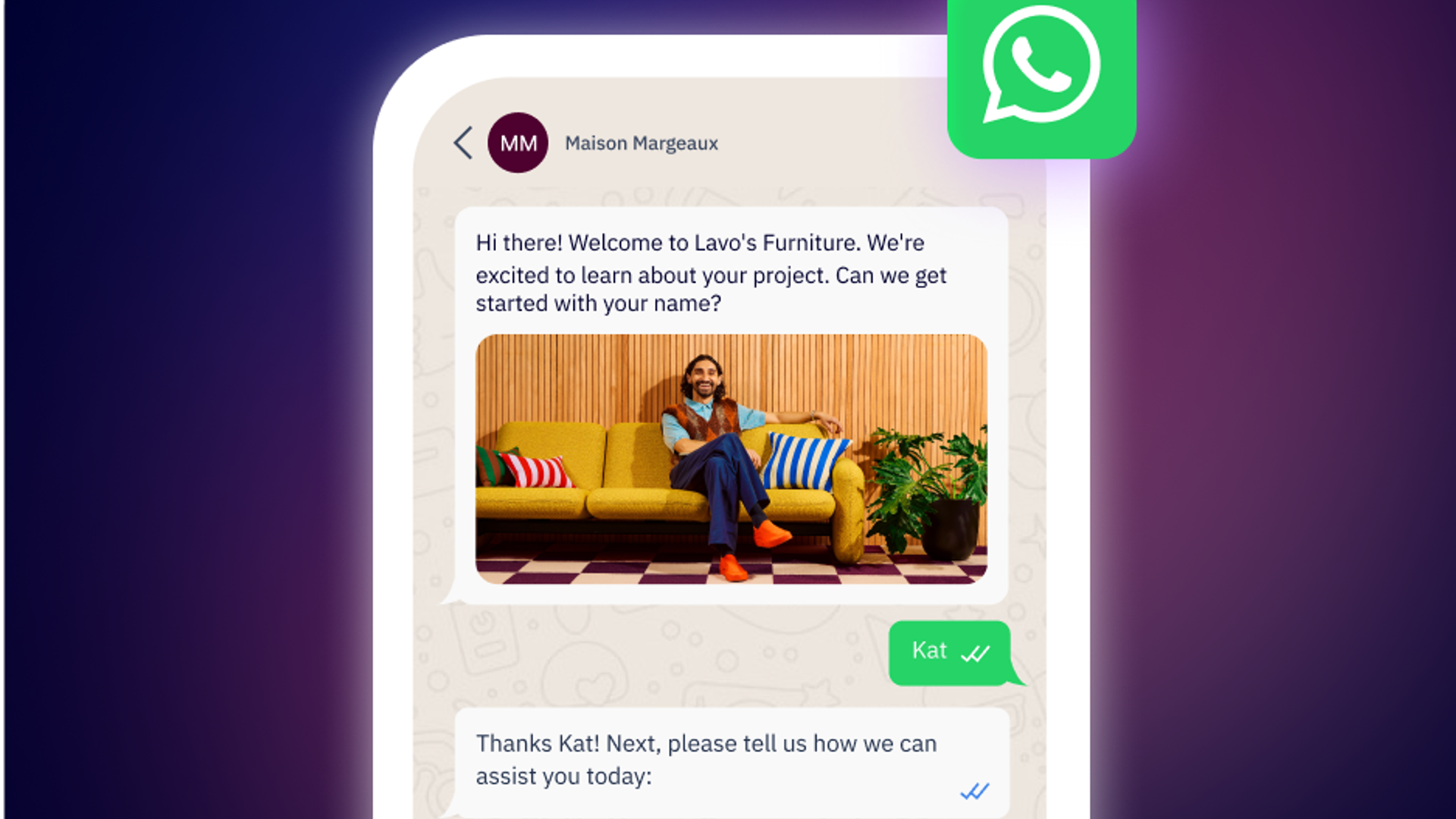
Keep customers informed with automated shipping notifications sent directly in WhatsApp where they’re already checking messages throughout the day.
Message personalization that scales
One of the benefits of using the WhatsApp API is you can scale and automate personalized messages sent to customers. ActiveCampaign WhatsApp Messaging only makes this easier, using data pulled from your ecommerce and CRM integrations to automatically include details like:
- Customer name and order details
- Contact information
- Specific production information
- Real-time tracking numbers and order confirmations
- Personalized product recommendations based on purchase history
Setting up your ecommerce WhatsApp automations
Setting up your WhatsApp automations for cart recovery and order tracking is simple with ActiveCampaign WhatsApp Messaging:
- Connect your ecommerce platform: ActiveCampaign has over 1,000 app integrations including with major ecommerce platforms like Shopify, WooCommerce, BigCommerce, and more. Connect virtually with the ecommerce platform of your choice without ever having to write a line of code.
- Set up WhatsApp Messaging: ActiveCampaign WhatsApp Messaging connects your business directly to the WhatsApp Business API, giving you the automation and scalability you need to grow your business. As a BSP, ActiveCampaign can also help you build powerful workflows and get the most out of WhatsApp.
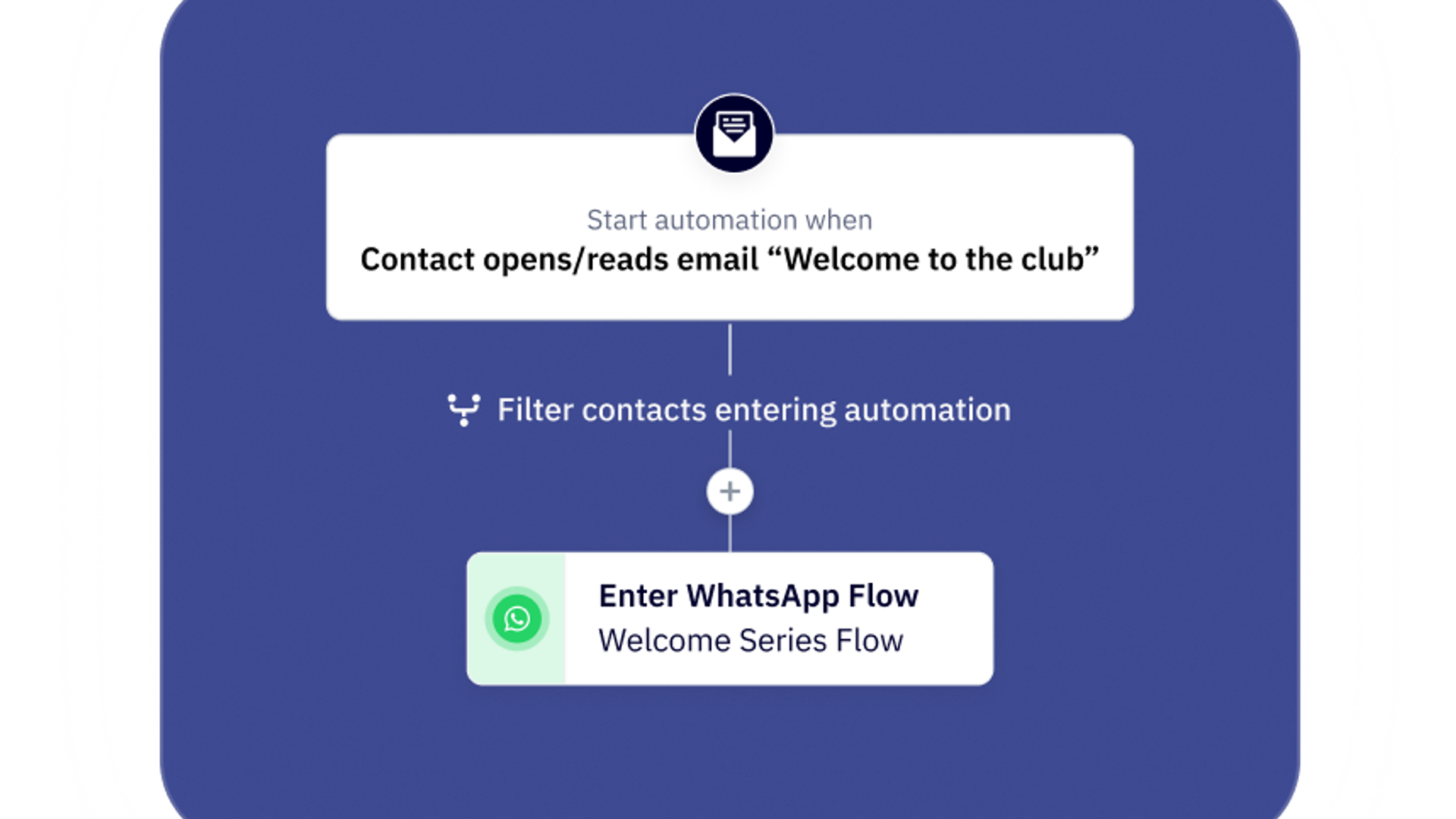
- Build your automations: WhatsApp Messaging’s visual workflow builder makes it easy to create Flows that trigger based on certain customer actions. Create a simple linear step-by-step workflow or develop complex logic-based Flows based on responses and behaviors.
- Create your templates: Start with Templates and personalize your content with different variables, adjusting the copy to match your brand voice and include clear calls to action. WhatsApp does require all templates to be approved for business messaging before you can send a new template.
Recover revenue and delight your customers all on WhatsApp
Cart abandonment and purchase anxiety can create a less than ideal shopping experience and even hurt your bottom line. With WhatsApp Messaging, you can address both ecommerce challenges with timely, personalized messages that scale with your business.
Ready to transform your ecommerce communication strategy? See how WhatsApp Messaging can help you connect with customers no matter where they are in their buyer journey.
Frequently Asked Questions
How does ActiveCampaign integrate with WhatsApp to support ecommerce businesses?
ActiveCampaign offers native WhatsApp integration, enabling ecommerce businesses to automate customer communication directly within the platform. You can trigger WhatsApp messages based on customer actions like cart abandonment, order updates, or purchase milestones, and manage these alongside your email, SMS, and other marketing channels for a unified customer journey. This integration helps you deliver timely, personalized messages that drive conversions and build trust, all without needing separate tools or complex setups.
Which ecommerce platforms can I connect to ActiveCampaign for WhatsApp messaging automations?
ActiveCampaign connects seamlessly with leading ecommerce platforms such as Shopify, WooCommerce, BigCommerce, and many others through over 1,000 available integrations. This allows you to automate WhatsApp messaging for events like abandoned carts or order confirmations, using real-time data from your store to personalize each interaction.
Do I need any coding experience to set up WhatsApp automations in ActiveCampaign?
No coding experience is required to set up WhatsApp automations in ActiveCampaign. The platform provides a visual workflow builder and prebuilt templates, making it easy for anyone to create and manage automated WhatsApp marketing campaigns with just a few clicks.
How does ActiveCampaign’s visual workflow builder make it easier to launch and manage WhatsApp marketing campaigns?
ActiveCampaign’s visual workflow builder lets you design, launch, and manage WhatsApp marketing campaigns with a simple drag-and-drop interface. You can set up triggers, actions, and personalized message flows without coding, making it easy to automate complex journeys and adapt campaigns as your business evolves.
What features in ActiveCampaign help streamline bulk WhatsApp messaging for promotions or announcements?
ActiveCampaign enables bulk WhatsApp messaging through broadcast campaigns, allowing you to send personalized promotions or announcements to targeted segments of your audience. Detailed reporting and segmentation tools help you monitor engagement and optimize future campaigns for maximum impact.