Sending bulk messages via WhatsApp is one of the most effective strategies for businesses looking to reach their customers directly. With a 98% open rate and messages read in minutes, it’s no wonder companies are shifting their communication strategies to WhatsApp over text or email.
But sending messages in bulk on WhatsApp isn’t as simple as blasting one message template to your entire contact list. Done poorly, bulk messaging can result in spam complaints, blocked accounts, and damaged customer relationships. Done right, it can be a powerful tool for promotions, updates, and customer engagement.
In this guide, we’ll show you how to send bulk WhatsApp messages effectively and the best practices you need to keep in mind to ensure your campaigns are compliant and engaging.
Understanding your options: WhatsApp Business vs. WhatsApp API
Before diving into the how, it’s important to understand that WhatsApp offers two different solutions for businesses designed for different scales of operations:
- WhatsApp Business App: Best for small businesses, the WhatsApp Business app is free and easy to set up but comes with significant limits on the number of people you can message at once.
- WhatsApp API: Designed for larger businesses, WhatsApp API is ideal for companies that need to communicate with thousands of customers regularly. It enables automation, CRM integration, and offers a much higher message volume but can require setup through a Business Solution Provider like ActiveCampaign.
If you regularly communicate with thousands of customers or need advanced automation capabilities, you may want to consider the WhatsApp API. For smaller operations with simpler needs, the free Business App may be sufficient to start.
How to send messages in bulk via the WhatsApp API
If you need to reach thousands of customers with automated, personalized messages, the WhatsApp API is the scalable solution for you. The WhatsApp Business API offers three methods for sending bulk messages: as broadcast lists, groups, or marketing messages.
Broadcast lists
A broadcast list lets you send the same message to multiple contacts at once, but with several important limitations. For starters, messages can only be delivered to recipients who have your number saved as a contact. If someone hasn’t added you as a contact, they won’t receive your broadcast even if they’ve messaged you before. You also can only add up to 256 contacts per broadcast list, so while helpful if you want to get your message out in bulk, broadcasts are less effective for businesses trying to reach their entire customer base at once.
Groups
A WhatsApp group allows you to message multiple people at once, but it operates differently from a broadcast. All members in a group can see one another and potentially interact with each other unless you configure your settings to limit this.
Because WhatsApp is often viewed as a personal channel, group messaging can feel intrusive. Use this method sparingly and only for high-value updates, as overuse can result in members exiting the group or blocking your number.
Marketing messages
Marketing messages, or business broadcasts in some countries, is available within the WhatsApp Business app and lets you send messages to multiple people at once to re-engage your audience. This method is ideal for businesses that want to send deals, promotions, and special offers as well as announcements, reminders, or for collecting feedback.
As business broadcasts are only available in certain countries, you may not see this feature available to you yet or only have access to marketing messages. With a business broadcast, brands pay for each message that is delivered to a recipient within five days of being sent, but can get additional free messages with Meta Verified or pay a fee to increase your limit. For the full breakdown on how messages are priced, please refer to this article.
The prerequisites: What to know before sending your broadcast
There are several steps you’ll need to follow before you can send any bulk messages through the WhatsApp API. If you choose to work with a business solution provider (BSP), like ActiveCampaign, this can expedite your setup as BSPs can handle your business verification, phone number registration, tooling integration, and much more.
Once connected, you’ll need an approved message template as well as a CSV file or contact segment with your recipients’ phone numbers. WhatsApp requires pre-approval for all bulk messages, but once templatized you can customize these messages with personalization variables and even add rich media. Keep in mind that WhatsApp implements quality-based sending limits, which are designed to protect users from spam while also rewarding compliant businesses.
Reach your audience every time with bulk messaging
In addition to communicating with thousands of customers at once, there are several benefits to mass messaging on WhatsApp.
Global reach
One of the biggest advantages of using WhatsApp for your customer communications is its near universal reach. WhatsApp has over 3 billion monthly active users across 180 countries and is the most used social network in Latin America. In many markets, asking “do you have WhatsApp?” is like asking someone “do you have a phone number?”. The answer is almost always “yes”. That means you’re meeting customers on a platform that they already use and check every day.
The engagement advantage
Compared to traditional channels, WhatsApp boasts stronger engagement results that make it shine when it comes to two-way communications. WhatsApp often sees click-through rates of over 50% and its 98% open rate out-performs email’s 20% average. And with a response rate exceeding 55%, with SMS hanging around 28%, it’s clear that WhatsApp messaging encourages interaction with its audience.
Rich media support
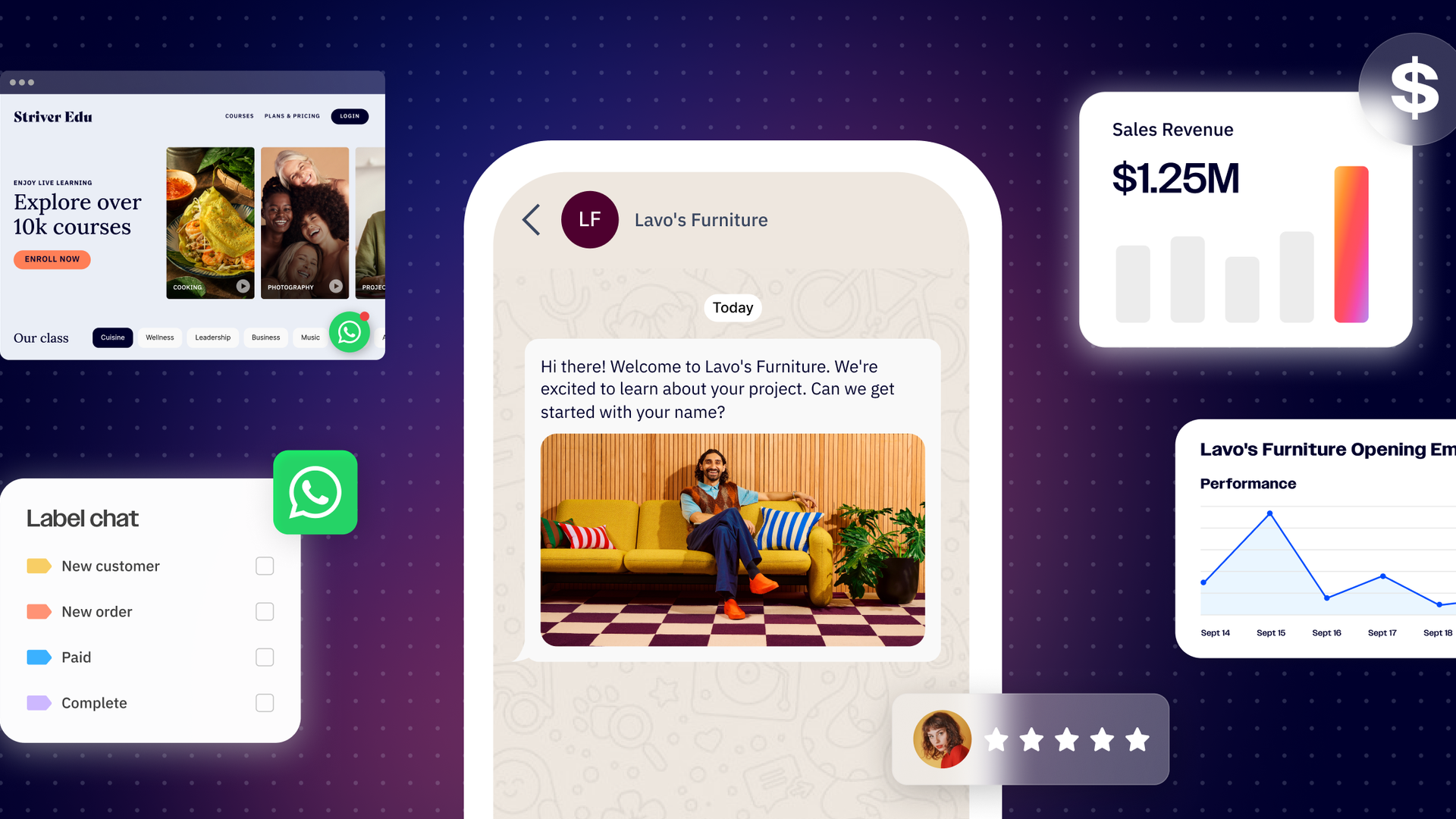
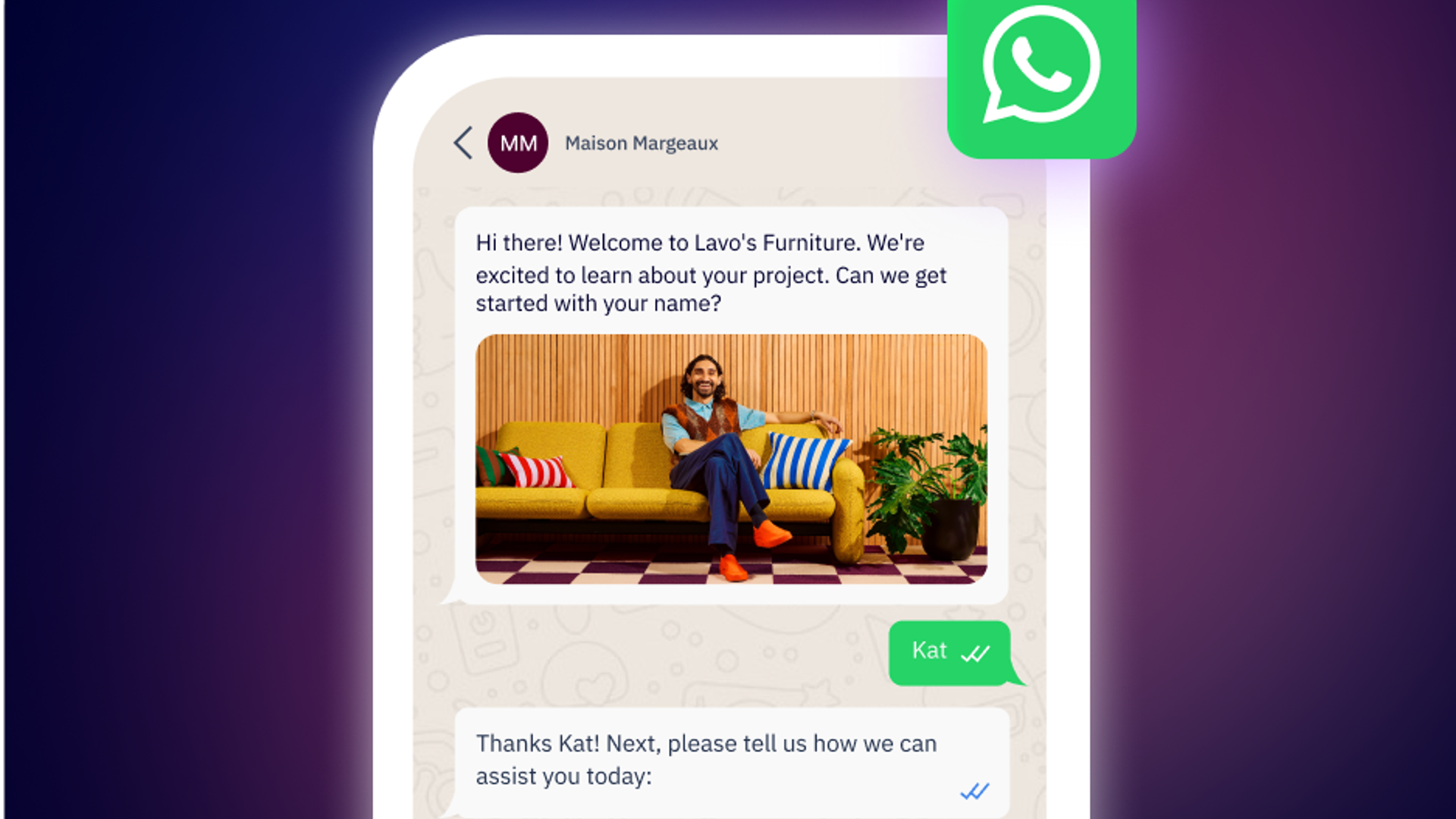
While it might seem obvious, one of the benefits of WhatsApp messaging is it supports rich media like high-quality images, video tutorials, and interactive menu buttons. This adds a level of creativity and engagement that can’t be replicated via SMS.
Measurable results
Keep track of your messaging performance by using WhatsApp marketing software to track delivery rates, monitor open rates, and measure click-through rates on any buttons or links included in your conversations. Many WhatsApp BSPs, like ActiveCampaign, offer some version of this. Take it one step further by connecting this information to your CRM so you can see which campaigns actually drive revenue and identify opportunities for further optimization.
Best practices for bulk messaging on WhatsApp
Successfully sending a WhatsApp marketing blast is about more than just technical setup. It’s also about respecting the fact that you’re entering a personal space and need to act accordingly. Here’s how to do it right:
1. Always get consent
If someone doesn’t explicitly opt in to receive WhatsApp messages from you, don’t message them. Period. One of the fastest ways to get blocked by a recipient or have your account reported is to start messaging people who never asked to hear from you.
When collecting a customer’s personal information, make sure to ask if you have their consent to send updates and offers via WhatsApp. Treat consent like an invitation into someone’s house—you wouldn’t show up uninvited, so you shouldn’t message someone without their permission either. Likewise, it’s equally important to provide recipients an easy way to opt out of messages if they no longer want to receive your communications.
2. Segment your audience
Don’t send the same message to everyone. Use what you know about your customers to segment them into specific lists and make messages even more relevant to their interests. For example, you can organize customers by purchase history or location to send hyper-specific promotions or product recommendations. The more relevant your message, the less it feels like marketing.
3. Prioritize value
Before hitting send, ask yourself first: would you want to receive this message? Is it genuinely helpful or just taking up space in your inbox? If you’re hesitating or rationalizing your message content, reconsider sending it. Messages that provide actual value can often look like exclusive discounts, timely or important updates, or helpful information that’s related to something a customer bought or inquired about.
4. Pay attention to frequency limits
WhatsApp is first and foremost the platform where people connect with their friends and family. When you message them, you’re interrupting those personal conversations so you need to make every message count. Send too many messages and you’re putting your account at risk of being blocked or reported. As a general guideline, limit your promotional messages to one or two per month and send transactional messages as needed. If you notice your opt-out rates start to spike, it may be time to reevaluate how often you’re sending your messages and dial it back if possible.
The bottom line: Scale responsibly
With WhatsApp bulk messaging, companies get unprecedented reach and engagement from their customer base. But simply blasting a message out to everyone in your contact list can quickly backfire and even hurt your brand’s reputation.
Instead, approach bulk messaging by treating WhatsApp like the personal channel it is. Send messages your audience actually wants; respect their time; make opting out easy; and provide genuine value in every message.
Ready to send bulk WhatsApp messages at scale? See how ActiveCampaign WhatsApp Messaging makes it easy to create, send, and track your broadcast campaigns that drive real results.
Frequently Asked Questions
How does ActiveCampaign help automate bulk WhatsApp messaging for businesses?
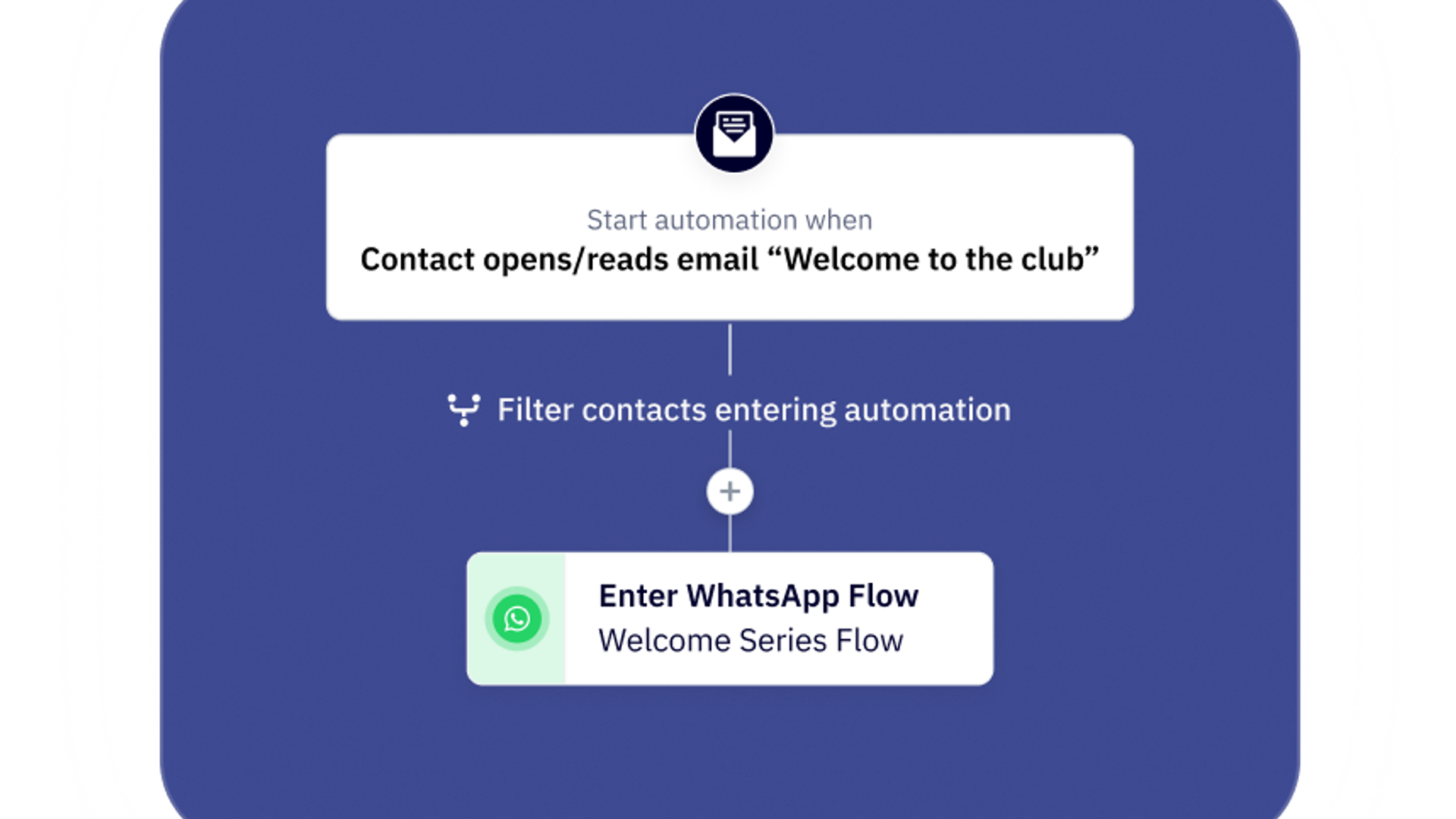
ActiveCampaign enables businesses to automate bulk WhatsApp messaging through its native integration with the WhatsApp Business API. You can create broadcast campaigns, personalize messages using templates and variables, and trigger WhatsApp messages based on customer behaviors or events—such as cart abandonment or non-opens. All WhatsApp communications are managed alongside your email, SMS, and other marketing channels, ensuring a unified and efficient workflow. This approach saves time, scales your reach, and keeps your messaging relevant and timely.
Can I segment my WhatsApp audience within ActiveCampaign to send targeted messages?
Yes, ActiveCampaign allows you to segment your WhatsApp audience using the same powerful segmentation tools available for email and SMS. You can create targeted lists based on customer data, behaviors, or engagement, ensuring each WhatsApp message is relevant and personalized. This segmentation helps you optimize WhatsApp marketing and deliver the right message to the right audience, increasing engagement and reducing the risk of being marked as spam.
What integrations does ActiveCampaign offer to enhance WhatsApp marketing campaigns?
ActiveCampaign offers over 1,000 integrations, including popular tools like Facebook, Shopify, WordPress, and Square, to enhance your WhatsApp marketing. These integrations allow you to sync data, automate workflows, and coordinate campaigns across channels, making it easy to create seamless customer journeys that include WhatsApp alongside email, SMS, and social media.
How does WhatsApp’s rich media support make marketing campaigns more engaging and effective?
WhatsApp’s rich media support lets you include images, videos, PDFs, and interactive buttons in your messages, making campaigns more visually appealing and interactive. This level of engagement helps capture attention, convey information more effectively, and drive higher response rates compared to plain text messages.
What features in WhatsApp help streamline the process of sending personalized bulk messages?
WhatsApp, especially when integrated with platforms like ActiveCampaign, offers message templates, personalization variables, and automation triggers that allow you to send tailored messages at scale. These features ensure each recipient receives content relevant to their interests or actions, saving time and boosting engagement.