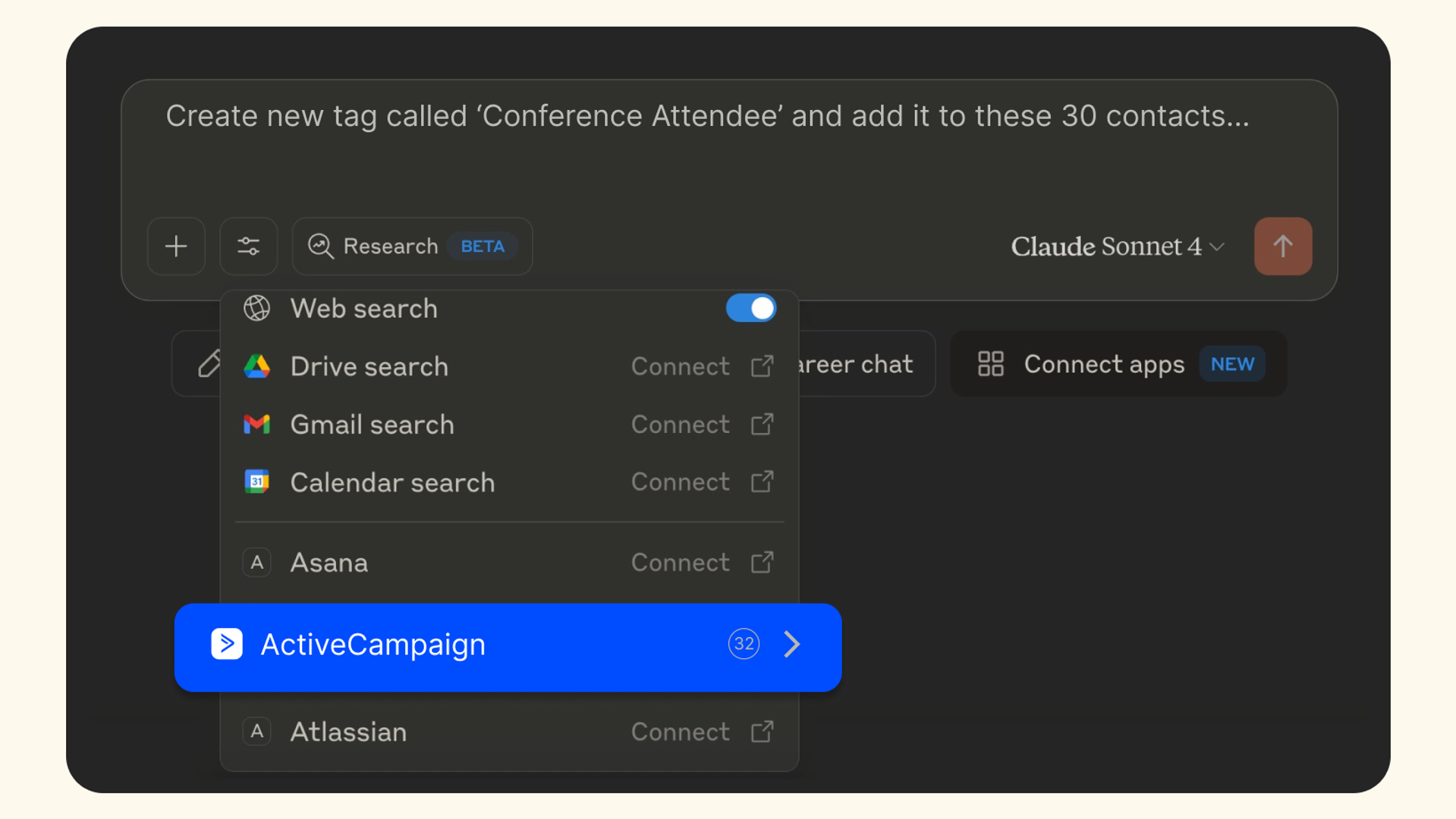
If you’ve been following anything related to the world of AI, you’ve probably seen “MCP” mentioned at least a few times—from marketing blogs to industry newsletters. People are implementing it, discussing its potential, and asking the same question: What exactly is an MCP server, and why should I care?
The confusion is warranted. Model Context Protocol, or “MCP,” servers represent a fundamental shift in how AI tools connect to real-world data, but the technical jargon can make them seem more complicated than they are.
This guide breaks down everything you need to know about MCP servers, how they work, and why businesses are using them to transform their AI workflows.
The problem: AI tools living in isolation
AI assistants like Claude, ChatGPT, and others are remarkably capable, but they operate in isolation from your actual business data. They can write, analyze, and reason, but they can't:
- Check your latest campaign performance
- Update a contact in your CRM
- Pull real-time data from your business systems
- Take actions across multiple platforms simultaneously
Before MCP, every connection between an AI tool and a business platform required custom development. Want Claude to access your marketing data? Build a custom integration. Need it to work with your sales platform too? Build another integration. This created what developers call the “NxM problem”—every new AI tool needs custom connectors for every business platform.
Rather than forcing you to replace or consolidate your existing tech stack, MCP introduces a new connectivity layer that sits between AI assistants and your business tools. Think of it as adding an intelligent translation layer to your current infrastructure. One that enables seamless AI-powered workflows across all your existing platforms without disrupting what already works.
This approach unlocks powerful agentic capabilities, where AI can autonomously orchestrate complex workflows across multiple tools.
See this in action in our video that dives into how AI can operate across your entire tech ecosystem.
What is an MCP server?
Think of an MCP server as a translator that sits between your AI assistant and your business tools. Released by Anthropic in November 2024, MCP provides a standardized way for AI models to connect with external data sources and tools.
Here’s the simple analogy: If USB-C provides a universal way to connect devices to peripherals, MCP provides a universal way to connect AI models to your business data.
Key components:
- MCP client: Functionality built into AI tools like Claude or Cursor, enabling connections to MCP servers (where the business data and context live)
- MCP server: The lightweight program that connects to your business platforms and responds to client requests
Your business context: The data and functionality that can be gathered/acted upon through the MCP server
How MCP works: From request to action
When you ask Claude to “update Jane’s contact information in ActiveCampaign,” here’s what happens behind the scenes:
- Natural Language Input: You type your request in plain English
- Client Processing: Claude's MCP client interprets your request, assesses the capabilities available through the MCP server, and determines what action to take
- Server Communication: The client sends a structured request to the ActiveCampaign MCP server
- Platform Interaction: The server securely connects to ActiveCampaign and updates Jane's information
- Response: You get confirmation that the task was completed
The entire process happens in seconds, without you needing to log into ActiveCampaign or write any code.
MCP vs RAG: When to use what
People often ask how MCP differs from Retrieval-Augmented Generation (RAG). Both enhance AI with external data, but they serve different purposes:
RAG is best for:
- Information retrieval from large document collections
- Knowledge base searches where you need to find relevant content
- Static data that doesn't change frequently
- Reading and analyzing existing information
MCP is best for:
- Taking actions in real-time (updating contacts, sending emails)
- Dynamic data that changes frequently (campaign performance, live metrics)
- Multi-platform workflows that span different business tools
- Two-way interactions where the AI both reads and writes data
Think of RAG as giving your AI a really good search engine for your documents. MCP gives your AI hands to actually take action inside of your business tools.
Real-world use cases: MCP in action
The power of MCP becomes clear when you see how businesses are actually using it:
For the marketer wearing many hats
The challenge: You're managing the calendar, writing the copy, and maintaining the templates, but the honest answer for what's actually working is sitting in account data you don't have time to dig through.
The MCP solution: "Which of my last five campaigns had the best engagement, and what do they have in common?"
For the business owner without a marketing team
The challenge: You know marketing could be doing more for the business. What you don't have is the time or expertise to go find where the opportunity is hiding in your own account.
The MCP solution: "How did our welcome series perform last month, and is there anything I should fix?"
For the solutions partner managing many accounts
The challenge: Every client account has its own brand, voice, and goals. Knowing what's driving or holding back results, account by account, is hard to do manually at any real scale.
The MCP solution: "Create the following tags and custom fields for the new client I just signed."
What ActiveCampaign’s MCP server offers
ActiveCampaign was among the first marketing platforms to embrace MCP, launching our Remote MCP Server to solve real problems marketers face daily.
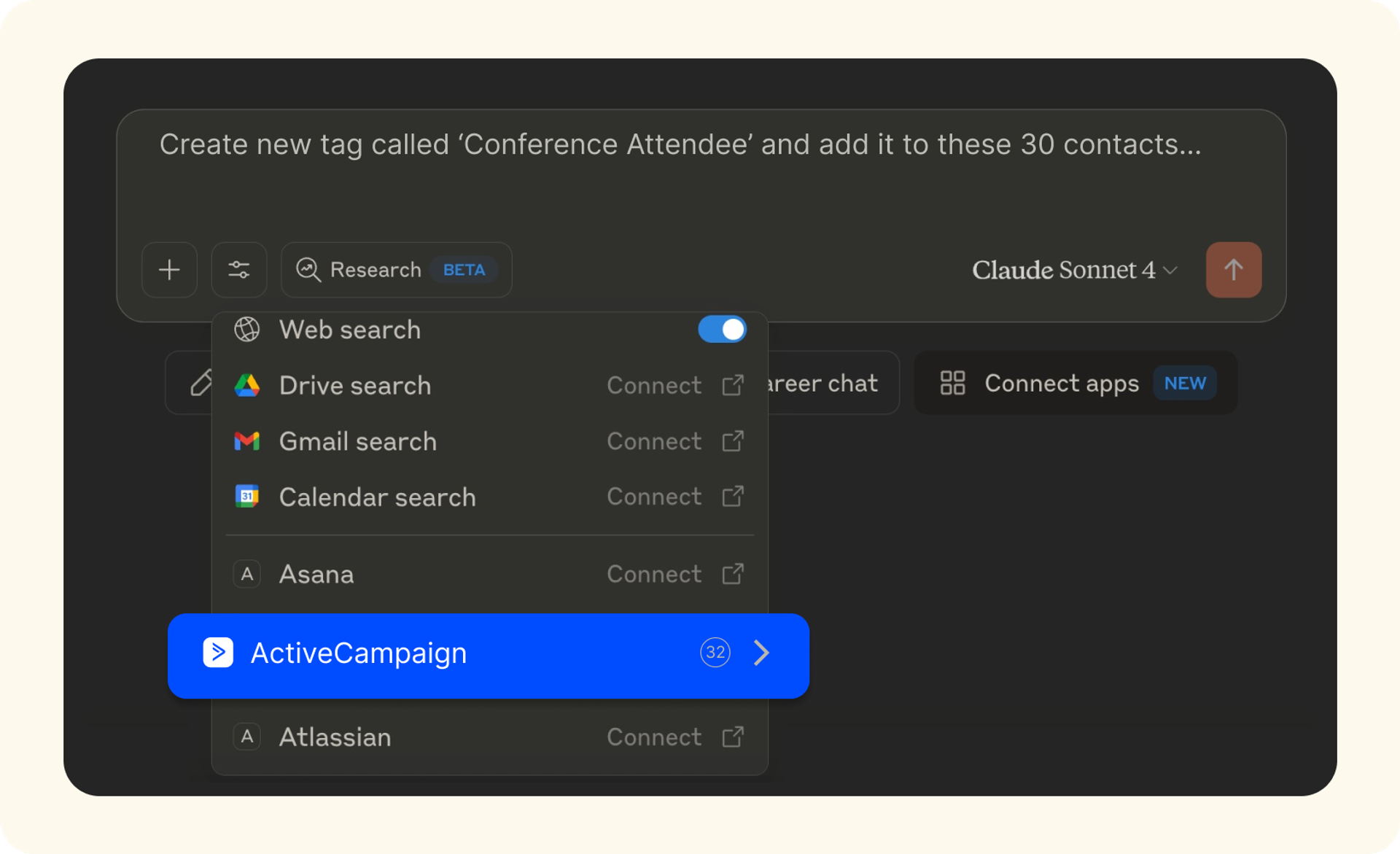
Core capabilities:
- Analyze campaign performance. Ask how a campaign performed in plain language and get the answer without opening a dashboard.
- Find and manage contacts. Pull a full contact record, create new contacts, or update existing ones from inside the chat.
- Manage automations. Add or remove contacts from any automation in a single prompt.
- Review automation performance. Understand how an automation is performing and flag anything that needs attention/identify opportunities for improvement.
- Manage tabs. Create a tag, apply it to a contact, and filter contacts, deals, or automations by any tag to keep your segments organized.
- View and move deals. List open deals, create new ones, and move deals through pipeline stages.
- Bring in connected app data. Tools like Calendly, Typeform, and Eventbrite store their data in ActiveCampaign as custom objects. With the MCP Connector, you can pull that data into the conversation so your AI assistant has more context than what lives in your core contact record alone.
Example prompts you can try:
- "Analyze how our Black Friday campaign performed and share which segment engaged the most.”
- "Add Sarah Johnson to our VIP customer list and update her phone number."
- "Remove anyone who hasn't opened in 90 days from the welcome automation."
- “Show me every contacted tagged ‘VIP’ who hasn’t ordered in the last 60 days.”
- "List all deals in the proposal stage and move the ones over 30 days old to follow-up."
How ActiveCampaign compares to competitors
Since we launched our server, the MCP ecosystem has quickly evolved with most major platforms offering some version of an MCP connection. The differences that matter aren’t about who showed up first; it’s about depth.
Automation control that goes both ways. ActiveCampaign's MCP server doesn't just report on automations, it acts on them. Add or remove contacts from a live automation with a single prompt, no manual list management required.
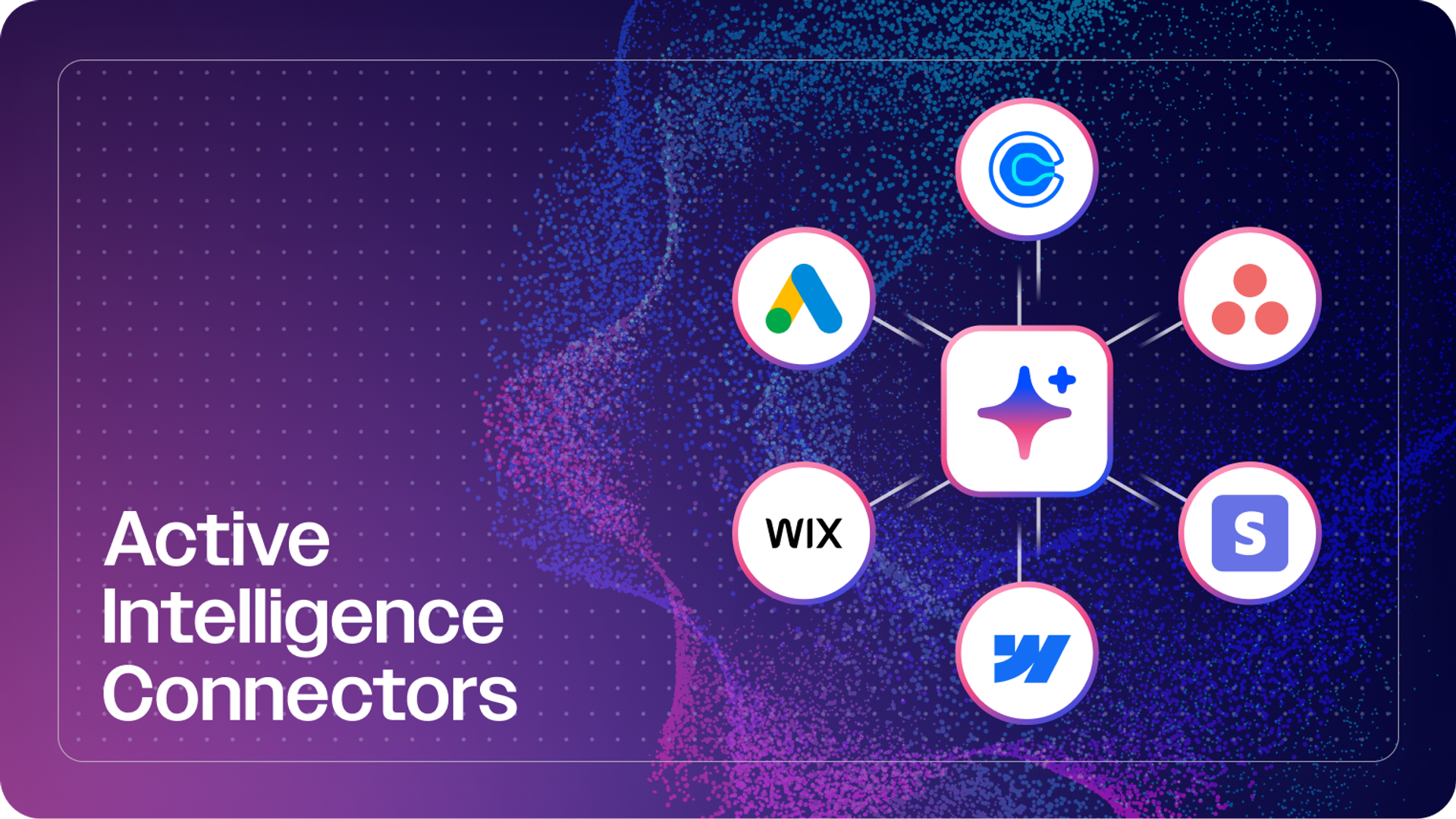
A connected story, not a single connector. ActiveCampaign's MCP server is one part of a broader connector ecosystem. You can already bring in context from tools like Calendly, Webflow, Google Ads, and Stripe alongside your ActiveCampaign data, with more connectors on the way. That means your AI assistant isn't just reading your marketing platform, it's working across the tools your business actually runs on.
Built for the full marketing lifecycle. From contact management to campaign execution to deal movement, ActiveCampaign's MCP server covers the day-to-day work marketers and business owners actually do, not just reporting.
Example multi-platform workflow:
"Find all customers who paid through Stripe and haven't purchased in the last 6 months, then add them to our 'Win-Back Campaign' automation in ActiveCampaign."
This single prompt works across two connected platforms, no exporting, cleaning, or manual importing required.
Getting started with ActiveCampaign’s MCP server
You can set up the ActiveCampaign MCP server in just a few clicks, with no coding experience required:
Set-up process:
You can connect ActiveCampaign MCP server to your preferred tool in just a few steps:
- Copy your unique Remote MCP URL, which can be found in your ActiveCampaign account
- Paste your Remote MCP URL into your preferred tool’s account settings
- Authenticate and connect your ActiveCampaign account to complete the connection
For more detailed instructions, you can reference the documents below:
Where ActiveCampaign MCP server is headed next
This update is the first step in a bigger shift where ActiveCampaign serves as the intelligence layer you can reach wherever you already work, starting with ChatGPT and Claude. From here, that same foundation extends into new surfaces and deeper context, so the marketing intelligence you get through MCP keeps getting sharper the more it knows about your account.
Have feedback on your experience with ActiveCampaign's MCP server? We're building this in the open and want to hear what would make it more useful for your team.
The future of MCP and marketing automation
MCP represents more than just a new way to connect tools—it's the foundation for truly autonomous marketing workflows. As the ecosystem matures, we're likely to see:
- Smarter automation: AI agents that can analyze campaign performance and automatically optimize targeting
- Cross-platform intelligence: Systems that learn from data across all your marketing tools
- Predictive actions: AI that anticipates what you need before you ask
For marketers ready to move beyond manual platform management, MCP servers offer a glimpse into this more efficient future.
Ready to try MCP?
MCP servers change how AI assistants interact with your business data, moving from isolated chat windows to real business automation. ActiveCampaign's MCP server puts that to work today, with no coding required and no dashboard-hopping.
Whether you're a marketer looking for the one thing that would actually move the needle, a business owner who needs a strategist working from your own account data, or a solutions partner managing results across every client, MCP gives your AI assistant direct, secure access to the account context it needs to help.
Need help getting started? Our support team can walk you through setup and help you find the use cases that matter most for your business.
FAQs
What actions can I automate using ActiveCampaign’s MCP server?
With ActiveCampaign’s MCP server, you can automate a wide range of marketing and sales actions using natural language prompts. This includes updating and managing contacts, adding or removing contacts from live automations, creating tags and custom fields, pulling real-time campaign analytics, and executing bulk operations across multiple contacts. The MCP server also enables cross-platform workflows, allowing you to combine actions in ActiveCampaign with other MCP-enabled platforms for seamless, multi-tool automation.
How does ActiveCampaign’s MCP server help marketers save time on daily tasks?
ActiveCampaign’s MCP server streamlines repetitive marketing tasks by letting AI assistants handle them through simple prompts, eliminating the need to log into multiple dashboards or perform manual updates. Marketers can instantly update contact records, trigger automations, analyze campaign performance, and manage lists—all in seconds. This reduces busywork, speeds up campaign execution, and frees up time for more strategic work.
Can I use ActiveCampaign’s MCP server with other business tools or platforms?
Yes, ActiveCampaign’s MCP server is designed to connect with other MCP-enabled business tools and platforms, allowing you to orchestrate workflows that span your entire tech stack. For example, you can identify customers from a point-of-sale system who haven’t purchased recently and automatically enroll them in a win-back campaign in ActiveCampaign—all from a single prompt. This cross-platform capability removes the need for custom integrations or manual data transfers.
How does ActiveCampaign’s MCP server connect to and enhance other features of its AI-native marketing automation platform?
ActiveCampaign’s MCP server acts as a bridge between AI assistants and the platform’s advanced automation features, allowing you to trigger workflows, update contacts, and analyze campaigns using natural language. This integration enhances the platform’s autonomous marketing capabilities by making it possible for AI to orchestrate complex, cross-channel campaigns and optimize performance in real time, all without manual intervention.
What are some practical use cases for ActiveCampaign’s MCP server in marketing and sales workflows?
Practical use cases include asking an AI assistant to update a customer’s contact information, add them to a specific automation, analyze campaign performance, or bulk-tag contacts—all from a single prompt. Agencies can manage multiple client accounts more efficiently, while business owners can automate daily tasks like reporting, list management, and follow-ups, saving significant time and reducing errors.