Put AI agents to work inside your automations

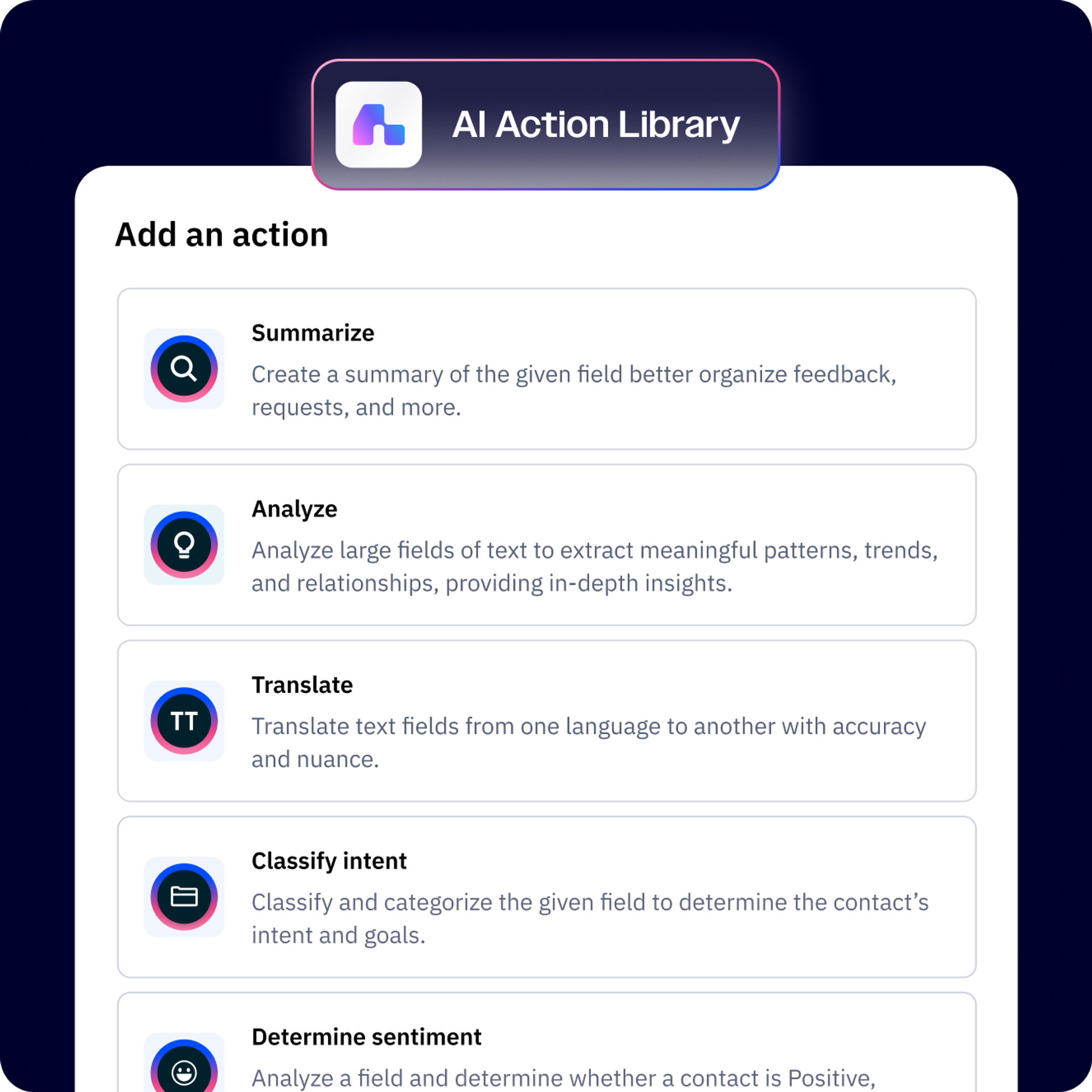
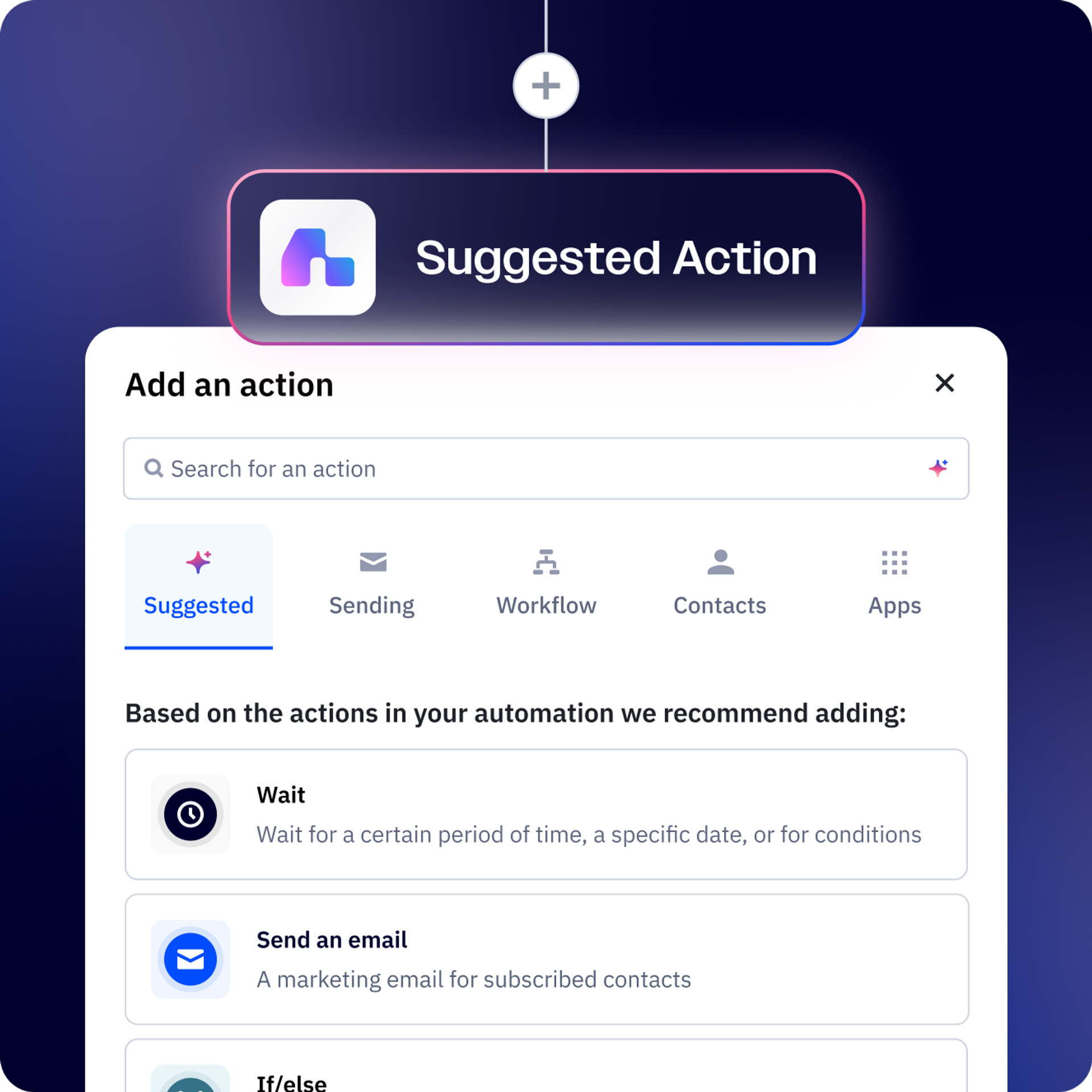
Give any workflow AI capabilities by adding actions from our library. Analyze customer intent, score engagement quality, or generate personalized recommendations—all with instructions you write in plain language, no technical setup required.

Analyze. Categorize. Translate. Personalize. Engage.

Add an AI Action to your automation and watch as it performs complex tasks for you—taking on the heavy lifting and building more adaptable journeys for your customers.

  • Turn data into real actions

    Simply select the AI Actions Library in your automation to summarize text, analyze sentiment, translate, categorize and extract data–then use that to personalize any marketing campaign.

  • Setup multi-step tasks with plain language

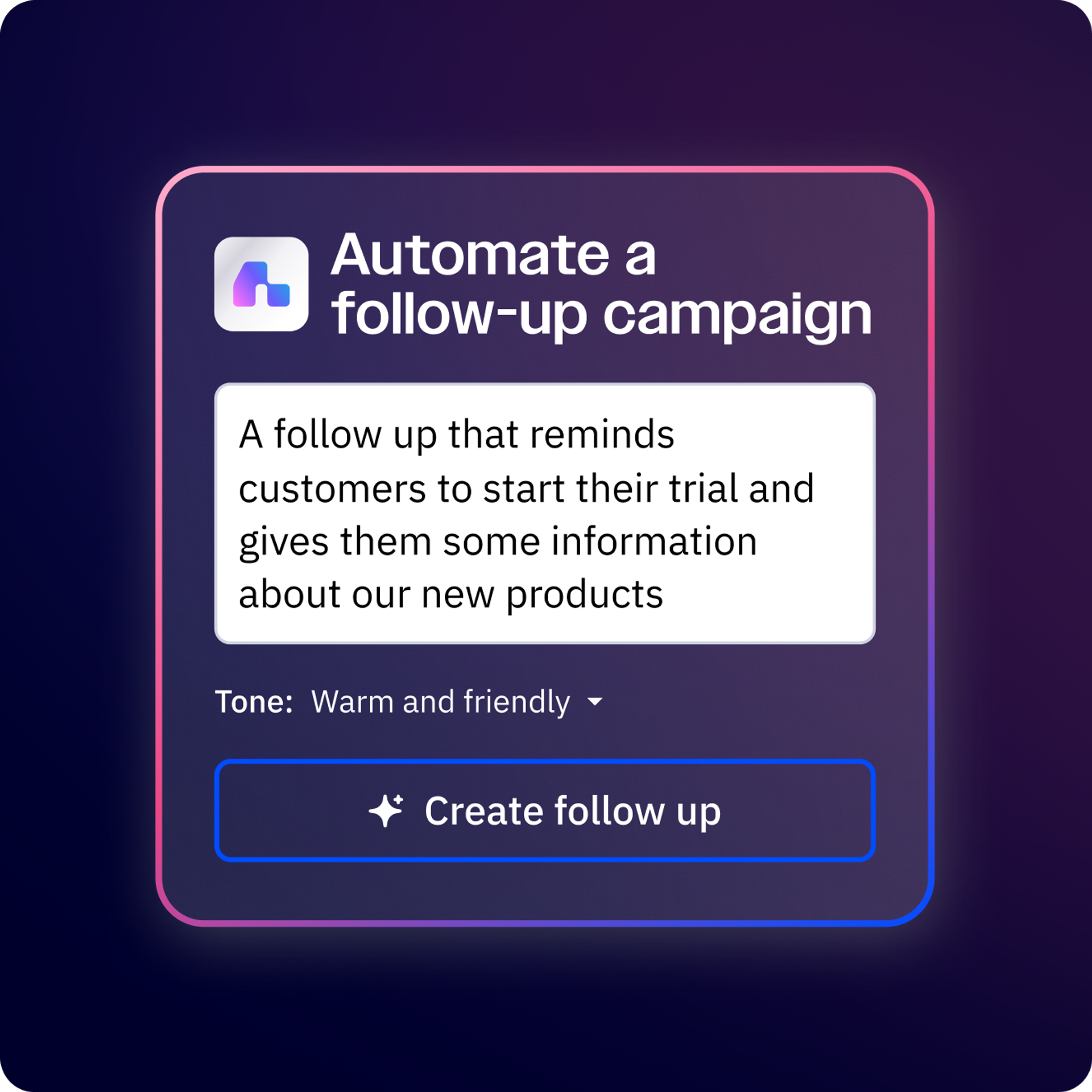
    Type your instructions as you want them to be performed and choose where to store the response. For best results, use clear directions and set actionable goals.

  • Personalize with just a few clicks

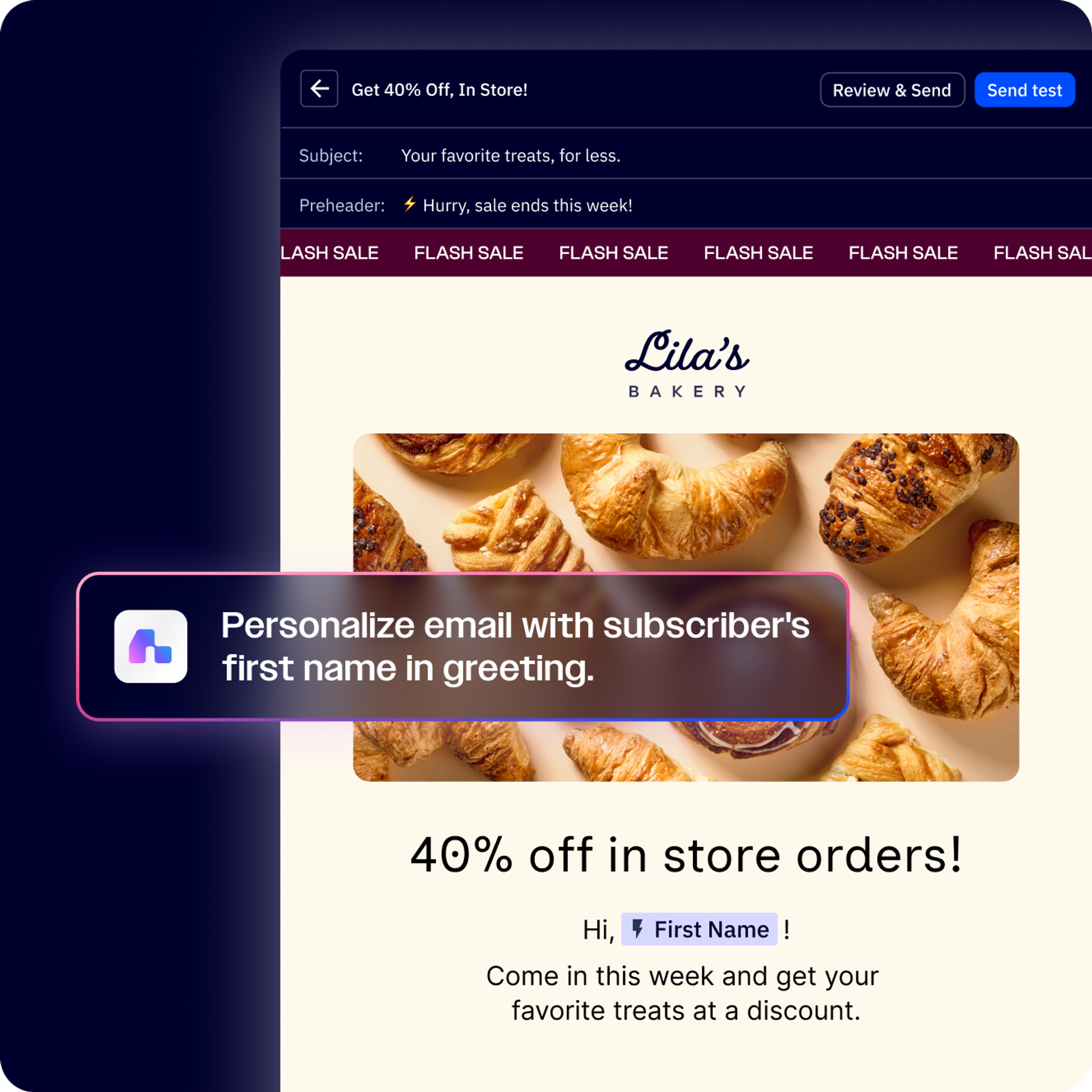
    Personalize marketing experiences for every individual, scaling your outreach while keeping interactions personal to drive engagement and loyalty.

  • Let AI handle the hard part for you

    AI finds ways to get you to your goals: building automations, sorting data, creating content, and more. You’ll have the chance to review the workflow and make any changes to fit your business.

Automatic translation & localization

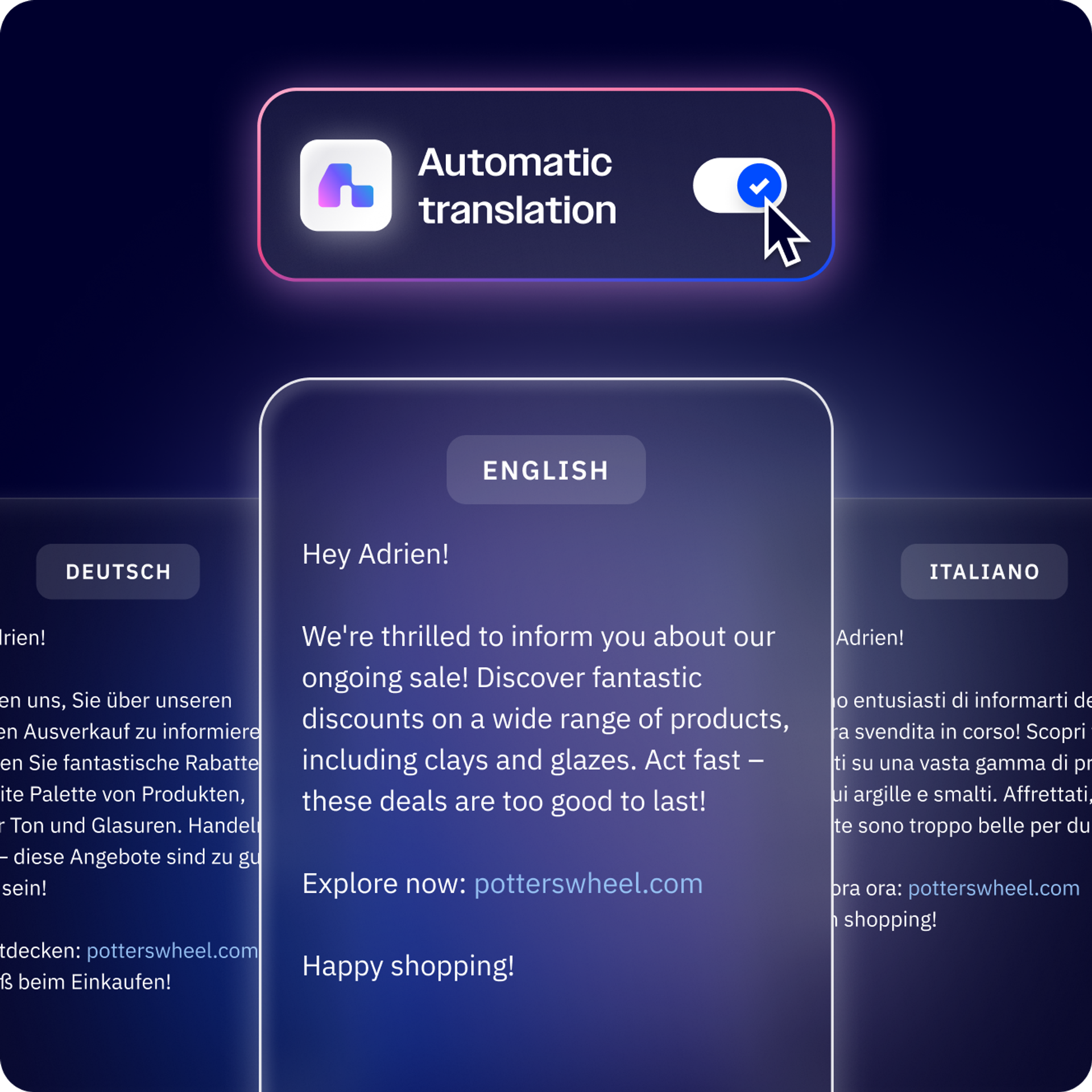
Run campaigns across the world without investing extra time and resources into translation. AI takes your messages and localizes them for every region automatically, so you can effortlessly expand your reach and break into new markets.

Scale your message, not your workload

Our AI Prompt Block is an easy and flexible way to bring the latest AI features into the marketing automation flow you already know and love.

  • Segmentation
  • Content generation
  • Tagging
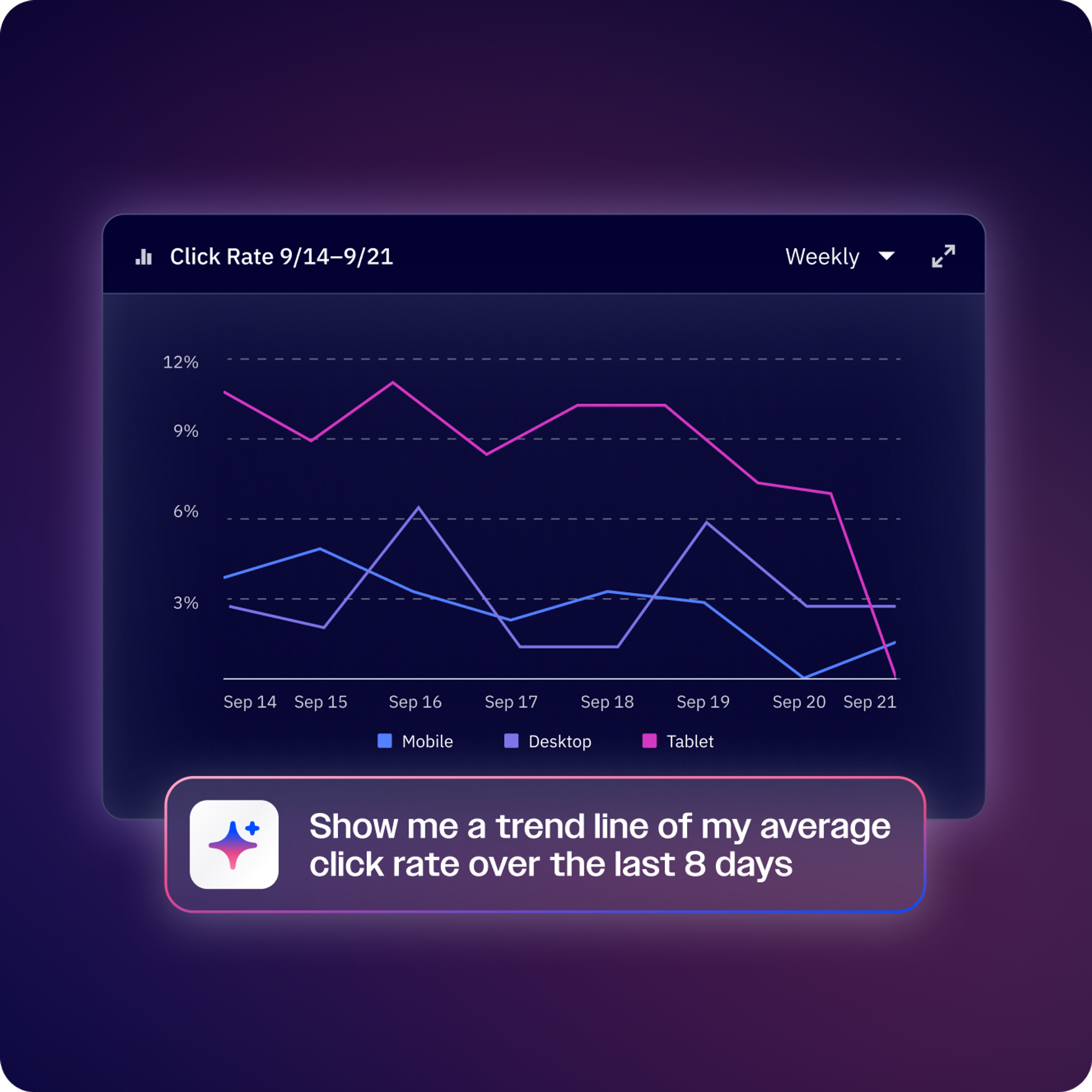
  • Behavior analysis
  • Sentiment analysis
  • CLV calculation
  • Translation
  • Campaign targeting
  • Custom image generation
  • Personalization
  • Predictive sending
  • Audience management
FAQs

Frequently asked questions

  • What kinds of AI actions can I add to my automations? 

    You can add actions like analyzing email sentiment, qualifying leads based on behavior, generating personalized product recommendations, scoring engagement quality, summarizing customer interactions, or predicting next-best actions. Each action uses AI to handle complex decisions that would be difficult or impossible with traditional automation rules.

  • Do I need to know how to code to use AI Actions? 

    Not at all. You simply describe what you want the AI action to do in plain English—like analyze this customer’s recent activity and recommend the best product category for them.” The AI Actions Library handles all the technical complexity behind the scenes, so you can focus on the business logic.

  • How do AI Actions work with my existing automations? 

    AI Actions drop right into any automation workflow you’re building, just like adding an email send or tag. Place them wherever you need intelligent decision-making—at the start to route contacts smarter, in the middle to personalize next steps, or at the end to analyze results. They work seamlessly with all your other automation actions.

Ready to take ActiveCampaign for a spin?

Try it free for 14 days.

Free 14-day trial with email sign-up
Join thousands of customers. No credit card needed. Instant setup.