You built a welcome email last spring, and it still works. Now you want it to react to what people click, buy, and ignore, and your email tool makes you work for every step.
That's usually when teams start shopping. Teams switch email automation software for one of three reasons. The first tool gets expensive as the list grows, feels too basic for the next journey, or takes more setup than a small team has time for.
This list covers six platforms for marketers who have outgrown basic email marketing. ActiveCampaign's content team judged them using vendor documentation, pricing pages, and independent ratings, with input from a product marketing manager who works in ActiveCampaign every day. Each platform gets the same template: who it's good for, standout features, a blunt limitation, and current pricing.
Here are the six platforms and who each one is good for:
- ActiveCampaign: good for marketers who want deep journeys and a native CRM in one platform.
- Klaviyo: good for Shopify-first ecommerce brands.
- HubSpot: good for teams with a large CRM suite budget.
- Mailchimp: good for beginners with simple flows.
- Brevo: good for budget-conscious teams that send high volume to large lists.
- Omnisend: good for small ecommerce stores.
What is email automation software?
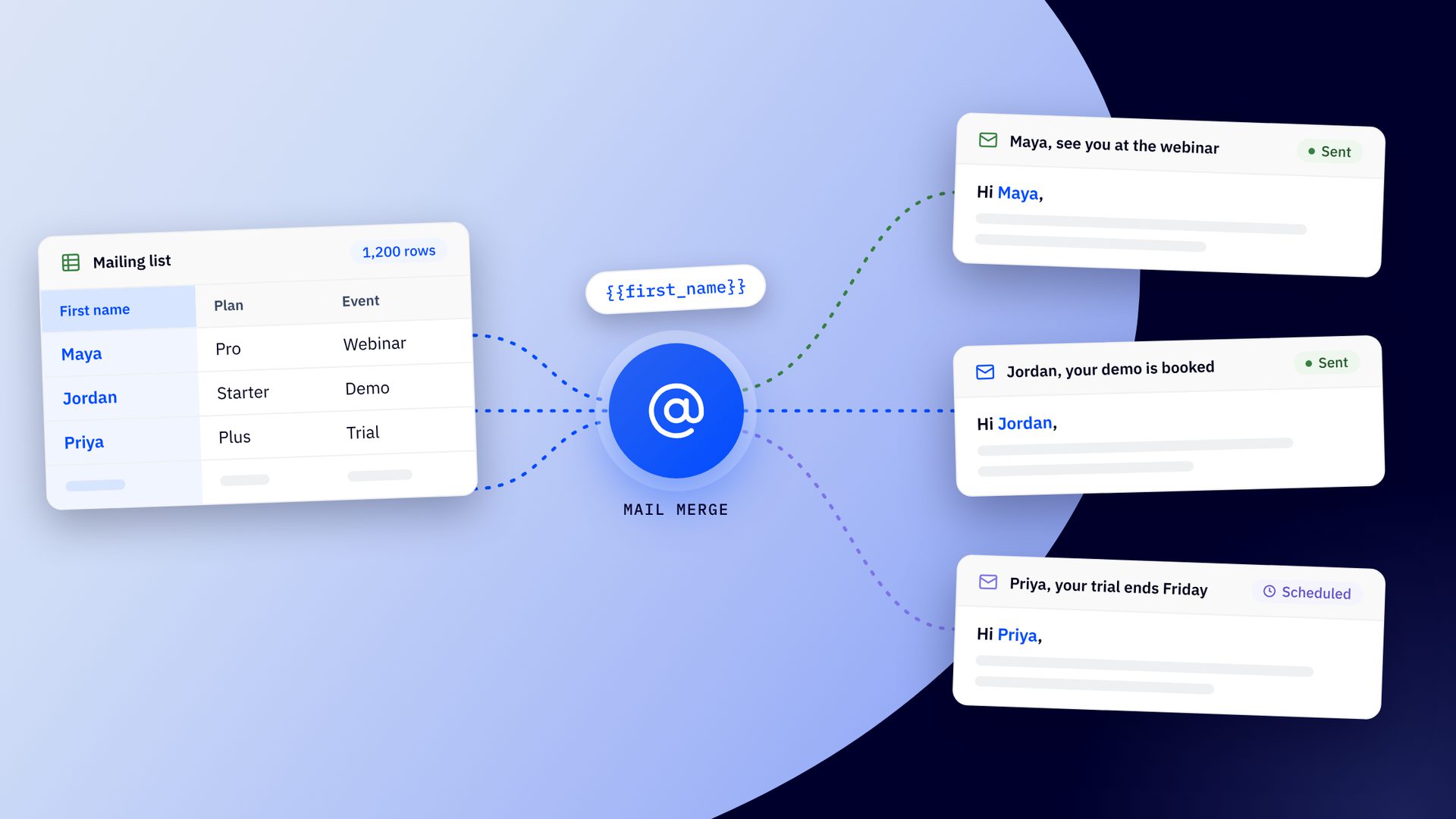
Email automation software sends emails for you when something happens: someone signs up, buys, clicks, or goes quiet. You set the trigger once, and the software runs the sequence and adjusts to what each contact does. It's what powers welcome series, abandoned cart reminders, and other email flows.
How these six platforms were chosen
Each platform was judged on four criteria:
- Journeys it runs well: how deep its triggers go and how much conditional logic the builder handles before it gets hard to follow.
- Effort to build and maintain: the time from blank canvas to a live automation, and whether AI builds the flow or only drafts copy.
- Data reach: how contact data feeds your automations, and whether they extend into a CRM to update deals and hand off to sales.
- Cost as you grow: what the price scales by, such as contacts, sends, or seats.
Evidence came from vendor documentation and pricing pages, EmailTooltester's 2026 deliverability ratings, and an interview with an ActiveCampaign product marketing manager. Prices are as of November 2026.
Email automation software at a glance
| Tool | Good for | Standout feature | Starting price | Deliverability (EmailTooltester) |
|---|---|---|---|---|
| ActiveCampaign | Deep journeys with a native CRM | Builds flows from a plain-language description or a recipe | From $15 a month, billed annually | 4 of 5 stars (2026) |
| Klaviyo | Shopify-first ecommerce brands | Native Shopify catalog and order data in flows | Free plan; paid from $20 a month | 5 of 5 stars (2026) |
| HubSpot | Teams with a large CRM suite budget | Workflows that run on a shared CRM record | From about $800 a month (Professional), billed annually | 73.2% in the January 2024 test |
| Mailchimp | Beginners with simple flows | Template-first flows builder | Free plan; Standard from $20 a month | 3 of 5 stars (2026) |
| Brevo | Budget-conscious high-volume senders | Send-based pricing with SMS in the same workflows | Free plan; Standard from $18 a month | 4 of 5 stars (2026) |
| Omnisend | Small ecommerce stores | Prebuilt ecommerce workflows with email, SMS, and push | Free plan; paid from $16 a month | 4.5 of 5 stars (2026) |
1. ActiveCampaign: good for marketers who want deep journeys and a native CRM
Full disclosure: ActiveCampaign is our product, so we held it to the same template as everyone else.
ActiveCampaign is an AI marketing platform for small teams that have outgrown email-only tools. Depth is the reason to pick it. Active Intelligence knows your business, so the post-purchase automation that used to mean wiring every step by hand can now start from a plain-language description or a recipe. You review and approve it before it goes live. The payoff is a marketer who finally runs every lifecycle journey they meant to build, and you can start small and keep the same platform as your list grows.
Active Intelligence users see 75% higher engagement than non-users, across 32,948 accounts.
EmailTooltester gives ActiveCampaign 4 of 5 stars for deliverability in its most recent ratings. In its January 2024 inbox-placement test, ActiveCampaign scored 94.2%, which is 13.4% above the 83.1% average.
ActiveCampaign standout features
These features set ActiveCampaign apart for email automation:
- Builds from a description or a recipe: describe a flow in the Active Intelligence Workspace on Pro and Enterprise, or import one of 1,000+ Automation Recipes, then edit it before launch, so you spend your time editing instead of assembling.
- Tells you when a flow breaks: automation health monitoring flags logic issues in the canvas and shows when contacts drop out of a flow, so a broken step gets noticed before your engagement numbers notice it.
- AI inside the workflow: AI Actions summarize text, analyze sentiment, translate, or extract data into a contact field, so the next email can fit each contact instead of the average one.
- CRM in the same flow: a deal stage change can trigger a campaign, an email open can update a lead score, and handoff steps such as creating a deal, assigning an owner, or notifying a rep are single automation actions.
- Depth that keeps up: 45 triggers across 11 categories, branching, goals, and split testing of whole automations on Pro and Enterprise, so a journey can start from far more than a signup form.
Of all these flows that any platform can help you build, what really makes a difference is, do you know when something breaks?
Email, SMS, WhatsApp, and site messages can share one flow, and predictive sending picks a send time for each contact.
Tip: Add SMS or WhatsApp when the message is time-sensitive and your customers already use the channel. Appointment reminders and new-listing alerts are two examples, and WhatsApp suits regions where it's the main way people message.
ActiveCampaign limitations
- Starter caps each automation at five actions, so multi-step journeys start on Plus, at $49 a month billed annually.
- The plain-language builder sits on Pro and Enterprise, so it costs more than entry plans.
- AI still needs a person: review each draft against your business judgment, keep integrations and data connections current, and read the insights it surfaces (it drafts fast and takes no blame for a send, which is why you stay in the chair).
Even though now we have AI to give you these insights or data, you still need someone to ask the right questions.
ActiveCampaign pricing
Free plan: no, but a 14-day free trial lets you test it. Paid plans start at $15 a month billed annually ($19 billed monthly) for 1,000 contacts on Starter, per ActiveCampaign's pricing page. Plus is $49, Pro is $79, and Enterprise is $145 a month billed annually at the same list size. The price scales by contacts.
Active Intelligence is included in every plan, with AI credits as the usage meter and a starting pool of 500.
ActiveCampaign migrates your contact lists, forms, templates, and several custom objects for free once you're onboarded. Onboarding sessions run about 60 minutes and are designed to get you live in your first week, and on-demand videos cover self-serve accounts.
No matter how big or small you are, [ActiveCampaign] is able to scale with you.
Kommunicate reported 66% quarterly revenue growth using ActiveCampaign automation.
2. Klaviyo: good for Shopify-first ecommerce brands
Klaviyo speaks fluent Shopify. Its native catalog and order data is why a shopper who views a product twice, leaves, and gets a reminder for that exact product feels like the store was paying attention. EmailTooltester gives Klaviyo 5 of 5 stars for deliverability in its 2026 ratings, the top score in its current ranking.
Klaviyo standout features
These features set Klaviyo apart for ecommerce automation:
- Ecommerce flows from templates: browse and cart abandonment, post-purchase cross-sell, replenishment, back-in-stock, and winback are ready to switch on.
- Native Shopify data: catalog, order, and browsing data feed segments and flows, so messages reflect what each shopper did.
- Predictive analytics: expected next order date, predicted lifetime value, and churn risk can steer flow timing.
- Email and SMS in one flow: both channels share the same flow builder.
- Klaviyo AI and attribution: help with copy and segments, plus revenue attribution per flow and campaign.
Klaviyo limitations
- Each flow starts from a single trigger, so a journey with several starting points needs several flows.
- Depth is strongest on Shopify, and its 350+ integrations leave WooCommerce, BigCommerce, and Magento users with less.
- No native sales pipeline or deal-stage triggers, so B2B lead nurture and sales handoff need a separate tool.
Klaviyo pricing
Free plan: yes, up to 250 active profiles and 500 sends a month, per Klaviyo's pricing page. Paid plans start at $20 a month for 500 profiles and $30 for 1,000, and Email plus SMS plans start at $35. The price scales by active profiles, with SMS billed through credits.
3. HubSpot: good for teams with a large CRM suite budget
HubSpot Marketing Hub runs workflows on a shared CRM record across marketing, sales, and service, which gives it the deepest native CRM reach on this list. It's a full suite with a full-suite price tag, so the advantage is real if you have the budget and a dedicated admin. In EmailTooltester's January 2024 inbox-placement test, HubSpot scored 73.2%, below the 83.1% average.
HubSpot standout features
These features set HubSpot apart for CRM-driven automation:
- CRM workflows: automations for contacts, companies, deals, and tickets on Professional and above.
- Lead scoring and rotation: a contact who downloads a guide, reaches an MQL score, and is assigned to a rep with a task stays inside one record.
- Lifecycle stage automation: workflows move contacts through each stage and update owner assignments.
- Sales sequences: reps send email sequences from Sales Hub.
- Multi-touch attribution: revenue attribution and customer journey analytics arrive on Enterprise.
HubSpot limitations
- Professional and Enterprise carry a mandatory one-time onboarding fee of $3,000 and $7,000, a cover charge before the music starts.
- Data stays unified across marketing, sales, and service only when you buy more than one hub, which multiplies cost.
- Advanced AI features run on credits, and agents typically require Professional or higher.
HubSpot pricing
Free plan: yes, for the CRM tools. On HubSpot's Marketing Hub pricing page, Starter costs about $15 per seat a month billed annually, and real workflow depth starts at Professional, from about $800 a month billed annually ($890 billed monthly) with three seats and 2,000 marketing contacts. Enterprise starts at about $3,600 a month. At list price, the first year costs roughly $13,680 on Professional and $50,200 on Enterprise, including onboarding. The price scales by contacts, seats, and hubs.
4. Mailchimp: good for beginners with simple flows
Mailchimp is the platform most people have already heard of, and its template-first builder gets a small team sending a welcome flow in an afternoon. It's the gentlest on-ramp on this list. EmailTooltester gives Mailchimp 3 of 5 stars for deliverability in its 2026 ratings.
Mailchimp standout features
These features set Mailchimp apart for beginners:
- Template-first flows builder: drag-and-drop rules, branching paths, and delays.
- Prebuilt flow templates: welcome, abandoned cart, and date-based messages are ready to edit.
- Predictive segmentation: purchase likelihood and churn risk arrive on Standard and above.
- Intuit Assist: AI writing help for campaign copy.
Mailchimp limitations
- The free plan has no automation, and multi-step automations begin on Standard.
- Depth runs out sooner. ActiveCampaign offers 2.5x more automation actions, according to ActiveCampaign's own comparison of the two builders, and Mailchimp has fewer behavioral triggers.
- Mailchimp manages audiences only, with no sales pipeline or deal-stage triggers, so complex journeys often turn into several manual campaigns.
Mailchimp pricing
Free plan: yes, up to 250 contacts and 500 sends a month, without automation, per Mailchimp's pricing page. Essentials starts at $13 a month for 500 contacts, Standard at $20 a month for 500 contacts, and Premium at $350 a month for 10,000 contacts. The price scales by contacts, and entry plans cap at 500, half of ActiveCampaign's 1,000-contact entry tier.
5. Brevo: good for budget-conscious teams that send high volume to large lists
Brevo charges by sends instead of list size, so a team with a big list and modest sends can run core flows without paying rent on every stored contact. It's the budget pick on this list. EmailTooltester gives Brevo 4 of 5 stars for deliverability in its 2026 ratings.
Brevo standout features
These features set Brevo apart for high-volume senders:
- Drag-and-drop workflow builder: guided setup and a straightforward canvas.
- Behavior triggers: contact events, email engagement, and website activity start workflows.
- Multichannel steps: email and SMS steps live in the same workflow, and WhatsApp arrives on Professional.
- Built-in sales CRM: deals and pipelines sit in the same platform.
- AI assistant: help with copy.
Brevo limitations
- Full automation, A/B testing, and send-time optimization start on Standard, not on the free or Starter plans.
- WhatsApp requires the Professional plan, at $499 a month.
- The template library is smaller, at a few dozen automations, and segmentation has less behavioral depth than platforms built around event data.
Brevo pricing
Free plan: yes, with 300 emails a day, per Brevo's pricing page. Starter begins at $9 a month for 5,000 emails, Standard at $18 a month, and Professional at $499 a month, with custom Enterprise pricing. The price scales by send volume instead of list size.
6. Omnisend: good for small ecommerce stores
Omnisend hands a small online store ready-made ecommerce workflows that combine email, SMS, and push notifications with minimal setup, so a combined email and SMS cart recovery flow can go live in minutes. EmailTooltester gives Omnisend 4.5 of 5 stars for deliverability in its 2026 ratings, second in its current ranking.
Omnisend standout features
These features set Omnisend apart for small stores:
- Prebuilt ecommerce workflows: cart, browse, order, post-purchase, and winback are ready to switch on.
- Multichannel steps: email, SMS, and push notifications share one workflow.
- Behavior splits: conditions react to shopping behavior.
- Order-history segmentation: audiences build from what customers bought.
- AI help: writing help, an AI segment builder, and product recommendations.
Omnisend limitations
- Logic outside ecommerce is shallower, so B2B journeys outgrow it.
- No native sales CRM or deal-stage automation. Omnisend also connects one Shopify store, while ActiveCampaign connects multiple Shopify stores plus BigCommerce, WooCommerce, and Square.
- SMS is Pro-only for new accounts, with credits bought separately.
Omnisend pricing
Free plan: yes, up to 250 contacts and 500 emails a month, per Omnisend's pricing page. Standard starts at $16 a month for 500 contacts, and Pro starts at $59 a month for up to 2,500 contacts with unlimited emails. For accounts opened on or after May 4, 2026, SMS is available on Pro only. The price scales by contacts.
How to choose email automation software
Match the platform to your situation:
- If you sell on Shopify and ecommerce flows are the whole job, start with Klaviyo or Omnisend, depending on store size and budget.
- If sales and marketing share one CRM record and the budget is there, start with HubSpot.
- If you're launching your first welcome series, start with Mailchimp and enjoy the gentle slope.
- If you send high volume to a large list on a tight budget, start with Brevo.
- If you need deep journeys across email, SMS, and WhatsApp with a CRM in the same system, start with ActiveCampaign.
Before you commit, check that the platform still supports the segmentation, automations, and channels you'll need at your next contact tier. Then pick two, build the same welcome journey in each free plan or trial, and keep the one you'd rather maintain at 4 p.m. on a Friday.
Go deeper with these guides on:
Describe the journey you need, review the draft Active Intelligence builds, and watch it run on your own contacts. Try it free and see how it fits the way you work.
Launch your first journey this week
Email automation software FAQs
What is email automation software?
Email automation software sends emails for you when something happens: someone signs up, buys, clicks, or goes quiet. You set the trigger once, and the software runs the sequence and adjusts to what each contact does.
What’s the best email automation software for a small business?
The best fit is the platform that runs the journeys you need today and still works when your list doubles. Before you commit, check that it supports the segmentation, automations, and channels you’ll need at your next contact tier, and that its price stays predictable as you grow.
Will I lose my contacts and existing automations if I switch platforms?
You keep your contacts. ActiveCampaign migrates your contact list, forms, templates, and several custom objects for free once you’re onboarded. You can rebuild existing automations faster with Automation Recipes, which import common sequences into the canvas for you to edit.
Which email automation platform has the best deliverability?
EmailTooltester’s 2026 ratings put Klaviyo first at 5 of 5 stars, Omnisend at 4.5, and ActiveCampaign at 4, and its January 2024 inbox-placement test scored ActiveCampaign at 94.2%, 13.4% above the 83.1% average. Your own habits count too: authenticate your sending domain, add a preference center so subscribers choose what they receive, and check your setup before you rewrite subject lines when results dip.
Do I need a CRM with my email automation tool?
You need one when your automations should react to sales activity, such as a deal stage change that starts a campaign or an email open that updates a lead score. A native CRM keeps that data in the same system as your email, so you have no separate connection to maintain.
How much does email marketing automation software cost?
Email automation software costs from nothing on free plans to about $800 a month for HubSpot Professional. At 1,000 contacts, ActiveCampaign starts at $15 a month billed annually and Klaviyo at $30, while Brevo’s Standard plan starts at $18 and prices by send volume. Prices rise with contacts or sends, so price the list you’ll have next year.
How long does it take to set up an email automation platform?
Most ActiveCampaign onboarding sessions run about 60 minutes, and the process is designed to get you live in your first week. Your timeline depends on how much you migrate and how complex your first flow is, and starting from a Recipe or a plain-language description shortens the build.