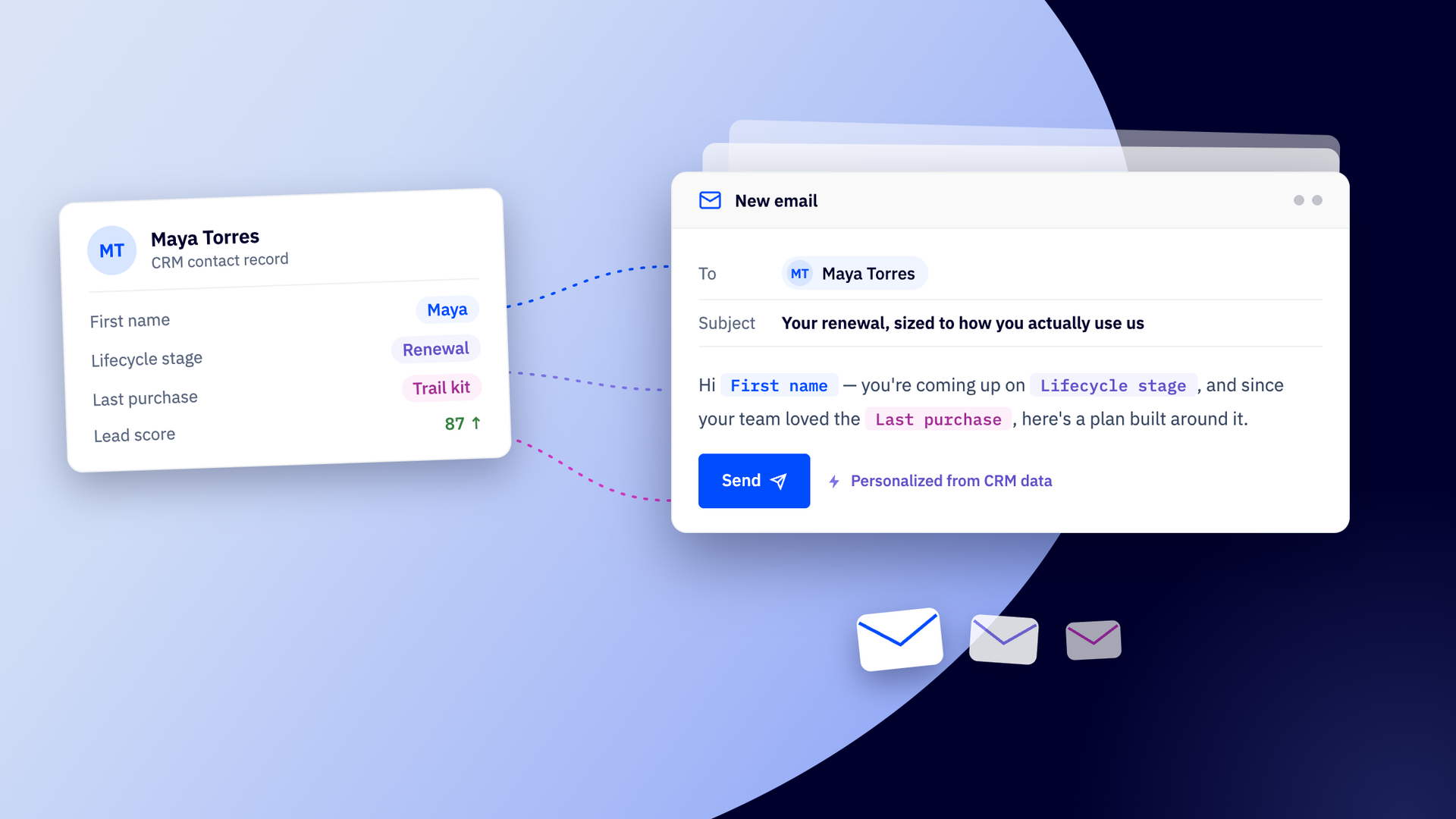
A CRM knows the whole story of your customer: what they bought, where they are in a deal, and how likely they are to convert (everything sales knows that marketing may not). CRM email marketing puts that whole record to work in the emails you send them, so each one reflects the entire relationship instead of a name and a recent click.
TL;DR: CRM email marketing connects your customer data to your email, so you can reach people based on who they are, what they've done, and where they're headed, across the entire lifecycle. The payoff depends on how closely your data and your sending actually live together: the tighter the connection, the more your email can respond to real customer signals instead of a static list. Get it right, and you stop optimizing for opens and start optimizing for the outcomes that matter, like pipeline, repeat purchases, and lifetime value.
What you'll learn in this guide:
- What CRM email marketing is, and how it differs from standard email marketing
- How to connect your CRM data and email so they share one live record
- How to personalize emails based on real CRM signals, from lifecycle stage and purchase history to lead score and deal data
- Which segments are worth building, and what to send each one
- How a shared customer view turns sales and marketing into one motion
This guide focuses on the CRM side of email marketing. If you want to round out the bigger picture, explore our other guides to learn more:
What is CRM email marketing?
CRM email marketing is email marketing powered by your customer relationship management (CRM) data. Instead of sending from a standalone list, you send from the same record that holds each customer's history, behavior, and relationship with your business.
CRM email marketing speaks to the customer behind the contact information, with the full context of who they are and what they're worth. The record knows they bought twice last quarter, that their deal is stuck in negotiation, that their lead score just jumped after three site visits, and the email you send can reflect all of it.
What's changed recently is that the record no longer just sits there for you to query. Autonomous platforms read it as it moves and act on what they find, so the same data that once told you who to email now decides the timing and the message on its own.
From customer record to relevant email
Every email you send can draw from the CRM. It acts as a single source of truth, holding fields that describe a real relationship:
Lifecycle stage Whether someone's a fresh lead, an active opportunity, a paying customer, or a lapsed one. The single best cue for what's relevant to send next. |
Deal stage and value Where an open opportunity sits in the pipeline and what it's worth. You can tell a stalled deal from one about to close, and prioritize accordingly. |
Purchase history What a customer has bought, how often, and how recently. The clearest signal of what they might want next, from a replenishment to an upsell. |
Website and email activity The pages they revisit, the products they linger on, and what they open, click, or ignore. Behavior that shows interest before they ever say a word. |
Lead and engagement scores A running read on how active and interested a contact is. It turns scattered activity into one number you can act on and trigger from. |
Win probability How likely a deal is to close or fail. With this insight, marketing can throw weight behind the opportunities most worth the push, or re-engage the ones cooling off. |
Each of these fields are useful on their own. Together, they lead to real advantages for your CRM email marketing strategy:
Messages shaped for the individual
A merge field pulls one cell from the record; CRM email marketing draws on the whole thing. You can change what you send, not just who it's addressed to, so a prospect comparing options and a customer near renewal get genuinely different emails.
Segments that never go stale
The same fields group the right people to receive a message. You can build audiences around deal stage, purchase history, or lead score, and because the record updates as people act, those segments stay accurate instead of going stale.
The full story behind every send
A behavioral trigger reacts to a single action. The record lets you send with the full context, a rising lead score and a stalled deal and a history of repeat purchases, so the message reflects the relationship rather than the last thing someone did.
The gains of a CRM-based email marketing strategy are well documented.
McKinsey puts the revenue lift from personalization at 10-15% for most companies, alongside a 10-30% improvement in marketing ROI, and the businesses growing fastest pull 40% more of their revenue from personalization than their slower-moving peers. You can’t tailor what you can’t see, so CRM data makes depth possible.
Modern platforms keep all of this data on their own, adjusting what each contact sees as their record changes rather than leaving you to rebuild segments by hand. The newest autonomous platforms go further, reading the record as it shifts and deciding what to send and when, so the email keeps pace with the customer instead of waiting for you to catch the change.
CRM segments worth building, and what to send them
CRM segmentation groups your contacts by the data on their records, so each group can receive the message that actually fits it. Here are the ones worth building for almost any business, and what to send each.
New leads vs. MQLs vs. SQLs Match the message to the stage in the record. New leads need education and a reason to trust you; MQLs are ready for social proof and product depth; SQLs want a clear next step and a reason to act now. |
Open deals vs. closed-won customers Deal stage tells you which is which. Someone mid-deal needs momentum, case studies, answers to objections. A closed-won customer needs onboarding, then a reason to stay and grow. |
High-value customers Order history and lifetime value surface your best customers. Early access, loyalty perks, and a more personal tone reward the relationship and protect it. |
Repeat purchasers Purchase history flags who's bought more than once, your most likely next sale. Replenishment reminders, complementary recommendations, and loyalty offers meet them where they already are. |
Trial and onboarding-stage users Lifecycle stage marks who's in their first few weeks, the window that decides whether they stick. Guided setup, quick wins, and nudges toward the "aha" moment turn a trial into a habit. |
Inactive subscribers Engagement data shows who's gone quiet. They need a different approach, a reason to re-engage, a check-in, or an honest "still want to hear from us?" before you let them go. |
Roland increased their engagement rate from 23% to 40% in 6 months after implementing an intensive re-engagement campaign for inactive leads with their ActiveCampaign CRM.
Built by hand, these would mean maintaining a pile of static lists and updating them as people move between stages. But with a CRM platform that maintains data, they update themselves, adding and removing contacts the moment their records meet or stop meeting the criteria. AI-driven autonomous marketing platforms will even surface high-value segments hiding in your data that you didn't think to build.
The quality of your CRM data decides everything
A static list goes stale the moment someone acts, but a customer record doesn't. It updates as people buy, browse, and engage.
B2B contact records decay at roughly 22.5% a year as people change jobs, companies merge, and domains switch, according to MarketingSherpa research. That's close to a quarter of what you know about your customers drifting out of date within twelve months, whether or not anyone touches the record. A record that updates as people act keeps that decay from hollowing out email sends.
Every part of CRM email marketing, the personalization, the segments, and the timing, runs on fresh, high-quality data. Good data makes relevant email easy. Thin or stale data makes it impossible, no matter how good your copy is. To build great CRM email marketing campaigns, you first need to know whether your data is in a state to feed them.
Good customer data has three qualities working together:
It’s rich Your CRM should hold more than a name and an address. Capture behavior, purchase history, lifecycle stage, and intent, the details that let an email speak to who someone actually is. The more the record knows, the more precisely you can reach them, and the less every message reads like it went to everyone. | It’s current A modern CRM updates as people act, rather than sitting frozen from your last import. A customer who bought yesterday, upgraded last week, or went quiet last month looks different today than they did before. Current data means your email keeps up with them instead of lagging a step behind. | It’s connected Everything you know about a customer should live in one place, not scattered across tools that don't talk to each other. When behavior, sales activity, and email history share a single record, you can act on the full picture, instead of piecing it together from fragments. |
Get all three working together and sending relevant email will become much easier.
It matters more now than it used to. The autonomous features doing the reading, the scoring, the segmenting, and the timing all run on the record, so when the data is thin or stale, AI doesn't rescue it, but instead scales the mistake, sending the wrong message to the wrong person faster than any team could by hand. The intelligence is only ever as good as the record it reads from.
An all-in-one CRM email marketing platform vs. an integrated stack
Acting on all CRM signals, spotting who's ready to buy, who's slipping away, who just changed their behavior, used to be work a marketer did by hand, one segment at a time. The best CRMs and email marketing platforms now do that reading for you. They watch the signals in a customer's record as they change and respond automatically, personalizing and timing each send in ways that would be impossible to keep up with manually.
But a platform can only act on the signals it can actually see. If your customer data and your email live in different tools, the platform sending your email is working from a partial, delayed copy of the picture, and no amount of intelligence makes up for data it can't reach. How your tools are set up decides how much your email can do. It usually comes down to two arrangements.
| Integrated CRM + email stack | All-in-one platform | |
| Where your data lives | Split across an email tool and a CRM, joined by an integration | One system, where email and sales work from the same record |
| How current it is | Only as fresh as the last sync, which may run hourly, daily, or on a trigger | Live, so a change in the record is available to act on immediately |
| What you can segment and personalize on | Whatever fields the integration is set up to pass between the two systems | The full record: behavior, purchase history, lifecycle stage, lead score, deal data |
| How sales and marketing share it | Each team works in its own tool and reconciles the gaps | Both work from one view, so engagement and pipeline are visible to everyone |
| What it takes to maintain | Ongoing upkeep of the connection, plus watching for fields that silently stop syncing | Nothing to connect or reconcile because the data is shared by design |
| Where it tends to break | Delays, dropped fields, and mismatched records between systems | Fewer failure points, since there's only one source of truth |
When your email tool and your CRM are separate systems, you inherit a job: keeping them in sync. Data passes between them on a delay, some fields never make the trip, and the platform sending your email only ever sees part of the record. It works, but the intelligence is running on a copy that's always a little behind.
With an all-in-one platform the customer record and the email engine draw on the same live data, so there's nothing to sync and nothing to go stale. Every signal a customer gives off is there to act on the moment it happens.
The setups you choose decides whether you see the customer as a whole and or see them in pieces. It's a shift businesses feel the moment their data comes together:
The company had grown over 15 years and data was spread across Mailchimp and in the CRM. It wasn’t integrated. ActiveCampaign provided the opportunity to bring all the data into one place, to have it all integrated and remove the data silos we were experiencing.
Email strategy that aligns sales and marketing teams
Sales and marketing often keep separate stories about the same customer.
- Marketing tracks opens, clicks, and campaign activity
- Sales tracks calls, deals, and pipeline
If the two don’t line up, leads get handed over a wall with half their context missing, and the customer feels the seams. They’re marketed to as if they never spoke to sales, or sold to as if they never engaged.
The payoff for closing that gap is measurable. Forrester found that tightly aligned B2B organizations grow revenue about 24% faster over three years than their less-aligned peers.
With a CRM that’s built into your email marketing platform, email engagement and sales activity live in the same place. Both teams work from one view of the customer and each team's work becomes fuel for the other's.
Marketing sends on what sales knows When a deal moves to a new stage, stalls, or closes, marketing can see it and respond, pausing a nurture sequence the moment sales takes over, or launching an onboarding flow the instant a deal closes. The email adapts to where the relationship actually is, not where a list assumed it was. |
Sales acts on what marketing sees Every open, click, and campaign response shows up on the record sales works from. A rep can see a prospect just read three pricing emails and reach out while the interest is live, instead of calling blind. |
Scoring routes the right leads at the right time Lead and engagement scores draw on both teams' signals, so a contact who crosses the threshold can be handed to sales automatically, and one who's gone cold can drop back into nurture. Nobody's chasing dead leads or ignoring hot ones. |
This results in collaborative sales and marketing workflows that look more like loops than handoffs.
- Marketing warms leads and passes them over with full context
- Sales works them and feeds the outcome back
- Marketing re-engages the ones that don't close
Intelligent platforms like ActiveCampaign can keep that loop moving on its own, triggering the next step as each contact's data changes, so alignment isn't a monthly meeting, it's just how the system works.
CRM email marketing optimizes for revenue
Open rates and click rates tell you an email got attention but they don't tell you it made any money. For most of email marketing's history, that was the best you could do, because the send lived in one tool and the revenue lived somewhere else, and nothing connected the two.
CRM email marketing lets you follow a message all the way to what it produced: a deal that advanced, a trial that converted, a repeat purchase, a renewal. That changes what you optimize for.
Instead of chasing a higher open rate, you can aim at the outcomes that actually matter, and different businesses will weigh them differently.
What should you track?
A closer look.
B2B and considered-purchase teams
Watch pipeline and deal progression, where email’s job is to move opportunities toward a close, not to sell on the spot.
SaaS and subscription businesses
Watch trial and signup conversions, where success is turning a free user into an active, paying one.
Ecommerce and retail
Watch repeat purchases and average order value, where the real value is in the second, third, and fourth order, not just the first.
Services and membership businesses
Watch retention and lifetime value, where keeping a customer is worth more than winning a new one.
Pick one or two goals that reflect how your business actually makes money, and hold your email to those.
This is where the shift pays for itself. McKinsey finds that getting personalization right can cut customer acquisition costs by as much as half, which only happens when your sends are aimed at the record instead of sprayed across a list.
The best CRM email marketing platforms have attribution built in. Every send and every outcome lands on the same record, so you can see which campaigns and touchpoints are driving conversions and revenue, not just engagement.
ActiveCampaign doesn't just report those outcomes back to you, its Active Intelligence AI engine reads them and points you toward what to change, turning a number you'd otherwise puzzle over into a clear next step. The record stops being a place you check results and becomes something that helps you improve them.
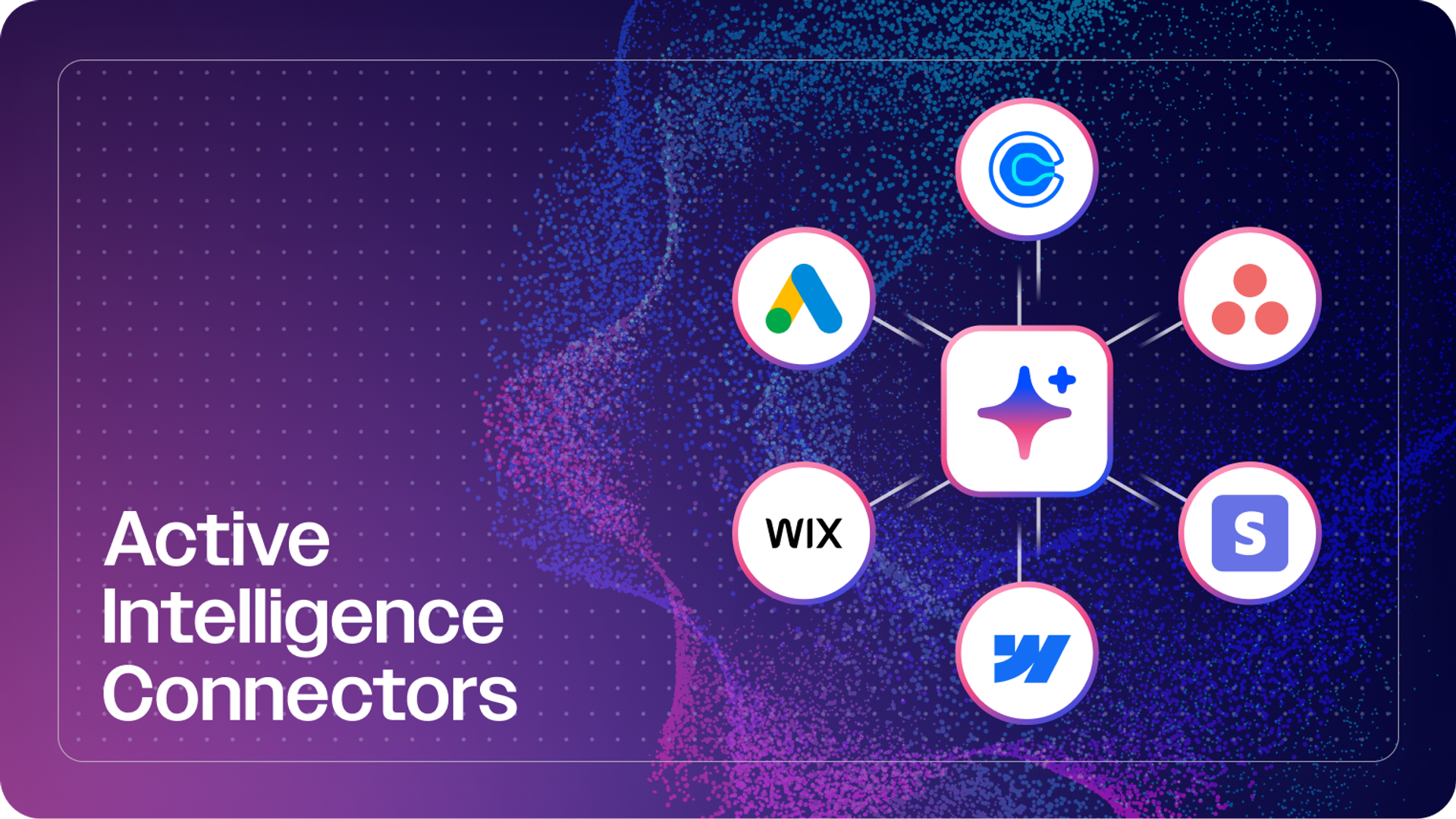
The platform keeps your email, sales pipeline, and customer data across 1,000+ tools on a single record, so every message can draw on the full picture.
- Segments update themselves as that data changes
- Personalization reaches past the first name into what someone's actually done
- Sales and marketing work from the same view of every customer
- Email campaigns are built and adapted with your business goals in mind
- Optimizations are suggested based on the outcomes that matter to you
You set the direction and stay in control of the calls that count; the platform handles the constant reading and responding that no team could keep up with by hand.
ActiveCampaign’s open architecture and robust integrations have been transformative for our business, enabling us to fully integrate CRM data points into our marketing analytics dashboard to better serve our clients.
See what your customer data can do.
FAQs
Do I need separate CRM and email tools for CRM email marketing, or can one platform do both?
You can do CRM email marketing with standalone tools, but a single platform that combines both is simpler and keeps your data current. With separate tools, you connect a CRM to an email tool through an integration and maintain the sync between them; with an all-in-one platform, the customer data and the email work from the same record automatically. The all-in-one route removes the lag and gaps that come from moving data between systems.
Is CRM email marketing worth it for a small business?
Yes. Small teams often benefit most from CRM email marketing, because using customer data to send fewer, more relevant emails does the work that a bigger team would otherwise do by hand. You don’t need a large list or a technical setup to start, just a platform that connects your customer data to your email.
How much does CRM email marketing software cost?
Pricing for CRM email marketing depends on the combination of tools you choose and usually scales with the size of your contact list and the features you need. Many platforms, like ActiveCampaign, offer entry-level plans plus a free trial to start. To get the most for your money, look for a platform that keeps your CRM data and email on one record, since paying separately for tools you then have to integrate often costs more and delivers less. Since pricing changes, check the provider’s current plans before you commit.
How do I get started with CRM email marketing?
Start by getting your customer data into one place, then pick a single, high-value use case to run first, like a welcome journey for new leads or a win-back flow for lapsed customers. Set the goal, let your platform build the flow, and measure it against a real outcome rather than just opens. Once it’s working, expand to the next use case from there.
What data do I need before I start CRM email marketing?
You need less data than you’d think to start CRM email marketing. You can begin with the basics, contact details and how someone joined your list, and enrich the record over time as people engage, buy, and move through their journey. The more your data captures behavior, purchase history, and lifecycle stage, the more relevant your email can become, but you don’t need all of it on day one.