If you’re a small business owner using ChatGPT or Claude for marketing help, you’ve likely run into this issue plaguing your peers. You ask a good question and get a good answer, but then you’re the one who has to build the list, create the automation, and update the pipeline yourself.
The output you and so many others get is the quiet cost of most AI marketing tools right now. It doesn’t show up in a demo, but it shows up in your day: a second login window, copy-pasting between chat windows and a dashboard, and suddenly asking AI to handle your marketing turns into you handling your marketing. Call it the old way of getting things done, this was the manual work that AI promised to remove in the first place.
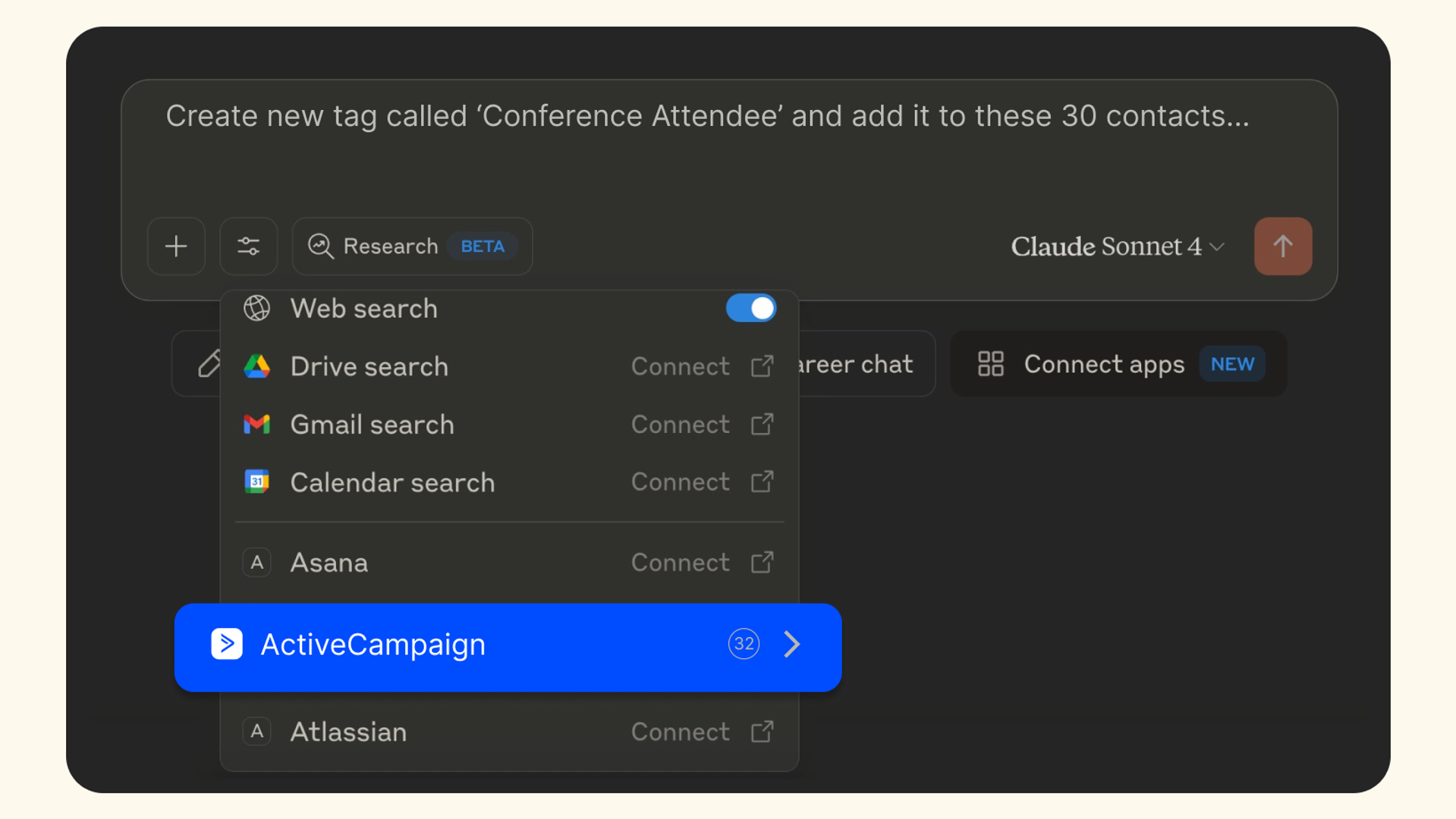
ActiveCampaign’s MCP was built to deliver that promise that most AI tools fail to deliver on. Instead of an assistant that tells you what to do next, you’ll get an assistant that actually does what it suggests all within the same ChatGPT or Claude conversation you’re already in.
Most MCP connectors stop at “here’s what I found”
If you’ve ever tried connecting a marketing platform to ChatGPT or Claude before, you might’ve experienced the following pattern. You ask the AI assistant about your account, the AI pulls up a decent answer, and then it points you to a dashboard the moment you want to act on that observation.
That’s not a knock on AI. It’s just a limitation of what the connector behind it is allowed to do,as most marketing connectors today are built to read and report. Even fewer are built to write or complete an entire small business workflow that involves tagging, list building automation enrollment, and deal movement in one continuous conversation.
ActiveCampaign’s MCP server sits in that smaller group. Here’s what it can actually do from inside a conversation:
- Check on your campaigns. Pull up your completed campaigns sorted by most recent send date, right from one conversation window.
- Find and manage contacts. Bring up a contact record, create a new one, or update an existing one.
- Manage automations. Add or remove contacts from any automation with a single request.
- Review your automations. See an automation’s structure, goals, linked campaigns, and how many contacts have entered or completed it. You can also check in on individual contacts as they move through each automation.
- Manage tags. Create a tag, apply it to a contact, and filter your contacts, deals, or automations by that tag.
- View and move deals. List open deals, create new ones, and move them through your pipeline stages.
- Bring in connected app data. ActiveCampaign stores information from tools like Calendly, Typeform, and Eventbrite as custom objects. The MCP connector pulls that data into conversation so your AI assistant has all the context they need beyond what’s in a contact’s record.
The best part? None of it requires any coding experience; just a sentence.
What this looks like in 3 different business scenarios
The scenarios below are illustrative, not real ActiveCampaign customers. They’re meant to show what a single prompt can accomplish today, task-by-task, and how this helps business owners who run marketing and everything else simultaneously.
Scenario 1. Turning interest into a follow-up sequence
Imagine you’re a cooking-school owner promoting a weekend pasta-making class. After sending your initial email promotion, you notice only a handful of prospects actually click on the email and almost none complete their registration.
The prompt: “Find everyone who clicked my pasta class email but haven’t registered. Create a tag labeled ‘Pasta Class - Interested’, and apply it to those contacts. Add those tagged contacts to my ‘Cooking Class Follow-up’ list and start my existing ‘Class Registration Follow-up’ automation.”
What happens: The AI assistant reviews your campaign’s engagement data, identifies the contacts who clicked but didn’t convert, creates and applies the tag, adds those contacts to the list, and enrolls them in an existing automation. You’ll be able to see your results all in the same conversation, no external dashboard required.
Scenario 2. Qualifying leads into a sales pipeline
Suppose you’re a landscaping business owner with a string of inquiries about outdoor kitchen projects and you need to separate the serious leads from the casual browsers.
The prompt: “Find everyone who expressed interest in an outdoor kitchen project valued above $5,000. Create a tag called ‘Outdoor Kitchen Lead’, apply it to those contacts, create an ‘Outdoor Kitchen Projects’ sales pipeline, create a deal for each qualified lead in the ‘Estimate Requested’ stage, and add each contact to my existing ‘Estimate Follow-up’ automation.”
What happens: Your AI assistant finds and tags qualified contacts, sets up the pipeline and its stages, creates a deal for each lead in the right stage, and enrolls the contacts in the follow-up automation. You can end your conversation with an organized pipeline instead of a scattered inbox.
Scenario 3. Building a retention system from scratch
Picture this: you’re a mobile pet grooming business owner who needs to track information about pets, not just their owners, and you want to know who’s due for another appointment.
The prompt: “Create a custom object called ‘Pet Profile’ with fields for the pet’s name, breed, grooming preferences, last appointment date, and recommended grooming interval. Create Pet Profiles using my customer information. Then find the owners whose pets are due for grooming and tag them as ‘Grooming Due’, add them to my ‘Grooming Reminders’ list, and start my existing ‘Book Your Next Grooming’ automation.”
What happens: Once the pet data exists, your AI assistant can automatically identify who’s due for grooming, tag and list those owners, and enroll them in an existing reminder automation to schedule their next appointment. All within the same chat window.
A quick note on custom objects: Creating a new object from scratch, like Pet Profile above, requires an Enterprise plan. If you’re on another plan, you can still work with custom object data already brought into your account through a connected app, like appointment details from Calendly or intake information from Typeform.
Built for the way small businesses work
Three different business scenarios, three different workflows, and the same underlying pattern. Simply type out your request and ChatGPT or Claude produces the completed piece of work, without sending you back to a dashboard or another tool. It’s why we built ActiveCampaign’s MCP server to support every use case, whether you’re a marketer wearing five hats at once, an owner using AI to surface the right opportunities, or a solutions partner managing dozens of client accounts.
Ready to try it yourself?
You don’t need to be an engineer or have advanced technical skills to use ActiveCampaign’s MCP server, and you don’t need a developer to help you get started. If you’re already using ChatGPT or Claude, connecting your ActiveCampaign account only takes a few minutes and a handful of prompts.
Set up your MCP server today: Connect the ChatGPT app or the Claude app.
Looking for the fuller picture of what MCP is and how it works? Check out our MCP explainer here.