Test your marketing & back decisions with data
Get rid of your performance jitters. Find out exactly what works with split testing. Test up to five variations at a time, so you always know what gets results.
Get rid of your performance jitters. Find out exactly what works with split testing. Test up to five variations at a time, so you always know what gets results.
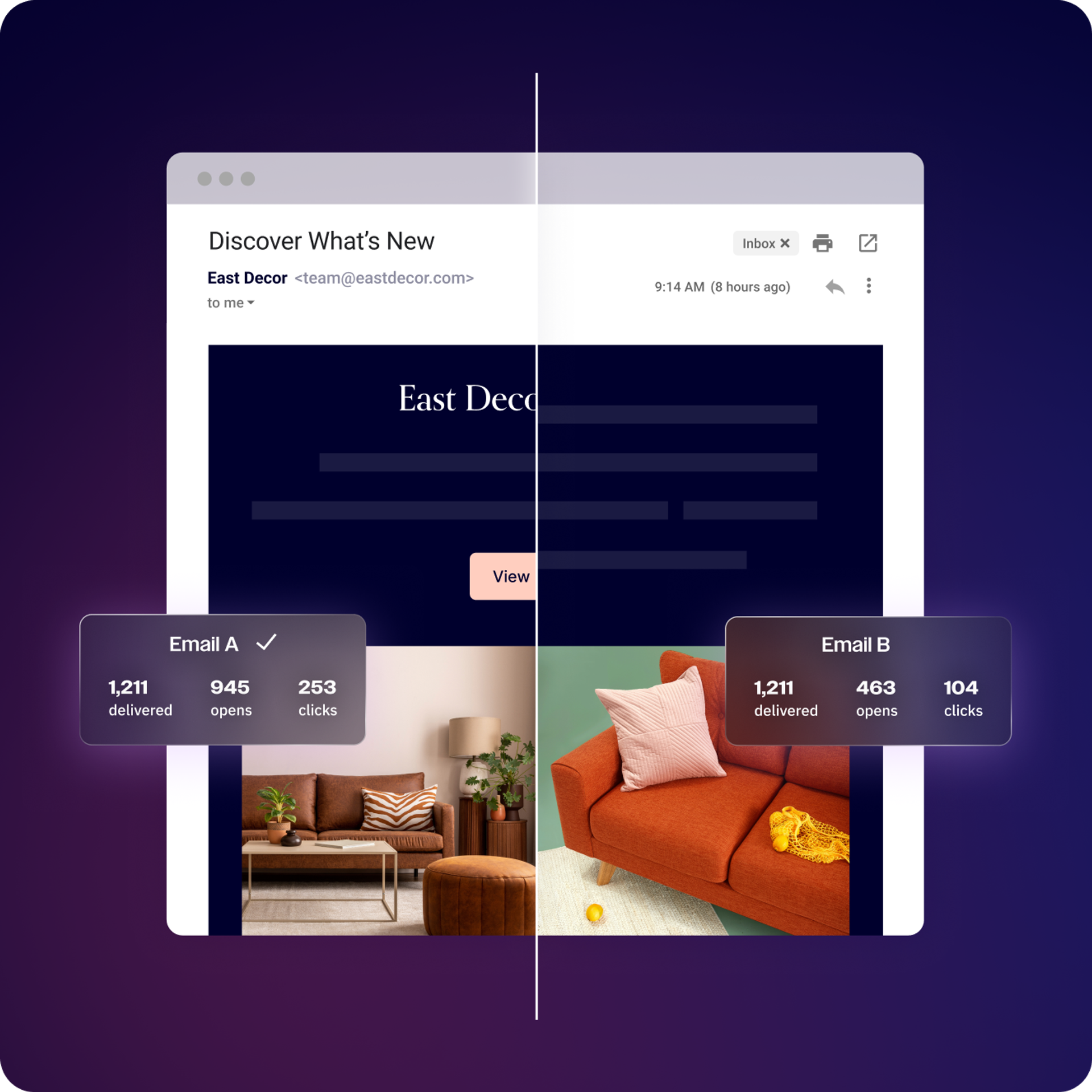
Get the full story behind your marketing performance. Test everything from headlines and subject lines to images and even automations. ActiveCampaign’s split testing lets you test up to five variations at once, helping you get to the top-performing version faster.
CTAs, content blocks, send times, subject lines, and more. Test almost anything with ActiveCampaign.
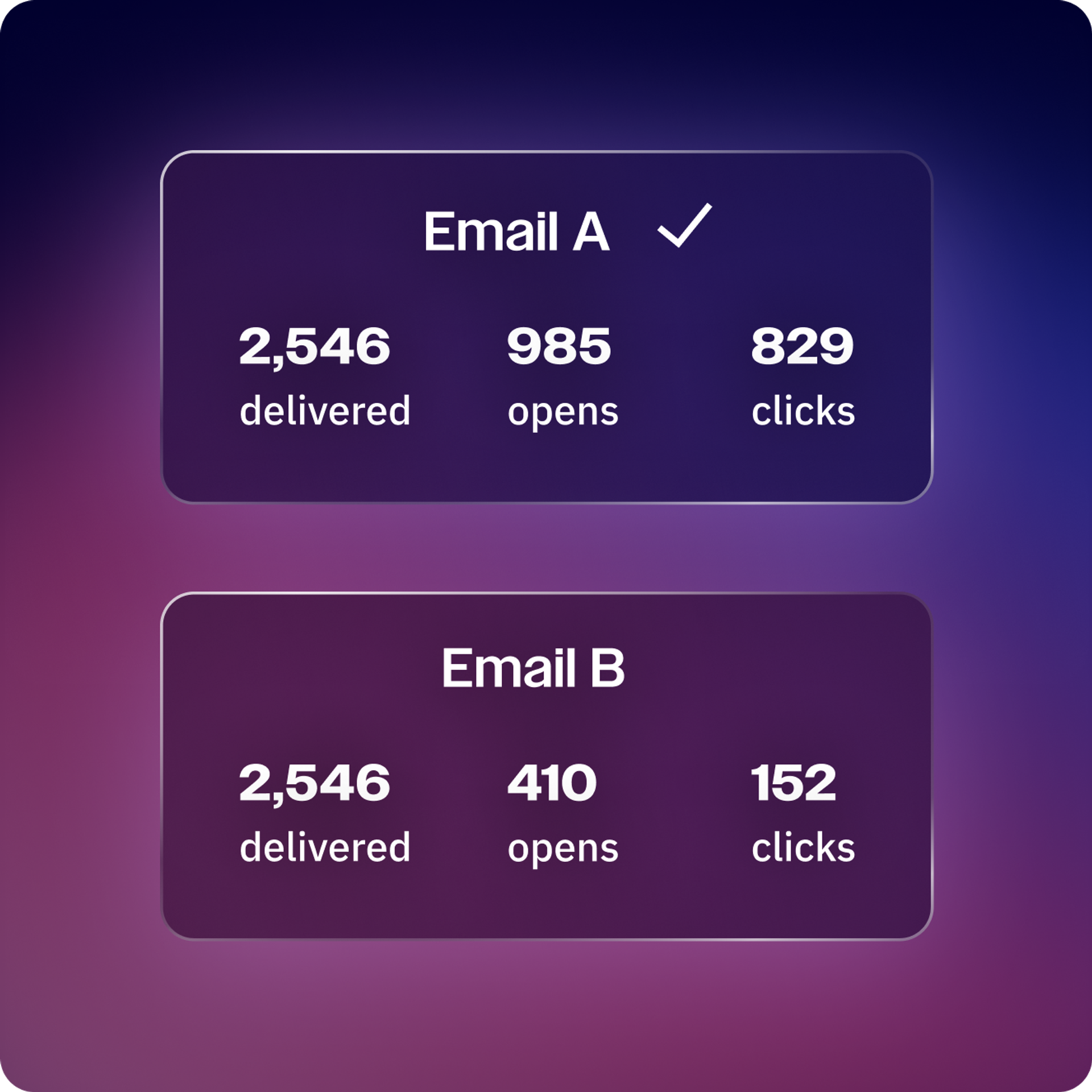
Get data that shows exactly what’s resonating, so you can keep improving.
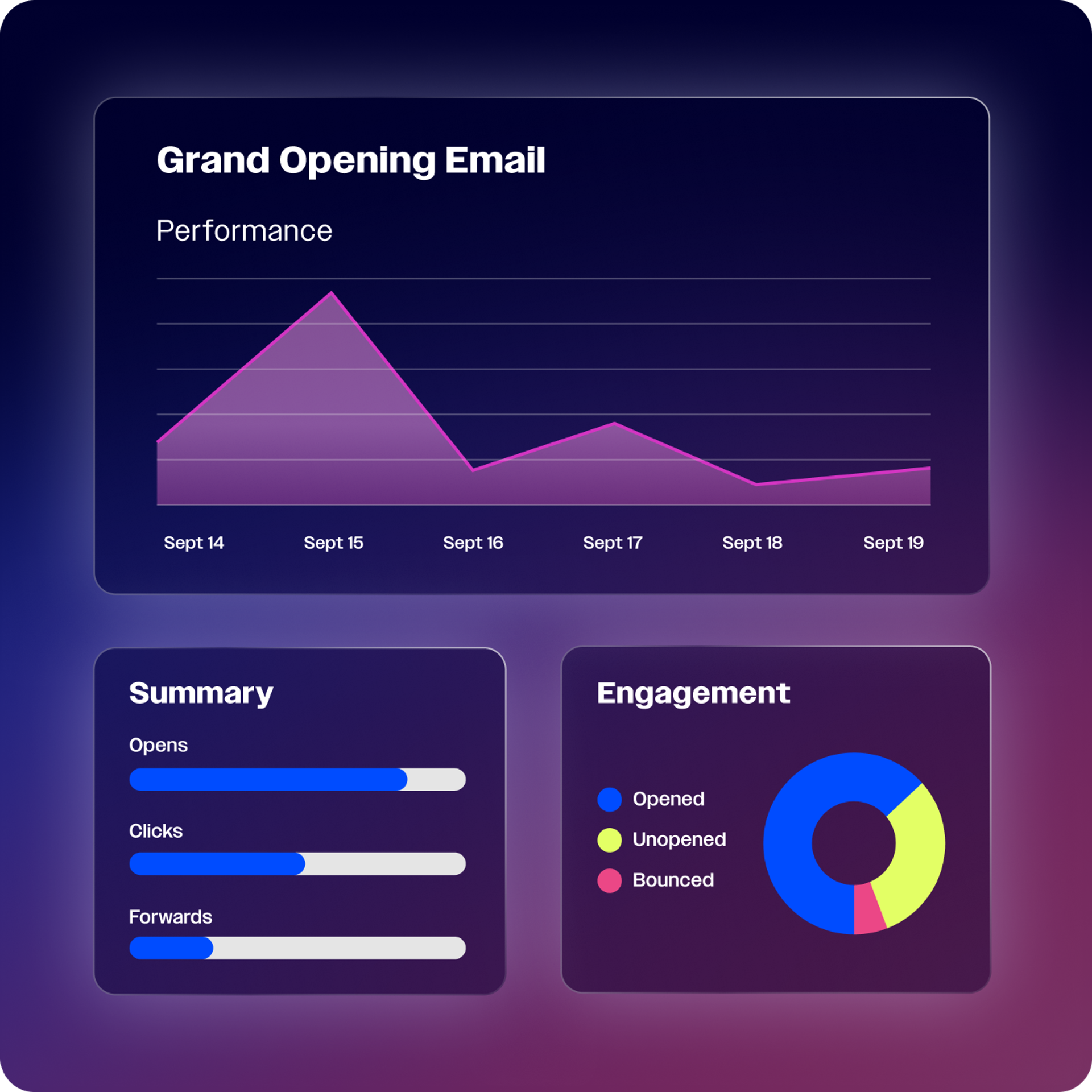
Whether it’s email opens, click-throughs, conversion rates, or site activity, ActiveCampaign lets you set the success metrics that matter to you.
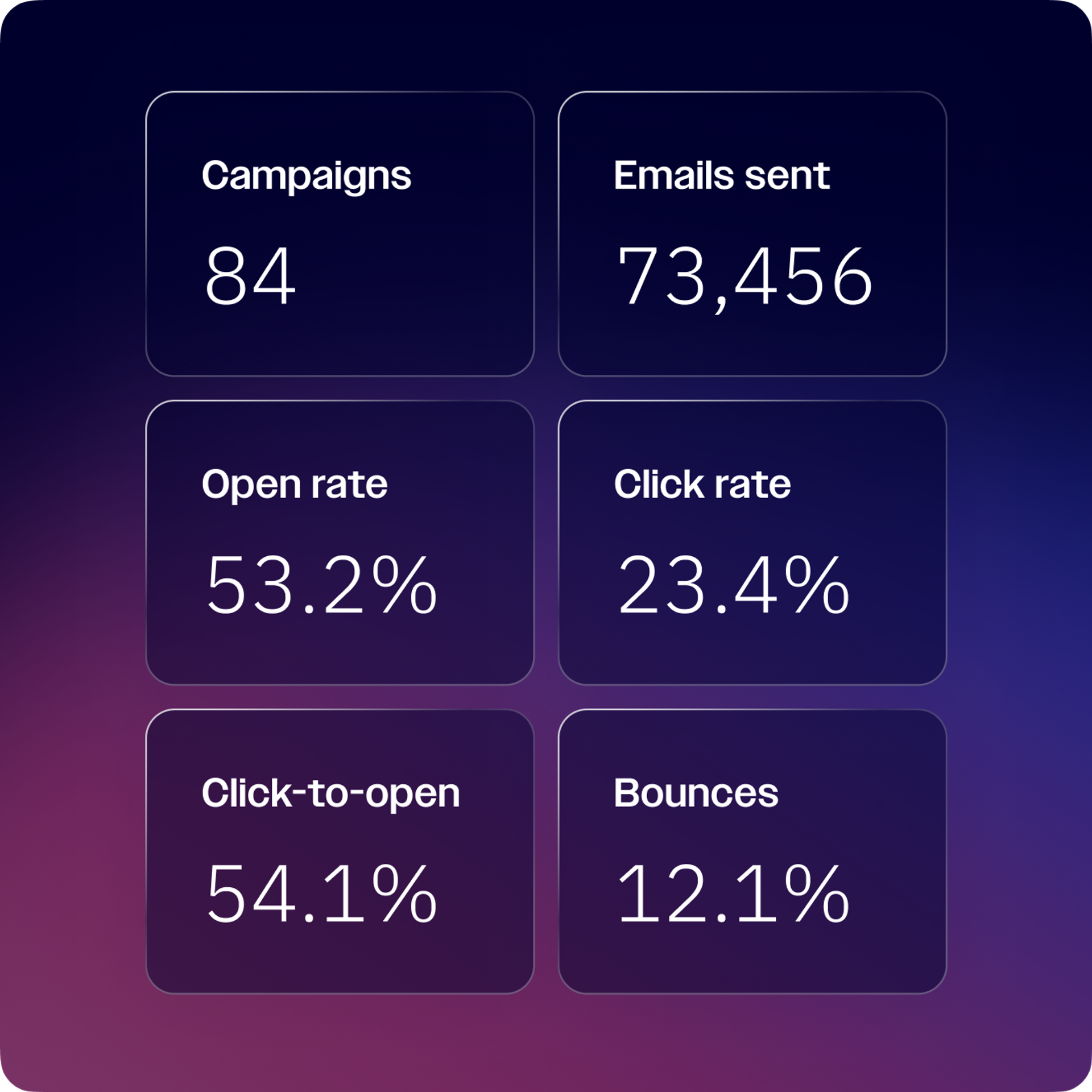
Automatically identify and use the best-performing option based on your chosen success metric.
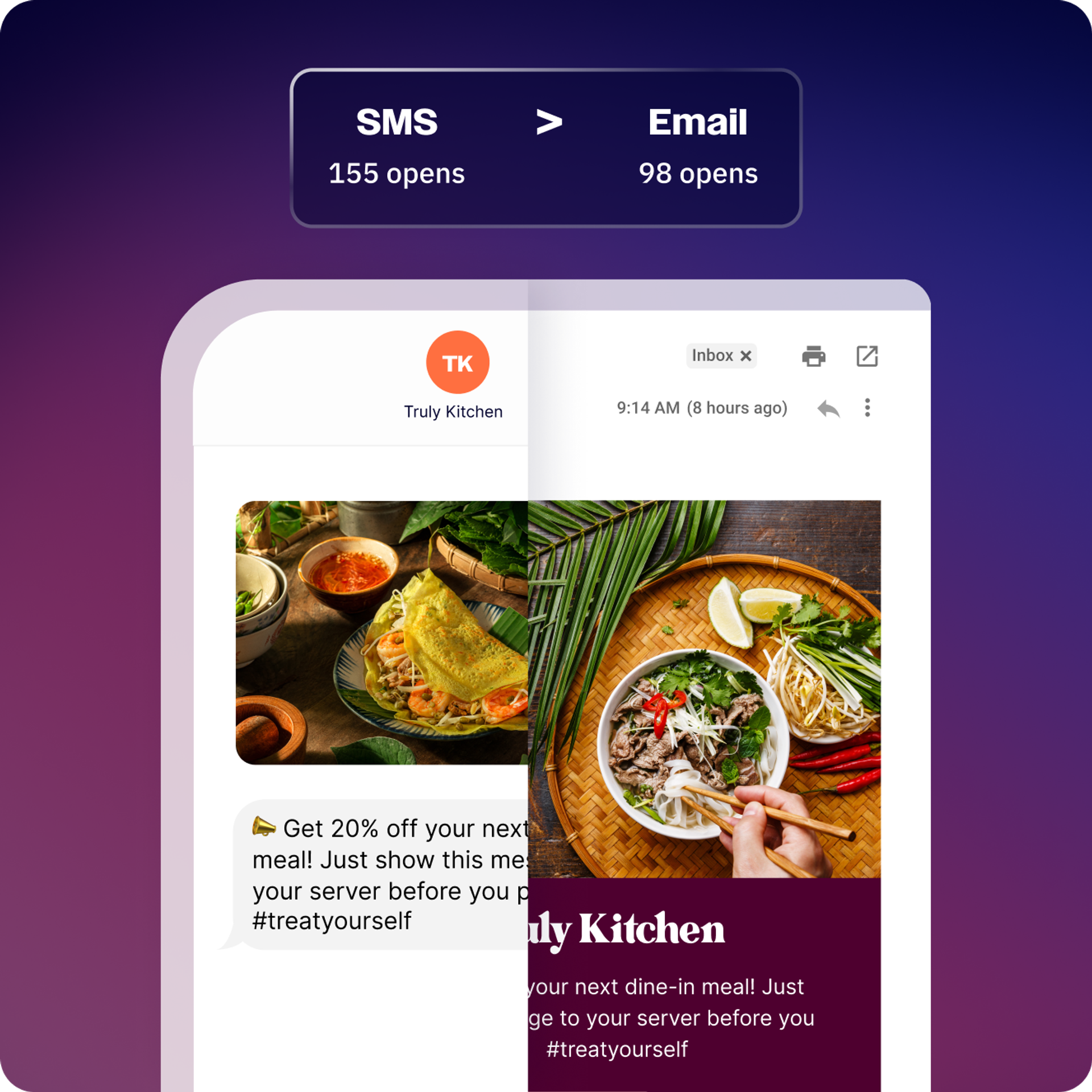
Instantly create new variations—including subject lines, layouts, and content—and see what’s resonating. With every test, Active Intelligence learns what works best for your audience, helping you create more impactful campaigns and reach more people.
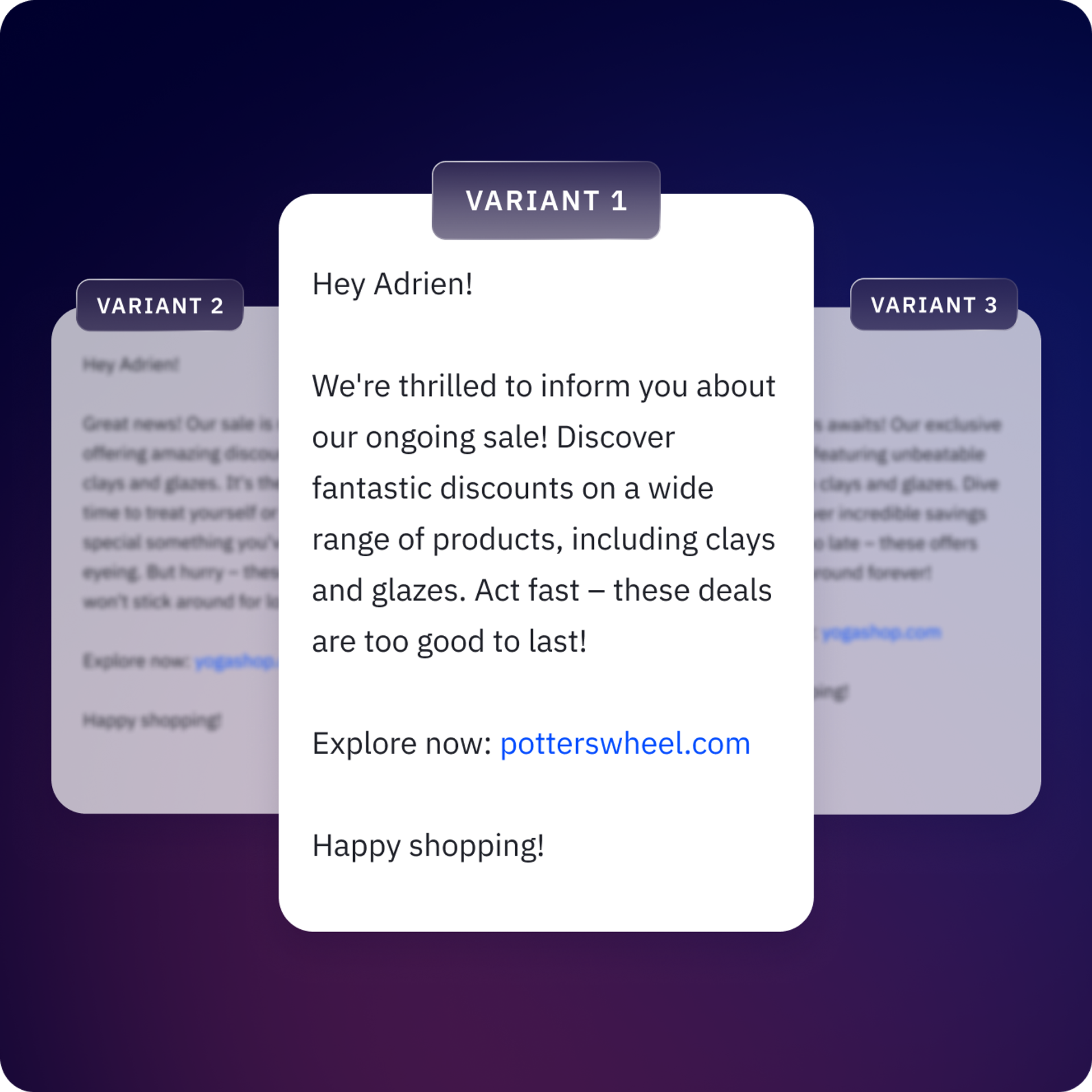
Set the test, then let the platform handle the rest. Your highest-performing version is sent automatically, based on the performance metrics that matter to you.
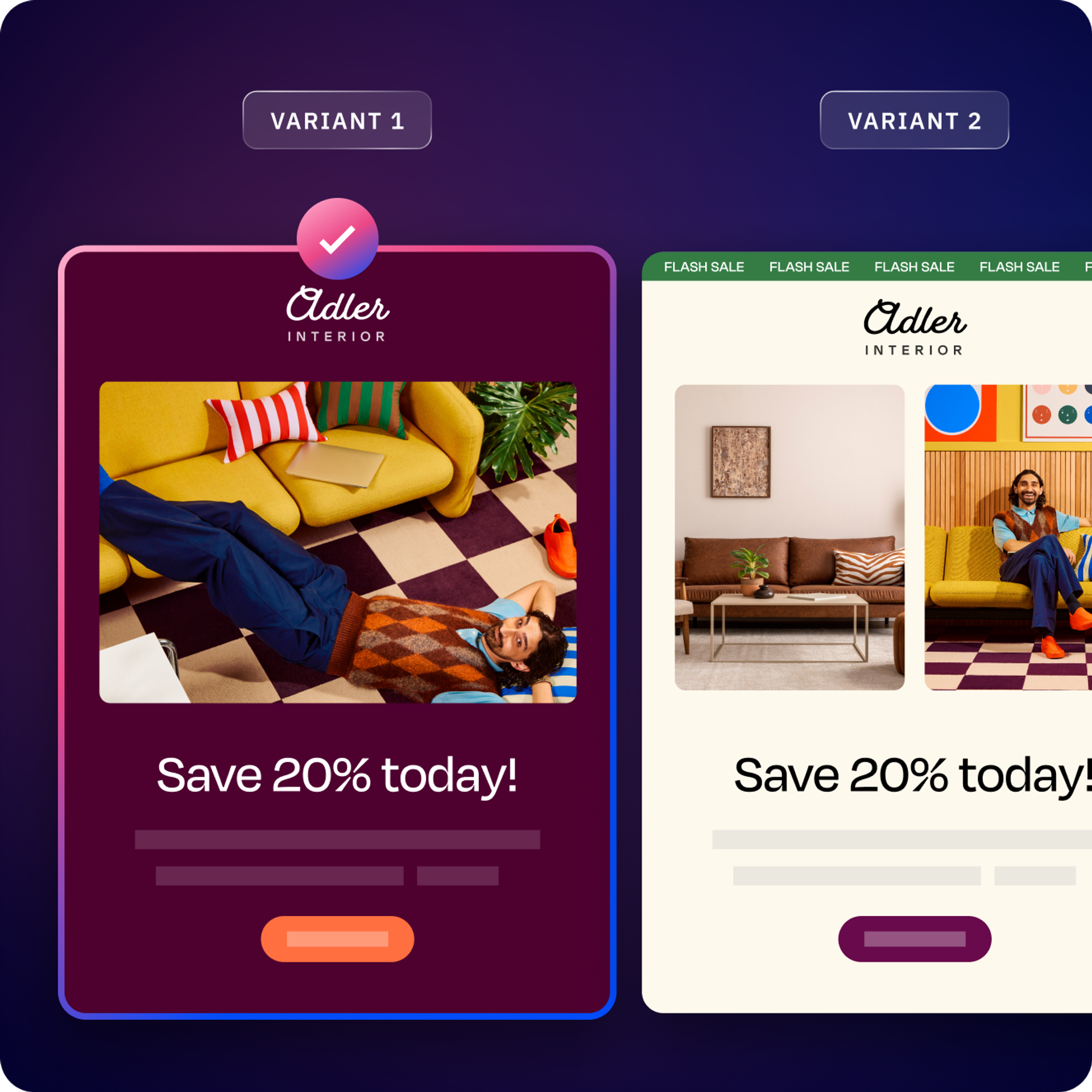
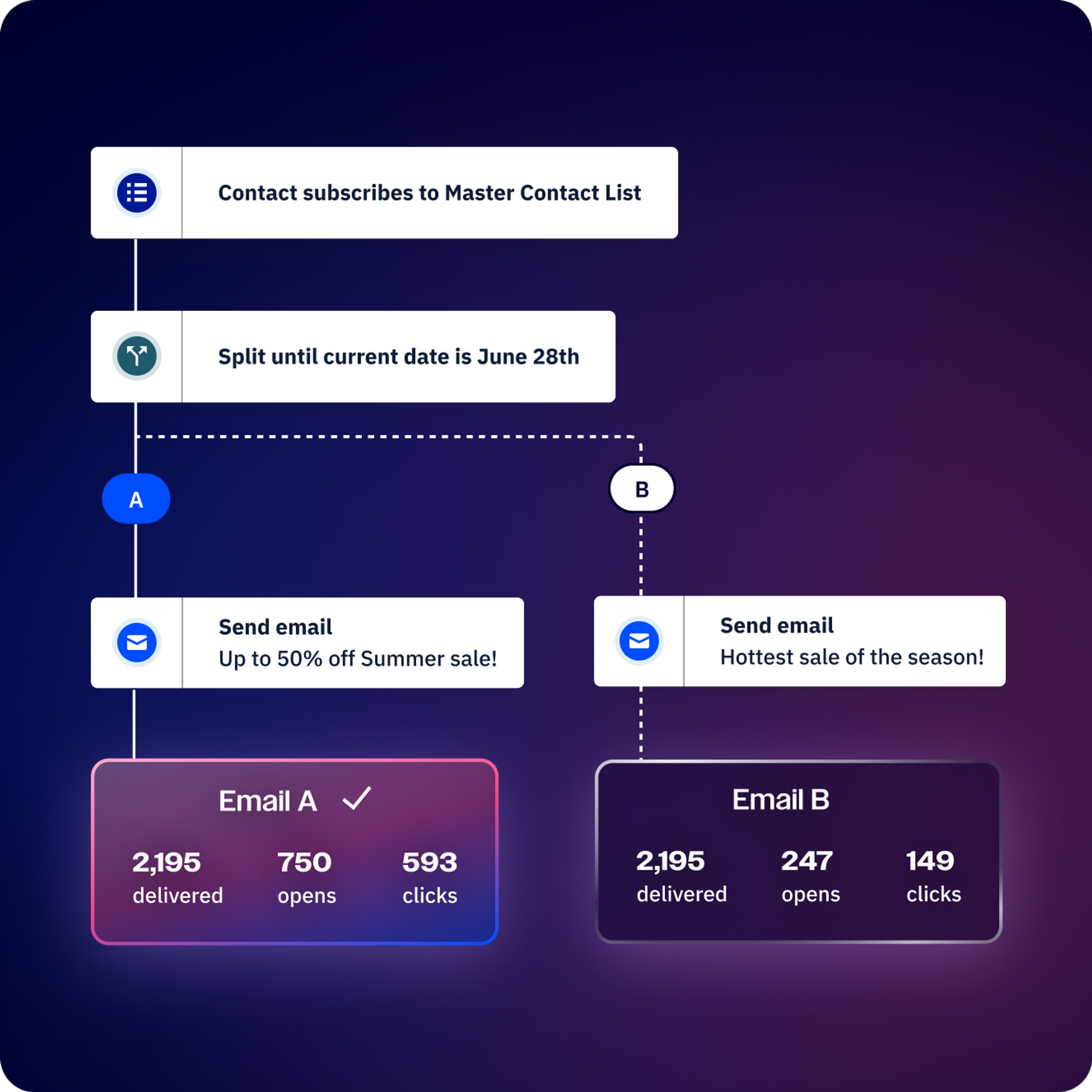
See how every touchpoint influences the next. Build advanced split test branches within your automations, so you can benchmark customer journeys and fine-tune your flow.
From the small details to the big picture, test it all.
Test different iterations and find out which one your audience prefers.

Swap out content blocks and see which email gets the best results. Shorter paragraphs? Line breaks? Different headings? Put it all to the test.
Do static images, GIFs, or embedded video clips get more attention? Now you can find out.
Compare variations of your call-to-action copy, button formats, placement, frequency, and more.
Find the perfect cadence for your follow-ups and reminders. See how often people prefer to be contacted and adjust your delays.
See if your audience prefers an occasional deep-dive or small but frequent updates. Get the right balance that maximizes engagement.
Do SMS messages work better for reminders than emails? Find out by testing options across different channels.
Optimize your sales engagement approach by testing different outreach options to learn what lands.
Create complex split test paths within automations so you can test entire customer journey branches.
Find the most impactful summary that gets people to open your email.
While both conditional and trigger splits are key to automation, there are important differences. A conditional split happens based on certain conditions you’ve set, like location or contact list. A trigger split is more simple and happens just after a user interacts with your marketing or website.
Conditional actions allow you to make split paths at specific points in an automation journey. A simple example of a conditional action is sending users on two different paths depending on if they open a specific email you sent or if they don’t. Other examples include clicking specific photos, watching a video, or clicking a link.
A successful split test leads to more sales from your existing traffic or more clicks from the same number of impressions on a banner or video ad.
But it can also give you:
A better understanding of your potential customers
Knowing what headlines, images, or benefits they prefer can help you gain new insights into what drives your target audience.
Better customer engagement
Optimizing the product and your onboarding process with split tests can create a more loyal customer base.
Reduced bounce rates
By split testing your pages to find the right match, you can also reduce bounce rates and increase the dwell time on your pages.
Reduced risk
You can test a new design before jumping all the way in.
Better content and design
Your creative teams will start to naturally create text and visual content that better aligns with your target audience.
Here are some ideas for changes to test in your emails:
A good place to start is to define your hypothesis. There are four elements that go into forming a split-testing hypothesis:
For a deeper dive into everything you need to know about split testing, check out our guide here.
Try it free for 14 days.


