No-code sign up forms that help you capture opportunities
Get the information you need to instantly create personalized campaigns. From overlays to in-line questionnaires, ActiveCampaign makes it easy to build the forms you need for every moment.
Get the information you need to instantly create personalized campaigns. From overlays to in-line questionnaires, ActiveCampaign makes it easy to build the forms you need for every moment.

Instantly add new leads to your contact list. Easily create forms that give you the right information and trigger smart automations, so you can follow-up right away.
Collect the information you need, whether it's as simple as a name and an email address, or a deeper dive into your customer's interests and preferences.
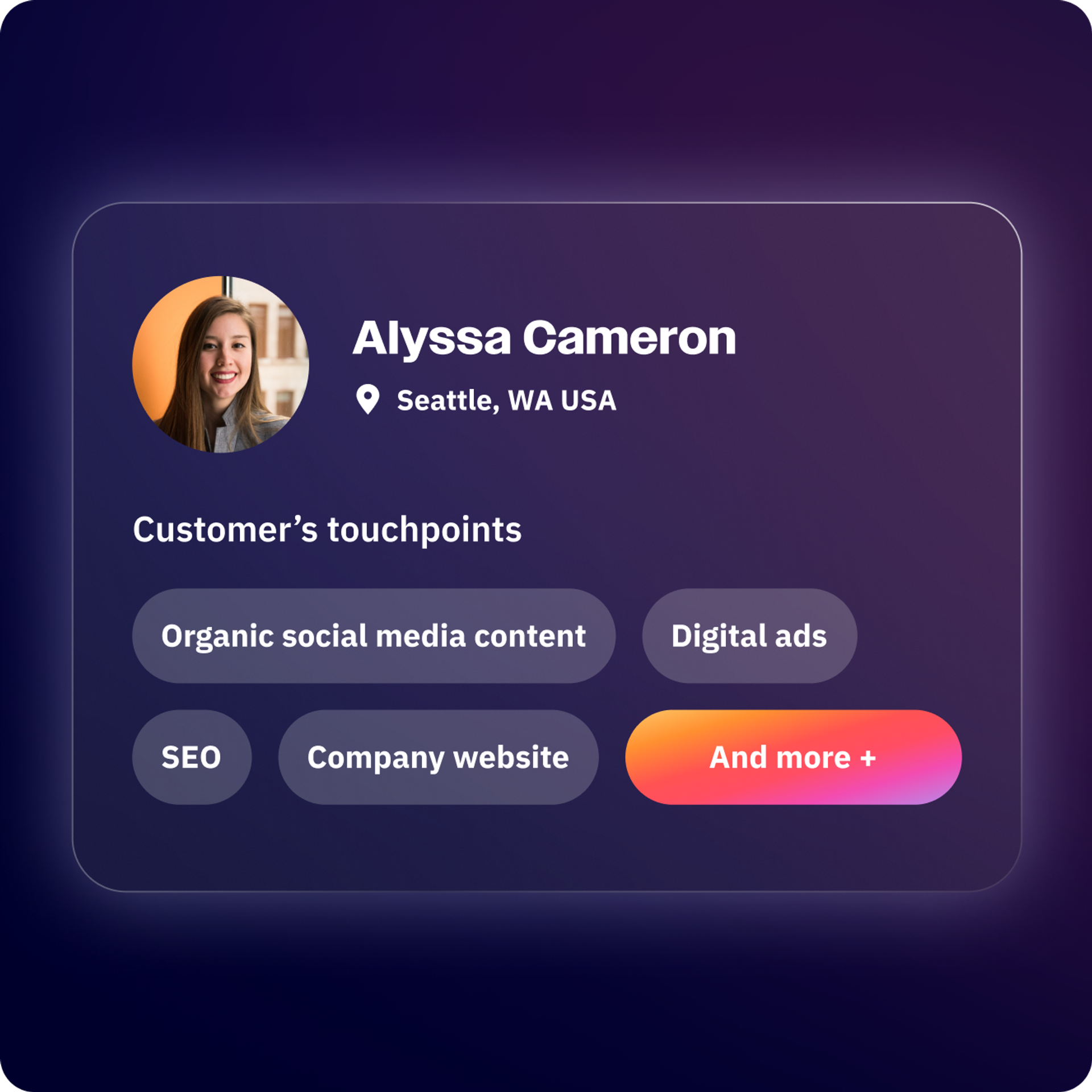
Automatically kickoff follow-up actions across your CRM, email marketing, SMS, and other connected channels.
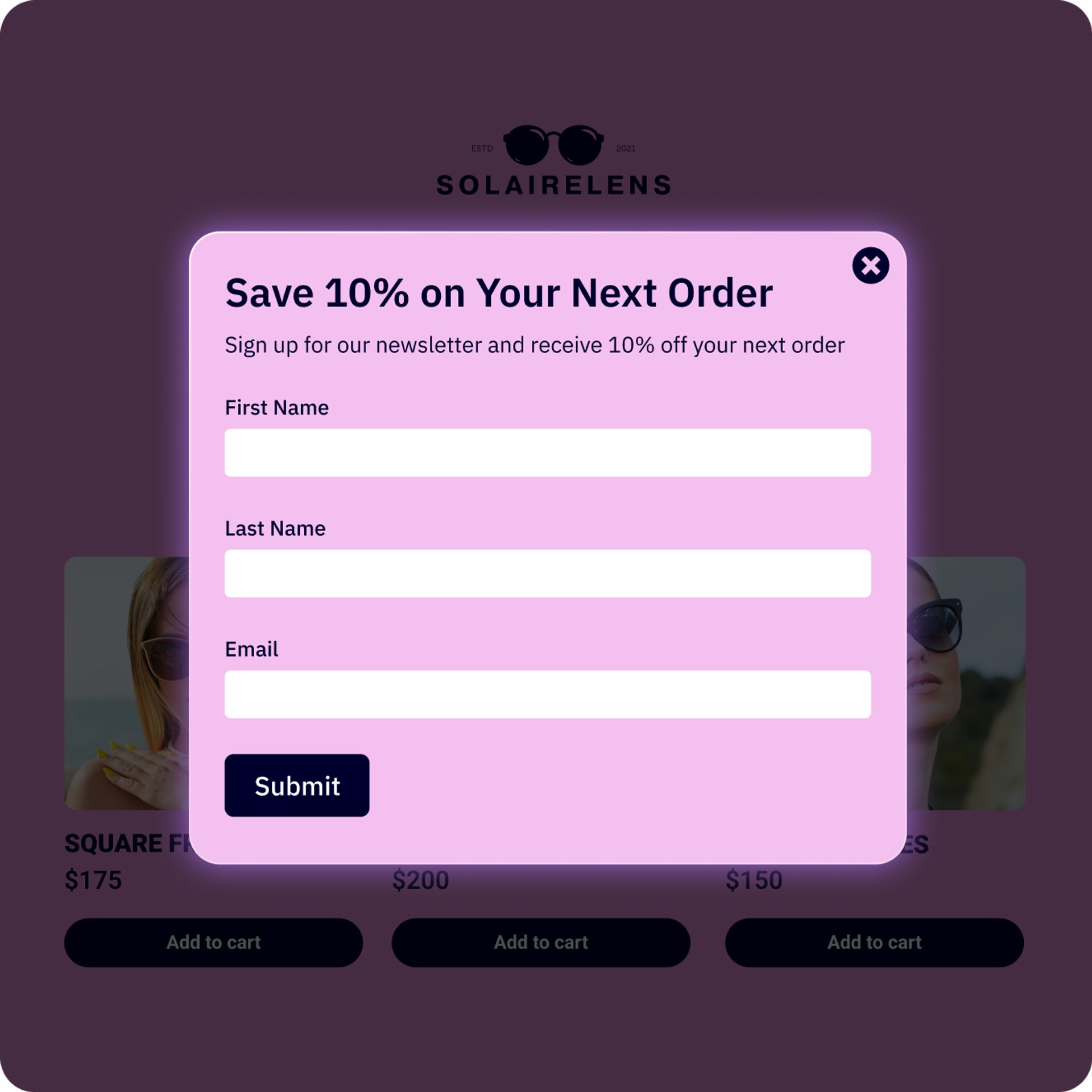
Display forms when visitors are most likely to share info, based on their behaviors and interests.
Whether you’re adding a form to an ActiveCampaign landing page or you use a third party, get your forms up and running across your website in a matter of minutes.
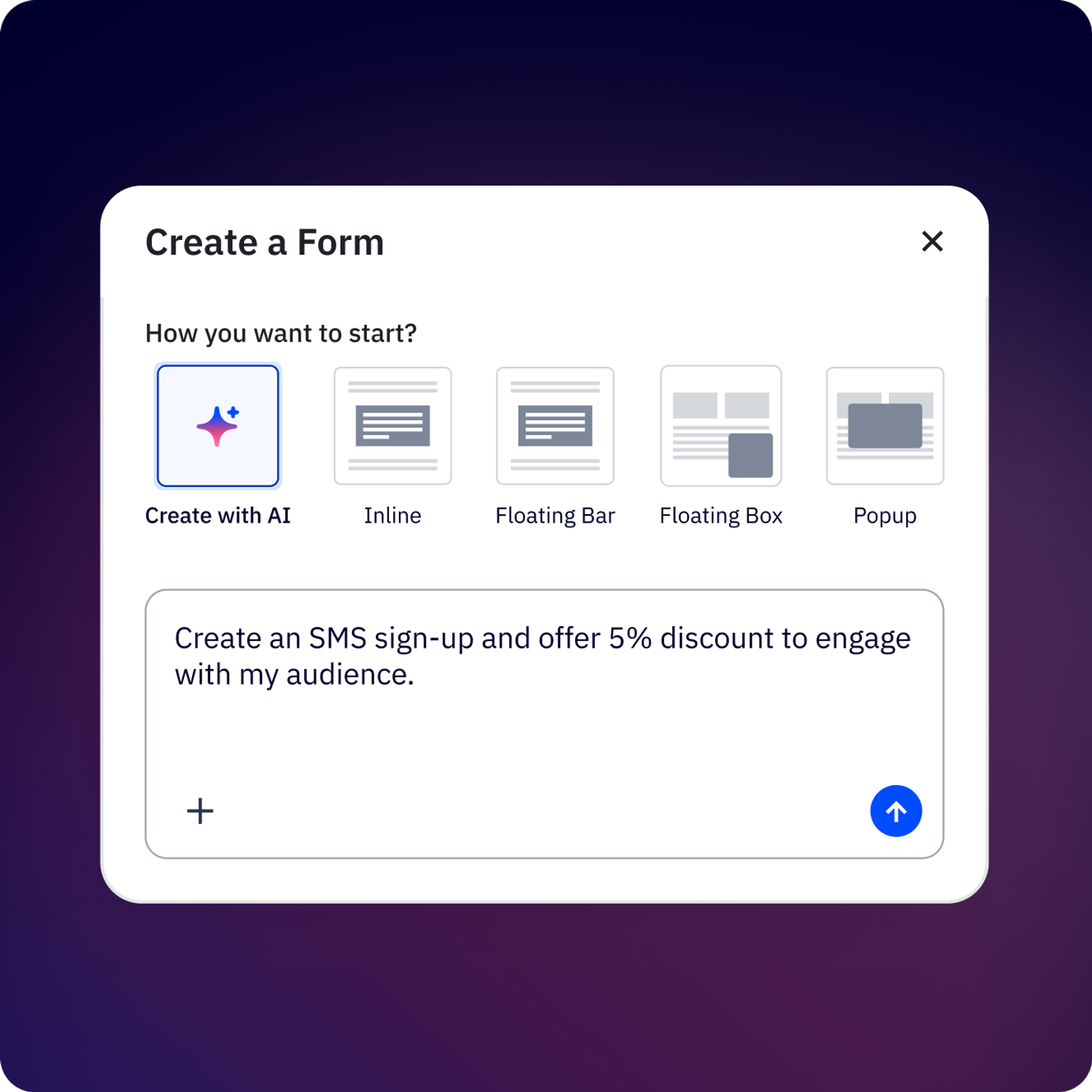
Create and edit your in-line forms with Active Intelligence. Get smart suggestions tailored to your industry and create forms that lead to personalized, high-performing campaigns.
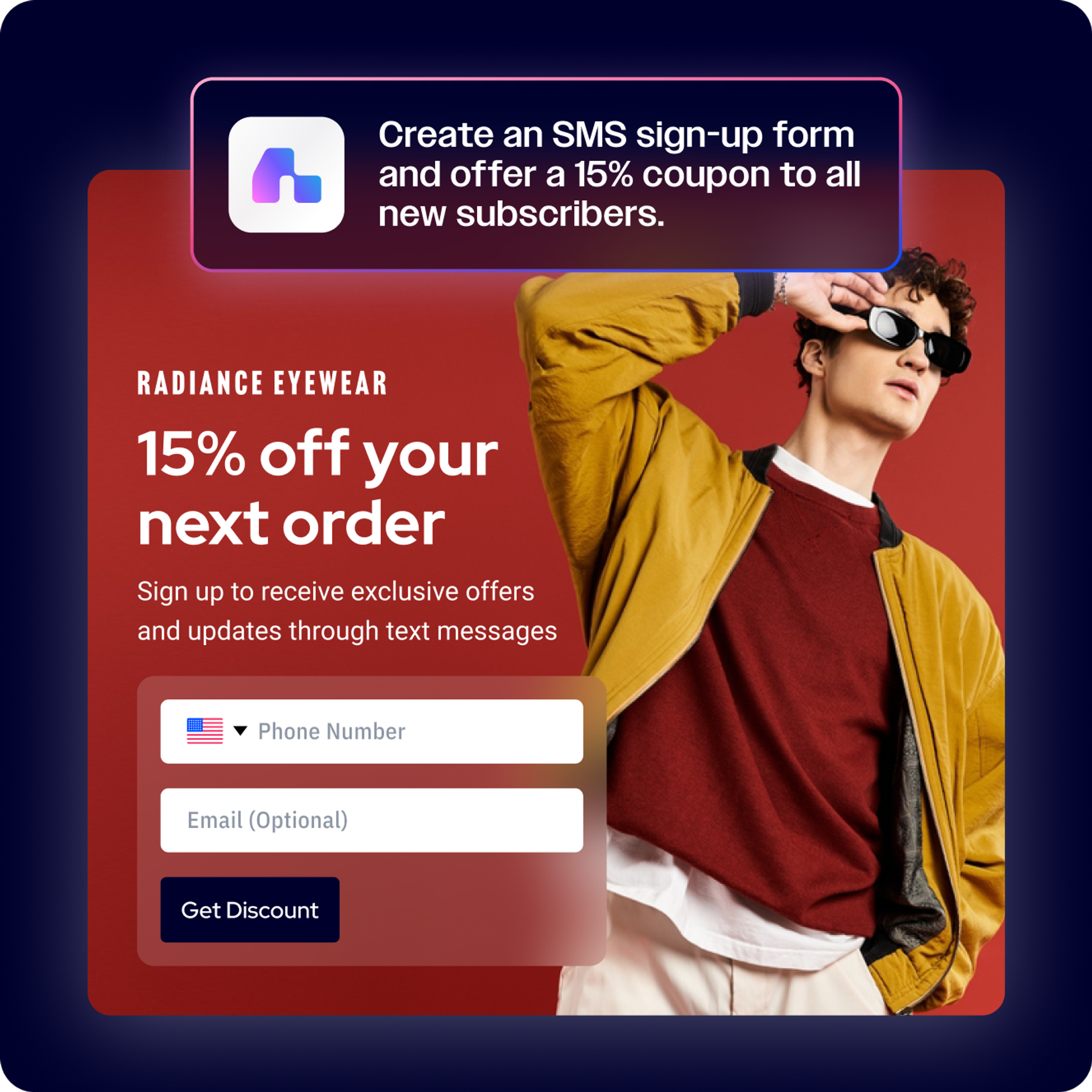
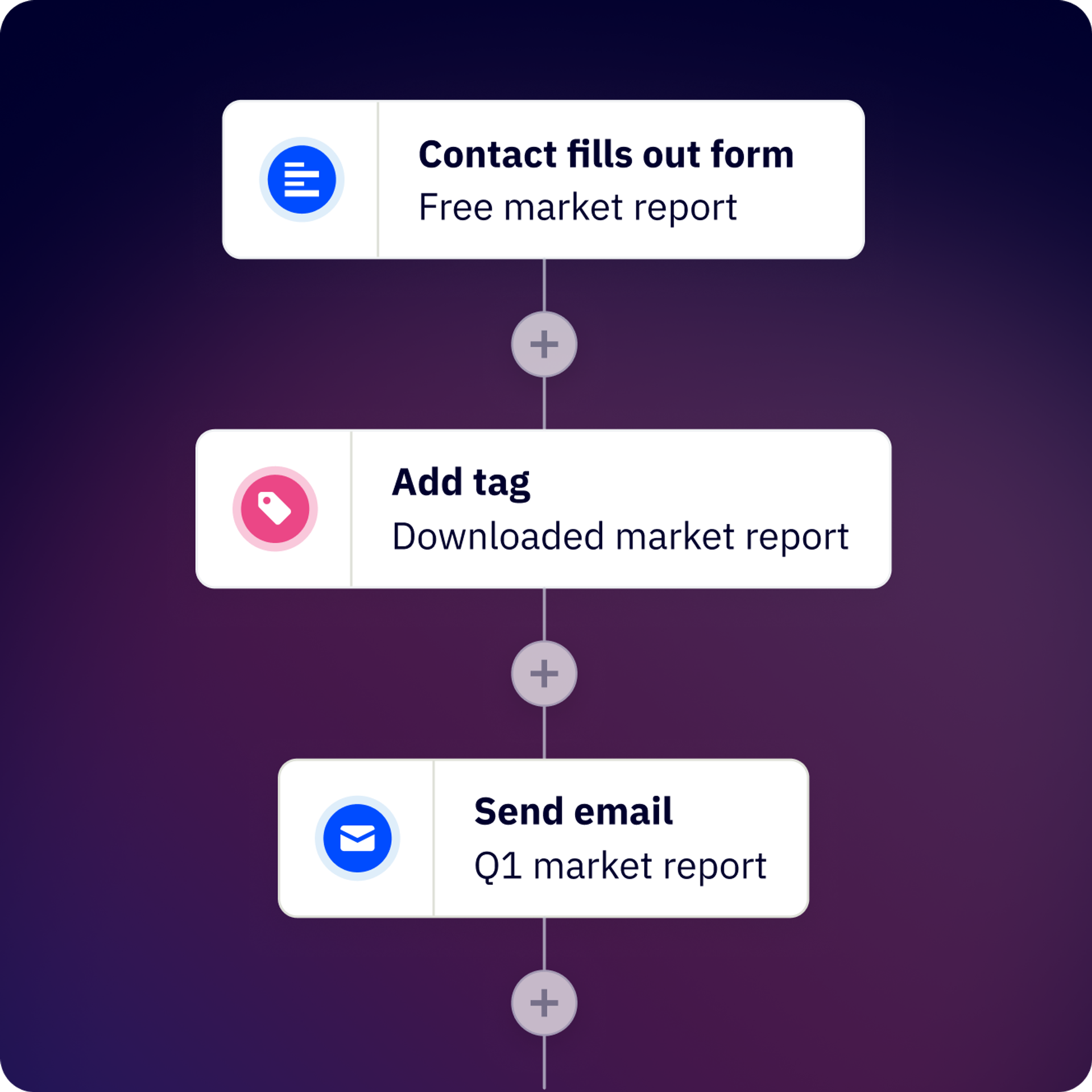
Next steps are already covered. When a visitor submits a form, you can instantly trigger a targeted email series, add a task for your sales team, or update their profile — automatically.
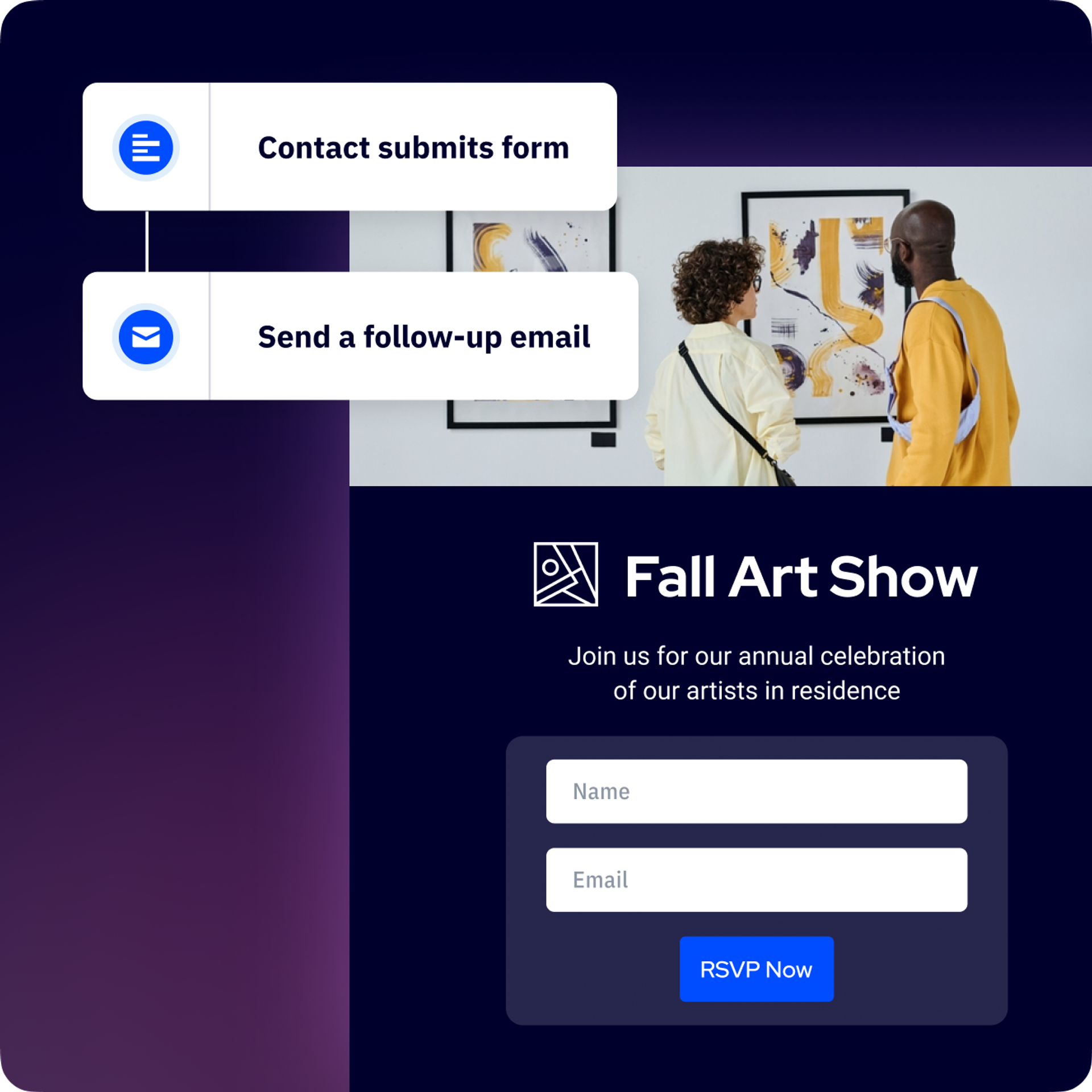
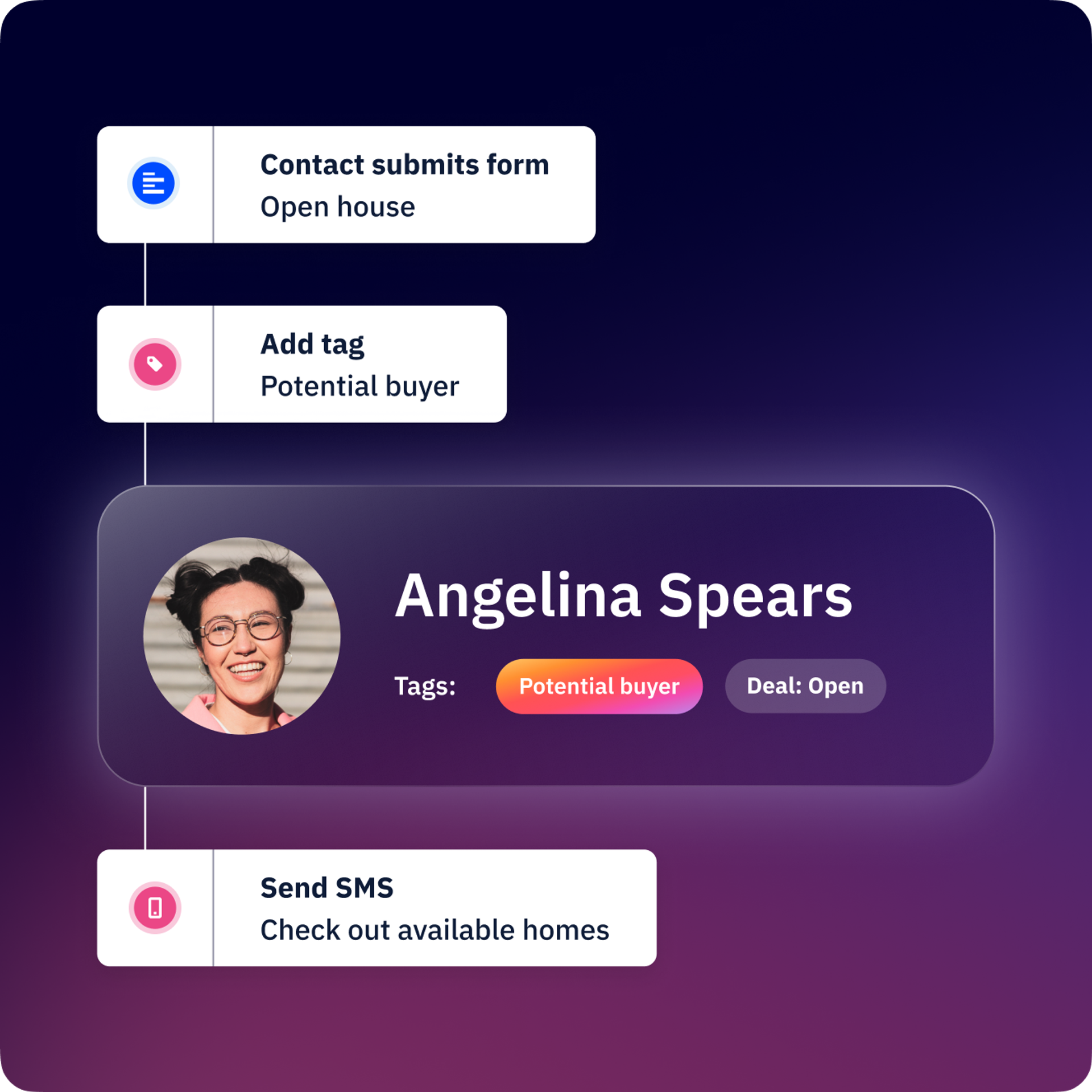
Always stay up-to-date with your customers. Your form fields can dynamically update a contact’s record, allowing you to trigger sophisticated, conditional automations across your email marketing, CRM, and any other connected channels. That means more personalized customer journeys and more effective campaigns.
Different pages work best with different types of forms. Choose from four form types to remove friction and convert more visitors into contacts.
Seamlessly embed your customized forms into your web pages for frictionless sign-ups.

Build and personalize a floating box that sits in the corner of your web experience.
Create on-brand pop-ups to highlight new services, offers, and discounts.
Add a persistent bar at the bottom of your site to gather data and direct people to sign up.
An email list is essentially your rolodex in digital marketing. You can create several lists based on products, marketing campaigns, and really anything you can think of. Using a marketing automation tool like ActiveCampaign is a great way to make sure all your email lists are getting the content they need.
The simple way to grow your email list is using forms, which you can put on your website and use across your digital marketing efforts. Try to use incentives like insider info, coupons, and exclusive events to entice people to sign up.
Lead generation is primarily another way to say “grow your email list.” Whether you classify an email contact as a lead or not, you can use inbound marketing (for example, blogs, social media, and SEO efforts) to bring in potential new customers to your website, and use forms to collect their contact information.
To put it simply, lead generation is the only way you can grow your business. While bringing back returning customers is great, your business risks standing still or even shrinking if you’re not actively trying to obtain more leads.
You can collect a contact’s name, phone, and email using these form types.
Inline forms offer more variety in the information you can collect, which may include:
Contact fields
Use contact fields to create and update contact records. You can also use fields in this section to add images and text to your form and safeguard your form from spam contact submissions.
Account fields
Use account fields to create and update account records. This will help you better understand prospect accounts and add more actionable data to your CRM.
Custom object fields
If you created a custom object for contacts, you can add any custom object field you create to your form. These fields will appear under the custom object name in the form builder.
Try it free for 14 days.


