The best WooCommerce CRM depends on where your customer data lives. ActiveCampaign suits stores that want behavior-based email and follow-up automation. Jetpack CRM and Groundhogg suit stores that want a CRM inside WordPress. FunnelKit Automations suits stores that want abandoned-cart and post-purchase flows in WordPress. WP Fusion suits stores that want to sync WooCommerce data to a CRM they already use. Agile CRM suits teams that want sales, marketing and service in one tool. This guide compares all six on what they suit, starting price and ActiveCampaign fit, with prices checked on each vendor's site on November 20, 2026.
This guide is part of our WooCommerce series on setting up WooCommerce with WordPress and the plugins, integrations and software that go with it.
What are WooCommerce CRM solutions, and how are they used?
A WooCommerce CRM is customer relationship management (CRM) software that connects to a WooCommerce store. It pulls in customer details, order history and messages, so you can see each shopper in one place. Many also automate follow-up emails, abandoned cart reminders and segmented campaigns based on what customers buy.
Some also add sales pipelines, support ticketing and connections to other marketing tools. Features vary a lot, so check the tool sections below.
What are the benefits of a WooCommerce CRM?
A WooCommerce CRM helps you know your customers better, save time on follow-up, and sell more to people who already bought. The main benefits are:
- Better customer relationships. Detailed records of interactions and purchases let you personalize offers, which can bring shoppers back to buy again.
- Less manual work. Automations send follow-up emails and abandoned cart reminders for you, so messages stay consistent and your team has time for strategy.
- Targeted marketing. Segmenting customers by purchase history lets you send campaigns that fit what each group actually buys.
- Easier support. Some CRMs keep tickets and customer messages in one place, so issues get answered faster.
- Room to grow. Many plans scale with your contact list, and many CRMs connect to other tools as your workflows get more complex.
How do you choose the best WooCommerce CRM?
Choose a WooCommerce CRM by matching it to the job you need done, then check automation, WooCommerce data, price and ease of use.
- Automation. Look for email follow-ups, abandoned cart reminders and customer segments you can set up without code.
- Scale. Check how the price changes as your contact list or team grows.
- Ease of use. A tool your team can learn quickly gets used; a clunky one doesn't.
- WooCommerce data. Confirm the tool can use order and product data to trigger messages, not just sync contacts.
What are the best WooCommerce CRM solutions for 2027?
Quick comparison
| Tool | Best for | Starting price | Works with ActiveCampaign? |
|---|---|---|---|
| ActiveCampaign | Behavior-based email and follow-up automation | Four plans (Starter, Plus, Pro, Enterprise) priced by contact count on the pricing page. Free 14-day trial. | Not applicable |
| Jetpack CRM | A CRM inside WordPress | Freelancer plan $11 a month, billed yearly (Jetpack CRM, November 20, 2026) | None found |
| FunnelKit Automations | Abandoned-cart and post-purchase flows in WordPress | Automations plan $99.50 a year at the listed intro price (FunnelKit, November 20, 2026) | None found |
| WP Fusion | Syncing WooCommerce to a CRM you already use | Free Lite plan; Personal plan $297 a year (WP Fusion, November 20, 2026) | Yes |
| Agile CRM | Sales, marketing and service in one tool | Free plan for up to 10 users; paid plans listed from $8.99 (Agile CRM, November 20, 2026) | Yes |
| Groundhogg | A full CRM and automation in WordPress | Basic plan $20 a month, billed annually (Groundhogg, November 20, 2026) | None found |
ActiveCampaign: best for behavior-based email and follow-up automation
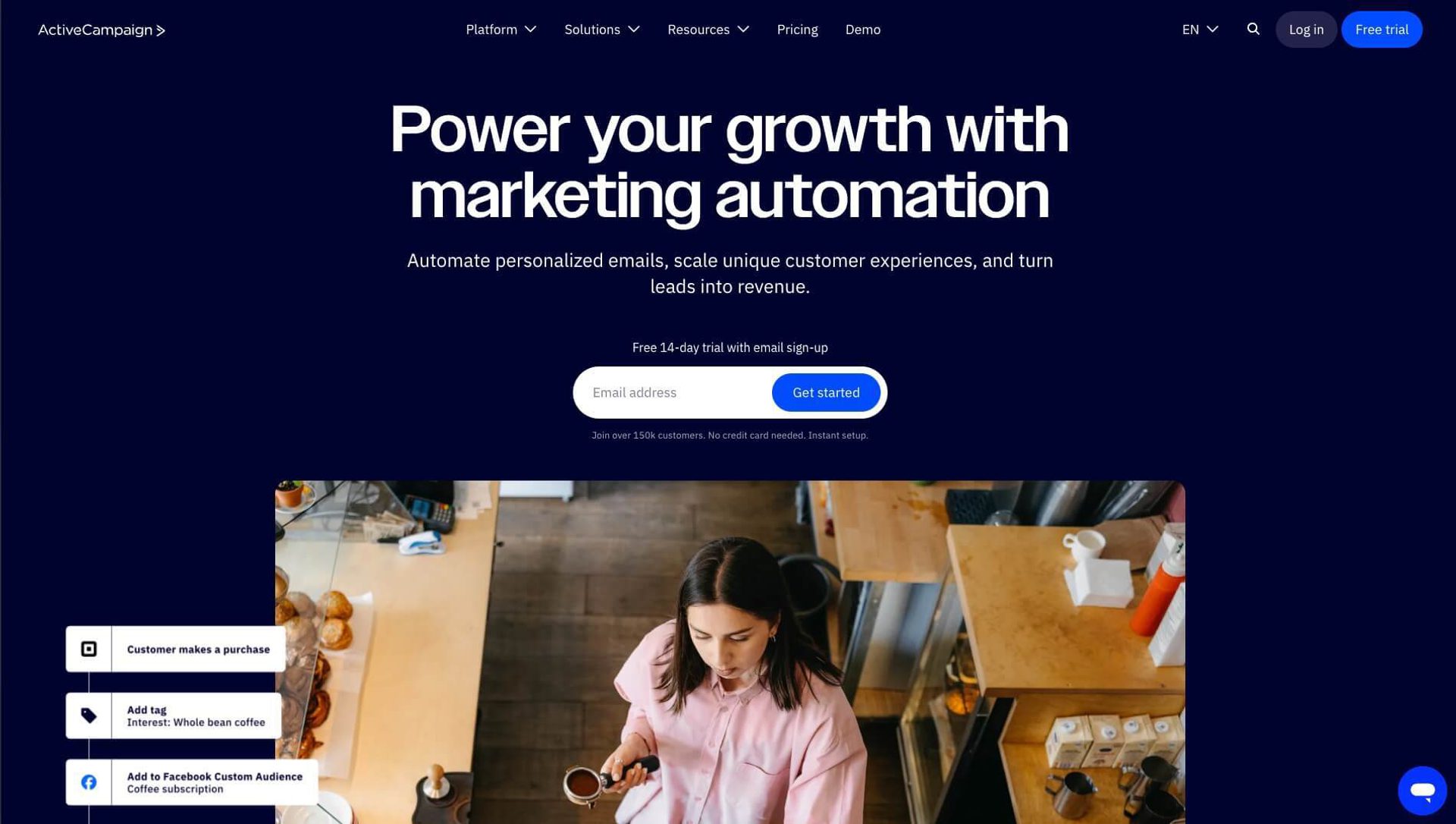
ActiveCampaign connects to WooCommerce and uses order data to trigger email follow-up. Its WooCommerce integration page lists abandoned cart reminders, personalized product recommendations, win-back campaigns, feedback requests and recurring-payment automations.
Its sales CRM adds sales pipelines, lead scoring and task management, so marketing and sales work from the same contact records.
What stands out:
- Automation: Build workflows for email, follow-ups and segments based on what customers do.
- WooCommerce integration: Send order data to ActiveCampaign and trigger messages from it.
- Sales CRM: Use sales pipelines and lead scoring to focus on the most promising prospects.
Best for: WooCommerce stores of any size that want marketing automation and a sales CRM in one platform.
How much does ActiveCampaign cost?
ActiveCampaign has four plans: Starter, Plus, Pro and Enterprise. Price depends on your contact count, and every plan includes a free 14-day trial with no credit card needed. See the ActiveCampaign pricing page for current prices.
Jetpack CRM: best for a CRM inside WordPress
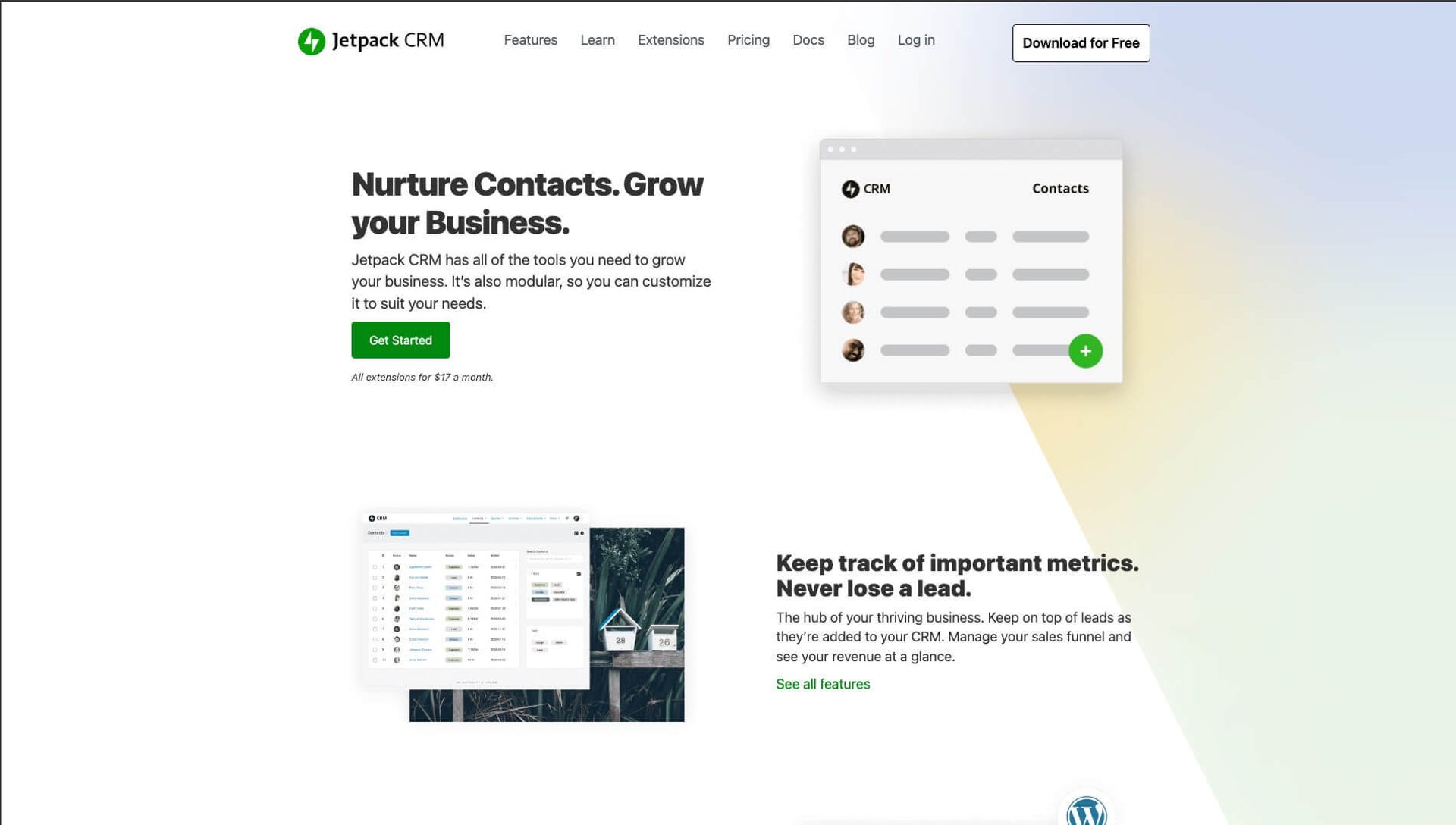
Jetpack CRM is a CRM built for WordPress. You add features as extensions, and WooCommerce is one of them.
Its site lists invoicing and payments on every plan, plus extensions for mail campaigns and CRM funnels. The Entrepreneur plan adds automation, lead nurturing and sales funnels.
What stands out:
- WordPress-based: It runs inside your WordPress dashboard.
- Extensions: Add the features you need, including WooCommerce, mail campaigns and CRM funnels.
- Invoicing and payments: Included on every plan.
- Automation and sales funnels: Listed on the Entrepreneur plan.
Best for: small businesses that already run WordPress and want to add a CRM as extensions.
Does Jetpack CRM work with ActiveCampaign?
We found no ActiveCampaign integration page for Jetpack CRM as of November 20, 2026. You can browse apps that do connect on the ActiveCampaign Marketplace.
How much does Jetpack CRM cost?
Jetpack CRM's Freelancer plan costs $11 a month, billed yearly. The Entrepreneur plan is $17 a month, billed yearly, and the Reseller plan is $5.40 per site per month, billed yearly (Jetpack CRM, November 20, 2026). The pricing page also offers a free download. See Jetpack CRM's pricing page for current plans.
FunnelKit Automations: best for abandoned-cart and post-purchase flows in WordPress
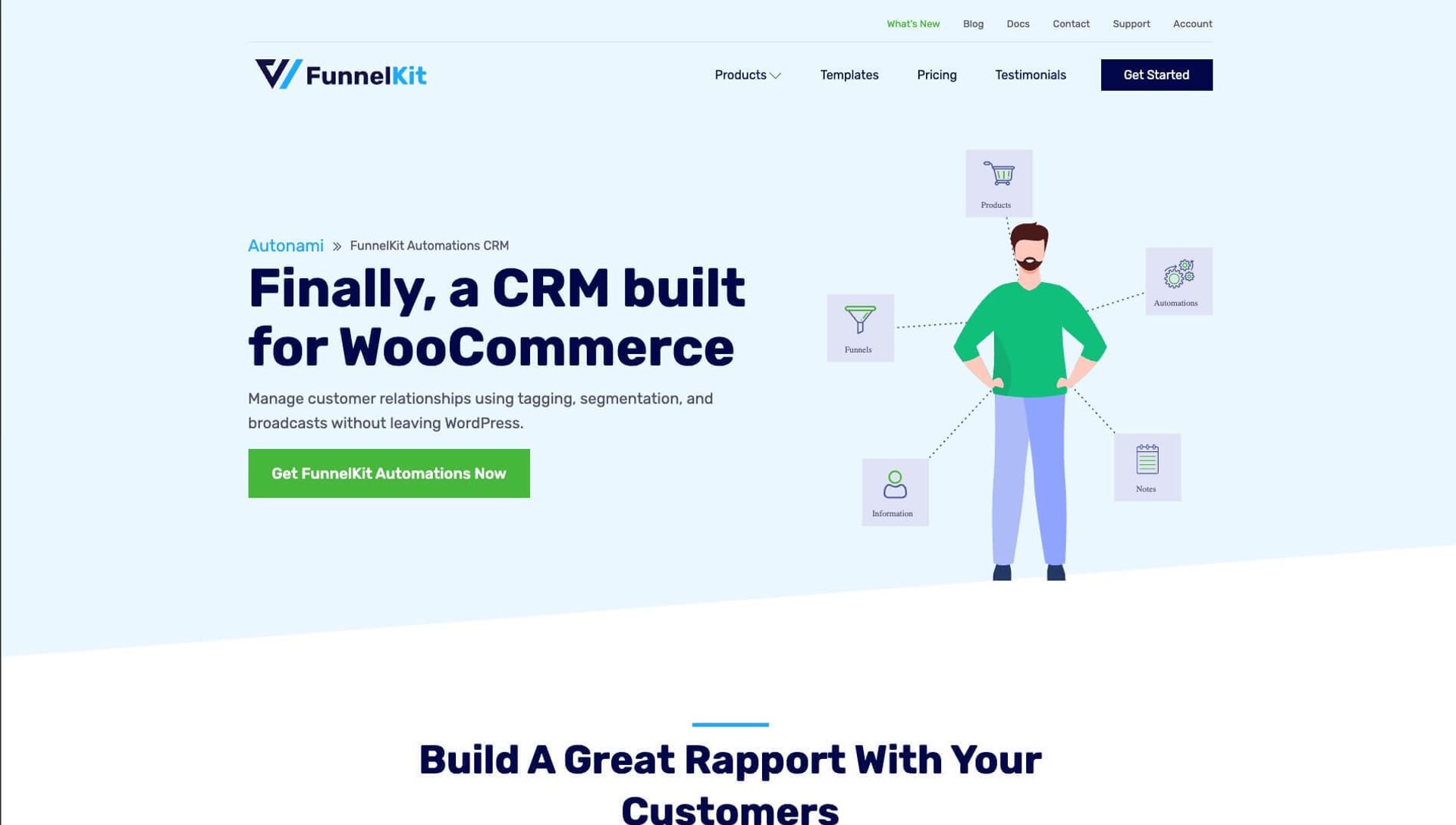
FunnelKit Automations runs inside WordPress and needs WooCommerce installed. You build email and SMS automations and broadcasts from your WordPress dashboard.
Each contact profile shows email activity, orders, average order value and items bought.
What stands out:
- Abandoned cart recovery: Tracks recoverable, recovered and lost carts and includes pre-built recovery recipes.
- Customer profiles: Show email activity, orders, average order value and items bought.
- Segments: Filter broadcasts by location, past purchases and average order value.
- Email reporting: Shows open rate, click-through rate, revenue and orders placed.
Best for: WooCommerce stores that want cart recovery and post-purchase email in the WordPress dashboard.
Does FunnelKit Automations work with ActiveCampaign?
We found no ActiveCampaign integration page for FunnelKit Automations as of November 20, 2026. You can browse apps that do connect on the ActiveCampaign Marketplace.
How much does FunnelKit Automations cost?
The FunnelKit Automations plan is listed at $99.50 a year, down from a regular $149. FunnelKit says the lower price is an introductory offer and renewals are at full price (FunnelKit, November 20, 2026). See FunnelKit's pricing page for current plans.
WP Fusion: best for syncing WooCommerce to a CRM you already use
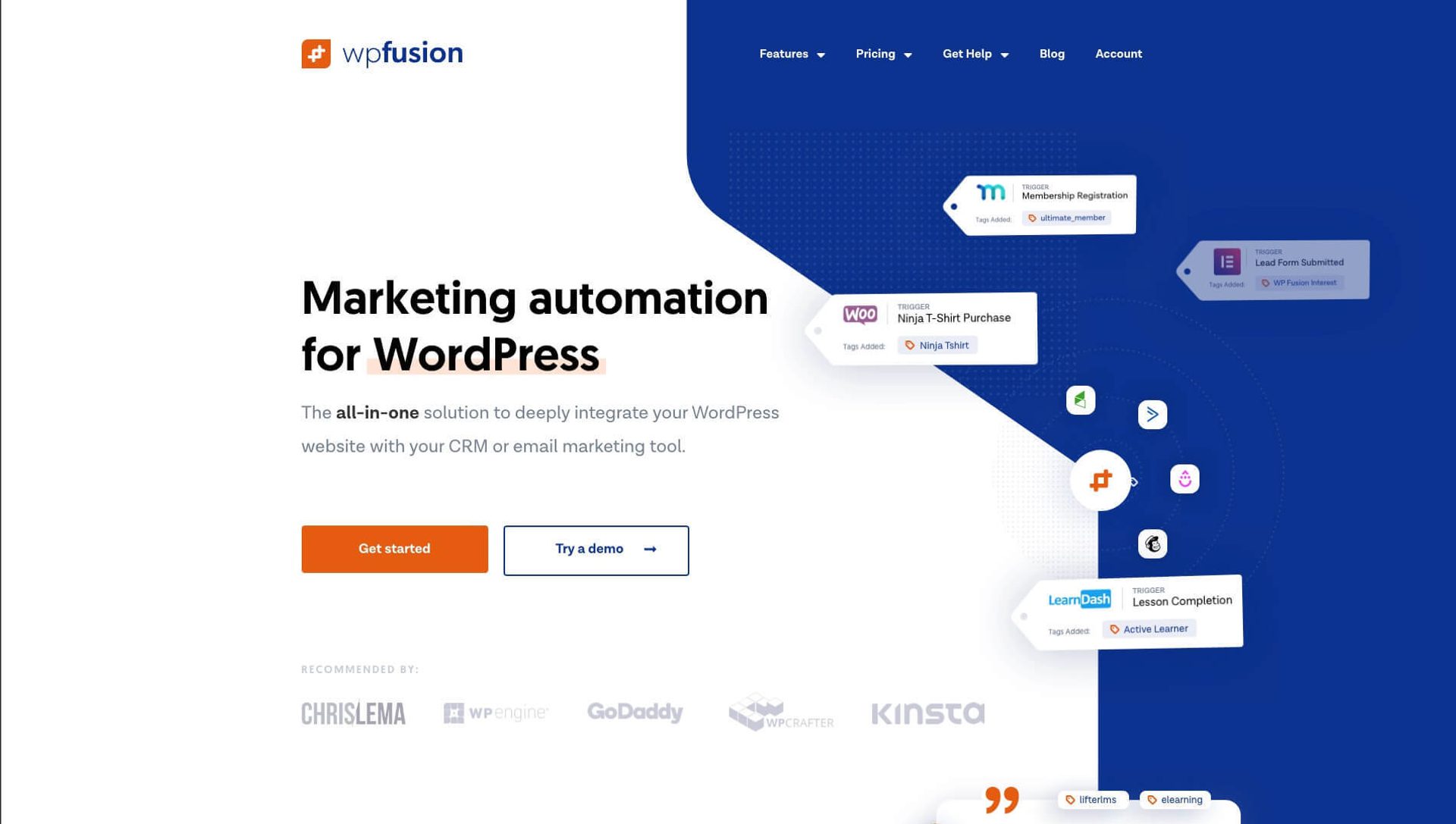
WP Fusion is a WordPress plugin that connects your site to a CRM or email platform. WP Fusion lists 60+ supported CRMs, so you keep your CRM and sync WordPress and WooCommerce data into it.
What stands out:
- Many integrations: Connects with 60+ CRMs and 150+ plugins on paid plans, per its pricing page.
- Tags: Use tags in your CRM to track what customers do.
- Free Lite plan: Download a free version with community support.
- ActiveCampaign sync: Sends ecommerce order data, including Deep Data and abandoned cart tracking, to ActiveCampaign.
Best for: WooCommerce stores that already use a CRM or email platform and want WordPress data to sync into it.
Does WP Fusion work with ActiveCampaign?
Yes. WP Fusion keeps your WordPress users in sync with your ActiveCampaign contacts and can send ecommerce order data to ActiveCampaign. See the WP Fusion integration page.
How much does WP Fusion cost?
WP Fusion Lite is free. The Personal plan is $297 a year, Plus is $427 a year and Professional is $647 a year (WP Fusion, November 20, 2026). See WP Fusion's pricing page for current plans and lifetime options.
Agile CRM: best for sales, marketing and service in one tool
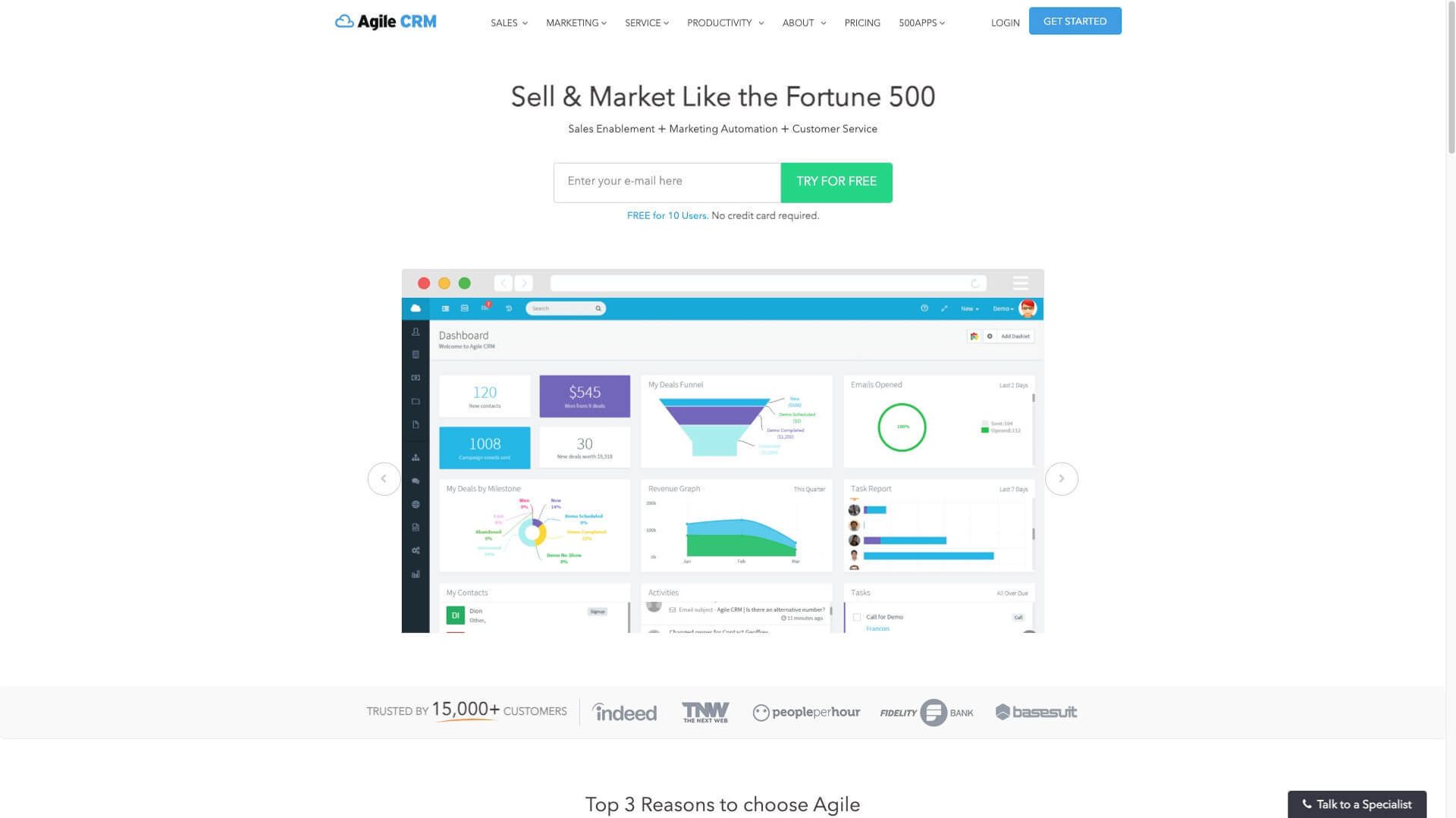
Agile CRM combines sales, marketing and service tools in one platform. Its site lists contact management, deal tracking, marketing automation, landing pages, email tracking and a helpdesk. It does not list a WooCommerce integration, so check how your store data would get in before you commit.
What stands out:
- All-in-one: Sales, marketing and service tools in one platform.
- Marketing automation and lead scoring: Listed on the site; the free plan limits you to 1 campaign workflow and 1 automation rule.
- Reporting: Contact-level analytics and basic reports are on the free plan.
Best for: small teams that want sales, marketing and service in one CRM and can connect store data themselves.
Does Agile CRM work with ActiveCampaign?
Yes. The connector syncs info to create deals and add tags and lead scores to contacts in your CRM. See the Agile CRM integration page.
How much does Agile CRM cost?
Agile CRM has a free plan for up to 10 users with no credit card needed. Paid plans are listed "as low as" $8.99 on the Starter plan, $29.99 on Regular and $47.99 on Enterprise. The page does not state the billing term (Agile CRM, November 20, 2026). See Agile CRM's pricing page for current plans.
Groundhogg: best for a full CRM and automation in WordPress
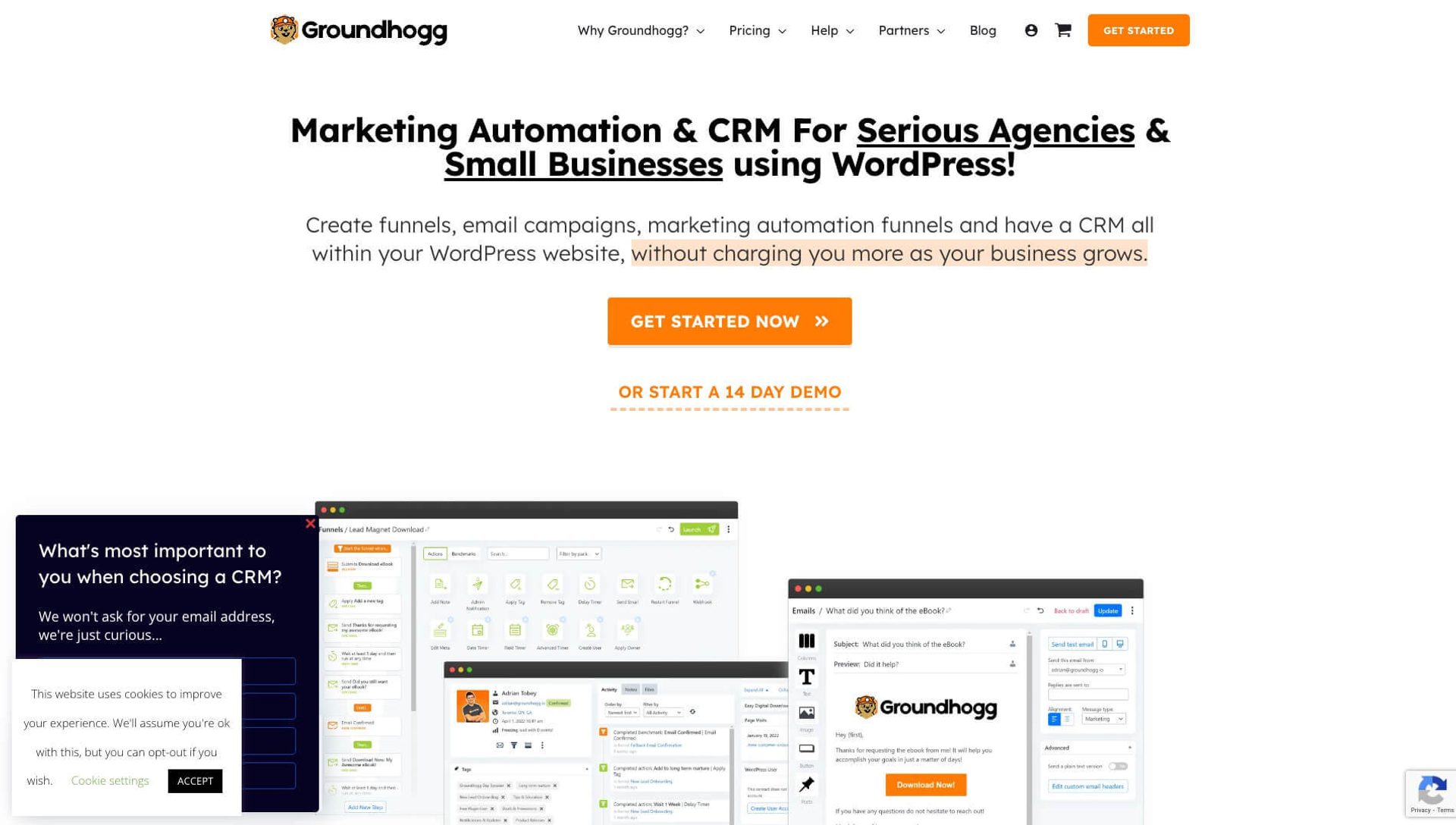
Groundhogg is a CRM and marketing automation plugin that runs on your WordPress site. Its WooCommerce integration syncs customers into the CRM and can trigger automations from store events.
What stands out:
- WordPress-based: It runs on your WordPress site.
- Automation: Visual flows with conditional logic, drip emails, SMS and A/B testing.
- CRM: Contact records with tags, custom fields, activity timelines, notes and tasks.
- Reporting: Email opens and clicks, flow performance and form conversions.
- WooCommerce: Includes cart abandonment recovery and reporting on store sales.
Best for: WooCommerce stores that want one WordPress plugin for CRM, email and automation.
Does Groundhogg work with ActiveCampaign?
We found no ActiveCampaign integration page for Groundhogg as of November 20, 2026. You can browse apps that do connect on the ActiveCampaign Marketplace.
How much does Groundhogg cost?
Groundhogg has no free plan. Basic is $20 a month, Plus is $40, Pro is $50 and Agency is $100, all billed annually (Groundhogg, November 20, 2026). Groundhogg does not offer monthly billing. See Groundhogg's pricing page for current plans.
Frequently asked questions
What is the best CRM for WooCommerce?
The best CRM for WooCommerce is the one that uses your order data to trigger messages. ActiveCampaign fits stores that want email automation and a sales CRM together. Jetpack CRM and Groundhogg fit stores that want a CRM inside WordPress.
Do you need a CRM for a WooCommerce store?
You need one once you want to follow up with customers based on what they buy. A CRM keeps order history and contact details together and lets you automate messages such as abandoned cart reminders.
Is there a free WooCommerce CRM?
Some tools have free options. WP Fusion has a free Lite plan, Agile CRM has a free plan for up to 10 users, and ActiveCampaign has a free 14-day trial with no credit card. Jetpack CRM's pricing page offers a free download.
Which WooCommerce CRMs work with ActiveCampaign?
WP Fusion and Agile CRM have ActiveCampaign integration pages. We found none for Jetpack CRM, FunnelKit Automations or Groundhogg as of November 20, 2026.
Recap: how to pick a WooCommerce CRM
Start with where your customer data lives and what you want to automate. Pick a CRM inside WordPress if you want everything in one dashboard, a sync tool such as WP Fusion if you already have a CRM, or ActiveCampaign if you want order-based email automation and a sales CRM together. Then compare prices on each vendor's page.
Ready to try ActiveCampaign?
Ready to automate your WooCommerce follow-up? Try ActiveCampaign free for 14 days, no credit card required.