Welcome to ActiveCampaign
The future of Autonomous Marketing is here. Your one stop shop for onboarding, resources, and everything you'll need as a new ActiveCampaign user.
First steps, big wins
Start sending Campaigns and activating Automations today with support from Active Intelligence.
Leverage our 12 easy step checklist to help you unlock ActiveCampaign’s most powerful features and start delivering immediate value for your business.
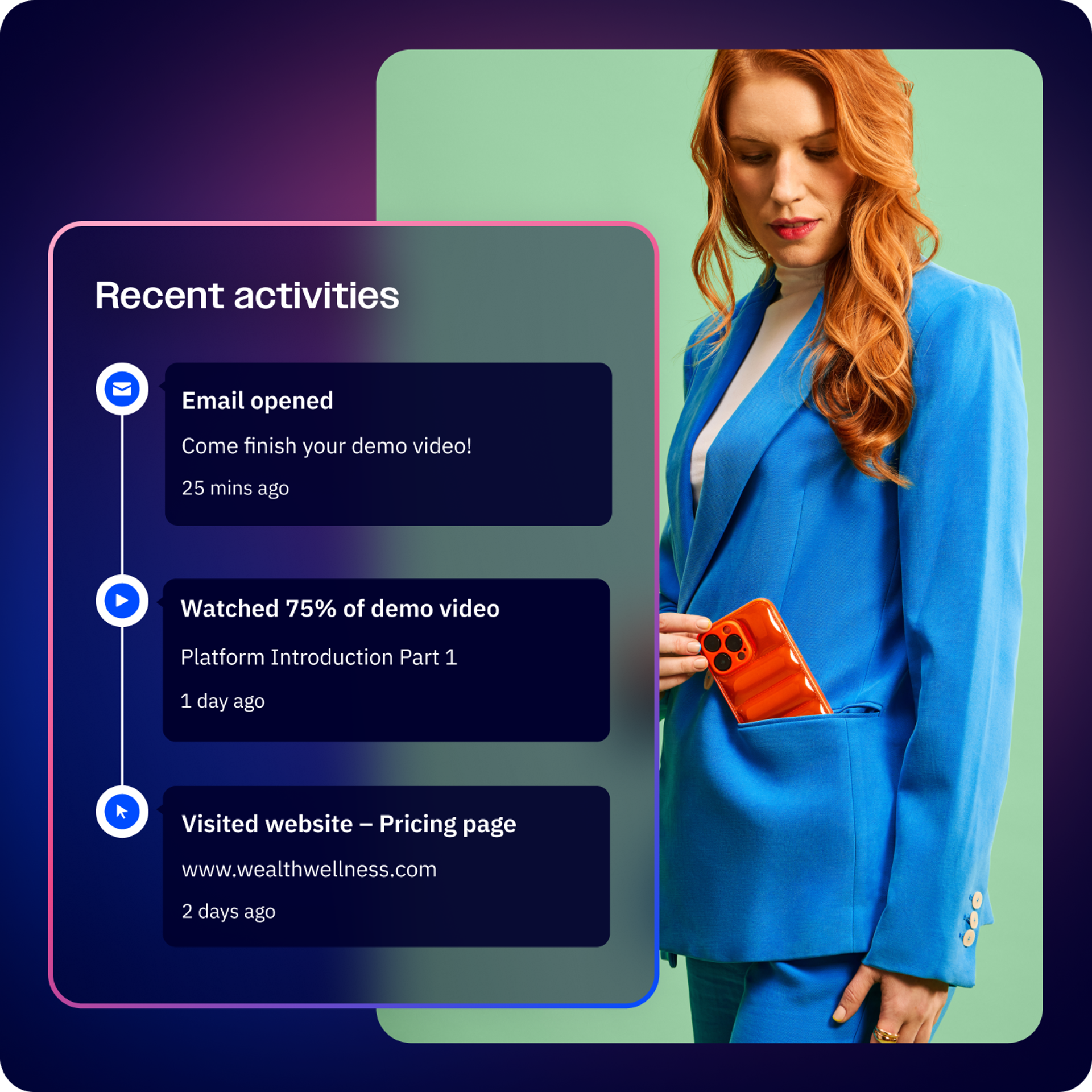
Resources for you, anytime in your journey
Leverage complimentary user-friendly trainings, crafted by our expert team of Education Specialists. Then, take advantage of our always-available support resources to help you kickstart your journey.
Get Fully Set Up in 25 Minutes
Become an ActiveCampaign expert in 25 minutes with our Education Specialists. Discover how Active Intelligence can bring your ideas to life along with basic platform fundamentals.
Receive 24/7 Support
Call your Virtual Onboarding Assistant now. Dial +1 (866) 876-9691 or leverage live chat through Active Intelligence in your account. Discuss platform questions or have it walk you through step-by-step build processes.
Active Intelligence Hub
Whether you need a single email or an entire customer journey, by simply describing what you want to achieve - Active Intelligence will build it for you.
Built for you in Minutes
Active Intelligence can build Campaigns, Automations, and more from one prompt, then refine them using context from your best work. Over time, it will proactively recommend what to build next.
Personalize your Experience
Set up your Brand Kit and Custom Instructions so Active Intelligence understands your brand, audience, goals, and working preferences. User memory helps you avoid repeating yourself over time.
Work Across Your Tools
Connect Claude or ChatGPT to ActiveCampaign, or bring tools like Stripe, Wix, and Calendly into Active Intelligence. Get more done across your stack without switching platforms.
Proactive Recommendations
Autonomous Insights help improve your marketing with personalized recommendations based on your account activity. Never guess or search for what to do next, we provide that insight for you.
Ready to build? Start here for new user guidance
It’s time to put what you’ve learned into action. Below are 12 steps you can take to build out your account. Start small and get more ambitious as you become an ActiveCampaign expert.
Foundations (Steps 1–4)
Start here with essential steps to drive immediate impact. Use Active Intelligence to automate many of these steps or build manually.
1. Import and segment your contact database
Set up your contact foundation by importing your existing contacts and creating your first list/tag strategy. Or use Active Intelligence to import contacts and automatically create your segmentation strategy for you.
2. Authenticate your sending domain
In order to send your first email Campaign, you must first authenticate your sending domain. Do this within the “advanced” section of your settings and review this quick how-to video for set-up support.
3. Customize your Active Intelligence
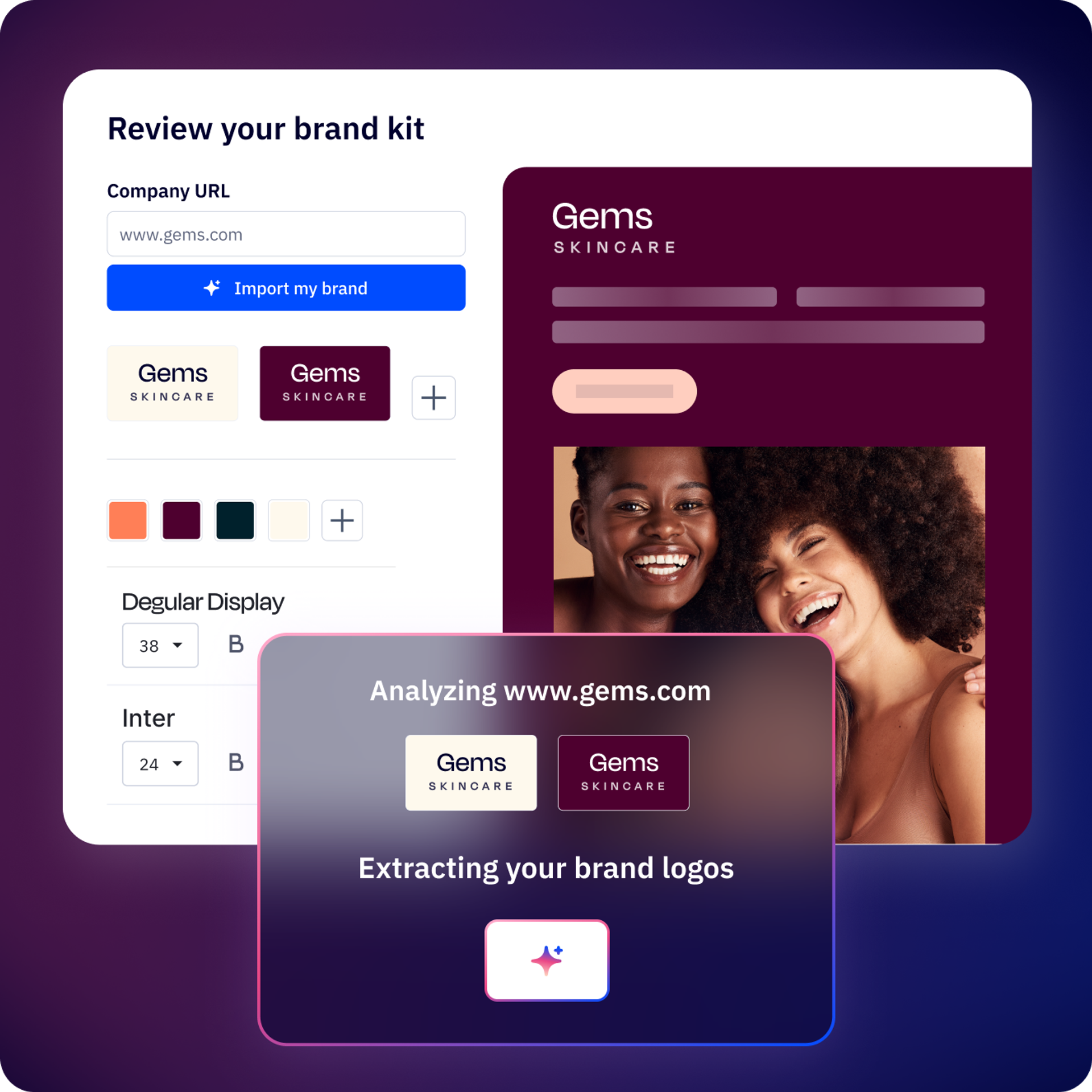
Your brand, baked in. Custom Instructions make Active Intelligence sound like your team wrote it — every time. Set your voice, industry, and goals once, so every AI-generated message sounds like you.
4. Build and send your first targeted campaign
Use our powerful AI Brand Kit to create on-brand templates without the manual work. Your first Campaign is just a few clicks away. Then, send your first segmented email campaign to the right contacts.
Building momentum (Steps 5–8)
Ready to grow? These steps will help you capture more leads and convert more customers.
5. Set up basic site tracking
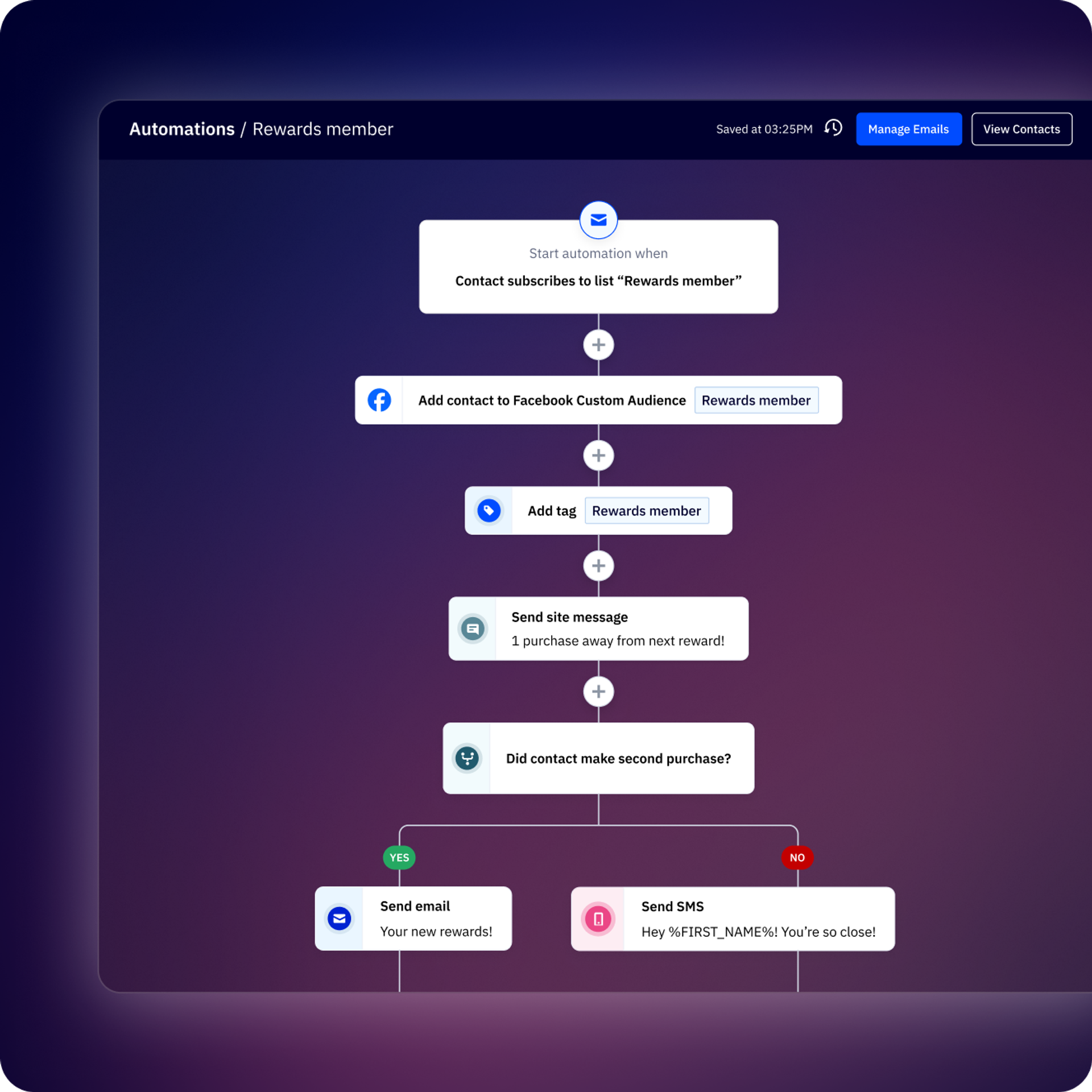
With Site Tracking, you’ll be able to – in real-time – track identified contacts’ website and page visits. This allows you to gather behavior-based data to create specific segments and trigger targeted messages and content.
6. Build a high-converting form
Use Forms to help capture leads in ActiveCampaign. Create your first landing page or form, or let Active Intelligence build it for you. Simply prompt Active Intelligence to “Build a new lead form” — and let us know what you’d like included. Or, build a form from scratch by following this step-by-step guide.
7. Create a welcome series automation
Let Active Intelligence build your multi-step workflows in seconds. Prompt Active Intelligence to “Build a 3 step welcome sequence email” and watch your vision come to life. You can create personalized customer journeys or leverage pre-built automation recipes.
8. Connect your tools to ActiveCampaign
Use Native and Third-Party Integrations to connect ActiveCampaign with one or more tools you’re already using. Google Sheets, Facebook, Salesforce, Calendly, Zapier, and ecommerce platforms are some common integrations that help reduce manual work.
Advanced maneuvers (Steps 9–12)
Master the platform with Active Intelligence to boost awareness and optimize workflows. Find specific prompt examples below and get the most out of your ActiveCampaign account.
9. Launch complex automations faster
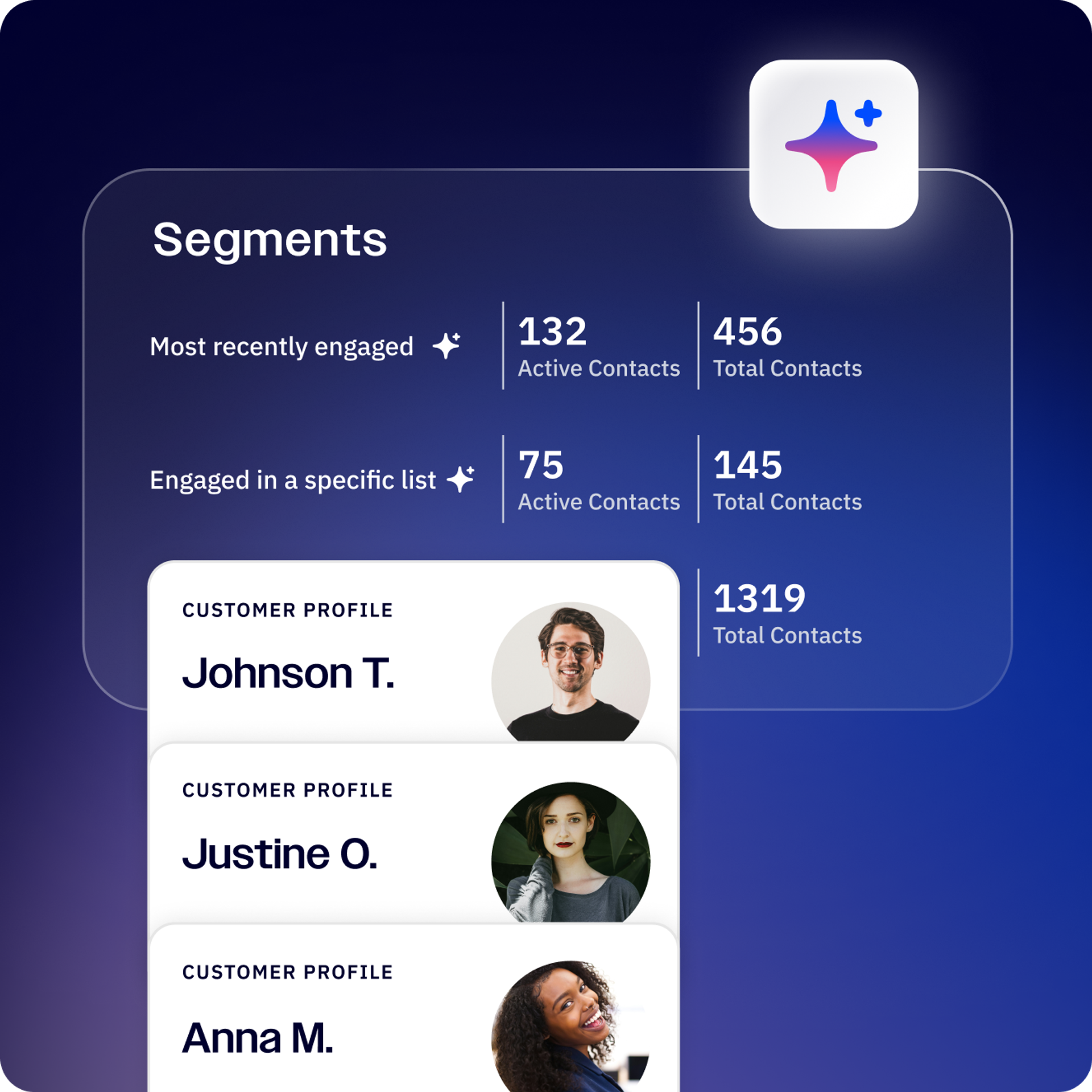
Active Intelligence can help you seamlessly launch nurture sequences, win-back flows, and targeted campaigns in seconds, not hours. Create automations that respond to specific actions like website visits, purchase behavior, form submissions, email engagement, or custom events. Prompt Active Intelligence to “Create a customer journey that will help me win back my inactive subscribers.”
10. Build smarter audience segments
Use Active Intelligence to identify high-intent contacts based on behavior, purchase history, and engagement — so your outreach always reaches the right people. Ask Active Intelligence to “Create a segment for contacts who visited my site 3+ times but haven’t purchased.”
11. Uncover what’s working (and what isn’t)
Active Intelligence analyzes your campaigns and surfaces actionable insights — so you can improve performance without digging through reports manually. A reporting evaluator, without the manual effort. Ask Active Intelligence to “Show me how my email performance has changed in the past 6 months.”
12. Bring lapsed contacts back to life
Identify disengaged contacts and take immediate action with AI-recommended strategies tailored to re-activate them before they churn for good. Tell Active Intelligence to “Give me specific recommendations to increase my open rates.”
Need help? Connect with your Virtual Assistant
Call us now or dial +1 (866) 876-9691
Chat with our team through Active Intelligence to connect with your Virtual Assistant anytime.


