What is an Email Blast? How To Elevate With Automation
A good email blast can be the difference between winning and losing customers. Today, the world is dominated by social...
A good email blast can be the difference between winning and losing customers. Today, the world is dominated by social...


No writer wants to feel like they’re shouting into the void, publishing articles that go unseen and unheard. This is...

Whether you just created a website on WordPress or have had one for years, one of the most important parts...
Finding the right tools to craft, manage, and optimize your projects is crucial as a content creator. Whether you’re an...
Did you know that WordPress powers 43.1% of all websites on the internet and has been the fastest-growing blogging platform...
Get a Free Intro to Sales Automation

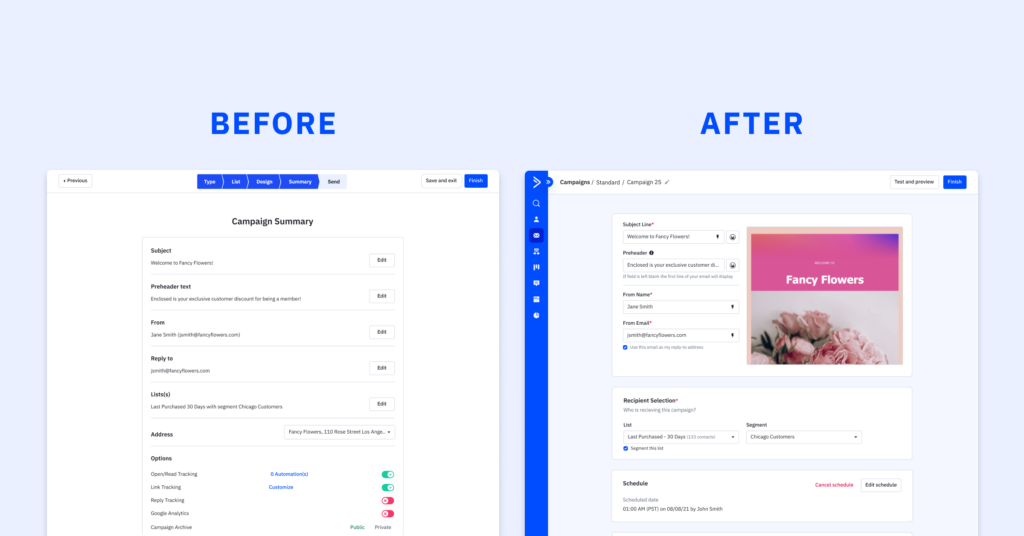
In the world of marketing, time is of the essence, and efficiency is key. Crafting an impactful email campaign is...

At ActiveCampaign, we understand the significance of gathering and organizing contact information effectively. With our user-friendly forms builder, you can...
Overview In the fast-paced realm of automation, staying ahead of the curve is imperative for businesses seeking to optimize their...
In today’s digital landscape, ecommerce businesses are continually seeking innovative ways to boost sales and enhance customer engagement. If you’re...

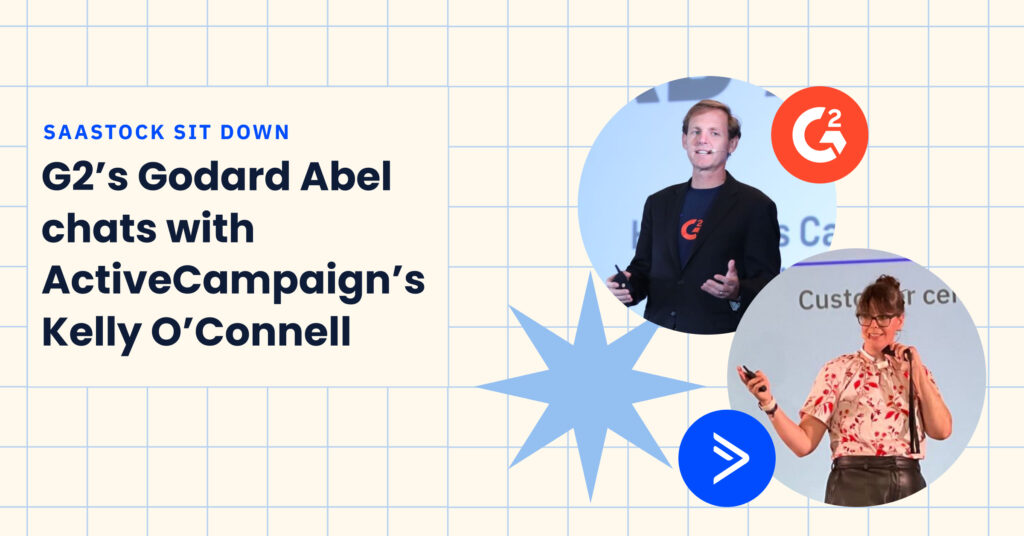
Last month, our SVP of Product, Kelly O’Connell, spoke at the inaugural US SaaStock event. She joined hundreds of SaaS...

With the upcoming back-to-school and winter holiday shopping seasons quickly approaching, all brands (no matter the size) hope to connect...
As part of Postmark joining ActiveCampaign, research was done to understand how consumers and businesses feel about transactional email and...
As of April 7th, 2020, school closures due to coronavirus have impacted at least 124,000 U.S. public and private schools...

We’ve all known that person who always seems to be getting things done.Whether a friend or a colleague, this is...

This Women’s History Month, ActiveCampaign is excited to celebrate our female-identifying employees and the brave women throughout history who tell...
How Customer Enablement workshops have enabled our customers to build the businesses of their dreams. As a team here at...
Are you the “right” type of leader? The answer to that question might surprise you.
We’ve all known that person who always seems to be getting things done.Whether a friend or a colleague, this is...
Nearly 70% of people abandon their shopping carts online. That means 7 out of 10 people who add something to...