The best WooCommerce theme is one built for WooCommerce that loads fast, adapts to phones and fits your budget. Free themes such as Astra, Botiga, Blocksy, OceanWP, Zakra and Storefront are a practical starting point for a new store, and paid themes such as The7 and Flatsome add more design options. This guide compares all eight with prices, ratings and update dates checked on November 20, 2026.
What is a WooCommerce theme?
A WooCommerce theme is a WordPress theme that controls how your online store looks, including product pages, the cart and checkout. WooCommerce is a free, open-source ecommerce plugin for WordPress. It works with almost any WordPress theme, but a theme built for WooCommerce styles every store page correctly.
Why do ecommerce brands use WooCommerce?
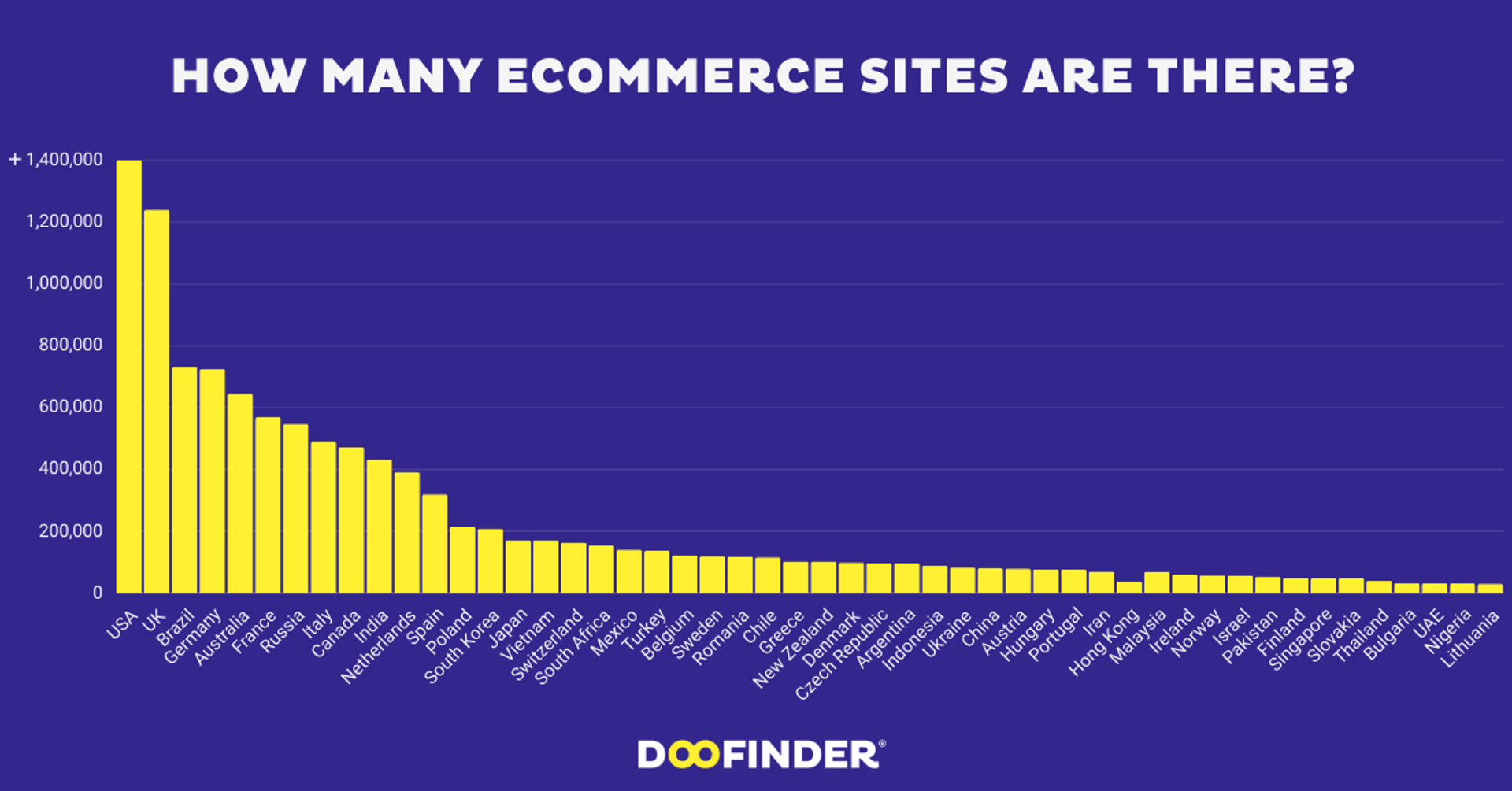
Brands use WooCommerce for flexibility, familiarity, low starting cost and a large extension library. WooCommerce says it powers more than 4 million stores (WooCommerce, November 20, 2026). Many use it to personalize the buying experience.
- Flexibility: You can sell physical products, digital downloads or subscriptions and change the design and functions to fit your brand.
- Familiarity: If you already use WordPress, setup feels straightforward, and tutorials are easy to find.
- Low starting cost: The core plugin is free, and you are not locked into a long-term contract.
- Extensions: Plugins cover needs such as SEO, analytics and payment gateways.
Still choosing a platform? Read WooCommerce or Shopify, which is better for you.
Is WooCommerce free?
Yes, the core WooCommerce plugin is free. You still pay for hosting and a domain name, and you may pay for premium themes, extensions, advanced payment gateways, shipping options or marketing tools. These add-ons are optional.
Need help connecting WordPress to WooCommerce? Follow our step-by-step guide to set up WooCommerce on WordPress.
After you install WooCommerce, you choose a free or paid WordPress theme. Here is how they compare.
What is the difference between free and paid WooCommerce themes?
Free versus paid WooCommerce themes
| Feature | Free theme | Paid theme |
| Cost | $0 core theme, with paid upgrades optional | Annual or one-time license fee |
| Support | Often community support through the WordPress.org forums | Direct support; for example, Botiga Pro includes 12 months of premium support |
| Layouts and starter sites | Fewer; Botiga free has 1 site layout and 1 starter site | Botiga Pro has 4 layouts and 10 starter sites |
| Updates | Check the last updated date on WordPress.org | The license sets how long updates last; Blocksy's annual plans include one year of updates |
Free themes are a good starting point, and paid themes add more layouts, starter sites and support. If you are building the whole site, read our guide to setting up your WordPress site from start to finish.
What should you look for in a WooCommerce theme?
Look for a theme that supports WooCommerce, adapts to every screen, offers the customization you need, loads fast and gets regular updates.
- WooCommerce compatibility: Choose a theme built to style product pages, the cart and checkout.
- Responsive design: Pick a theme that adapts to desktops, phones and tablets so customers get the same experience on every device.
- Customization: Look for layout, color and font controls that match your brand and leave room for clear CTAs.
- Speed and SEO: Test the theme against Google's Core Web Vitals. A good score means the largest content loads within 2.5 seconds, interactions respond in 200 milliseconds or less and layout shift stays at 0.1 or less (web.dev, November 20, 2026).
- Support and updates: Check the last updated date and the support options, so the theme keeps working with new WordPress and WooCommerce versions.
What are the best WooCommerce themes for WordPress?
These eight themes are not ranked. Each is built for or works with WooCommerce, and each detail below was read on WordPress.org, ThemeForest or the vendor's own page on November 20, 2026.
Quick comparison of eight WooCommerce themes
| Theme | Cost | Popularity | Rating |
| Astra | Free; Astra Pro add-on from $69 a year (Astra, November 20, 2026) | 1+ million active installs | 4.9 of 5, 6,559 ratings (WordPress.org) |
| The7 | $69 Regular License (ThemeForest, November 20, 2026) | 337,604 sales | 4.75 of 5, 9.3K reviews (ThemeForest) |
| Flatsome | $59 Regular License (ThemeForest, November 20, 2026) | 271,214 sales | 4.83 of 5, 8.2K reviews (ThemeForest) |
| Botiga | Free; Botiga Pro from $79 a year before the introductory discount (aThemes, November 20, 2026) | 10,000+ active installs | 4.9 of 5, 165 ratings (WordPress.org) |
| Blocksy | Free; Blocksy Pro from $69 a year before discounts (Creative Themes, November 20, 2026) | 300,000+ active installs | 5.0 of 5, 874 ratings (WordPress.org) |
| OceanWP | Free; paid bundles sold on OceanWP's site (prices not shown in the page text) | 400,000+ active installs | 4.9 of 5, 5,721 ratings (WordPress.org) |
| Zakra | Free; Zakra Pro from $69 a year (Zakra, November 20, 2026) | 30,000+ active installs | 4.9 of 5, 600 ratings (WordPress.org) |
| Storefront | Free | 90,000+ active installs | 4.5 of 5, 155 ratings (WordPress.org) |
Astra: free and widely used
Cost: Free. Astra Pro, the paid add-on, starts at $69 a year (Astra, November 20, 2026).
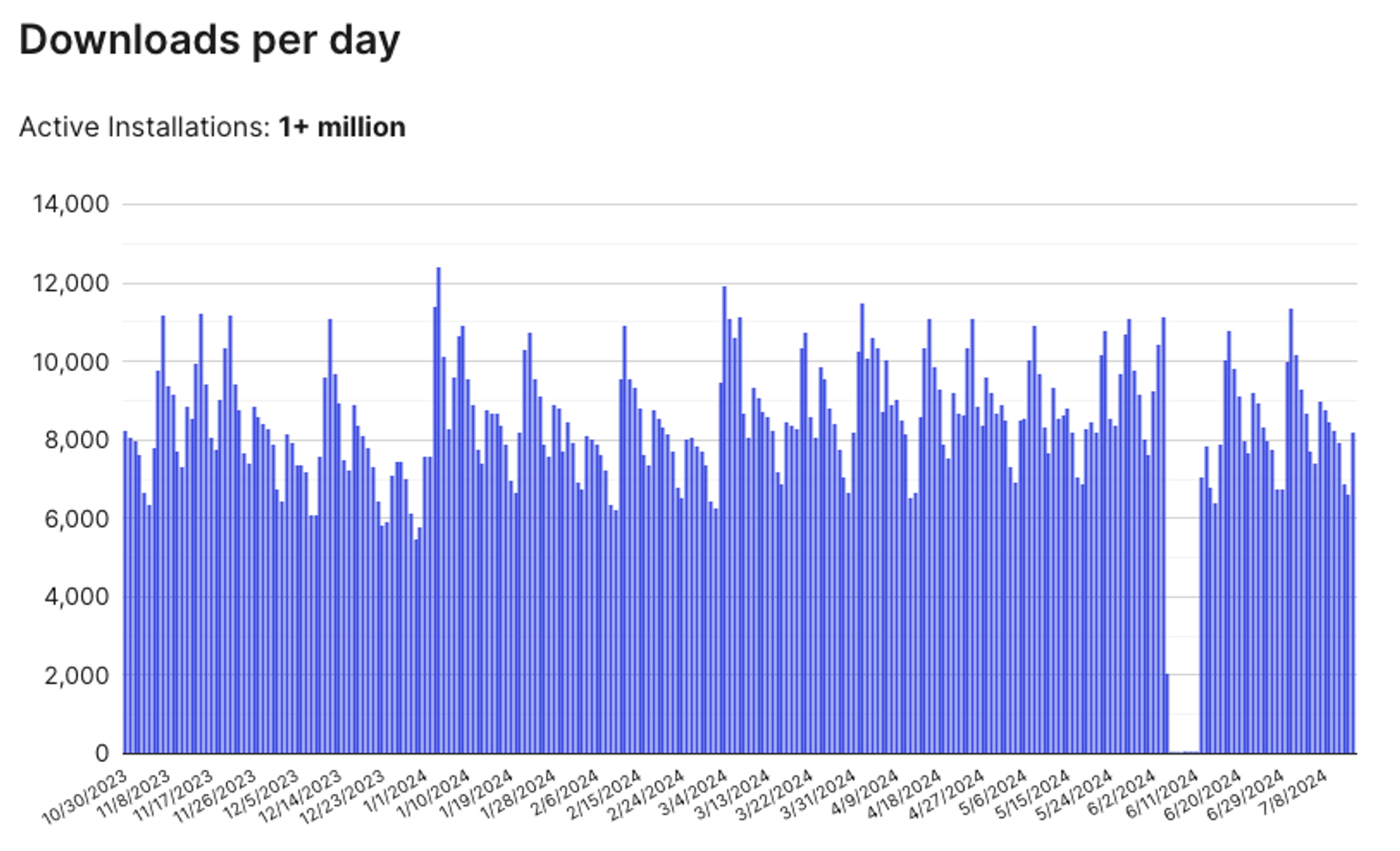
Astra has more than 1 million active installs and a 4.9 out of 5 rating from 6,559 ratings on WordPress.org (November 20, 2026). It was last updated on November 12, 2026.
Astra suits personal sites, blogs and WooCommerce stores. WordPress.org says it works with page builders such as Spectra, Elementor and Beaver Builder and lists schema markup among its features.

Download Astra from WordPress.org.
The7: a paid multipurpose theme
Cost: $69 for the Regular License (ThemeForest, November 20, 2026).
The7 is a paid, multipurpose WordPress theme with WooCommerce support.
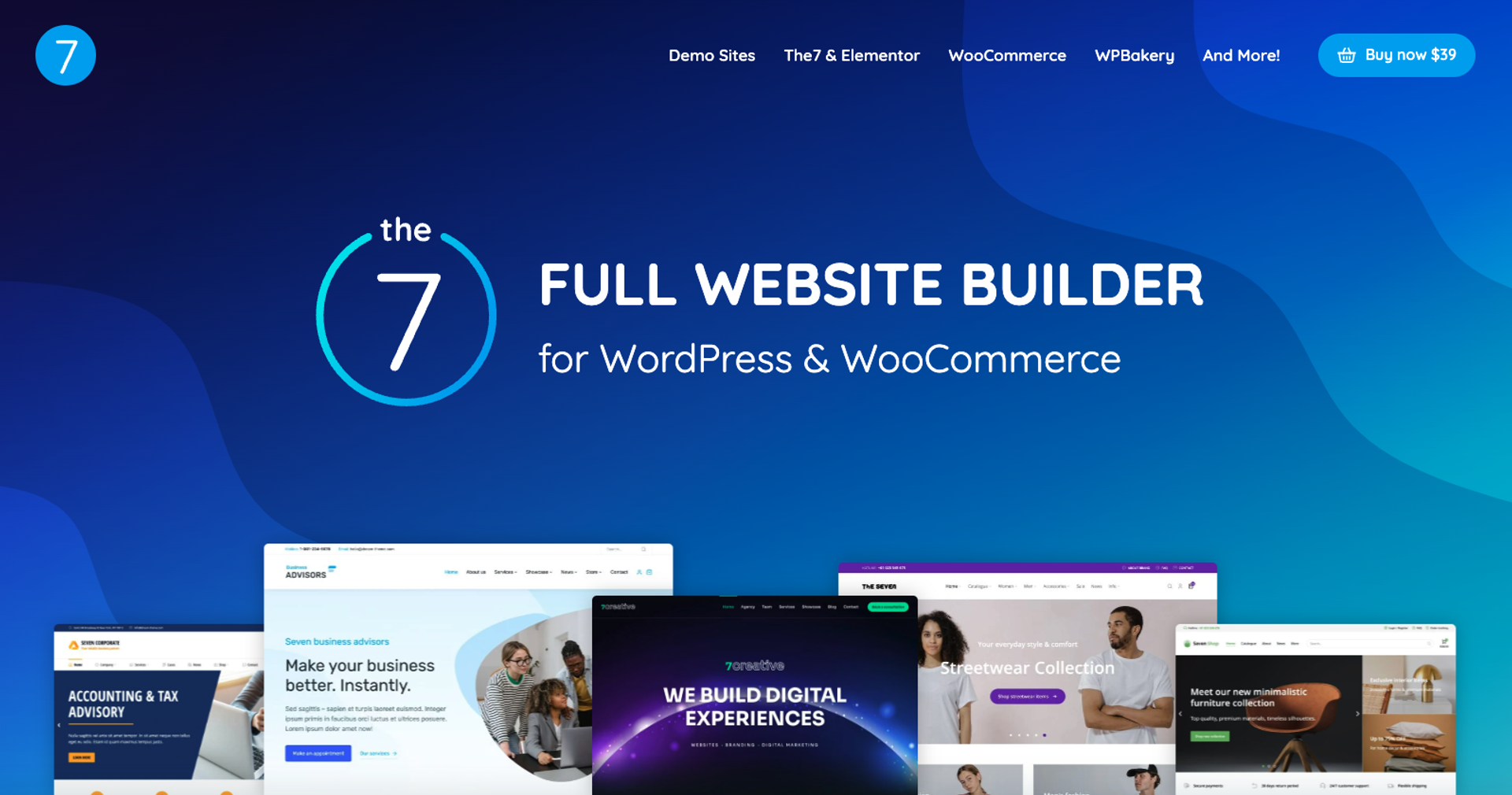
ThemeForest shows 337,604 sales and a 4.75 out of 5 rating from 9.3K reviews. Its changelog lists WooCommerce template updates and a mini-cart fix.
Download The7 from ThemeForest.
Flatsome: a paid theme built for stores
Cost: $59 for the Regular License (ThemeForest, November 20, 2026).
Flatsome is a multipurpose theme for your WooCommerce store, a company website or client websites.
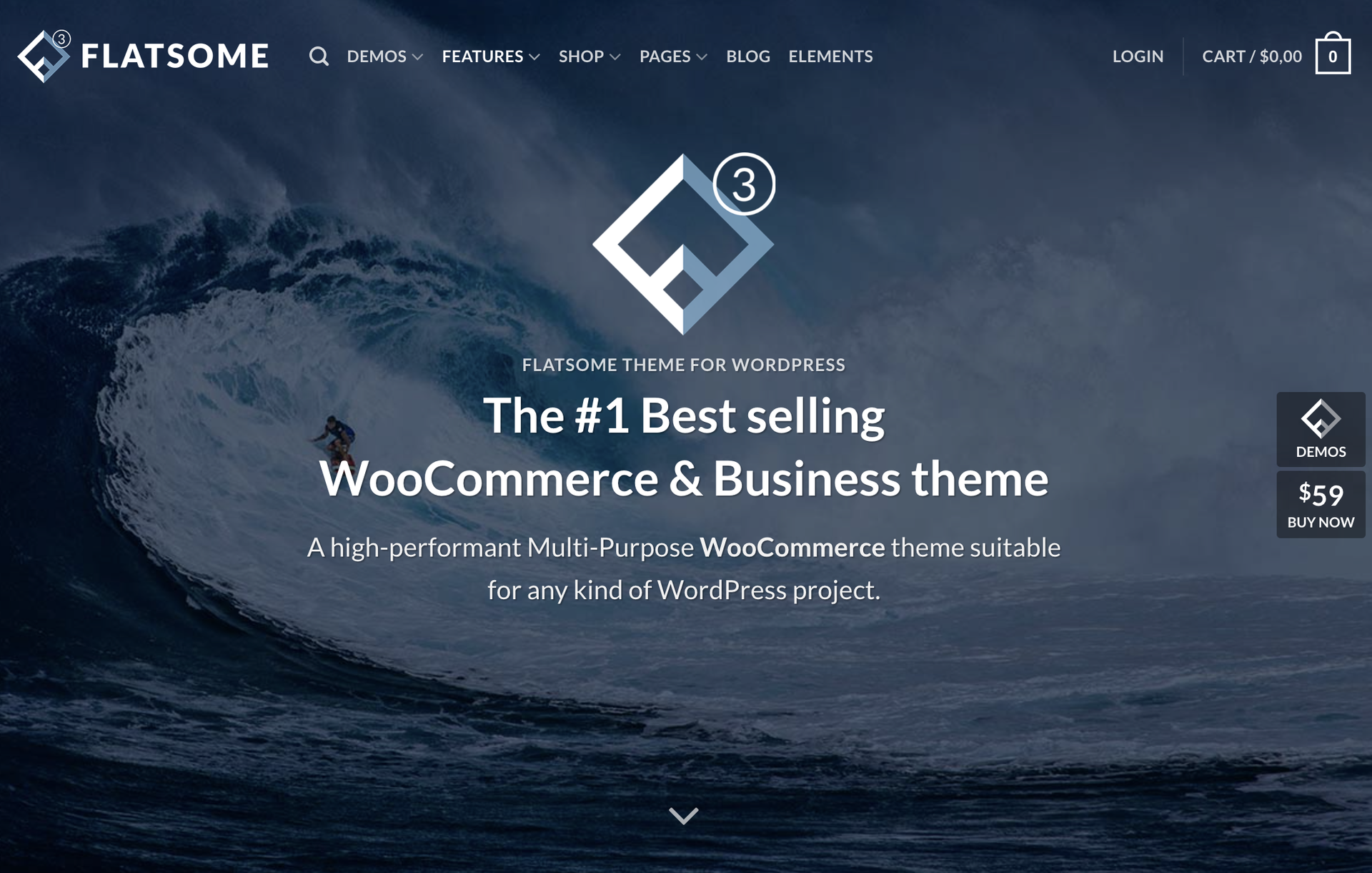
ThemeForest shows 271,214 sales and a 4.83 out of 5 rating from 8.2K reviews. The latest listed update is version 3.20.13 on November 11, 2026.
Download Flatsome from ThemeForest.
Botiga: a lightweight theme made for stores
Cost: Free. Botiga Pro starts at $79 a year (Personal, 1 site) before the current 20% introductory discount, and renews at the full price (aThemes, November 20, 2026).
Botiga has more than 10,000 active installs and a 4.9 out of 5 rating from 165 ratings on WordPress.org (November 20, 2026). It was last updated on November 19, 2026.
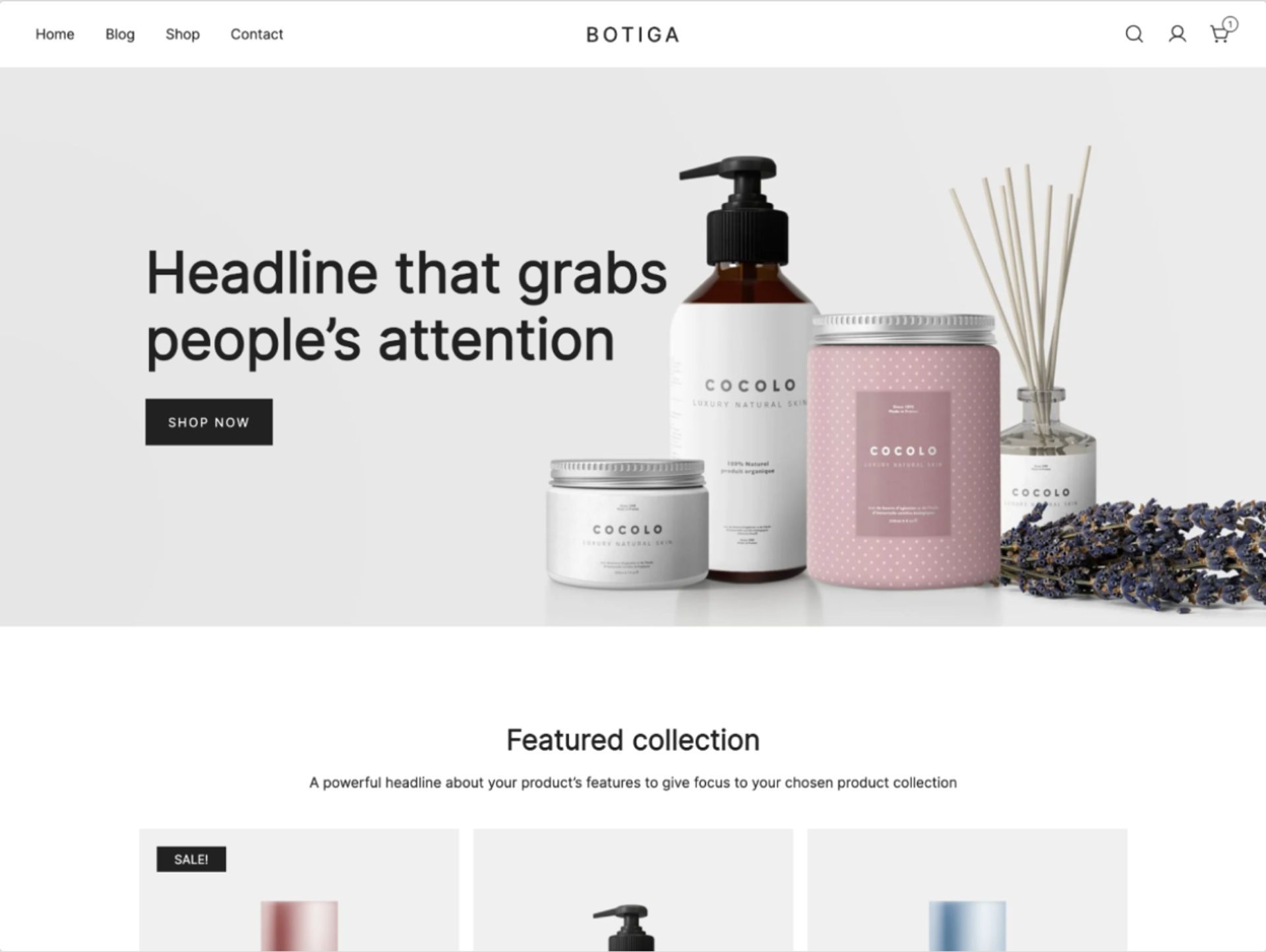
Botiga is a WooCommerce theme that works with both Elementor and the WordPress block editor. The free version has 3 product gallery styles, and Pro adds 4 site layouts, 10 starter sites and 7 gallery styles.
Download Botiga from WordPress.org.
Blocksy: fast and block-editor friendly
Cost: Free. Blocksy Pro starts at $69 a year for 1 site (Personal) or $99 a year for 10 sites (Business), before discounts (Creative Themes, November 20, 2026).
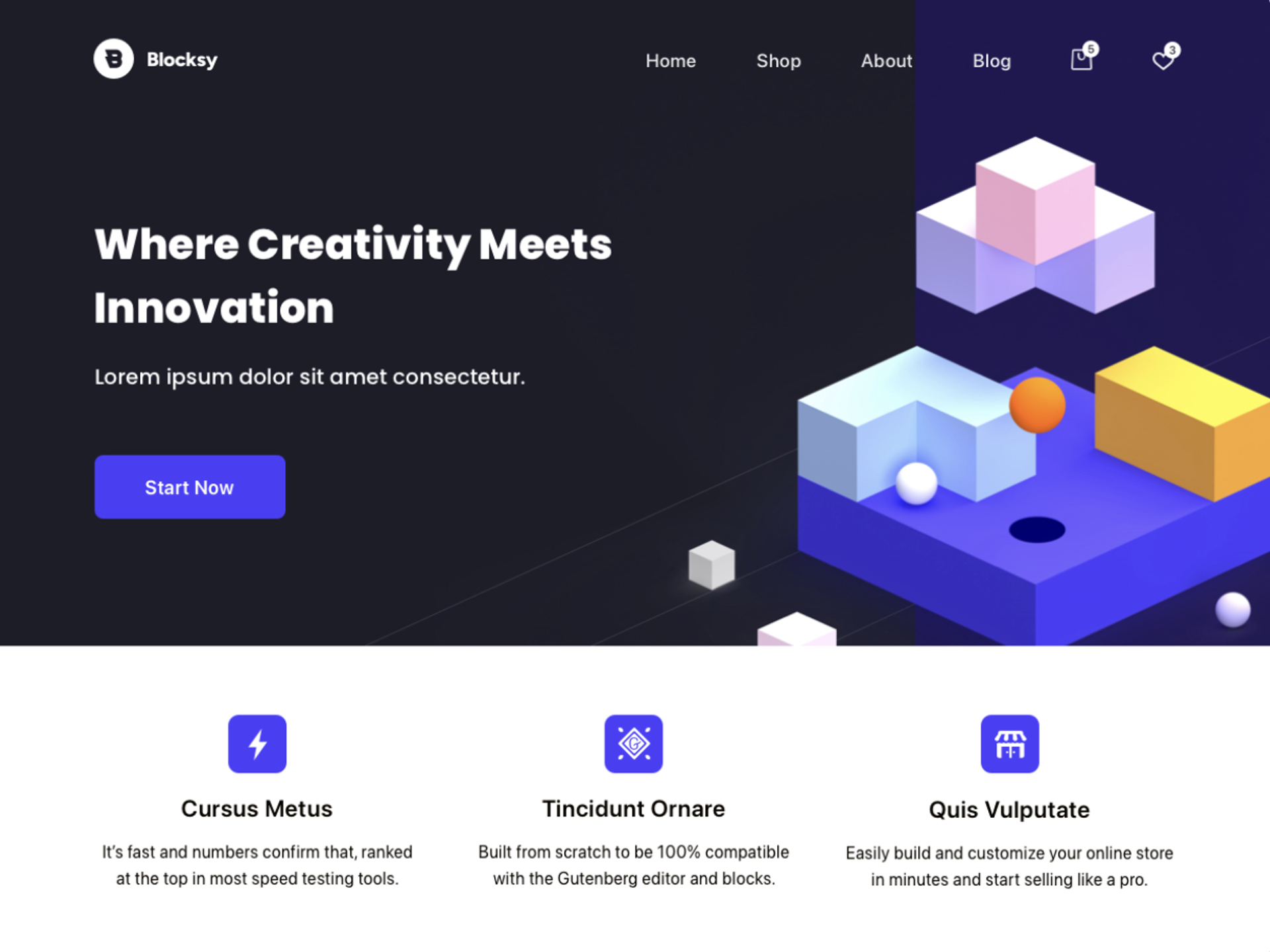
Blocksy is built for the WordPress block editor and has advanced WooCommerce support, according to its WordPress.org listing. It has 300,000+ active installs and a 5.0 out of 5 rating from 874 ratings, and was last updated on November 13, 2026.
Download Blocksy from WordPress.org.
OceanWP: lightweight and extendable
Cost: Free. OceanWP also sells paid bundles on its site (OceanWP, November 20, 2026).
OceanWP has more than 10 million downloads, 400,000+ active installs and a 4.9 out of 5 rating from 5,721 ratings on WordPress.org (November 20, 2026). It was last updated on October 26, 2026.
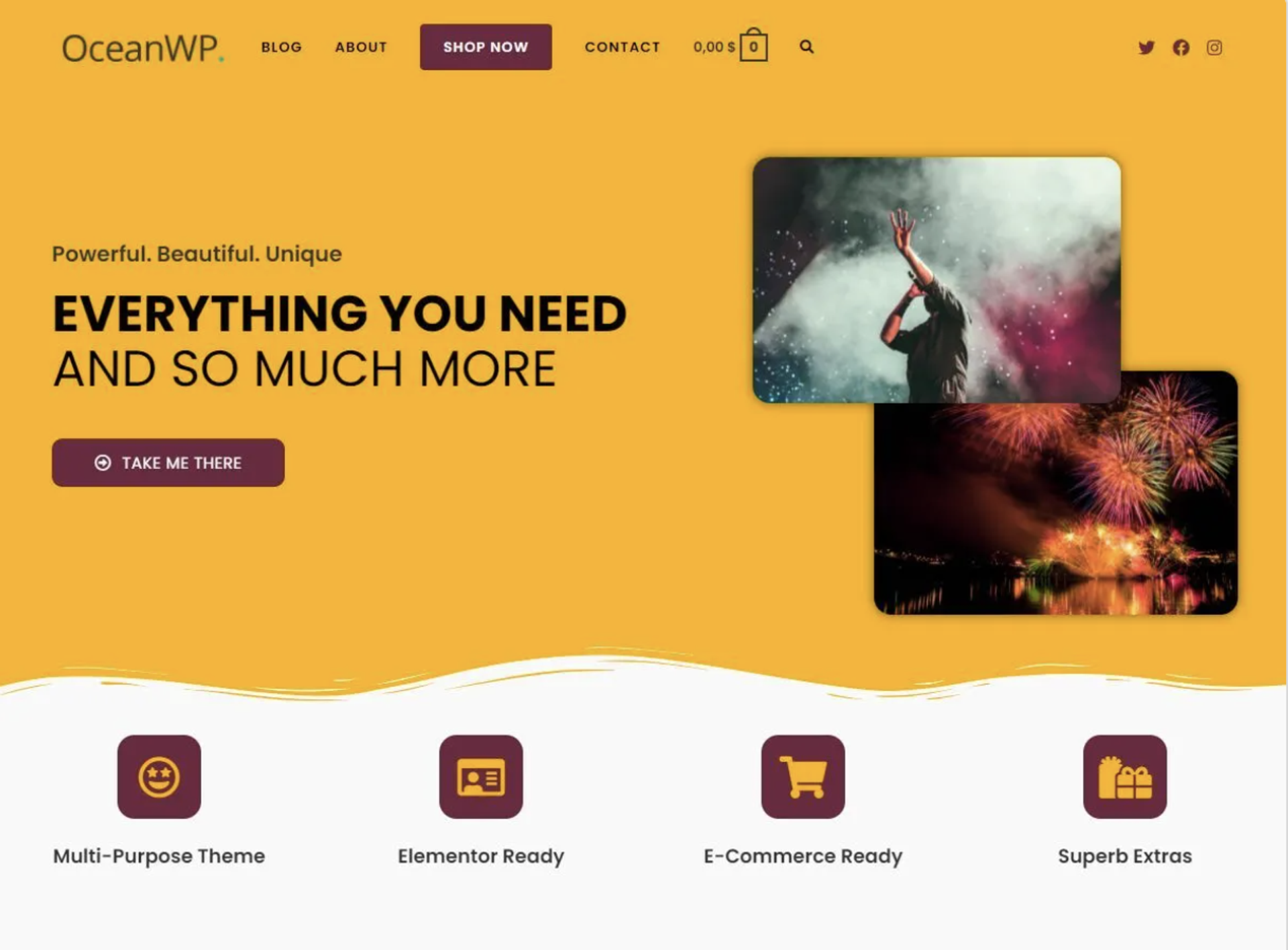
OceanWP builds blogs, portfolios, business websites and WooCommerce storefronts, and lets you adjust settings for tablet and mobile.
Download OceanWP from WordPress.org.
Zakra: free starter sites for new stores
Cost: Free. Zakra Pro is $69 a year for up to 3 websites, and Zakra Plus is $99 a year for up to 10 (Zakra, November 20, 2026).
Zakra offers more than 40 free starter demo sites, so you can launch faster. It has 30,000+ active installs and a 4.9 out of 5 rating from 600 ratings on WordPress.org, and was last updated on November 18, 2026.
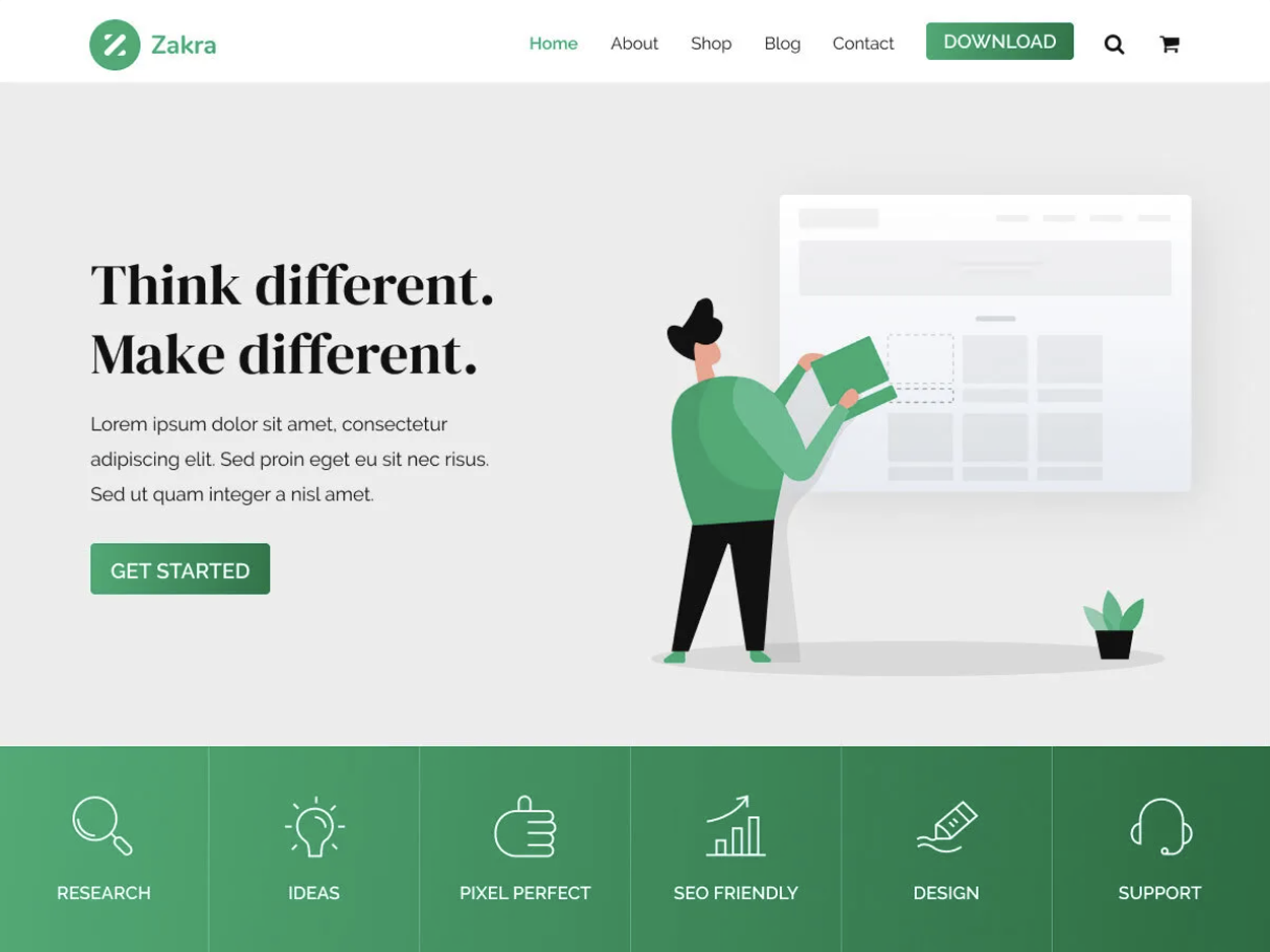
WordPress.org tags Zakra for ecommerce use.
Download Zakra from WordPress.org.
Storefront: the simple option from WooCommerce
Cost: Free.
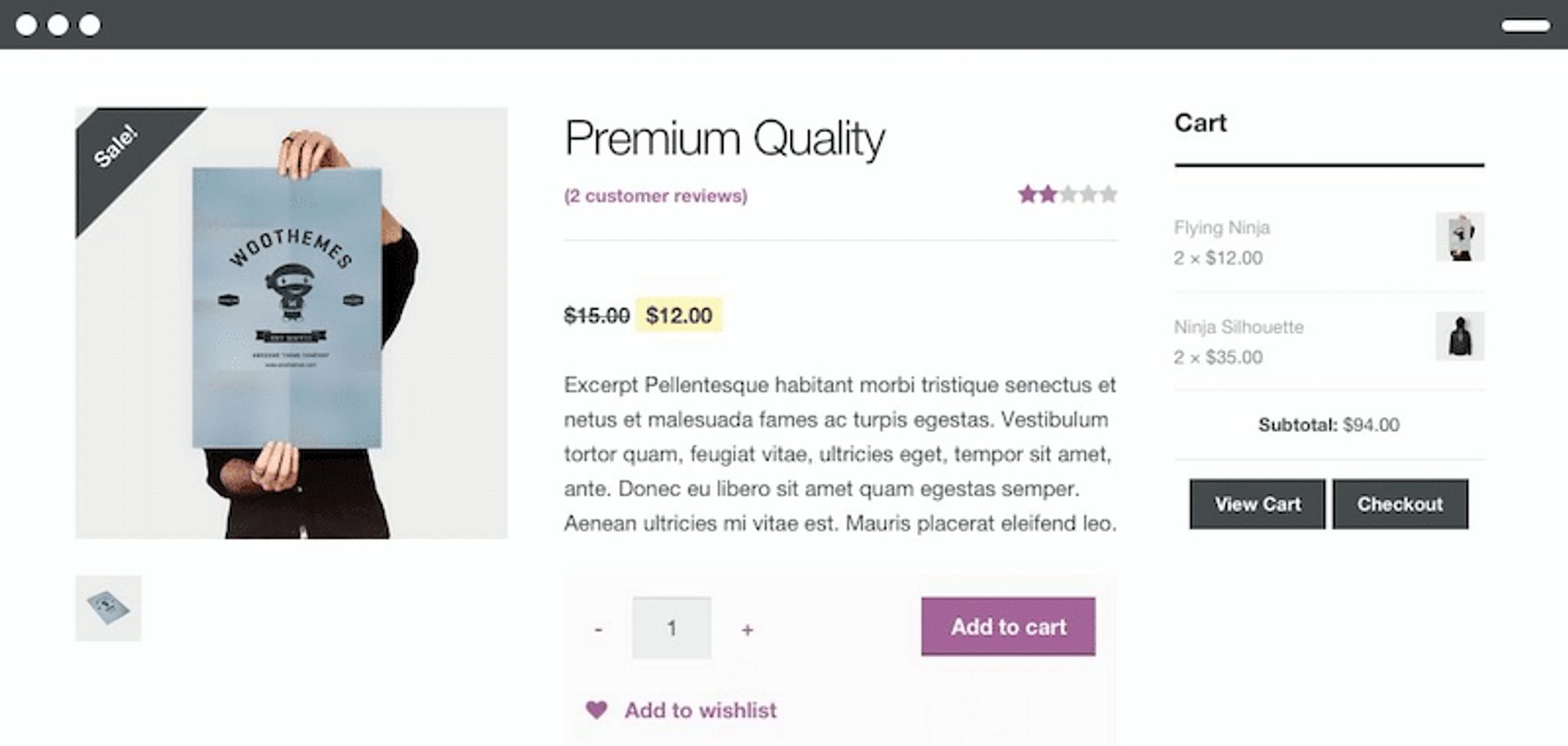
Storefront is a free theme with deep WooCommerce integration, built and maintained by WooCommerce core developers. It has 90,000+ active installs and a 4.5 out of 5 rating from 155 ratings on WordPress.org. Its last update was December 9, 2025, a longer gap than the other seven themes, so confirm it works with your current WooCommerce version.
Storefront has a basic layout and limited customization options, so it suits a simple store and beginners. It includes several layout and color options and multiple widget regions.
Download Storefront from WordPress.org.
Frequently asked questions
Can you use WooCommerce with any theme?
Yes, WooCommerce works with almost any WordPress theme. A theme built for WooCommerce styles product pages, carts and checkout correctly, so check that the theme lists WooCommerce support before you install it.
How much do WooCommerce themes cost?
Free themes cost $0, and paid options vary. The7 is $69 and Flatsome is $59 (ThemeForest Regular License), and paid plans for Astra, Botiga, Blocksy and Zakra start at $69 to $79 a year. Prices were read on November 20, 2026, so check each vendor's page before you buy.
Where can you buy WooCommerce themes?
You can buy WooCommerce themes from several marketplaces and theme providers:
- WooCommerce.com: Themes designed for WooCommerce.
- ThemeForest: A large marketplace for themes and templates, including many for WooCommerce.
- TemplateMonster: A variety of WooCommerce themes with different designs and functions.
- WordPress.org: Free themes from the official theme directory.
Before you buy, check that the theme meets your needs for design, features and support. Read customer reviews and ratings too, because they often show common problems that could be a dealbreaker.
How do you install a WooCommerce theme?
- In your WordPress admin, go to Appearance, then Themes.
- Select Add New, search for the theme, then select Install.
- Select Activate.
To install a theme you bought, download its .zip file. Then go to Appearance, then Themes, select Add New and Upload Theme, choose the file, select Install Now and select Activate.
How can email marketing help your WooCommerce store?
Email marketing lets you follow up with store visitors after they leave, using the addresses they share, so a first visit can still turn into a sale.
WooCommerce sends built-in emails for customer actions such as orders. A marketing platform adds list building, segmentation and automation, which helps you build longer relationships.
Collect email addresses with forms and offers customers want, because quality matters more than quantity. A clean email list of interested customers helps your engagement and conversion rates.
Does ActiveCampaign work with WooCommerce?
Yes. ActiveCampaign has a WooCommerce integration that connects your store to your marketing, so you can follow customers through their purchase journey.
With ActiveCampaign and WooCommerce, you can do four things:
- Acquire new customers: Reach potential customers with personalized messages.
- Re-engage existing customers: Send abandoned cart reminders, personalized recommendations, event-triggered messages, feedback requests and win-back campaigns.
- Drive revenue: Send timely, personalized messages about products customers are likely to want.
- Optimize a subscription business: Recurring Payments automations help manage communications with subscribers, raise customer lifetime value and average order value, and reduce churn.
Setup steps are in ActiveCampaign's help center, in the guide to connecting your WooCommerce store. ActiveCampaign also offers forms, segmentation and site tracking that you can use alongside the integration.
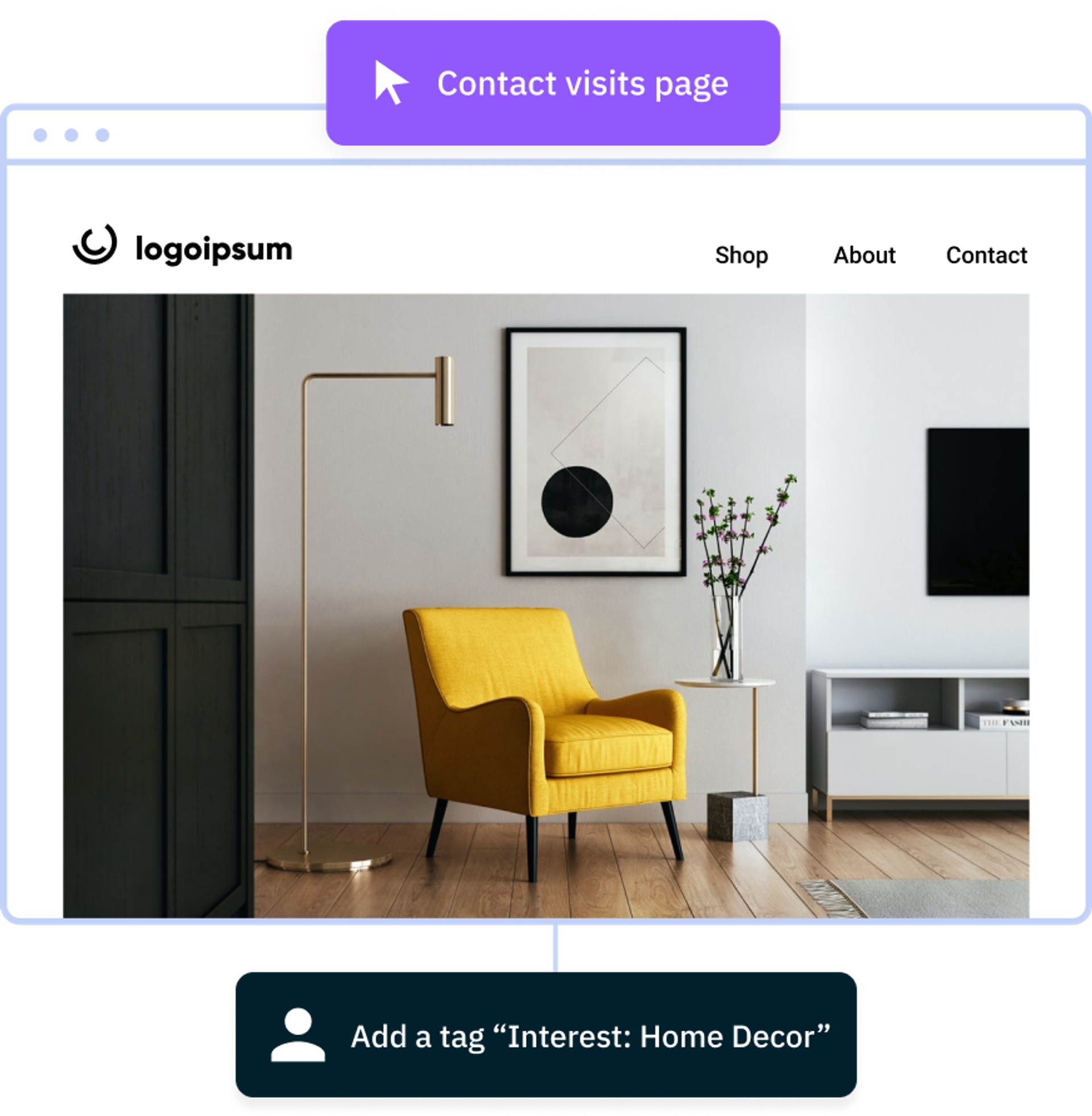
ActiveCampaign marketing automation lets you start emails from custom triggers, actions and conditions. You can send follow-ups based on what contacts do on your site, trigger automations, create segments and set automation goals.
Recap: how to pick a WooCommerce theme
Choose a theme built for WooCommerce that is fast, responsive and updated regularly. Start with a free theme such as Astra, Botiga, Blocksy, OceanWP, Zakra or Storefront, or pay for The7 or Flatsome if you want more design options. Then connect your store to ActiveCampaign to follow up with customers and abandoned carts.
Ready to turn store visitors into repeat customers? Try ActiveCampaign free for 14 days, no credit card required.