The four essential WooCommerce integrations are ActiveCampaign for email and automation, Zapier for connecting your other apps, Stripe for payments, and Yoast WooCommerce SEO for search visibility. Together they cover how shoppers find your store, pay, and hear from you after they buy. WooCommerce powers more than 4 million stores (WooCommerce, November 20, 2026), so your competitors are choosing from the same marketplace. This guide compares the four on what each does and what it costs, with prices checked on each vendor's site on November 20, 2026.
Quick comparison
| Integration | Best for | Cost | Works with ActiveCampaign |
|---|---|---|---|
| ActiveCampaign | Email, SMS and automation for your store | Requires an ActiveCampaign account; see the pricing page | Yes, native integration page |
| Zapier | Connecting WooCommerce to other apps | WooCommerce extension $129 per year (WooCommerce, November 20, 2026), plus a Zapier plan: free, or from $19.99 per month (Zapier, November 20, 2026) | Yes, through Zapier |
| Stripe | Taking payments at checkout | Free plugin; 2.9% + 30¢ per successful domestic card transaction (Stripe, November 20, 2026) | Yes, Stripe integration page |
| Yoast WooCommerce SEO | Product-page search visibility | $178.80 per year, excluding VAT (Yoast, November 20, 2026) | No ActiveCampaign integration needed; it works on your site |
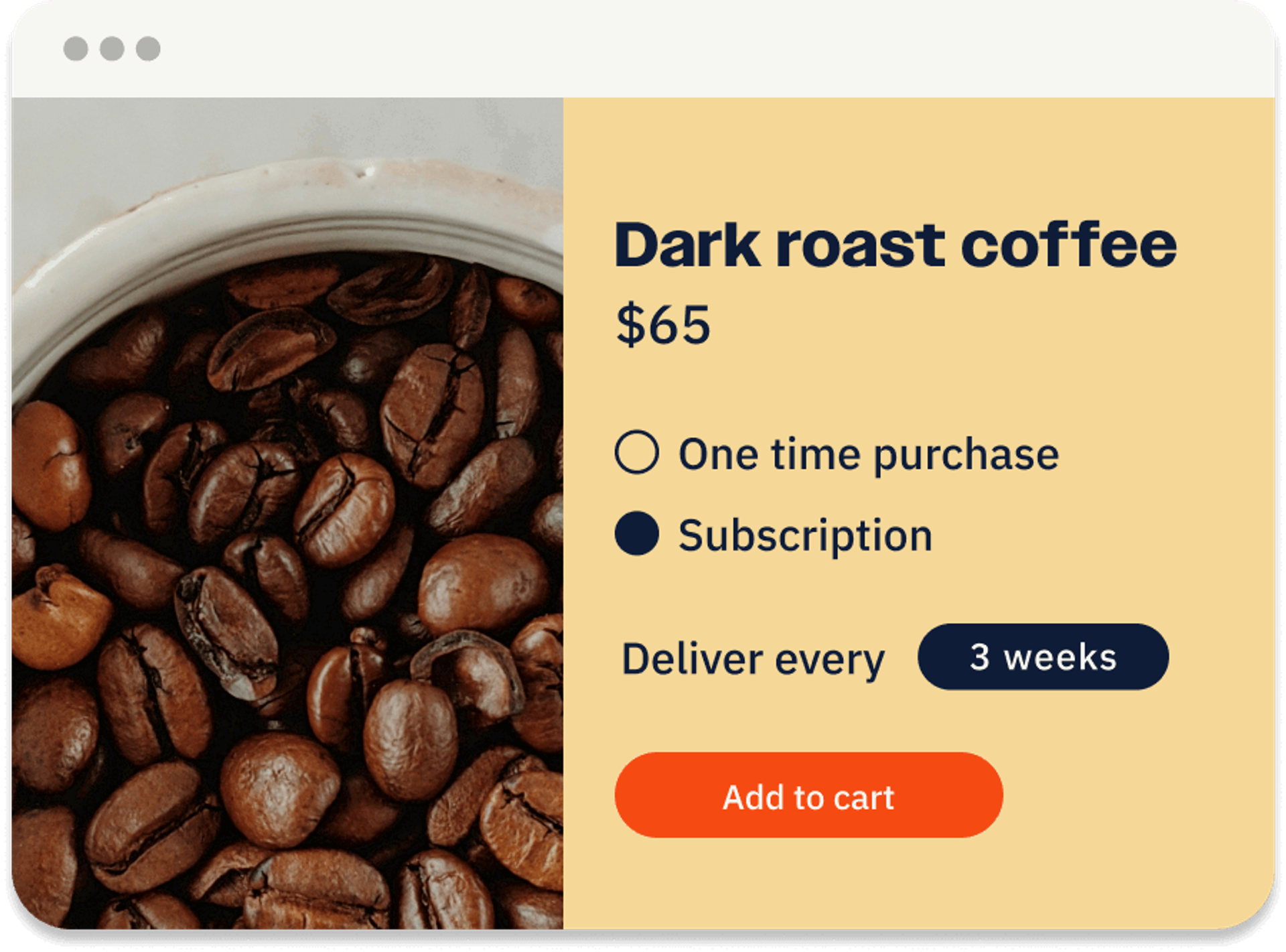
What are WooCommerce integrations?
WooCommerce integrations are tools, plugins and services that extend WooCommerce, the ecommerce plugin for WordPress. They add features for payments, shipping, marketing, inventory, customer data and reporting that a basic store does not include. You install or connect them so your store can do more without custom code.
Common types include:
- Payment gateways: PayPal, Stripe and Square process secure online payments.
- Shipping: UPS, FedEx and DHL carriers, and tools like ShipStation and Easyship, handle rates, labels and tracking.
- Marketing: Email and automation tools like ActiveCampaign, Klaviyo and Brevo, and ad platforms like Google Ads and Facebook Ads, bring in and bring back shoppers.
- Inventory: Cin7 and Zoho Inventory track stock levels and product catalogs.
- CRM: Salesforce, HubSpot and Zoho CRM manage customer interactions and data.
- Analytics and reporting: Google Analytics, Metorik and Glew show store performance and customer behavior.
- Social media: Instagram, Facebook and Pinterest connections support social selling.
- Accounting: QuickBooks, Xero and FreshBooks automate financial tracking and reporting.
- Customer support: Zendesk, Freshdesk and LiveChat improve service and support.
Which integrations you pick depends on your needs and the size of your business. This guide covers the four most stores need first.
How do WooCommerce integrations help your store make money?
WooCommerce integrations help your store make money by adding the payment, shipping, marketing and data tools the base plugin does not include. WordPress and WooCommerce are low-cost to start, but a mature store needs outside tools. If you already run WordPress and WooCommerce, they are how you grow revenue. Integrations can help in these ways:
- Smoother payments: Gateways like PayPal and Stripe give customers a secure checkout.
- Faster shipping: Carriers and tools like UPS, FedEx and ShipStation provide live rates, labels and tracking.
- Targeted marketing: Tools like ActiveCampaign automate email campaigns with personalized offers, and Google Ads and Facebook Ads reach more shoppers.
- Accurate stock: Inventory tools like Zoho Inventory and Cin7 help prevent overselling.
- Better customer data: CRMs like Salesforce or HubSpot let you track interactions and tailor offers.
- Clearer reporting: Google Analytics and Metorik show how your store performs.
- More sales channels: Instagram and Facebook connections let you sell where shoppers already are.
What are the 4 essential WooCommerce integrations?
The four below cover marketing, app connections, payments and search. Prices were checked on each vendor's site on November 20, 2026.
ActiveCampaign: best for email, SMS and automation
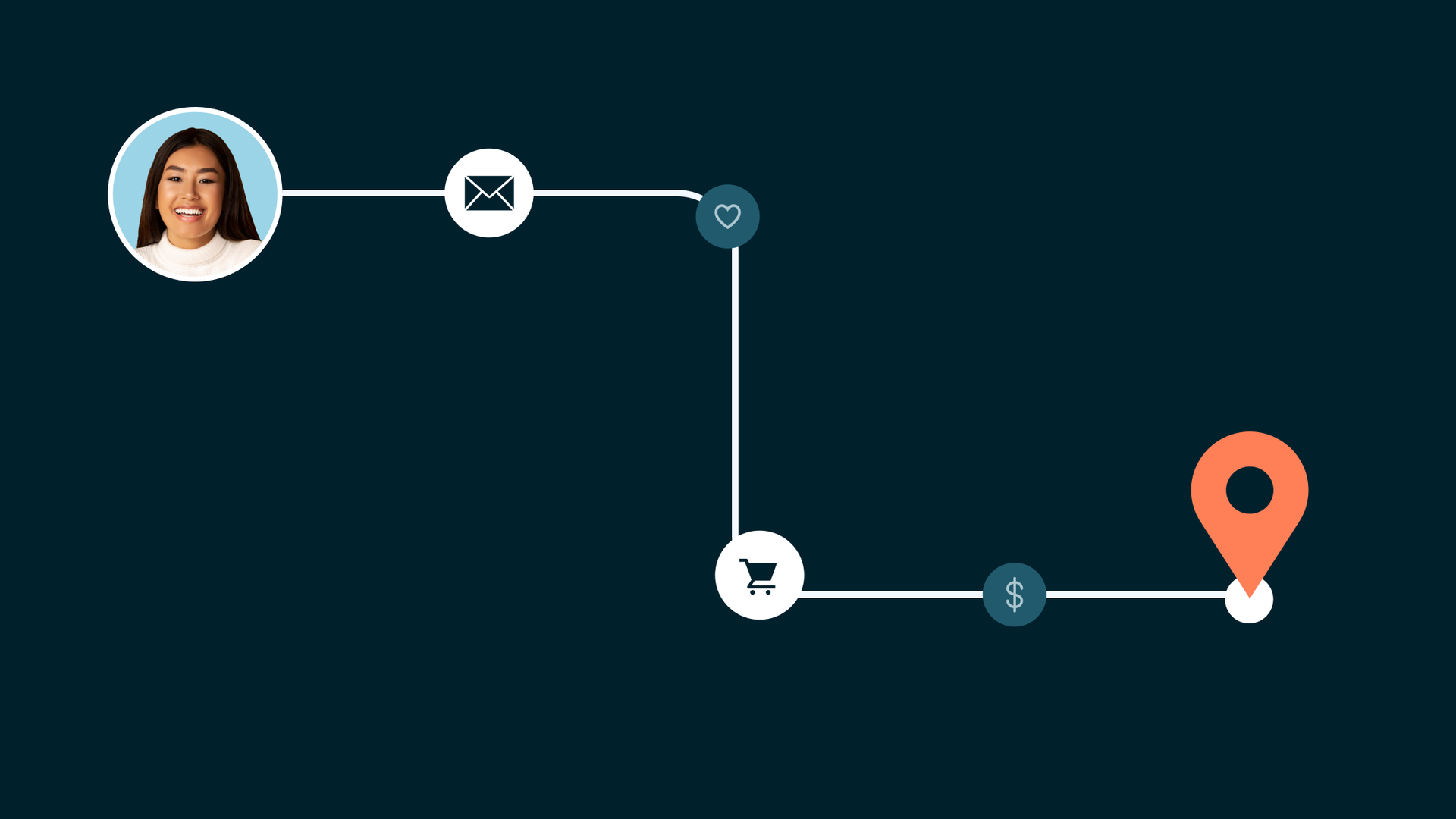
ActiveCampaign connects to WooCommerce so you can engage customers across their whole purchase journey. You need an ActiveCampaign account; see the pricing page for plans.
The WooCommerce integration page lists these uses:
- Acquire new customers: Reach and engage potential customers with dynamic content.
- Re-engage existing customers: Send abandoned cart reminders, personalized recommendations, event-triggered messages, feedback requests and win-back campaigns.
- Drive revenue: Send personalized, timely messages that show shoppers products they want.
How does ActiveCampaign help with subscriptions?
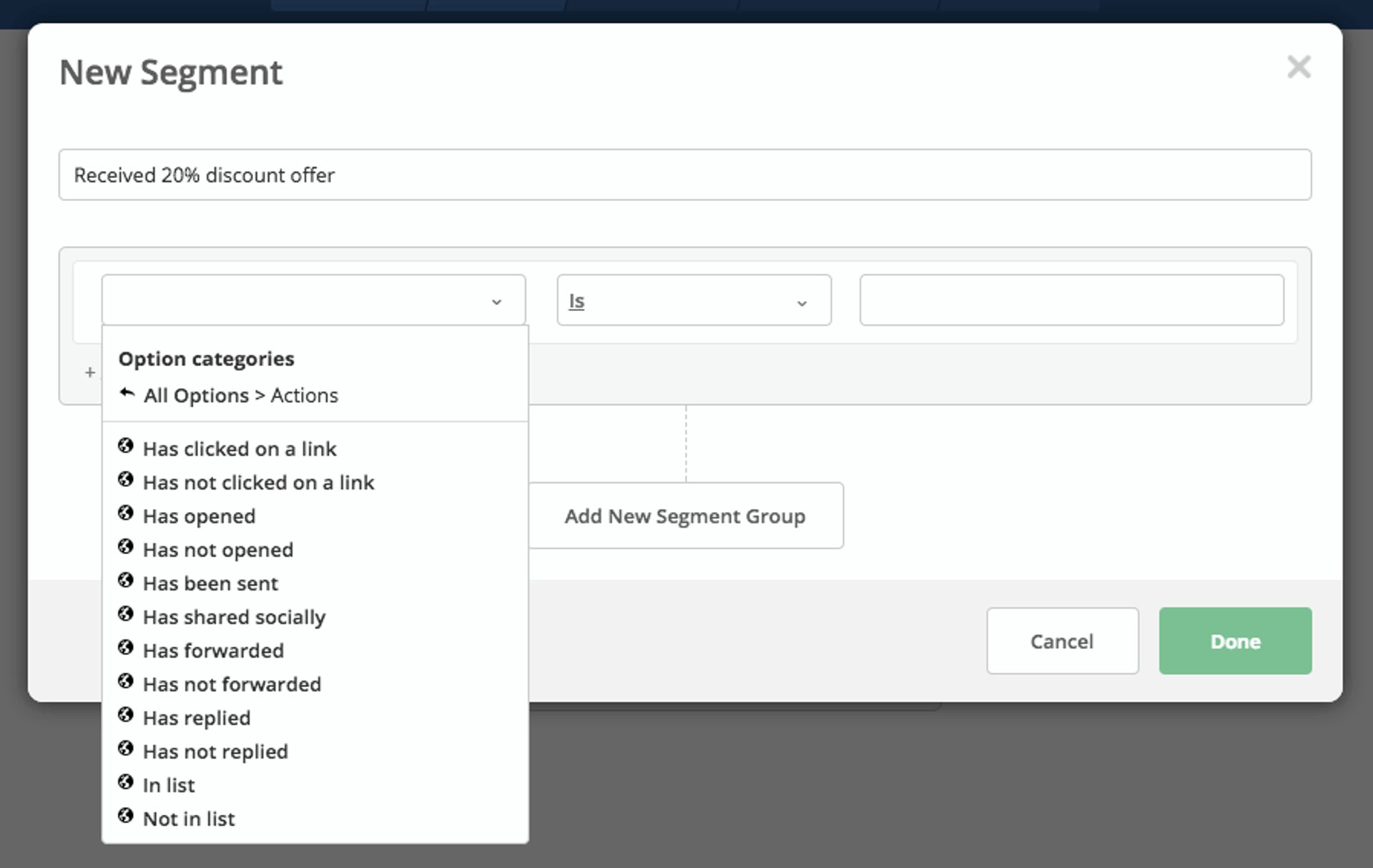
ActiveCampaign's Recurring Payments automations help you send personalized messages to subscribers, which can raise customer lifetime value, lift average order value and reduce churn. If you sell subscriptions through WooCommerce, you can use that purchase data to build targeted automations and campaigns.
For more on the pieces involved, see our guides to audience segmentation and marketing automation.
How much does the ActiveCampaign WooCommerce integration cost?
The integration needs an ActiveCampaign account, with plans named Starter, Plus, Pro and Enterprise. See the ActiveCampaign pricing page for current plans, or start a free trial.
Zapier: best for connecting WooCommerce to other apps
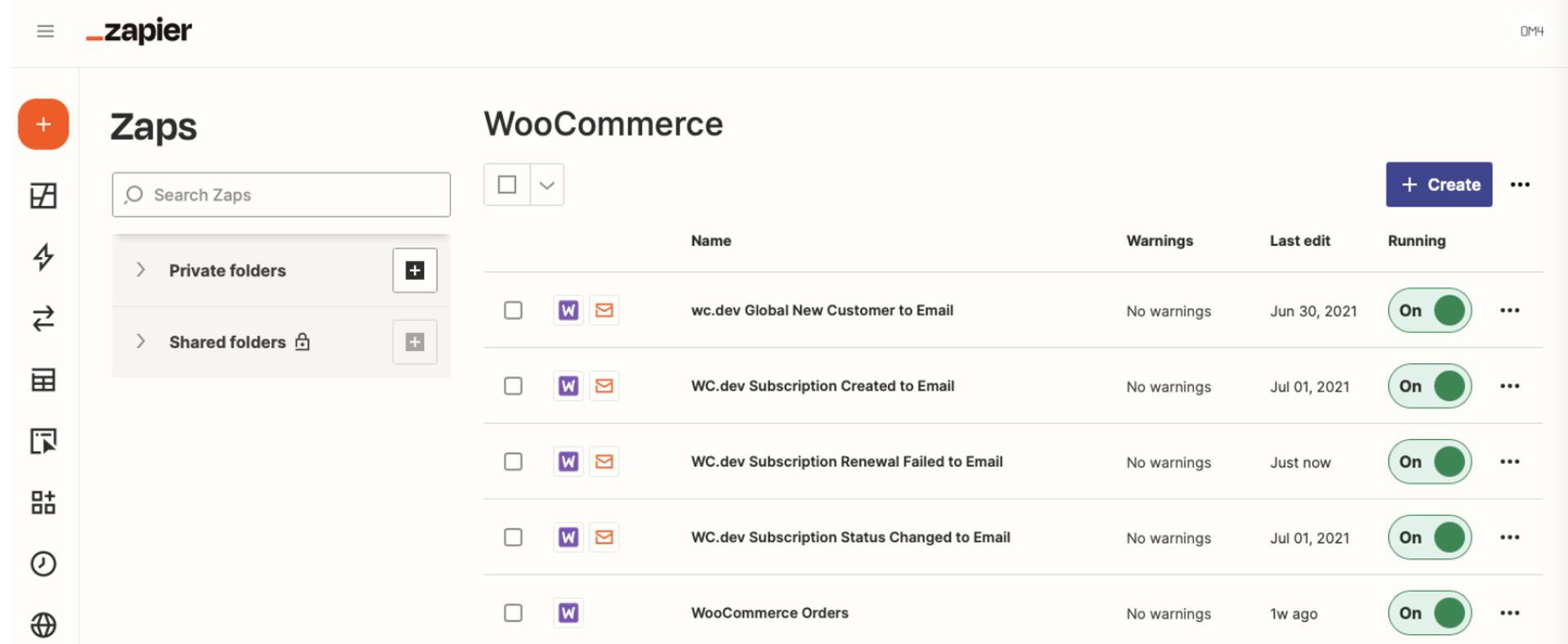
Zapier connects your WooCommerce store to more than 9,000 apps, so you can automate work without code. The WooCommerce Zapier extension syncs orders, products, customers, coupons and subscriptions with those apps (WooCommerce Marketplace, November 20, 2026).
Set up an automation once and it runs on every new order, new customer or order status change. For example, you can act quickly on canceled orders or follow up right after a purchase.
Example: when a new order arrives, a Zap can add the customer to your CRM or create a unique coupon for them. ActiveCampaign also has its own Zapier integration.
How much does Zapier cost for WooCommerce?
The WooCommerce Zapier extension costs $129 for a 1-year plan (WooCommerce, November 20, 2026). It also needs a Zapier subscription: Zapier has a free plan, and its Professional plan starts from $19.99 per month (Zapier, November 20, 2026).
Stripe: best for taking payments at checkout
Stripe for WooCommerce lets customers pay on your store without leaving for an externally hosted checkout. Businesses using the new checkout experience from Stripe saw 11.9% more revenue on average, according to Stripe (WooCommerce Marketplace, November 20, 2026).
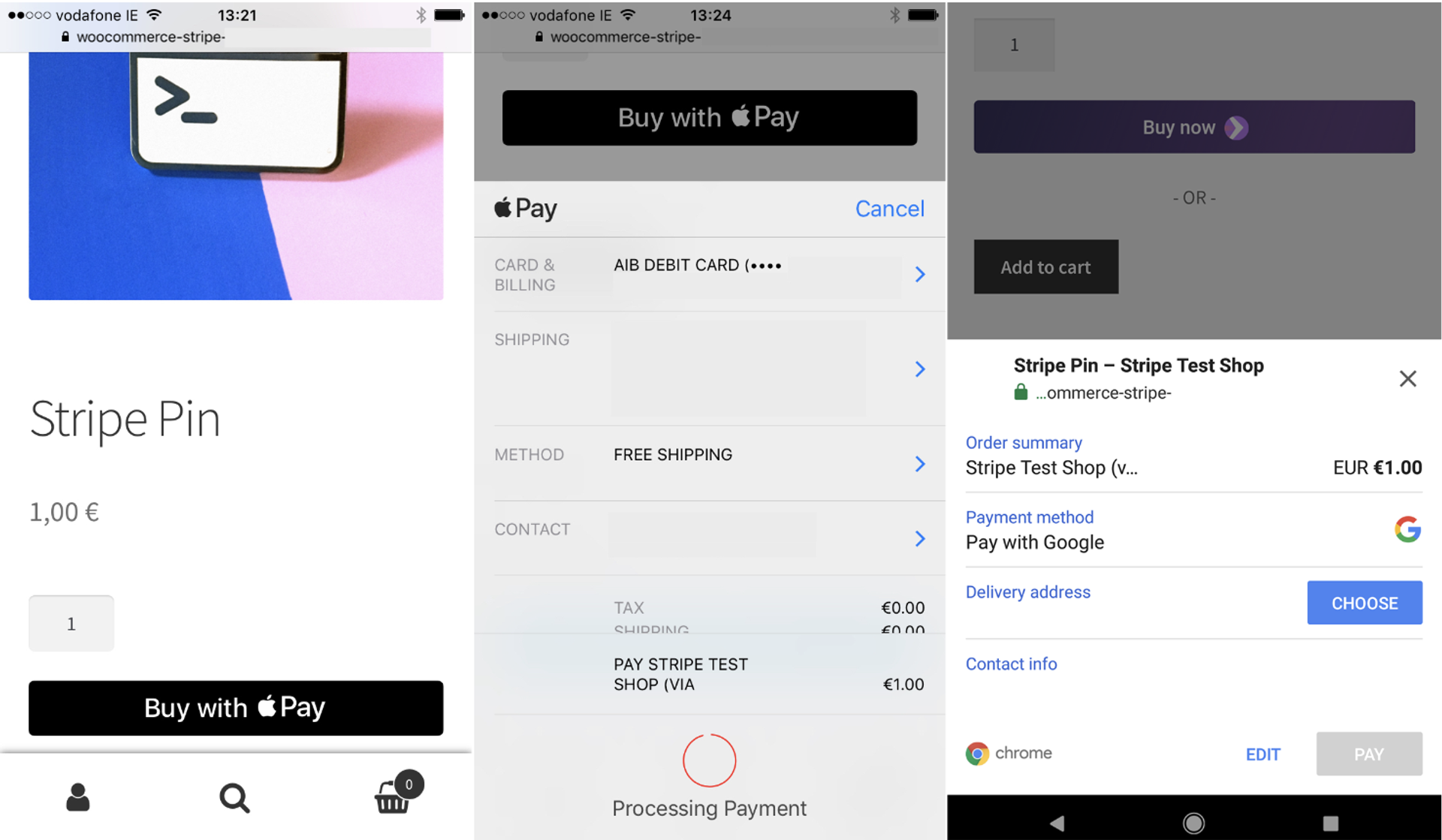
The plugin offers Link, Apple Pay and Google Pay, buy now, pay later options like Klarna, Afterpay and Affirm, and local payment methods. You turn payment methods on in your Stripe Dashboard, then list them in your WooCommerce checkout settings.
ActiveCampaign also connects to Stripe, so you can trigger messages from order status and subscription changes.
How much does Stripe cost for WooCommerce?
The Stripe for WooCommerce plugin is free to add (WooCommerce Marketplace, November 20, 2026). Stripe charges 2.9% + 30¢ per successful domestic card transaction, plus 1.5% for international cards (Stripe, November 20, 2026).
Yoast WooCommerce SEO: best for product-page search visibility
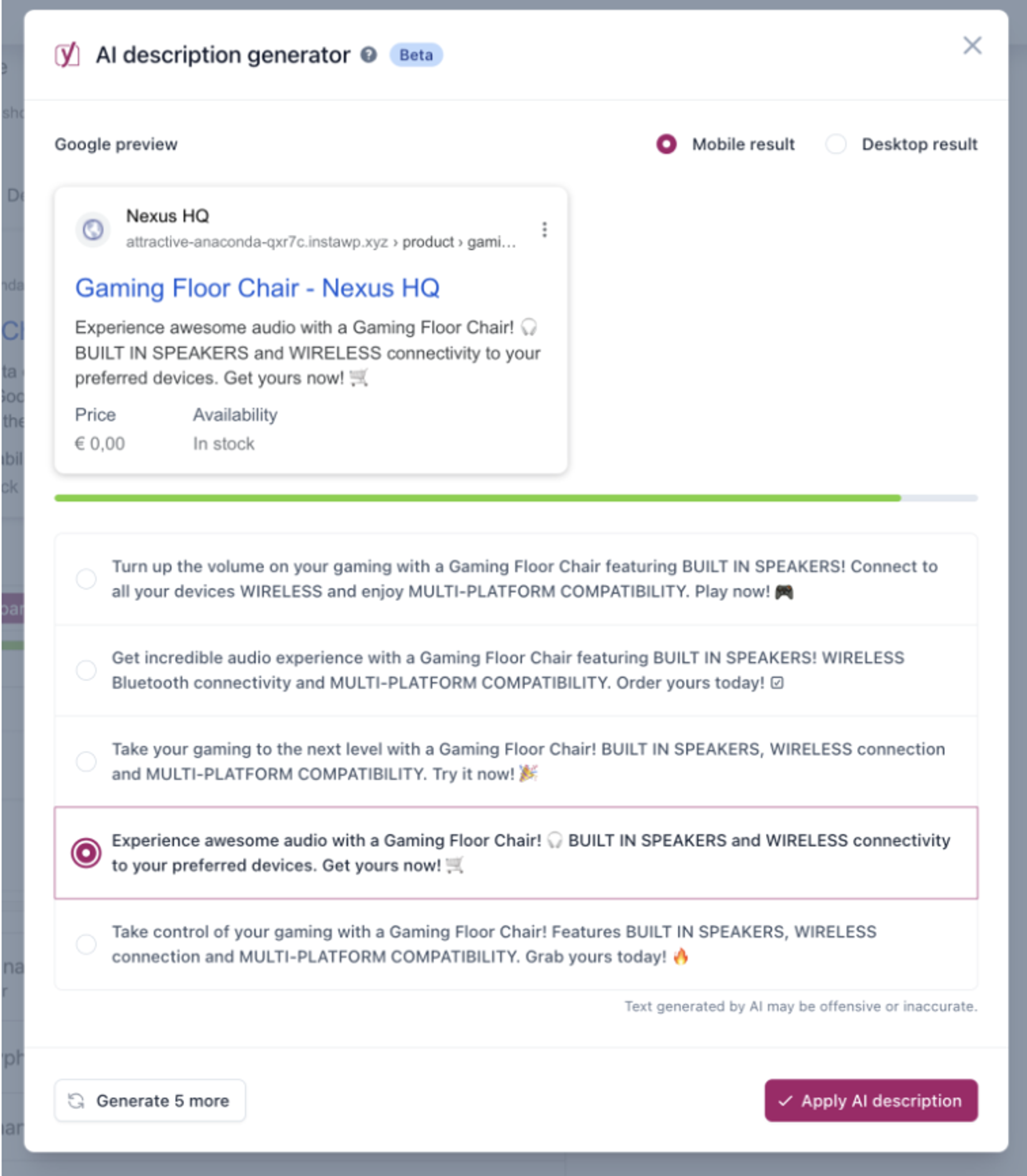
Yoast WooCommerce SEO helps your products stand out in search results. It adds structured data for price and stock so products can qualify for rich results, and it gives product-specific SEO feedback as you edit products and categories.
Its AI features suggest SEO titles and meta descriptions, and generate image alt text from your product data, which you review before you apply. The free Yoast SEO plugin has 10+ million active installations (WordPress.org, November 20, 2026).
How much does Yoast WooCommerce SEO cost?
Yoast WooCommerce SEO costs $178.80 per year, excluding VAT (Yoast, November 20, 2026). Yoast SEO Premium, without the store tools, costs $118.80 per year, and the core Yoast SEO plugin is free.
How do you choose the right WooCommerce integrations?
Start with the job you need done: reaching customers, connecting apps, taking payments or ranking in search. Most stores need a different mix, and there are dozens more options beyond these four.
Browse the WooCommerce extensions marketplace to compare more options.
Frequently asked questions
What are the best WooCommerce integrations?
The best WooCommerce integrations depend on your goals. ActiveCampaign suits email, SMS and automation, Zapier suits connecting apps, Stripe suits payments, and Yoast WooCommerce SEO suits search visibility.
Are WooCommerce integrations free?
Some are. The Stripe plugin and the core Yoast SEO plugin are free to add, though Stripe charges transaction fees. Zapier has a free plan, but its WooCommerce extension costs $129 for a 1-year plan (WooCommerce, November 20, 2026).
Does ActiveCampaign integrate with WooCommerce?
Yes. ActiveCampaign has a WooCommerce integration that supports abandoned cart reminders, personalized recommendations, win-back campaigns and Recurring Payments automations.
How many integrations does a WooCommerce store need?
Start with the ones that cover payments, marketing and search, then add others as you grow. This guide's four are a starting point, not a limit.
Recap: how to pick WooCommerce integrations
Use ActiveCampaign for email and automation, Zapier to connect other apps, Stripe for payments and Yoast WooCommerce SEO for search. Check each price on the vendor's page before you buy, because they change.
Want to see the ActiveCampaign WooCommerce integration in action? Start a free trial.