AI helps most with the repeatable parts of an email program: drafting subject lines and copy, suggesting segments, picking send times, setting up tests, and explaining results. You still decide the offer, the audience, the voice, and what counts as a win.
This page goes task by task. Each section covers what AI does today, how to get a good result from it, and what stays your call. For the full overview of AI in email marketing and the tools that offer it, read our guide to AI for email marketing.
Will AI replace email marketers?
No. AI drafts, sorts, and tests quickly, but it does not know what your business promised a customer last week or which offer you can afford. That judgment stays with you.
A better question is which tasks to hand off and which decisions to keep. The table and sections below sort them.
Where AI helps in an email program
What to hand off and what to keep
| Task | What AI does | What you still decide |
|---|---|---|
| Subject lines | Drafts variants from your email and its goal | Which line is honest, on brand, and worth testing |
| Email copy | Drafts a first version in your brand voice | The offer, the claims, and the final edit |
| Personalization | Varies content by contact data and behavior | Which data is fair to use |
| Segments | Suggests groups from engagement data | Who deserves a different message |
| Send time | Sends at each contact's predicted best time | Whether the message is time-bound |
| Testing | Drafts variants and tracks results | The hypothesis, the metric, and when to call a winner |
| List health | Flags inactive and risky addresses | When to re-engage and when to remove |
| Reporting | Explains what moved and suggests a next step | What the result means for the business |
Task by task: what to hand off and what to keep
Each task below follows one pattern: what AI does, how to get a good result, and the mistake to avoid.
Subject lines and preview text
AI is fast at volume. Give it the email, the audience, and the one action you want, and it returns a dozen lines to choose from.
To get usable lines, give AI four things:
- The email's single goal and its offer
- Who is reading, in plain terms, such as trial users in week two
- Past lines that worked and past lines that did not
- A length limit, so the line fits on a phone
You choose. Pick the line that keeps the promise the email makes, and drop the clever ones that overpromise. Then test your two finalists. Our guides to subject lines that improve clicks and A/B testing subject lines show how.
Example: for a day-five trial email, ask for ten lines that name one feature and one result. Keep the two that say what the email delivers, and test those.
Common mistake: accepting a curiosity gap the email never pays off. That teaches readers to ignore your next subject line.
Email copy and design
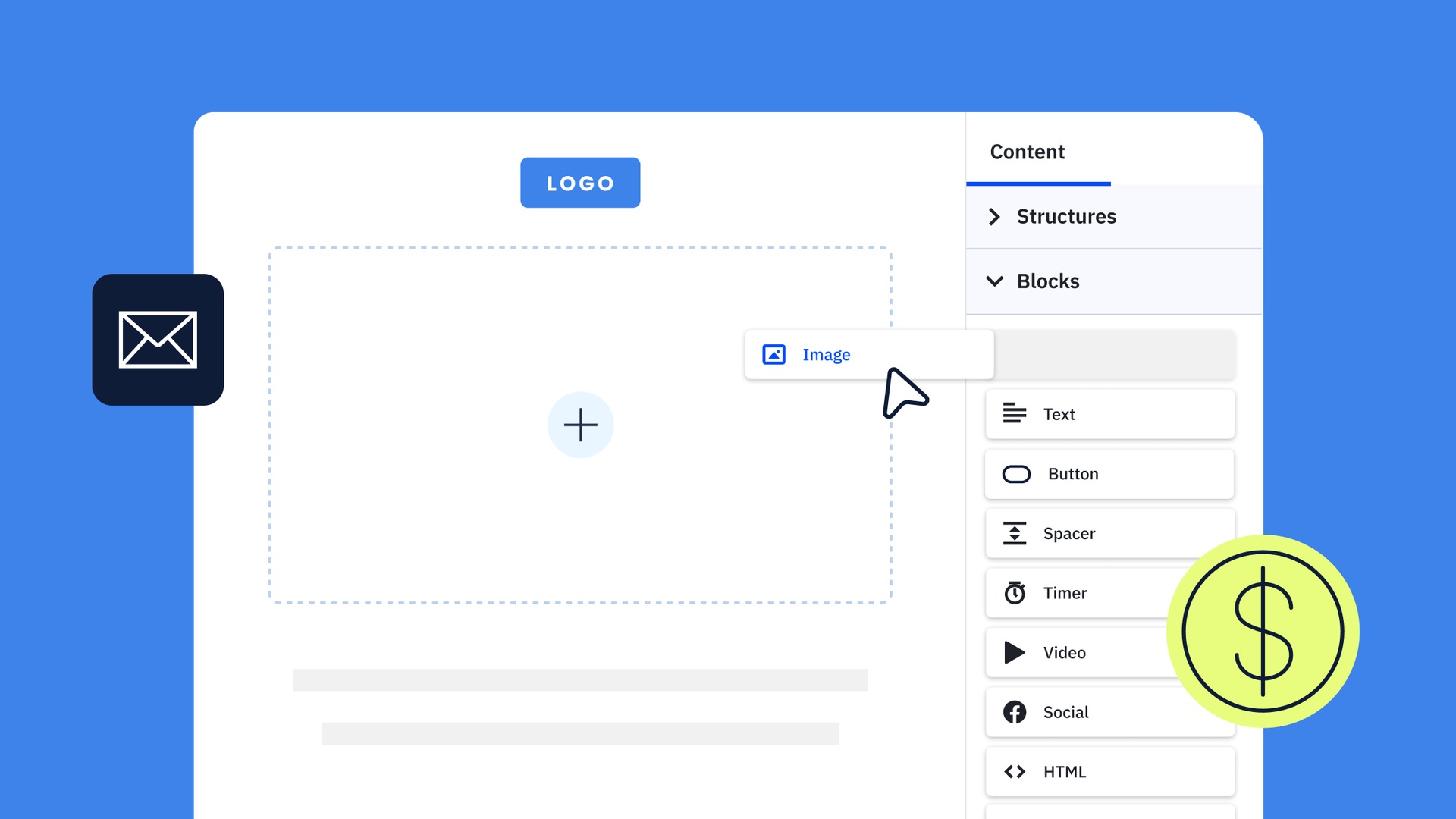
Active Intelligence drafts a full campaign from a prompt, with your Brand Kit's colors, fonts, and logo applied. You review it in the preview, lock the blocks you like, and ask for changes to the rest.
Write the prompt like a brief:
- The audience and where they are in their journey
- The offer and its deadline
- The one action you want the reader to take
- The tone, and any words you never use
Treat the result as a first draft. Check every claim, price, and date, then read it aloud. If it could be any brand's email, edit it until it sounds like yours. Our guide to keeping your voice when you use AI shows how.
Example prompt: "Write a 120-word email for trial users on day five who have not built an automation. One action: build the welcome automation. Tone: plain and encouraging. Avoid hype words."
Common mistake: sending the first draft because it reads smoothly. A smooth draft can still be wrong.
Personalization
A first-name merge tag is the floor. Conditional content shows a different block to each group, based on data such as plan, last purchase, or interests.
Predictive Content goes a step further in the classic campaign designer. You write up to five versions of a block of text, and it learns which version each contact tends to click.
Example: a retailer sends the same newsletter to everyone, but swaps the lead product block by each contact's last category purchased. One email, several versions, no extra drafting.
You decide which data is fair to use. A line that mentions something the reader never shared with you feels invasive. Stick to what contacts gave you or did with you.
Segments
Building segments used to depend on the hours you had and the conditions you thought of. Active Intelligence now suggests segments from engagement data, and you can describe one in plain language and refine it in conversation.
Before you send to a suggested segment:
- Check the size of the group
- Read the rules behind it
- Name what makes this group different
- Write one message that fits only them
Example: contacts who clicked your pricing page twice but never started a trial may need a different message than contacts who never clicked. AI can surface that group. You write what it needs to hear.
AI finds the pattern. You decide whether the pattern deserves its own message. Our guide to audience segmentation covers the segments worth building first.
Send time
Predictive Sending looks at when each contact tends to open and sends their email at the predicted best time. It works in campaigns and automations, recalculates weekly so it keeps up when habits change, and is available on Plus plans and above.
Keep a fixed time for anything time-bound, such as a webinar reminder or a sale that ends at midnight. For a newsletter or a nurture series, let it choose, then compare the results with your usual send time.
How to compare: send one nurture email at the usual time to one half of the list and at each contact's predicted time to the other half. Compare clicks, not opens.
That comparison tells you whether it helps your list. For a starting point, see the best time to send marketing emails.
Testing
AI removes the slowest part of testing, which is producing variants. It can draft five subject lines or three calls to action in a minute. It cannot decide what is worth learning.
A test worth running has four parts:
- One change, such as the subject line, the offer, or the call to action
- One metric, picked before you send
- An audience large enough to show a difference
- A note on what you will do with each result
Example: ask AI for three calls to action for one offer, such as "Start your trial," "See the template," and "Book a walkthrough." Send each to an equal share of the list and compare clicks to the offer page.
Open rates alone can mislead, because some mail apps load images before the reader sees the email. Judge on clicks and conversions where you can.
List health and deliverability
AI can flag contacts who stopped engaging and addresses that look mistyped or risky. Acting on those flags protects your sender reputation.
Example: a segment of contacts with no opens or clicks across your last ten sends is a good candidate for one re-engagement series before you remove them.
You set the policy: how many sends without engagement before you try a re-engagement series, and when you remove a contact for good. Our email deliverability guide covers the checks to run.
Reporting
Reports show what happened. AI helps with why. Ask Active Intelligence why your open rate dropped, and the Insights agent looks for the cause across your sends and suggests a next step.
Questions worth asking:
- Which email drove the most clicks last month, and what did it have in common with the others?
- Why did engagement change after your last send?
- Which segment responds least, and what changed for them?
You decide what the answer means. A drop after a list import is a data question. A drop after a subject line change is a creative one. Our guide to AI marketing analytics and reporting shows how to read these reports.
What to review before anything sends
Check these five things on every AI draft:
- Facts: prices, dates, features, and links
- Claims: anything you could not back up if a reader asked
- Offer: that your business can honor it
- Voice: that it sounds like you
- Audience: that the right segment is selected and the unsubscribe link works
A quick test for what to hand off
If a wrong answer is easy to spot and cheap to fix, hand the task to AI. If a wrong answer reaches your whole list before anyone sees it, review it first.
How to add AI to your email program in four weeks
One change per week keeps the results readable:
- Week one: use AI for subject line options on your next two sends, and test your pick against one AI option.
- Week two: turn on Predictive Sending for one nurture series and compare it with your usual send time.
- Week three: ask for a suggested segment, check it, and send that group a message written for them.
- Week four: ask the Insights agent what moved over the month, and pick your next test from the answer.
By the end, you have a record of what AI changed in your own numbers, which is worth more than any benchmark.
How ActiveCampaign supports each task
ActiveCampaign is an AI platform for marketers, with Active Intelligence built into every plan. It knows your business, because it works from your own contacts, history, and results, which a general chatbot never sees.
That is why these tasks fit in one place. Active Intelligence drafts the campaign, suggests the segment, and flags what changed, and you approve what goes out. ActiveCampaign customers who use Active Intelligence see 75% higher engagement than those who do not, measured across 32,948 accounts.
See how it fits together on the ActiveCampaign email marketing platform page.
Try these tasks on your own list
Frequently asked questions
How can I use AI for email marketing?
Start with one task, such as subject lines, send time, or segments. Compare the result with your usual approach, then add the next task. One change at a time keeps the results readable.
Can AI write my marketing emails?
AI can draft a full email from a brief that names the audience, offer, action, and tone. Treat it as a first draft: check every claim, price, and date, and edit it until it sounds like your brand.
Is AI send time optimization worth it?
It helps most for newsletters and nurture series, where no single time is best for everyone. Keep fixed times for time-bound messages, and compare Predictive Sending against your usual send time before you commit.
Which email marketing decisions should I keep for myself?
Keep strategy, the offer, the voice, the audience, and the final review of claims. AI speeds up drafts and pattern-finding. You decide what is true, what is worth sending, and when to stop emailing a contact.