Power your growth with marketing automation
Automate personalized emails, scale unique customer experiences, and turn leads into revenue.


All-in-one automation, email marketing, and sales engagement
Trusted by thousands of brands in 170 countries
Powerful automations that drive meaningful customer experiences
Connect with your audience on the channels that matter most to them. Build responsive, always-on email and marketing flows that go above and beyond your customers’ expectations.

Grow your reach with smarter campaigns
Find the best ways to grab your audience’s attention. Our email, SMS, and cross-channel tools power relevant experiences that drive more opens, clicks, and actions – so you can always capture the most promising leads.
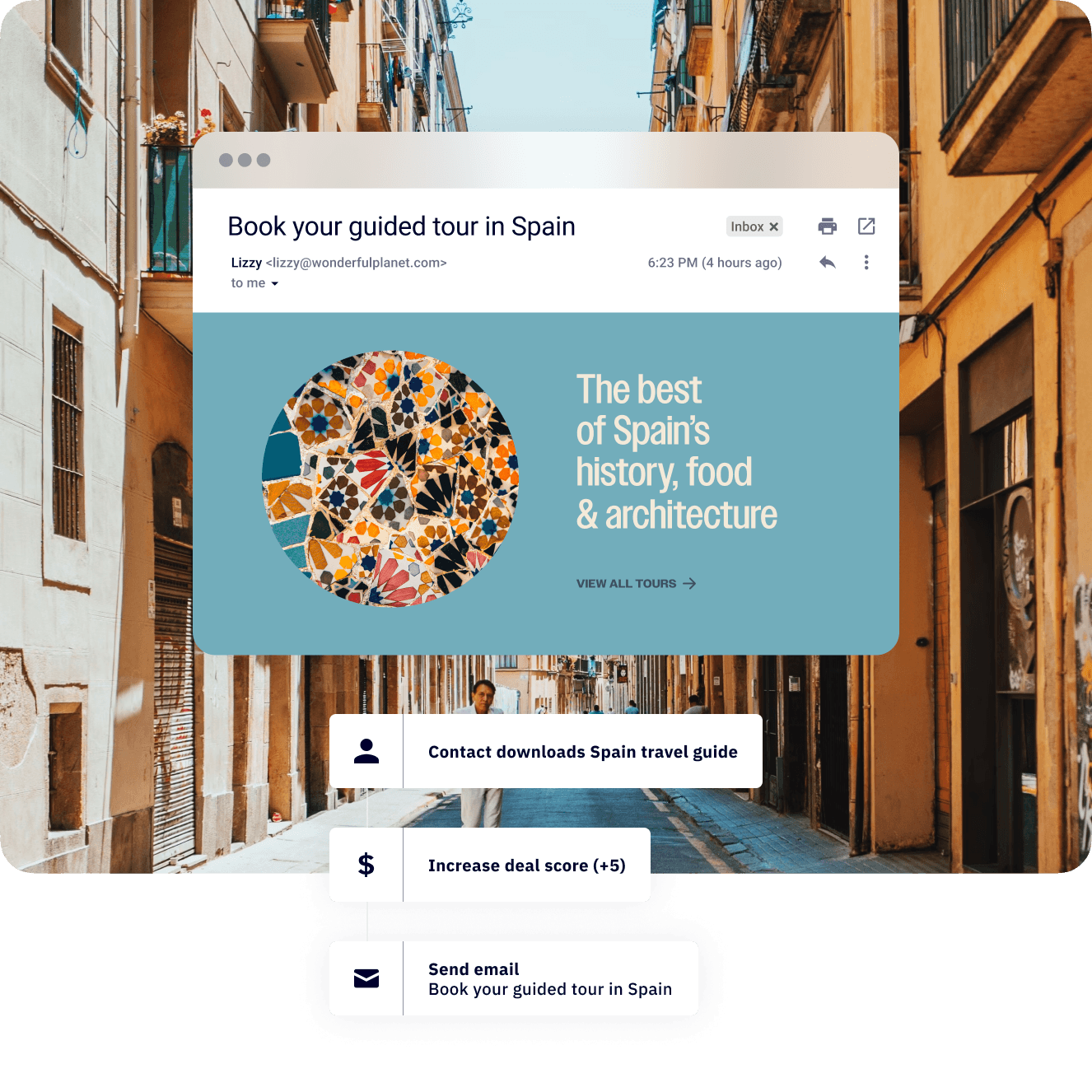
Nurture and engage in just a few clicks
Boost customer engagement by delivering the personalized email, SMS, and digital campaigns your audience wants to see. Bring your most ambitious ideas to life with intelligent marketing automation.

Win more business by scaling what works
Spend less time managing and more time converting. Our sales engagement automation and CRM tools help you prioritize opportunities, assign tasks, and get back the time to focus on the interactions that drive revenue.

Instantly connect with 900+ of your favorite marketing tools
We’re more than email automation. Explore 900+ native integrations in our app marketplace and start building automations that trigger or respond to actions across your entire marketing stack. Anyone can create tools that do almost anything.


Streamline customer engagement in any industry
No matter what you do, our tools help you optimize your business and meet your goals.
Get results for your clients
Connect with your online following
Build campaigns that drive sales
Keep students and learners engaged
Scale your tech business
Automate your ideal guest experience
Optimize the customer experience
Manage leads and referrals
Big results for businesses of every size
We’ve helped customers in over 170 countries take their business to the next level. From entrepreneurs and start-ups, to enterprise organizations – everyone can find new ways to save time and money.
 233 %Increase in share of tickets purchased online“ActiveCampaign lets us send email campaigns, automate features, and manage contacts by staff group. The holy trinity. Other tools couldn’t do all three.”
 47 %Email interaction rate“To start with 100 artists and get to 100,000 with just one community manager shows that ActiveCampaign was the right choice.”
 786 %Increased click-through rate within the first 3 months“Between two emails we did over $76,000 in revenue, and it was largely thanks to ActiveCampaign forms, tagging, and automation that we were able to do that.”
 10 %Increase in monthly email subscriptions“All these tags and triggers help us build a bigger picture in a much more multidimensional way than we ever have before.”