Build more engaging emails that grow your business in less time
Our new email designer brings exciting updates and added features to your everyday use of ActiveCampaign, while delivering the best possible email experience to your customers.
Build emails your customers will love.
Try it free. No credit card required. Instant setup.
An updated designer for an improved experience
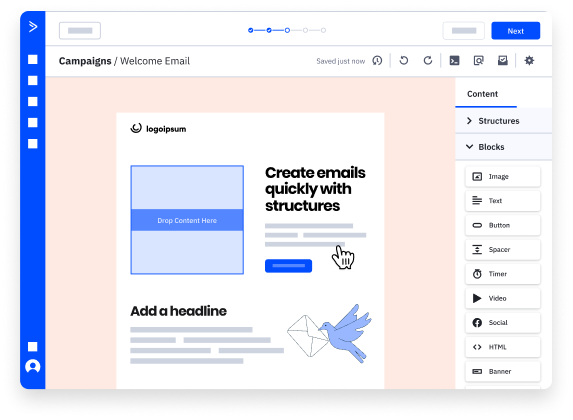
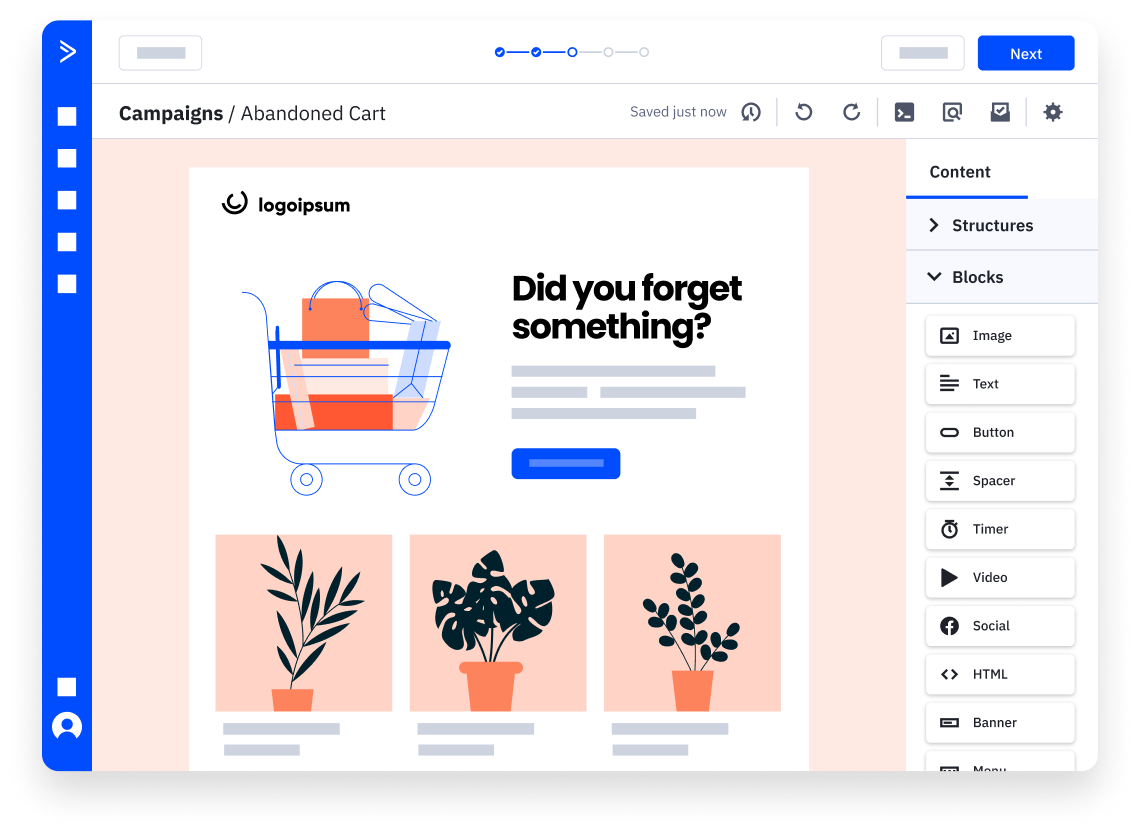
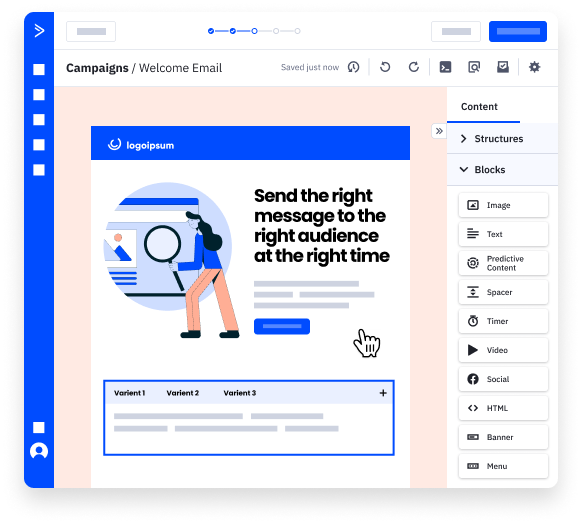
Create better emails in less time
The simplified UI makes it easier to navigate and more intuitive to build emails customers will love.
Send reliable & consistent campaigns
The new designer was built with your own experience in mind, so you know exactly what your customers will see when they open your emails.
Scale your email efforts
Grow and scale your business through advanced email marketing capabilities that allow you to put your best foot forward.
EXPLORE THE NEW EMAIL DESIGNER
More engaging emails with fewer headaches
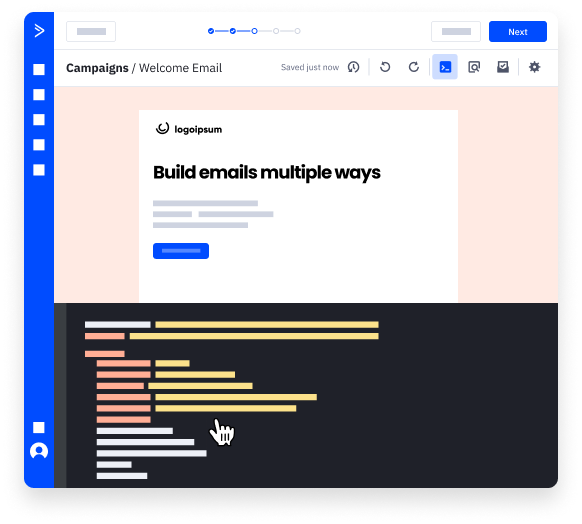
Build the way you want
Easily toggle between HTML and drag-and-drop options. Resize columns and layouts. Create responsive emails with more reliable formatting and rendering for the best possible email experience.
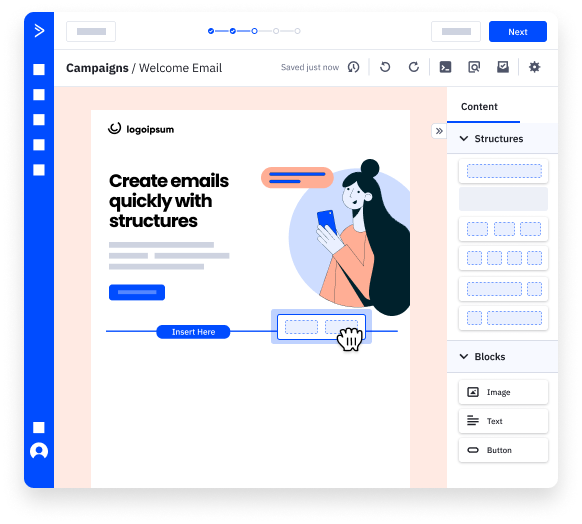
Create layouts in just a few clicks
Deliver the right content to the right person quicker than ever before by using predefined elements so you can easily set up email campaigns that deliver exceptional results.
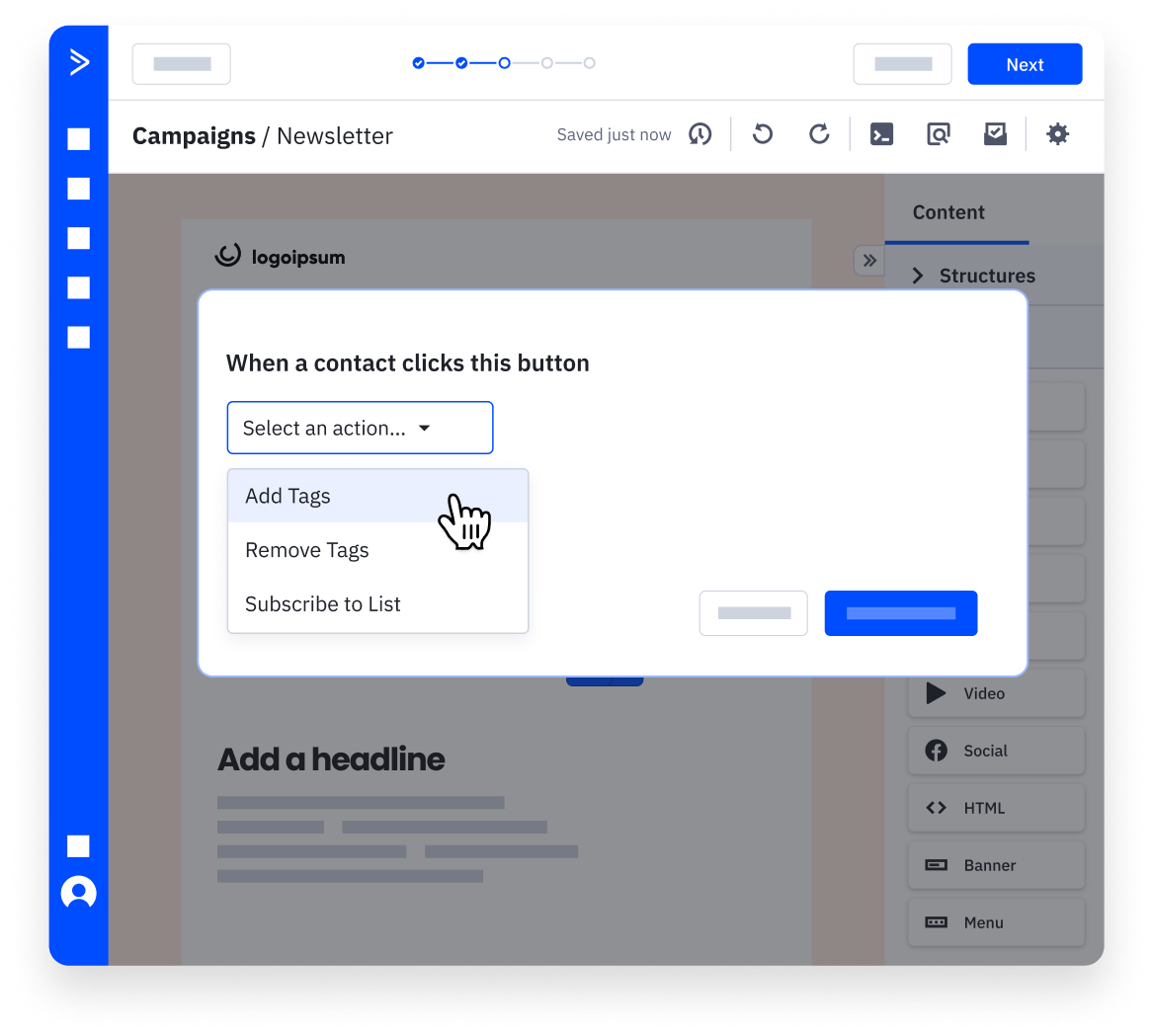
Automate your emails for better engagement
Connect high-quality, branded emails to multi-step automation workflows and ensure each customer’s experience is tailored to their actions, preferences, and behaviors.
Recover lost revenue with automatic follow-up
Include recommendations based on a customer’s specific interests based on their activity across your site and in their shopping cart. Engage them the moment they navigate away so and recover revenue that otherwise could be lost.
Use advanced features to engage customers
Send each customer the content they’re most likely to engage with, bring your favorite templates into the new designer, and see how emails will look across systems and devices.
Start your free trial
Try it free. No credit card required. Instant setup.